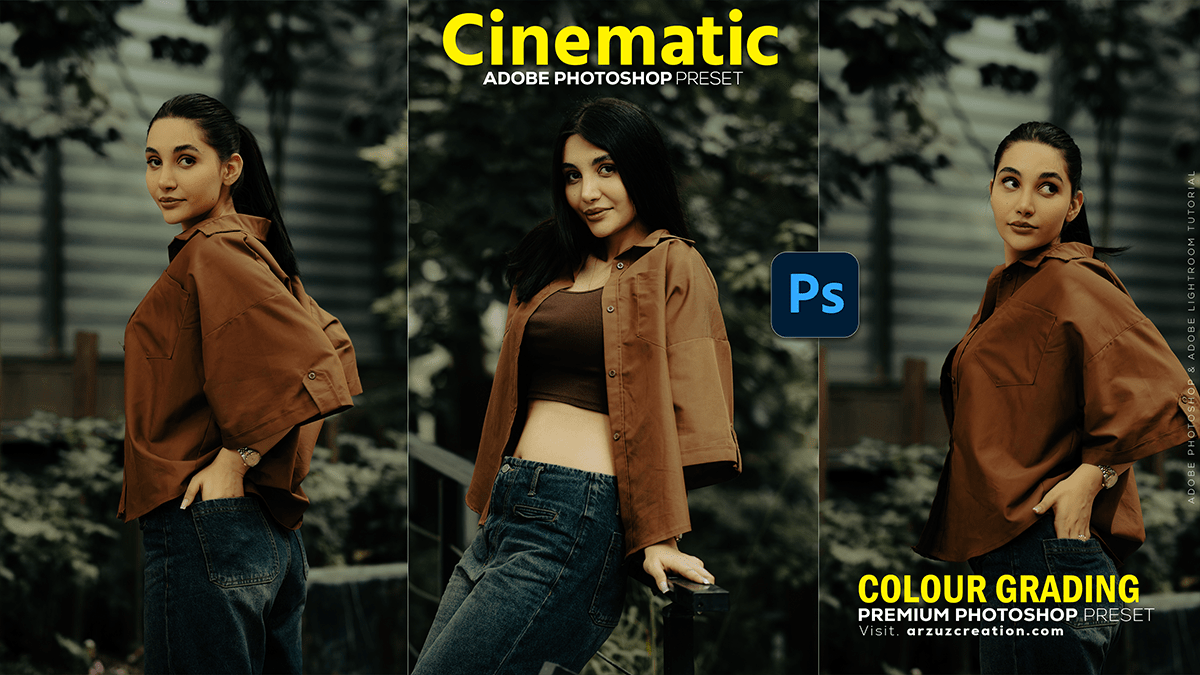
Colour Grading Photoshop: Cinematic Effect Photo Editing
Colour Grading Photoshop: Cinematic Effect Photo Editing,
That’s a fantastic topic! Cinematic color grading is key to giving photos a professional, film-like mood. The “cinematic look” often involves a split-tone effect, typically teal (blue/cyan) in the shadows and orange/warm tones in the highlights, which creates a high-contrast, appealing aesthetic.
Here are the main methods and key adjustments you can use in Adobe Photoshop:
