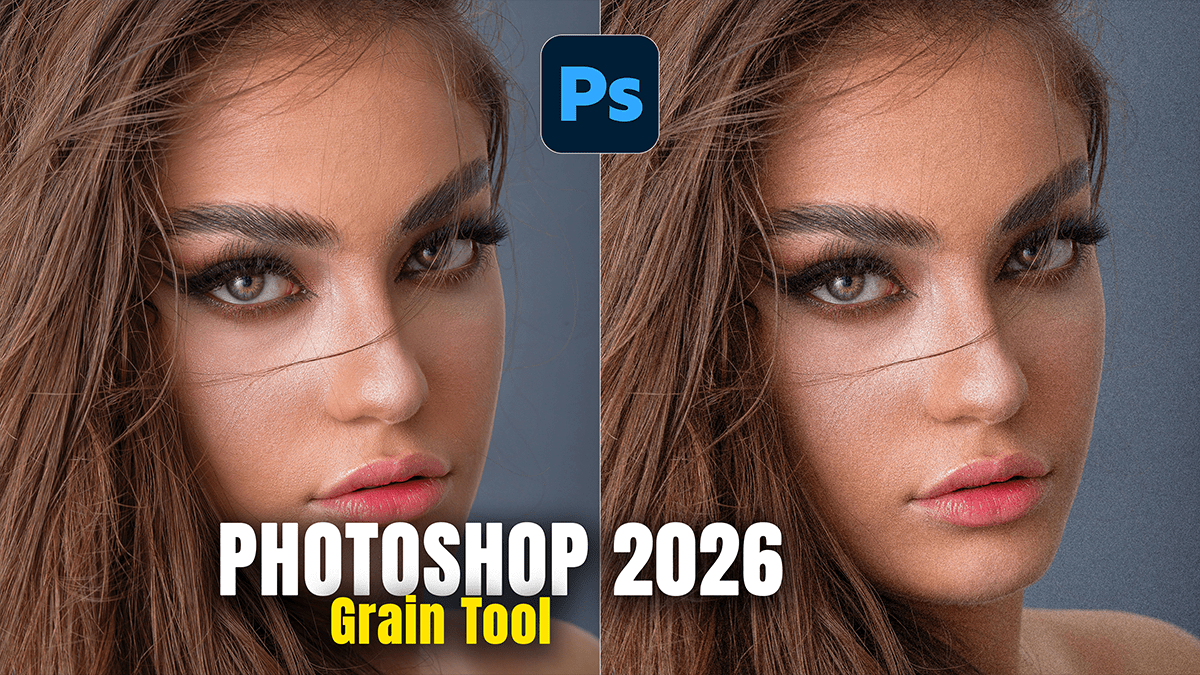
Adobe Photoshop 2026 Grain Tool Update,

Therefore, the Photoshop January 2026 update (v27.3) introduced a highly requested change to how film grain is handled. The biggest news is that Grain is now available as a dedicated Adjustment Layer, moving it out of the “buried” menus of the Camera Raw Filter and into your primary non-destructive workflow.
Adobe Photoshop 2026 Grain Tool Update,
In other words, here is the breakdown of the 2026 Grain Tool updates and how they change your editing:
1. The Grain Adjustment Layer:
Therefore, previously, adding grain required either using a destructive filter or creating a 50% gray layer set to “Overlay.” Now, you can add it directly from the Adjustments Panel.
Non-Destructive: Since it’s a layer, you can toggle it on/off, change the opacity, or go back and tweak the grain settings at any time without affecting the original pixels.
Built-in Masking: Every Grain adjustment layer comes with its own layer mask, allowing you to paint grain into specific areas (like shadows) while keeping highlights clean.
Blending Power: You can use Blend If sliders on the grain layer to ensure texture only appears in certain tonal ranges, mimicking how real film grain behaves.
Adobe Photoshop 2026 Grain Tool Update,
2. Modernized Grain Controls:
In other words, the core math of the grain remains high-quality (borrowed from Adobe Camera Raw), and the interface has been streamlined:
Amount: Controls the overall intensity.
Size: Adjusts the “clumpiness” of the grain.
Roughness: Controls the regularity; lower values look like fine-grain digital noise, while higher values mimic classic gritty film stocks.
3. Workflow Improvements:
No More Camera Raw Trips: You no longer have to convert your layer to a Smart Object and open the heavy Camera Raw interface just to add a bit of texture.
Stackability: You can stack multiple Grain layers with different settings—for example, a “Fine Grain” layer for the whole image and a “Coarse Grain” layer masked specifically for the background.
Adobe Photoshop 2026 Grain Tool Update,
Other Related “Photo-Centric” Updates (Jan 2026)
In other words, along with Grain, two other staple Camera Raw tools were promoted to Adjustment Layers in this same update:
Clarity: For midtone contrast.
Dehaze: For removing (or adding) atmospheric fog and increasing punch.
Pro Tip: If you want the most realistic look, try setting your Grain Adjustment Layer to a lower opacity (around 15–30%) and use a subtle Gaussian Blur (roughly 0.3px) on the layer mask to help the grain sit more naturally within the image pixels.
In conclusion, would you like me to walk you through how to use the new Blend If settings to make your grain look more like authentic 35mm film?
