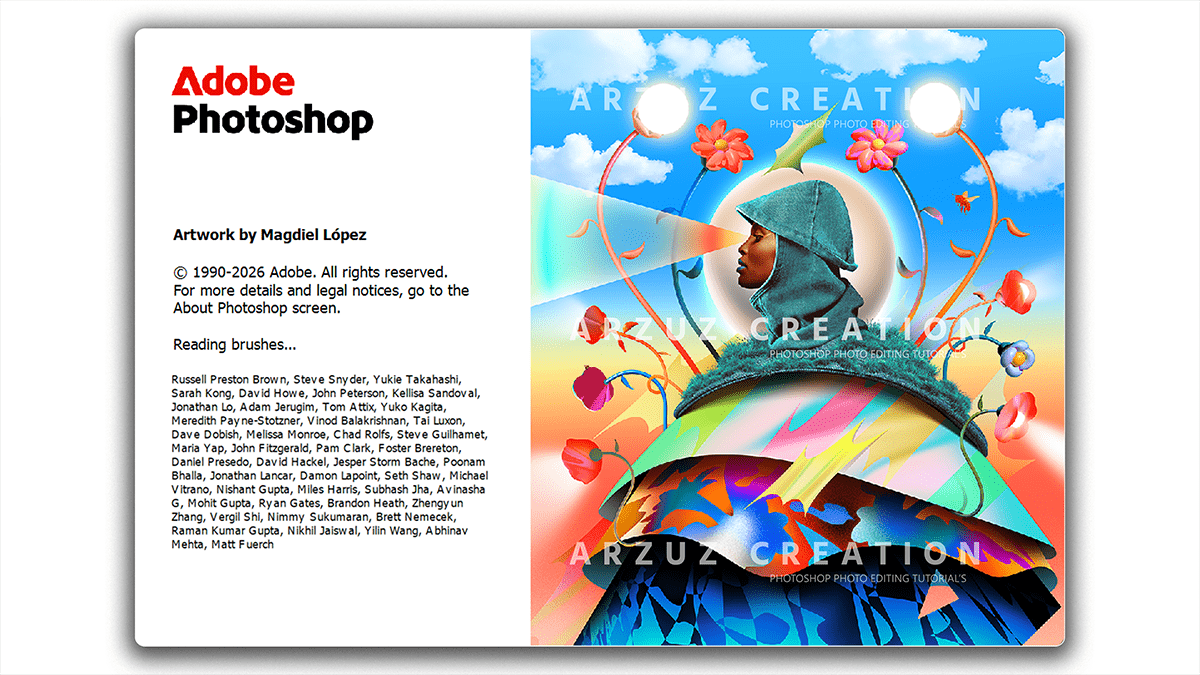
Adobe Photoshop 2026 27.5 Version New Features (April)

Therefore, Adobe Photoshop version 27.5, released in late March/early April 2026, introduces several advanced AI-driven tools and significant workflow enhancements.
In other words, below are the key features and updates included in this version:
Adobe Photoshop 2026 27.5 Version New Features (April)
Major New Features
Rotate Object (3D Transformation): Therefore, the user can now convert 2D objects on a pixel layer into rotatable 3D-like images. This allows for adjustments in spin, tilt, and dolly from any viewpoint to better match the perspective and depth of a background.
Note: In other words, the initial rotation provides a low-resolution preview, which is then upscaled and detailed using generative credits upon clicking “Done.”
Dynamic Text Shapes: Therefore, this update introduces a Dynamic Text menu in the Options and Properties panels. The user can instantly wrap point or paragraph text into circles, arches, or bows. The start, middle, and end points remain adjustable with the Path Selection tool while keeping the text live and editable.
Expanded Generative Fill Models: In other words, beyond Adobe’s own Firefly, version 27.5 integrates third-party partner models directly into the main application. This includes access to models like Flux and Gemini 2.5 (Nano Banana) for diverse stylistic outputs.
Enhanced “Harmonize” Tool: However, now fully released out of beta, this tool automatically matches color, lighting, and shadow consistency between composite layers. It includes a “Variations” browser to choose the most realistic lighting match.
Adobe Photoshop 2026 27.5 Version New Features (April),
AI & Retouching Improvements
Generative Upscale with Topaz Integration: However, Photoshop 2026 now features built-in integration for Topaz Gigapixel and Bloom within the Image > Generative Upscale menu, offering higher-resolution alternatives to standard upscaling.
Smarter Remove Background: The underlying AI model for the Remove Background and Select Subject tools has been upgraded to better handle complex edges, such as fine hair or intricate textures, across both local and cloud processing modes.
Color & Vibrance Adjustment Layer: Above all, A new dedicated adjustment layer has been added that combines Temperature and Tint with standard Vibrance and Saturation controls. This allows the user to fix white balance directly in the layers stack without entering Camera Raw.
Adobe Photoshop 2026 27.5 Version New Features (April)
Workflow & General Updates
Recent Files Management: Above all, the user can now individually delete specific files from the “Recent Files” list on the Home screen to better organize active projects.
Live Blend Mode Preview: Hovering over blend modes now provides an instantaneous full-canvas preview of the effect.
WebP & Color Font Support: Above all, improved native support for the WebP file format and more vibrant Color Fonts for modern web and graphic design.
Bug Fixes: A notable fix in 27.5 addresses an issue where using mathematical operators (like *) in the Canvas Size input box previously caused errors.
