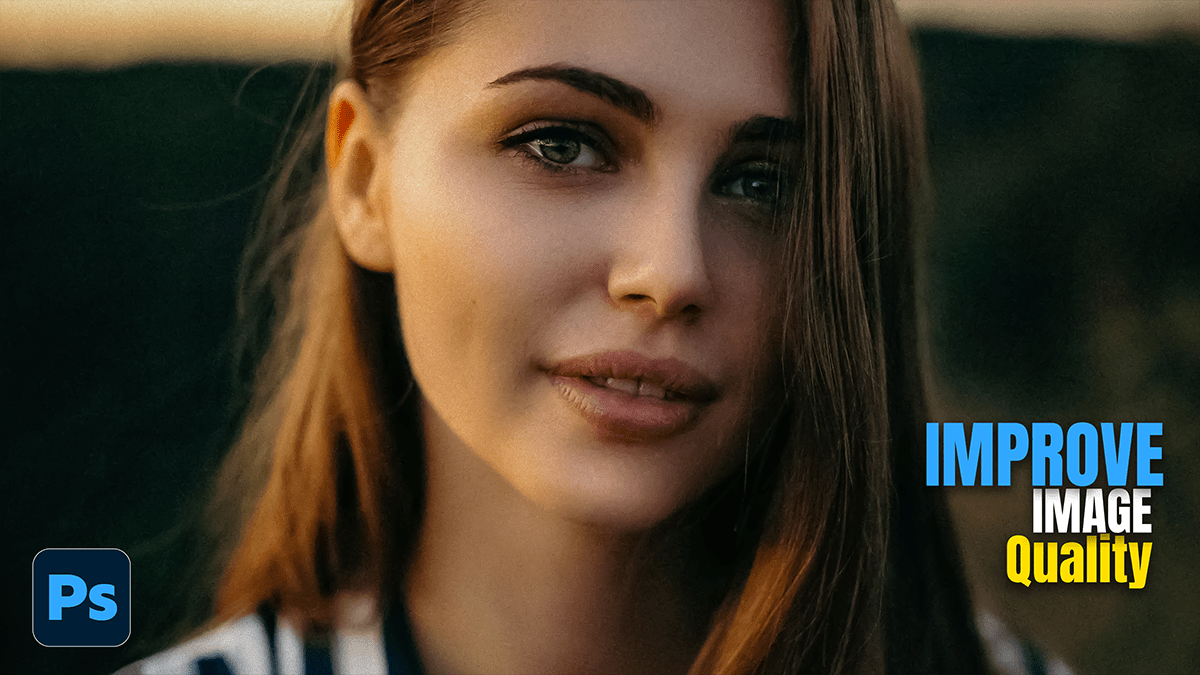
How to Improve Image Quality in Adobe Photoshop 2026,

Therefore, improving image quality in Photoshop is often a mix of “smart” upscaling, noise reduction, and fine-tuning details. Since you can’t technically “create” pixels that aren’t there, the goal is to use Photoshop’s AI to interpret and smooth what is there.
How to Improve Image Quality in Adobe Photoshop 2026,
In other words, here is a breakdown of the most effective methods to polish your photos.
1. Upscaling Low-Resolution Images:
Therefore, if your image is small or pixelated, you need to increase the pixel count without it looking like a blurry mess.
Super Resolution (Camera Raw): This is the “gold standard” for AI upscaling.
In other words, right-click your layer and select Convert for Smart Filters.
Therefore, Go to Filter > Camera Raw Filter.
In other words, right-click the image and select Enhance.
Therefore, check Super Resolution and click Enhance. This doubles the linear resolution (4x the pixels) using machine learning.
Preserve Details 2.0: If you aren’t using Camera Raw:
In other words, go to Image > Image Size.
Therefore, change the resampling method to Preserve Details 2.0.
However, adjust the Reduce Noise slider to smooth out artifacts created by the enlargement.
2. Cleaning Up “Noise” and Artifacts:
However, Grainy photos usually suffer from luminance noise (white specks) or color noise (rainbow speckles).
How to Improve Image Quality in Adobe Photoshop 2026,
Neural Filters (Photo Restoration):
Above all, Go to Filter > Neural Filters.
However, download and toggle on Photo Restoration.
Above all, use the Enhance Face slider if you’re working on a portrait, and crank up Photo Enhancement to scrub away scratches and grain.
Reduce Noise Filter:
In addition, go to Filter > Noise > Reduce Noise.
After that, focus on the Strength and Preserve Details sliders. It’s a delicate balance; too much strength makes the photo look like a plastic painting.
3. Sharpening and Clarity:
Above all, once the image is the right size and clean, you need to define the edges.
Smart Sharpen: In addition, this is more advanced than “Sharpen” because it allows you to target specific types of blur.
After that, Go to Filter > Sharpen > Smart Sharpen.
Similarly, set the Remove dropdown to Lens Blur.
After that, increase the amount while keeping the radius low (usually between 1.0 and 2.0) to avoid “halos” around edges.
High Pass Filter (The Pro Trick): 1. Duplicate your layer (Ctrl/Cmd + J).2. Go to Filter > Other > High Pass.3. Adjust until you just see the outlines of the image on a gray background. Click OK.4. Change the Layer Blend Mode to Overlay or Linear Light. This sharpens the edges without affecting the colors.
How to Improve Image Quality in Adobe Photoshop 2026,
Summary of Tools:
| Tool | Best For… | Strength |
| Super Resolution | Small, tiny photos | Best AI-driven upscaling. |
| Neural Filters | Old or damaged photos | Excellent for faces and scratches. |
| Camera Raw (Clarity) | Flat, dull images | Adds “punch” and mid-tone contrast. |
| Smart Sharpen | Slightly out-of-focus shots | Precise control over edge definition. |
How to Improve Image Quality in Adobe Photoshop 2026,
Tip: Always work on a Smart Object (Right-click layer > Convert to Smart Object). This allows you to go back and tweak your filters at any time without permanently destroying the original pixels.
In conclusion, would you like me to walk you through how to use the High Pass Filter technique step-by-step for a specific photo you’re working on?
