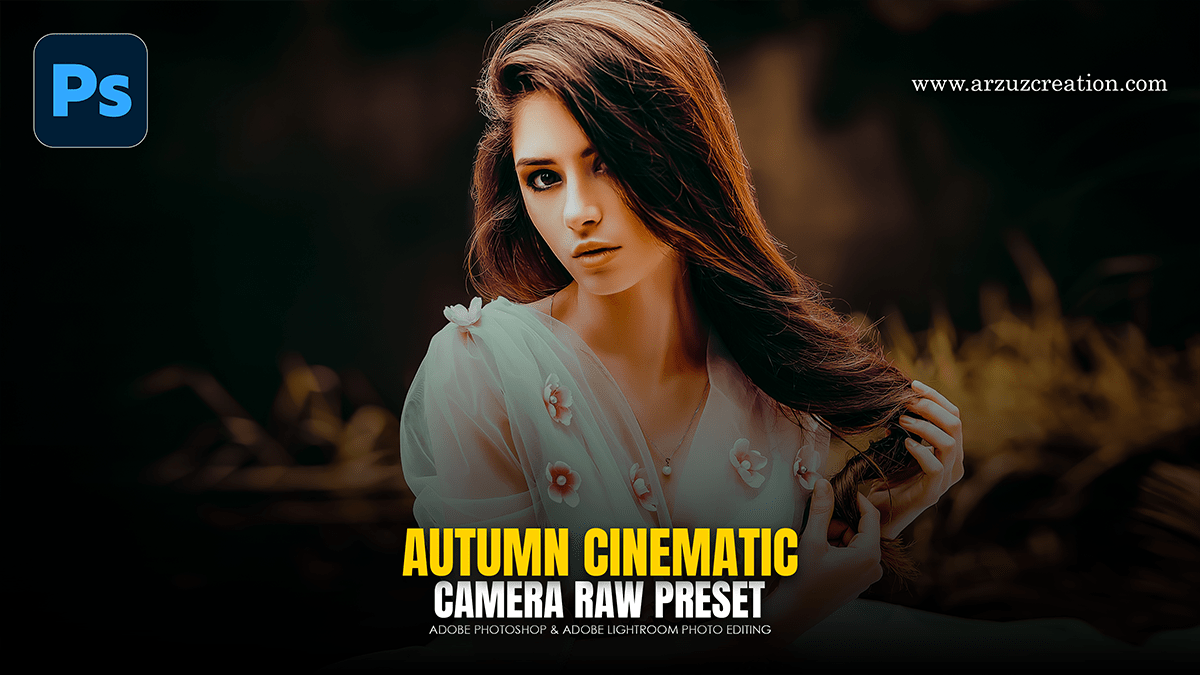
Autumn Cinematic Colour Grading Adobe Photoshop Camera Raw

Therefore, to achieve a professional “Autumn Cinematic” look using the Camera Raw Filter in Photoshop, aim to shift greens toward gold/orange, deepen the shadows for drama, and create a warm, hazy atmosphere.
Autumn Cinematic Colour Grading Adobe Photoshop Camera Raw
1. Basic Panel: Setting the Foundation:
Therefore, start by establishing the overall mood and exposure.
Temperature: In other words, increase the slider toward yellow (+10 to +20).
Tint: However, add a touch of Magenta (+5) to counteract any muddy greens.
Contrast: In other words, increase (+15) to make the colors pop.
Highlights: Decrease (-30) to recover detail in the sky or bright leaves.
Shadows: However, Increase (+20) to ensure the cinematic look isn’t too “crushed.”
2. HSL / Color Mixer: The Autumn Transformation:
In other words, this is the most critical step for changing the season.
Autumn Cinematic Colour Grading Adobe Photoshop Camera Raw
Hue: * Greens: Shift significantly toward the left (toward Yellow/Orange).
Yellows: Shift slightly toward Orange.
Oranges: Shift toward Red for a “burnt” look.
Saturation: * Greens/Yellows: Increase slightly (+15).
Blues: However, Decrease (-20) to keep the focus on the warm tones.
Luminance: * Oranges/Yellows: Decrease (-10) to make the foliage look richer and deeper.
3. Color Grading: The “Cinematic” Split Tone:
However, this adds the professional film-style color separation.
Shadows: Above all, Select a Deep Teal or Navy Blue. Keep the saturation low (around 5-10%). This provides a complementary contrast to the orange leaves.
Highlights: Select a Warm Gold or Soft Orange. Increase saturation to around 15%.
Midtones: Above all, A slight push toward Peach can help blend skin tones naturally with the environment.
Autumn Cinematic Colour Grading Adobe Photoshop Camera Raw
4. Calibration & Effects (The “Secret Sauce”)
Calibration (Bottom Panel): Move the Red Primary Hue to the right and the Green Primary Hue to the right. This creates a very specific high-end color harmony often used by professional travel photographers.
Dehaze: Add a small amount (+5 to +10) to add depth.
Vignetting: Under the Effects tab, add a subtle post-crop vignette (-15) to draw the eye to the center of the frame.
Pro Tip for 3D Text:
Above all, since you’re working with 3D Text, you can apply this same Camera Raw Filter to your text layer (after converting it to a Smart Object). This ensures the lighting and “environmental” colors of the text perfectly match your background.
Would you like me to explain how to mask these effects so they affect only specific regions of your image?
