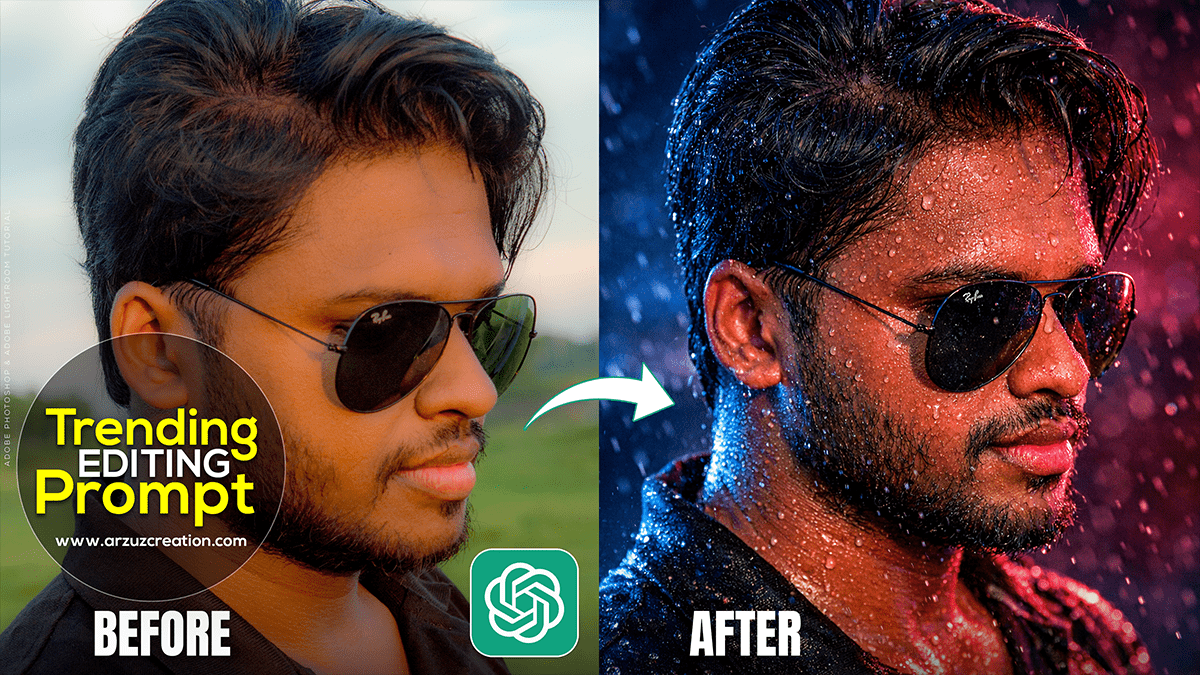
Therefore, in 2026, ChatGPT photo editing has moved beyond simple filters. With the integration of DALL-E 3 and the ChatGPT Image Editor, users are creating highly stylized, “vibe-focused” edits.
Therefore, the current trend involves taking a standard photo and “transforming” its reality while keeping the original subject recognizable. Here are the top trending styles and how to achieve them.
ChatGPT Photo Editing Tutorial,
ChatGPT Trending Photo Editing Prompt 2026
1. Top Trending Styles (2026)
Style
Description
Why it’s Trending
“Claymation” Style
Therefore, turns people and scenes into high-detail, stop-motion clay figures.
It’s nostalgic, tactile, and looks incredibly realistic yet “hand-crafted.”
Studio Ghibli Anime
Converts photos into hand-drawn, watercolor-style anime scenes.
The “soft life” aesthetic is huge for travel and nature photography.
Cyberpunk 2026
Therefore, Dark backgrounds with neon blue/pink lighting and futuristic HUD overlays.
High-energy, futuristic vibe perfect for urban night shots.
Lego Transformation
Turns the subject into a glossy, plastic LEGO-style figure.
Fun, playful, and popular for profile pictures.
Roman Marble Statue
Therefore, recreates the person as a classical stone sculpture with marble textures.
A sophisticated, “timeless” artistic trend.
2. How to Edit Photos in ChatGPT
You no longer need to write a perfect 50-word prompt. You can now use the In-Chat Editor:
Upload:Therefore, click the + or paperclip icon and upload your photo.
Ask: Tell ChatGPT what you want (e.g., “Turn this photo into a Ghibli-style animation”).
Refine:Therefore, click on the generated image to open the Selection Tool.
Paint & Edit: Highlight a specific area (like just the background or your outfit) and type a change (e.g., “Change my shirt to a silver futuristic jacket”).
ChatGPT Photo Editing Tutorial,
3. Copy-Paste “Viral” Prompts
Therefore, to get the best results, use these “identity-preserving” prompt structures:
For the Claymation Look:
“Convert this photo into a high-detail Claymation style. Preserve facial features accurately but use soft clay textures, slight imperfections for realism, and studio lighting. The background should be a colorful blur.”
For the Cyberpunk Edit:
“Edit this image in a cyberpunk style. Add neon pink and cyan highlights to the edges of the subject. Change the background to a dark, rain-slicked futuristic city with holographic signs.”
For Professional Portraits:
“Transform this casual photo into a high-resolution studio portrait. Use soft directional lighting (Chiaroscuro), a clean blurred background, and maintain the person’s exact identity and skin texture.”
4. Pro Tip: “Consistency” is Key
Therefore, in 2026, the biggest challenge is keeping your face looking like you. If ChatGPT changes the face too much, use this follow-up command:
“The style is great, but the face changed. Please regenerate the image using the original photo’s facial structure more strictly while keeping the [Style Name] texture.”
Would you like me to help you write a specific prompt for a photo you’re working on?
In 2026, ChatGPT photo editing has moved beyond simple filters. With the integration of DALL-E 3 and the ChatGPT Image Editor, users are creating highly stylized, “vibe-focused” edits.