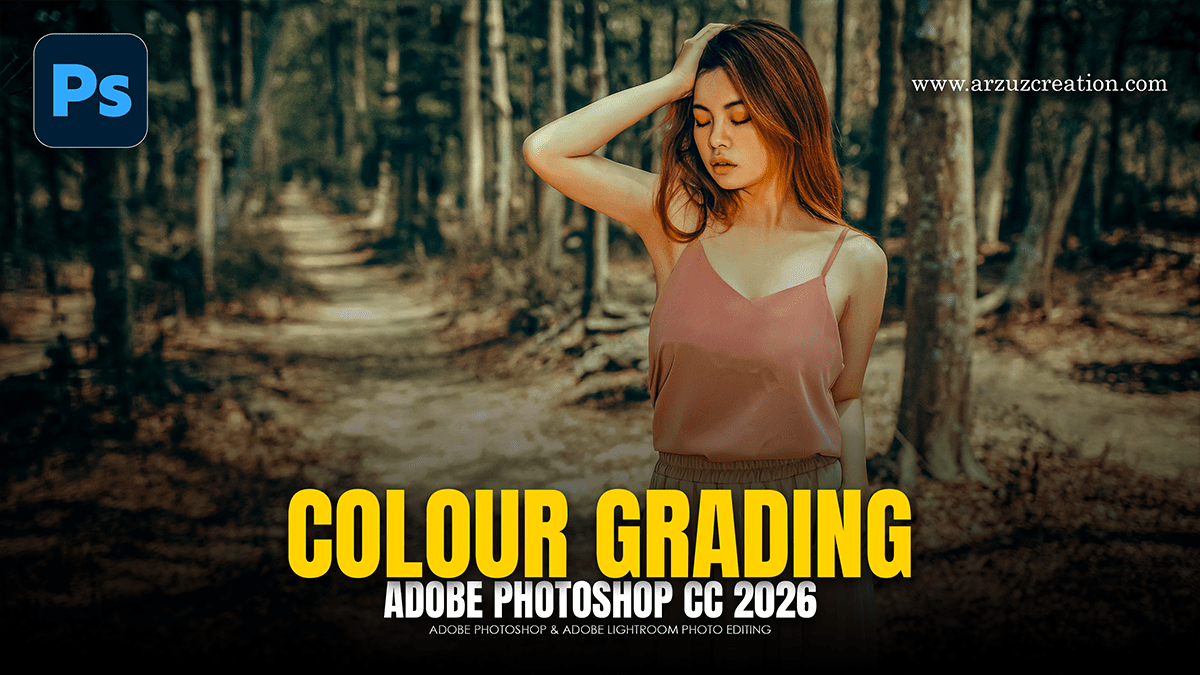
Colour Grading Technique Adobe Photoshop 2025,

Therefore, Color grading in Adobe Photoshop via the Camera Raw Filter (CRF) is primarily handled through the Color Grading panel, which utilizes a three-way wheels system to adjust Shadows, Midtones, and Highlights independently.
Colour Grading Technique Adobe Photoshop 2025,
The Three-Way Wheels:
Therefore, each wheel allows for the adjustment of Hue (the color), Saturation (intensity), and Luminance (brightness) for specific tonal ranges.
Shadows: Ideal for adding “cool” tones (blues/teals) to dark areas to create contrast or a cinematic look.
Midtones: Therefore, Controls the skin tones and the overall “mood” of the image.
Highlights: In other words, Often used to add warmth (oranges/yellows) to bright areas like sunlight or skin highlights.
Colour Grading Technique Adobe Photoshop 2025,
Core Adjustments:
In other words, beyond the wheels, two sliders at the bottom of the panel dictate how colors interact:
| Slider | Function |
| Blending | Determines the amount of overlap between the shadows and highlights. A value of 100 creates a smooth transition; lower values keep the colors more distinct. |
| Balance | Shifts the “weight” of the grading. Moving it left favors the shadow color; moving it right favors the highlight color. |
Advanced Techniques:
In other words, for more precise control, these panels complement the Color Grading wheels:
1. The Calibration Panel:
In other words, this is often the “secret sauce” for professional colorists. By adjusting the Primary sliders (Red, Green, and Blue), the underlying color mix of the entire image is altered.
Pro Tip: However, Increasing the Saturation of the Blue Primary while shifting its Hue slightly toward Teal often creates a vibrant, high-end “pop” that is difficult to achieve with standard sliders.
Colour Grading Technique Adobe Photoshop 2025,
2. Point Color (Color Mixer)
However, located within the Color Mixer panel, the Point Color tool allows for selecting a specific color in the image with an eyedropper and shifting its Hue, Saturation, and Luminance without affecting similar tones elsewhere. For instance, this is perfect for correcting specific distracting elements, like an overly saturated green leaf or a dull sky.
3. Color Curves
After that, the Curves panel provides per-channel control (Red, Green, and Blue).
S-Curve in Blue Channel: However, dropping the bottom of the curve (shadows) adds Yellow, while lifting the top (highlights) adds Blue.
Opposite S-Curve: For instance, dropping the shadows and lifting the highlights in the Red channel creates a classic “Cyan-Red” split.
Workflow Recommendation
In conclusion, the most non-destructive way to apply these looks is to right-click your layer in Photoshop and select Convert to Smart Object before opening the Camera Raw Filter. This allows for re-adjusting the color grade at any time without losing image quality.
