Adobe Lightroom Classic is a powerful desktop-focused photo management and non-destructive editing application developed by Adobe, primarily geared toward professional and serious amateur photographers who work with large volumes of images, especially RAW files.
Therefore, it’s one of two main versions of Lightroom offered by Adobe: Lightroom Classic (the desktop-centric original) and Lightroom (the cloud-based ecosystem for desktop, mobile, and web).
📸 Key Functions of Lightroom Classic
Therefore, Lightroom Classic is designed to manage the entire photography workflow, from importing to final output.
Photo Organization and Management (Library Module):
Cataloging: It uses a “Catalog” (a database file) to keep track of where your photos are stored locally and all the edits you’ve made.
Local Storage:Therefore, your original image files are stored on your local hard drive or external drives, giving you full control over file management and backup.
Organization Tools:Therefore, it provides comprehensive tools for flagging, rating, adding keywords, metadata, creating collections, and using face recognition to find and filter photos.
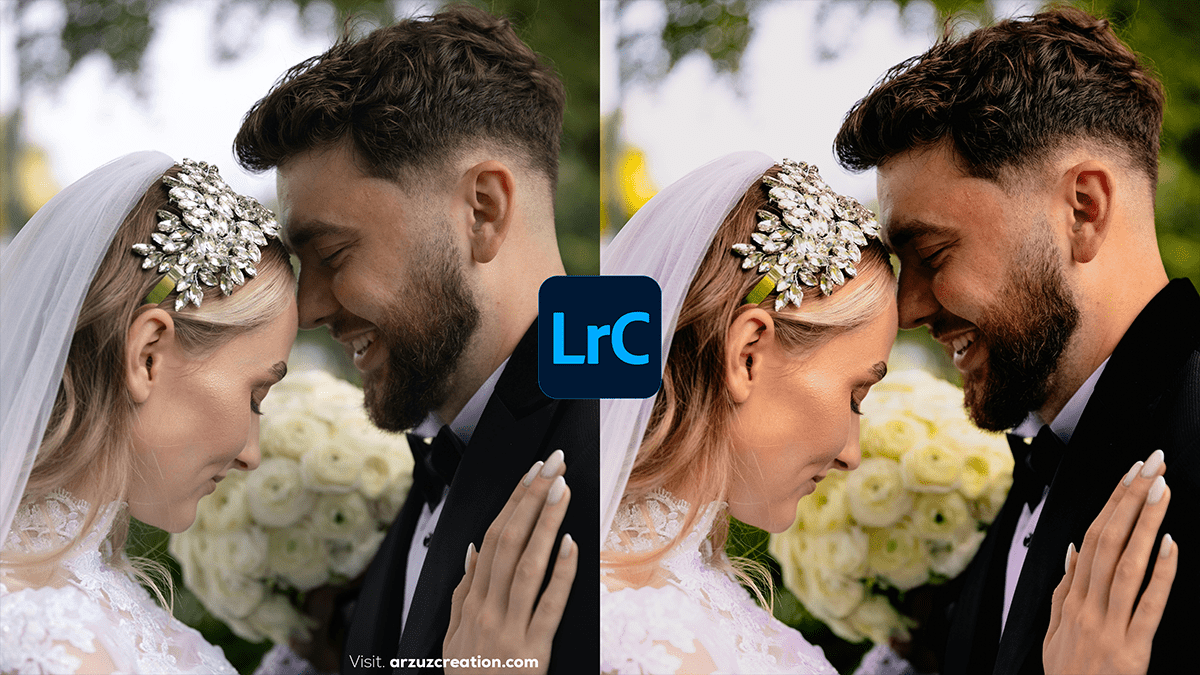
Lr Photo Editing: Wedding Portrait Photo Color Grading Lightroom
Non-Destructive Editing (Develop Module):
Therefore, you can make extensive adjustments to your images (exposure, color, tone, sharpening, noise reduction, and advanced masking) without ever altering the original file. The edits are saved as instructions.
Therefore, it is particularly powerful for processing RAW image formats.
Output and Sharing (Other Modules):
Therefore, includes dedicated modules for creating Photo Books, Slideshows, printing with soft proofing (Print Module), and generating Web Galleries.
🆚 Lightroom Classic vs. Adobe Lightroom (Cloud-Based)
The main difference lies in file storage and workflow:
Lightroom Classic 2026 (Version 15.0), which launched in late 2025 at Adobe MAX, focuses heavily on AI-driven automation for culling and cleaning up images.
Lightroom Classic has seen several significant updates throughout 2025 (versions 14.x through 15.x). The focus has been on AI-driven automation, smarter organization, and massive performance improvements for the editing interface.
Color grading in Lightroom is the process of adjusting the colors in your image to create a specific aesthetic, mood, or style. It goes beyond simple color correction and allows for creative color manipulation.
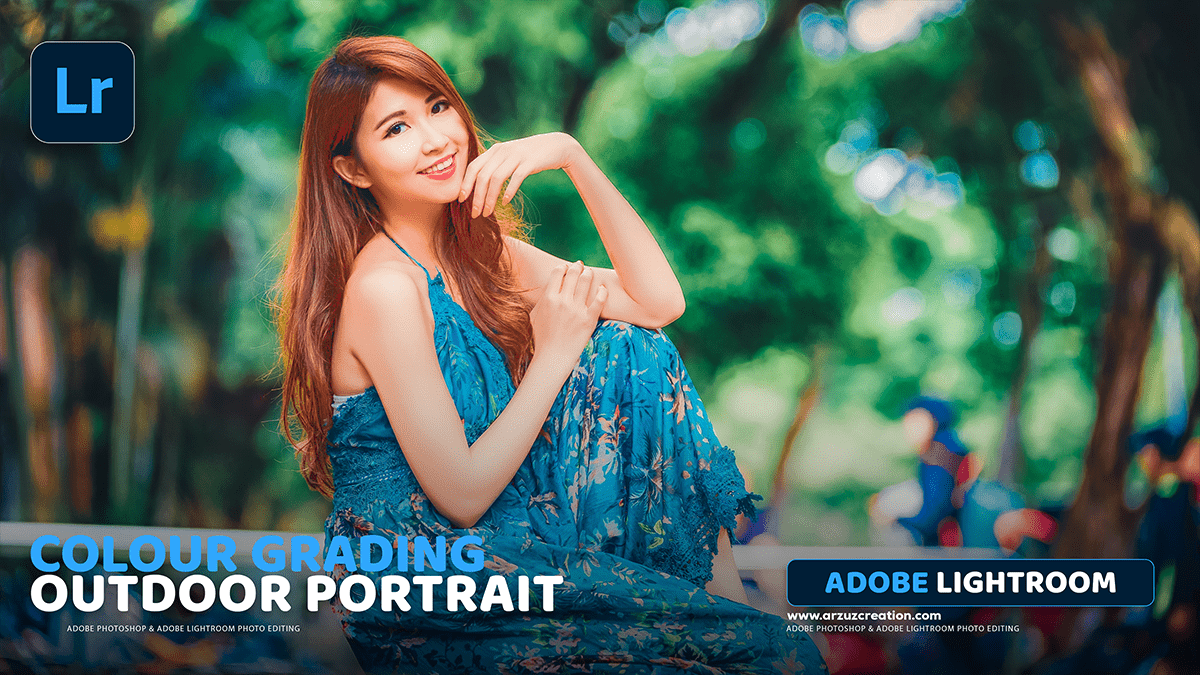
Lightroom: How to Edit Photo Colour Grading in Adobe Lightroom,
That’s a great question! Colour grading is one of the most powerful ways to give your photos a unique style. In Lightroom, this is primarily done using the Colour Grading panel (or the older Split Toning panel in classic versions).
Adobe Lightroom Classic is a powerful desktop application specifically designed for photographers to organize, edit, and export their images. It’s known for its non-destructive editing capabilities, meaning your original image files are never altered, and all your adjustments are stored as instructions within the Lightroom catalog.
Here’s a breakdown of key aspects of photo editing in Lightroom Classic.
Achieving a “cinematic” look in your photos in Lightroom involves a combination of color grading, tone adjustments, and effects that mimic the aesthetic of motion pictures. Here’s a breakdown of the key elements and how to implement them.
Adobe Lightroom Classic: Color Grading Tutorial 2025,
Adobe Lightroom is a powerful and popular software for photo editing, organization, and management, favored by photographers of all levels. Unlike Photoshop, which is designed for pixel-level manipulation and compositing, Lightroom focuses on non-destructive global and local adjustments, batch processing, and efficient workflow for large quantities of images.
Cinematic Wedding Photo Editing in Adobe Photoshop 2025,
Editing cinematic wedding photos in Lightroom typically aims to create a timeless, emotional, and movie-like feel. Here’s a practical guide for how you can achieve a cinematic wedding look when editing.
Dark Moody Lightroom Editing Tutorial For Beginners,
Sure! Here’s a step-by-step guide for a Dark Moody Lightroom Editing Tutorial.
This style is all about deep shadows, muted colors, and a cinematic, emotional feel.
Editing moody photos in Lightroom creates a dark, emotional, and dramatic vibe with muted colors, rich contrast, and careful lighting. Here’s a step-by-step guide you can follow.
Lightroom Editing: Lr Photo Editing Tips & Tricks,
Absolutely! Adobe Lightroom is a powerful tool for photo editing and organization. Here are some beginner-friendly tips to help you get started and make the most of it.
Lr Editing: How to Edit Raw Pictures in Lightroom Mobile,
Editing RAW pictures in Lightroom Mobile is super powerful once you get the hang of it. Here’s a step-by-step guide to help you make the most of your RAW files on your phone or tablet.
Lr Editing: How to Make Photos Look Cinematic in Lightroom 2025
Making your photos look cinematic in Lightroom is about mimicking the color grading, contrast, and mood in film and movies. Here’s a step-by-step guide to help you nail that look.
Lr Editing: How to Make Cinematic Presets in Lightroom 2025,
Creating cinematic presets in Lightroom is a great way to add a dramatic, film-inspired look to your photos. Here’s a step-by-step guide on how to make your own cinematic presets.
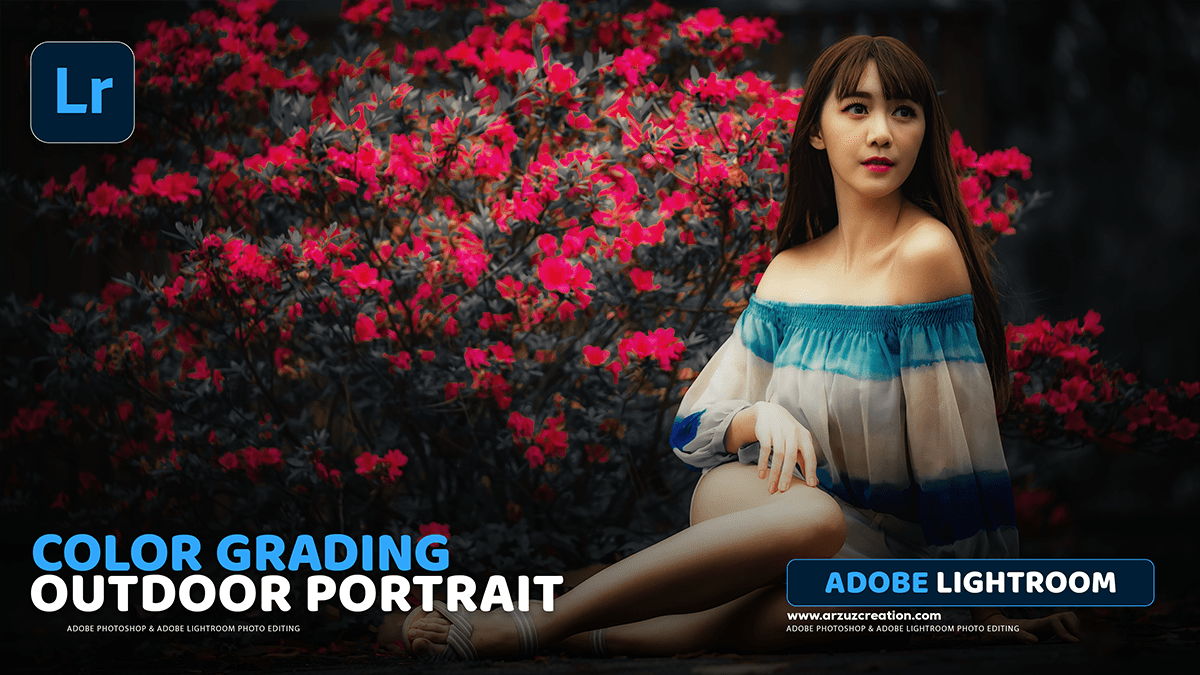
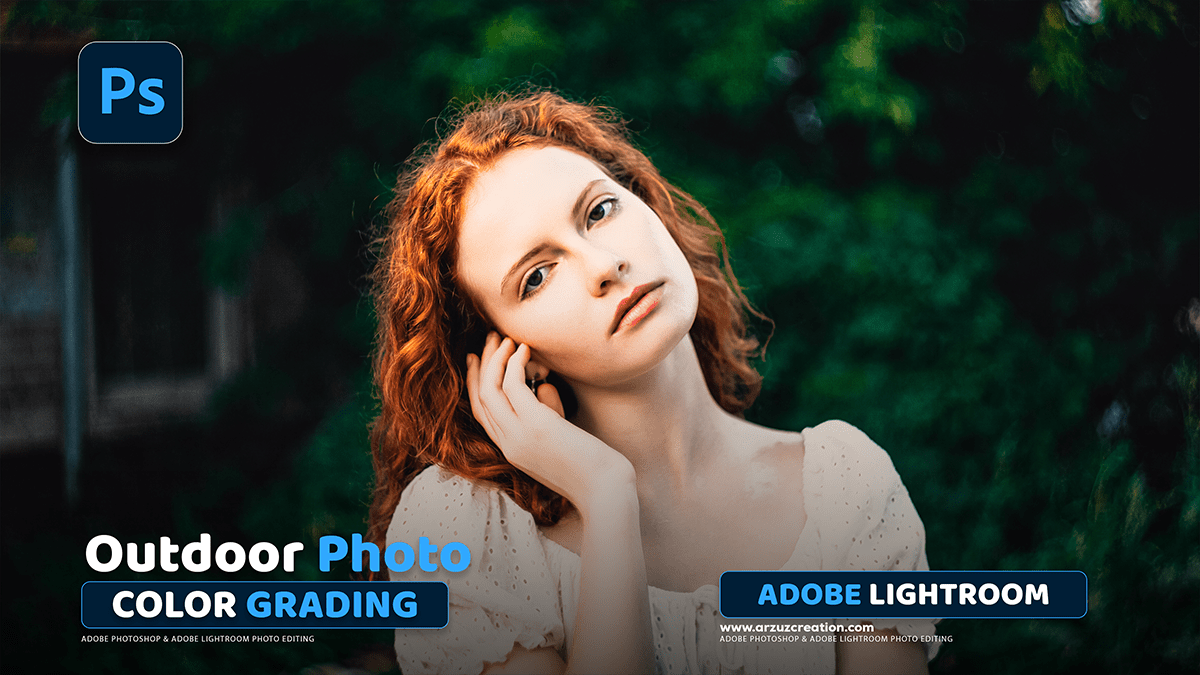
Editing outdoor photos in Adobe Lightroom can make a huge difference in enhancing natural colors, adjusting exposure, and creating a professional look. Here’s a step-by-step guide to outdoor photo editing in Lightroom.
Moody green color grading in Adobe Lightroom creates a cinematic, atmospheric look with deep greens, muted tones, and soft contrast. Here’s how you can achieve it.
Adobe Lightroom presets are a great way to enhance your photos with just one click. Whether you’re looking for a natural edit, a cinematic look, or a vibrant aesthetic, there are plenty of presets available. Here are some of the best types of Lightroom presets for enhancing photos.
Adobe Lightroom: COlour Grading Tutorial For Beginners,
Lightroom Color Grading Tutorial: Step-by-Step Guide:
Color grading in Adobe Lightroom allows you to enhance your photos by adjusting the tones, shadows, highlights, and mid-tones. Here’s a step-by-step guide to achieving professional-looking color grades.
Color grading wedding photos in Adobe Lightroom is all about creating a romantic, timeless, and elegant look while maintaining natural skin tones. Here’s a step-by-step guide to help you achieve a professional wedding photo edit.
Creating a dramatic and cinematic look in Lightroom involves enhancing contrast, deepening shadows, and fine-tuning colors for a moody, filmic aesthetic. Here’s a step-by-step guide to achieving this effect.
Adobe Lightroom Classic Photo Editing Tutorial For Beginners,
Lightroom Classic Photo Editing Tutorial
Lightroom Classic is a powerful tool for editing and organizing photos. This tutorial will walk you through a basic editing workflow to enhance your images efficiently.
How to Edit Photos Like Cinematic in Lightroom Classic Tutorial,
Creating a cinematic look in Lightroom Classic involves adjusting color grading, contrast, lighting, and aspect ratio to mimic the look of movies. Here’s a step-by-step guide.
Editing RAW pictures in Lightroom allows you to work with maximum image quality and dynamic range. Here’s a step-by-step guide to get started with RAW photo editing in Lightroom.
Cinematic photo editing in Lightroom involves creating a dramatic, movie-like feel with colors, tones, and lighting. Here’s a step-by-step guide to achieve a cinematic look.
Editing wedding photos in Lightroom can transform your images by enhancing the mood and emotions of the day. Here’s a step-by-step guide to achieving beautiful results.
Lr Photo Editing: Wedding Portrait Photo Color Grading Lightroom,
Color grading wedding photos in Lightroom can enhance the mood and aesthetic of the images while maintaining a timeless, romantic feel. Here’s a step-by-step guide to achieving beautiful color grading for wedding photos in Lightroom.