Arzuz Creation

Graphic Design & Professional Photo Editing

Levels Adjustment Layer Photo Editing in Adobe Photoshop 2026

Levels Adjustment Layer Photo Editing in Adobe Photoshop 2026,

Using Levels Adjustment Layers for outdoor portraits is one of the most effective ways to balance natural light without degrading your original image pixels. Since outdoor lighting can often be “flat” (overcast) or “harsh” (direct sun), Levels allows you to redistribute the tonal range precisely.
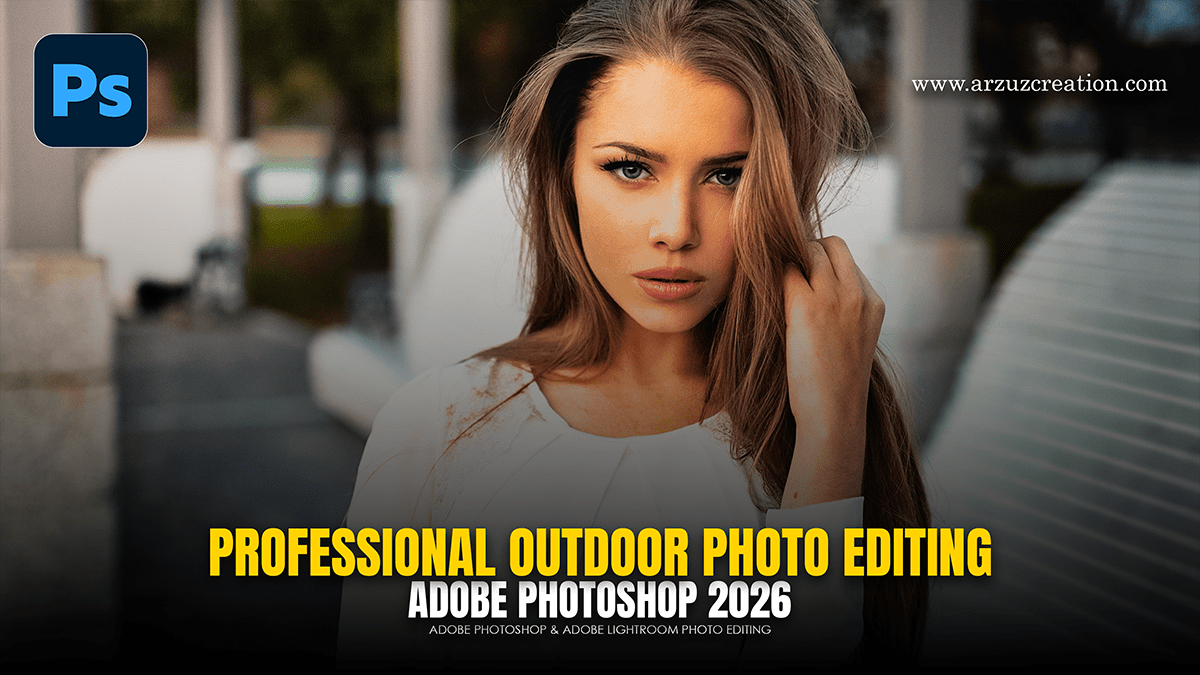

Adobe Photoshop Professional Outdoor Portrait Photo Editing 2026

Adobe Photoshop Professional Outdoor Portrait Photo Editing 2026,

To edit an outdoor portrait in Adobe Photoshop using adjustment layers, follow this workflow to maintain a non-destructive process. This approach allows for fine-tuning at any stage without permanently altering the original pixels.

Cinematic Moody Green Tone Photo Editing in Adobe Photoshop

Cinematic Moody Green Tone Photo Editing in Adobe Photoshop,

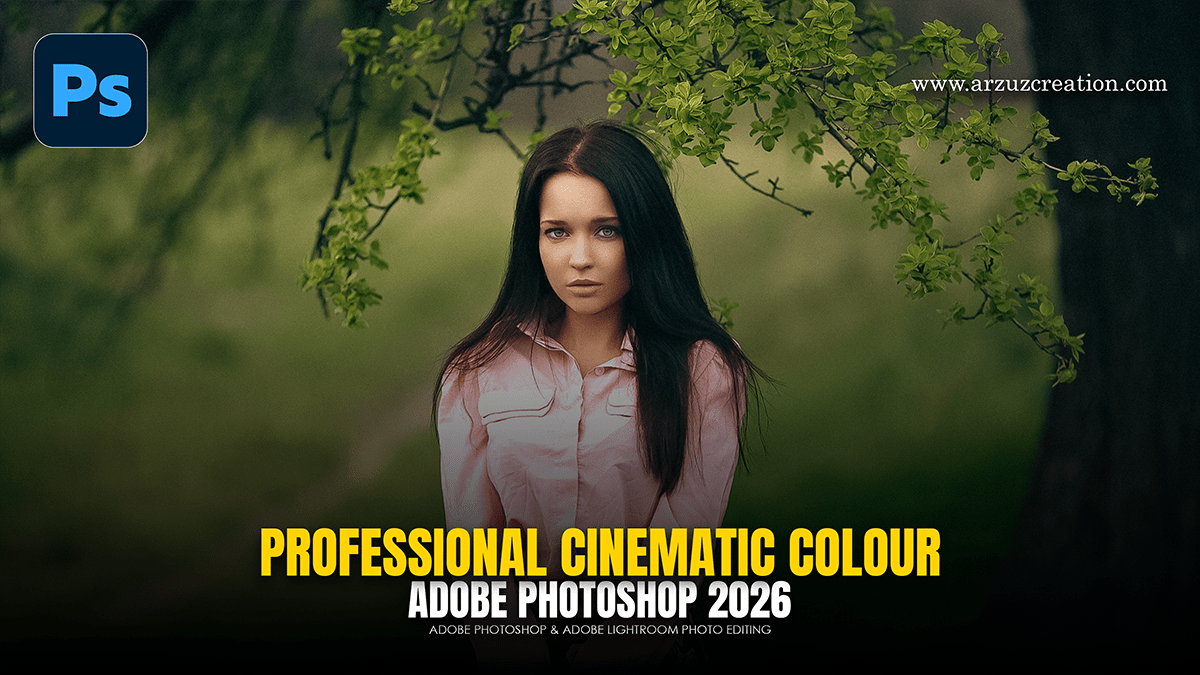
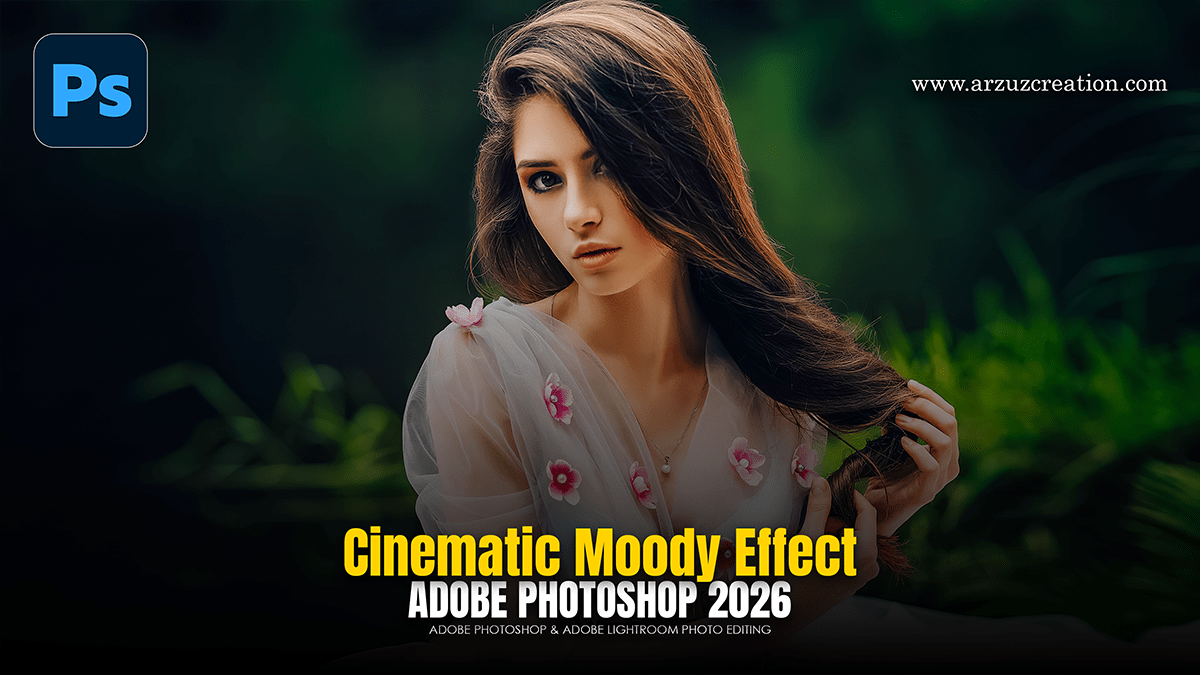
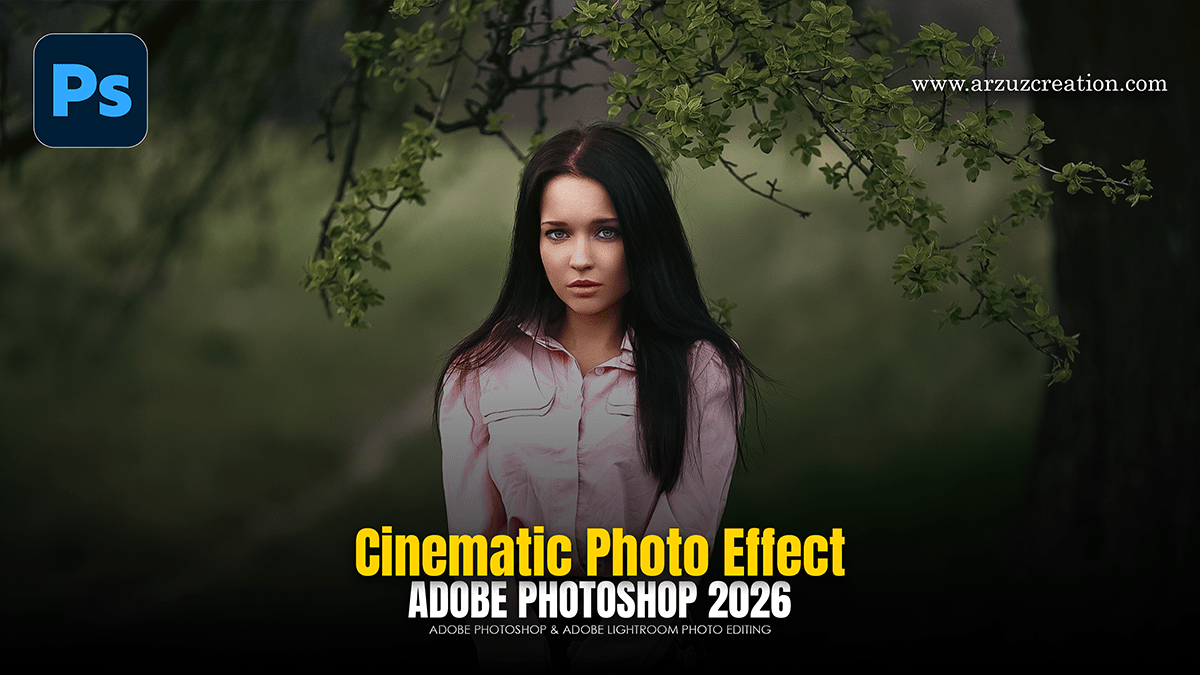
Achieving a cinematic, moody green grade in Photoshop is all about controlling the relationship between your shadows and highlights. The goal is to introduce deep, desaturated teals and mossy greens into the darks while keeping skin tones natural (or “stylized,” not sickly).

Professional Cinematic Colour Tone Effect in Adobe Photoshop

Professional Cinematic Colour Tone Effect in Adobe Photoshop,

Professional cinematic editing in Photoshop focuses on storytelling through light, depth, and specific color palettes. In 2026, the workflow has evolved to balance classic “high-end” manual techniques with modern AI-driven precision.

Camera Raw Filter: Adobe Photoshop Photo Editing Plugin

Camera Raw Filter: Adobe Photoshop Photo Editing Plugin,

The Adobe Photoshop 2026 (v27.x) and Camera Raw 18.0 updates have introduced a significant shift in how color grading is handled. While the traditional Camera Raw Filter remains a powerhouse, several of its core tools have been “unlocked” as non-destructive adjustment layers directly within the Photoshop Layers panel.

Lightroom 2026: Cinematic Colour Grading Tutorial

Lightroom 2026: Cinematic Colour Grading Tutorial,

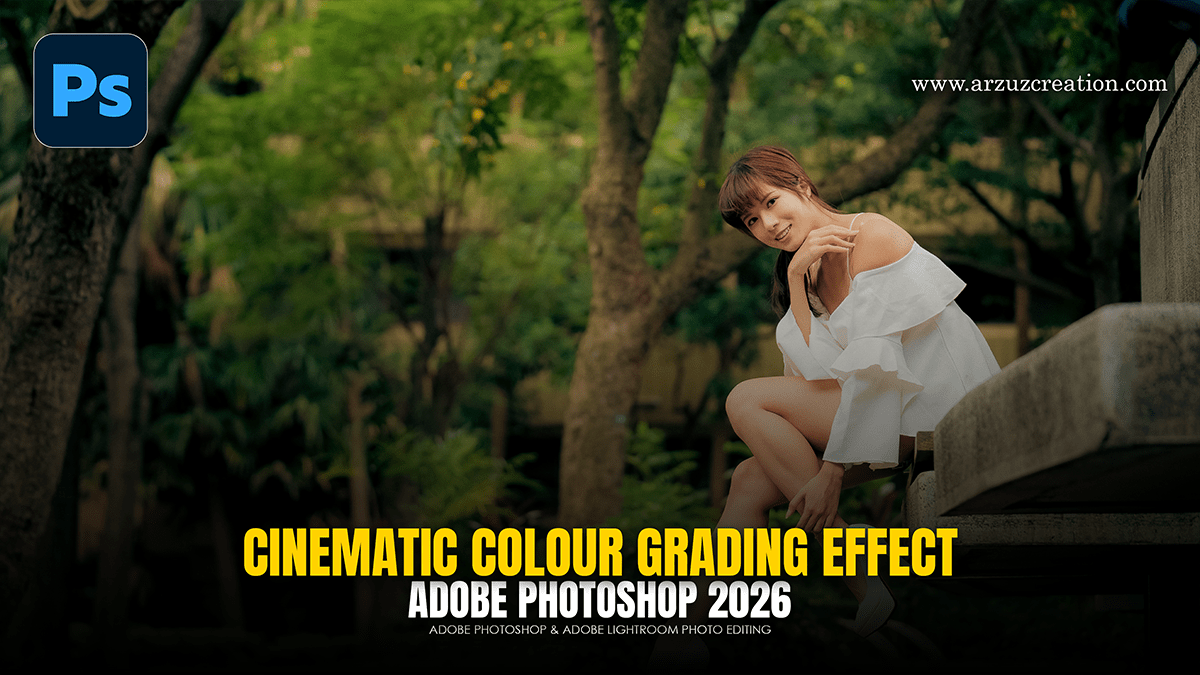
To achieve a cinematic look in Adobe Lightroom, you need to move beyond basic exposure and focus on manipulating color contrast, depth, and texture. Cinematic styles often draw inspiration from film stocks like Kodak or Fujifilm, which favor specific color shifts over “perfect” digital accuracy.

Adobe Lightroom 2026 Colour Grading Tutorial For Beginners

Adobe Lightroom 2026 Colour Grading Tutorial For Beginners,

The 2026 updates for Adobe Lightroom (version 15.2) have introduced several powerful AI-driven enhancements to the color and editing workflow. While the core Color Grading panel (Shadows, Midtones, Highlights) remains the standard for cinematic looks, the new Point Color Variance and Assisted Culling features significantly change how you approach the process.

Exit mobile version