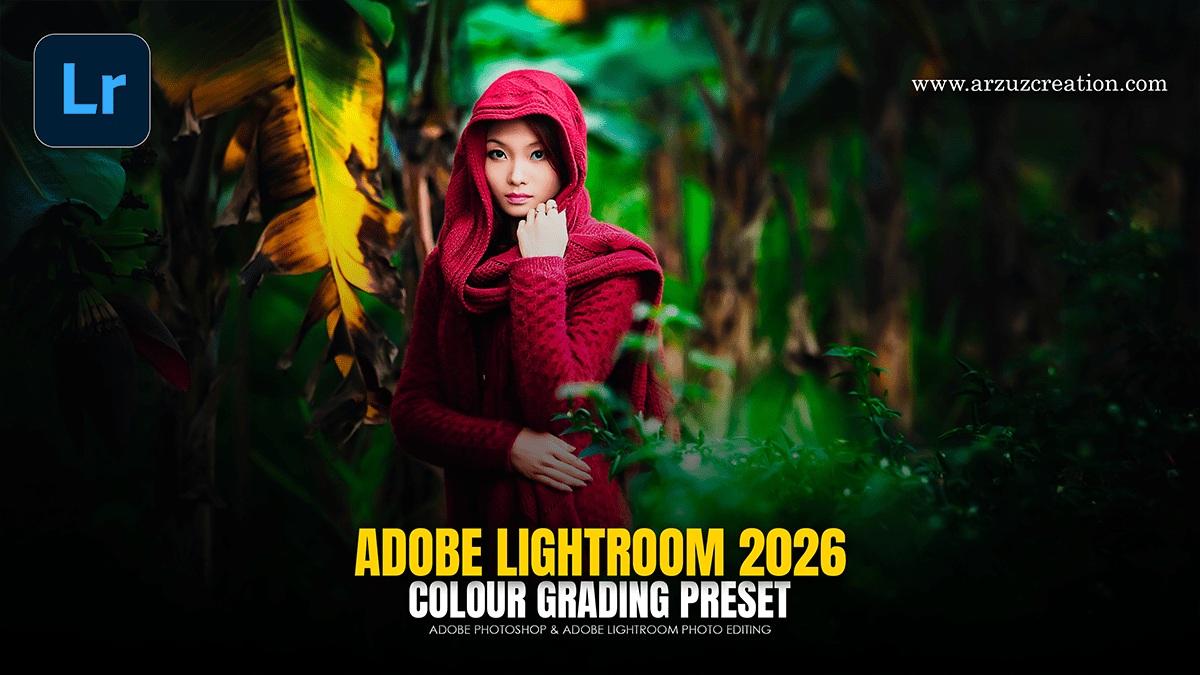
Adobe Lightroom 2026 Colour Grading Tutorial For Beginners
Adobe Lightroom 2026 Colour Grading Tutorial For Beginners,
The 2026 updates for Adobe Lightroom (version 15.2) have introduced several powerful AI-driven enhancements to the color and editing workflow. While the core Color Grading panel (Shadows, Midtones, Highlights) remains the standard for cinematic looks, the new Point Color Variance and Assisted Culling features significantly change how you approach the process.