Arzuz Creation

Graphic Design & Professional Photo Editing

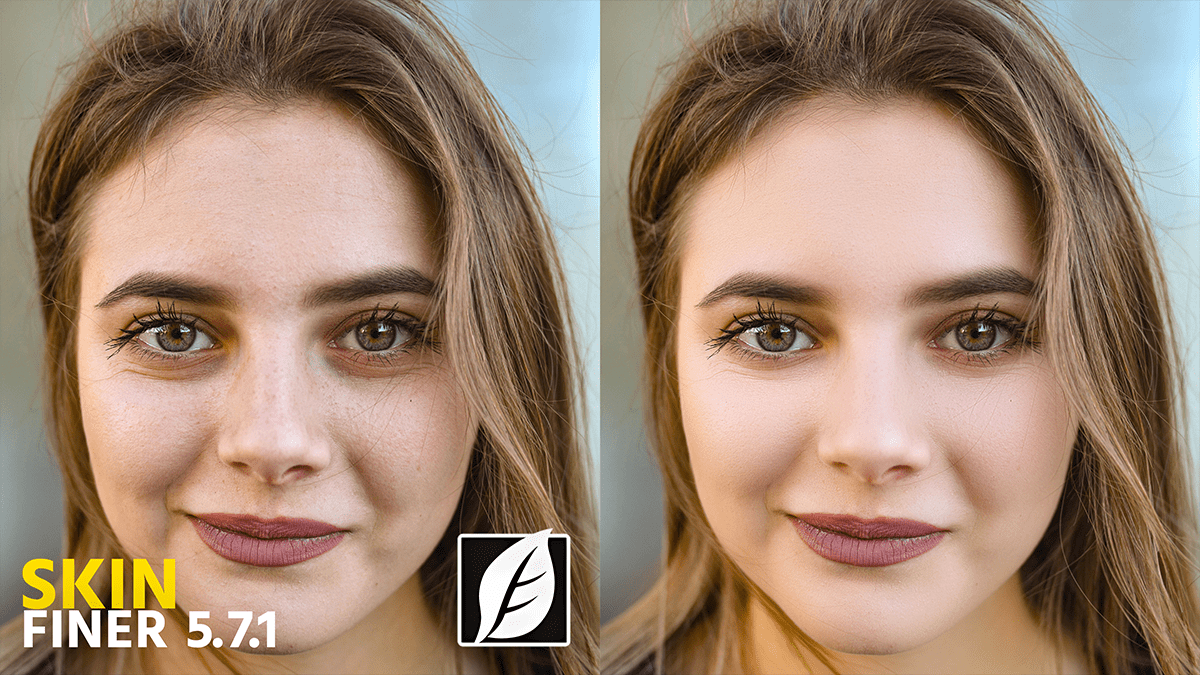
Photoshop SkinFiner 5.7.1 Update Version New Settings

Photoshop SkinFiner 5.7.1 Update Version New Settings,

SkinFiner 5.7 (and its minor update, 5.7.1) introduced significant refinements to the AI mask and facial feature detection. While version 5.8 is the most recent current release, many users are still migrating to the 5.7 branch for its improved stability in handling profiles.
Adobe Photoshop 2026 Tips: How to Remove Background Hair

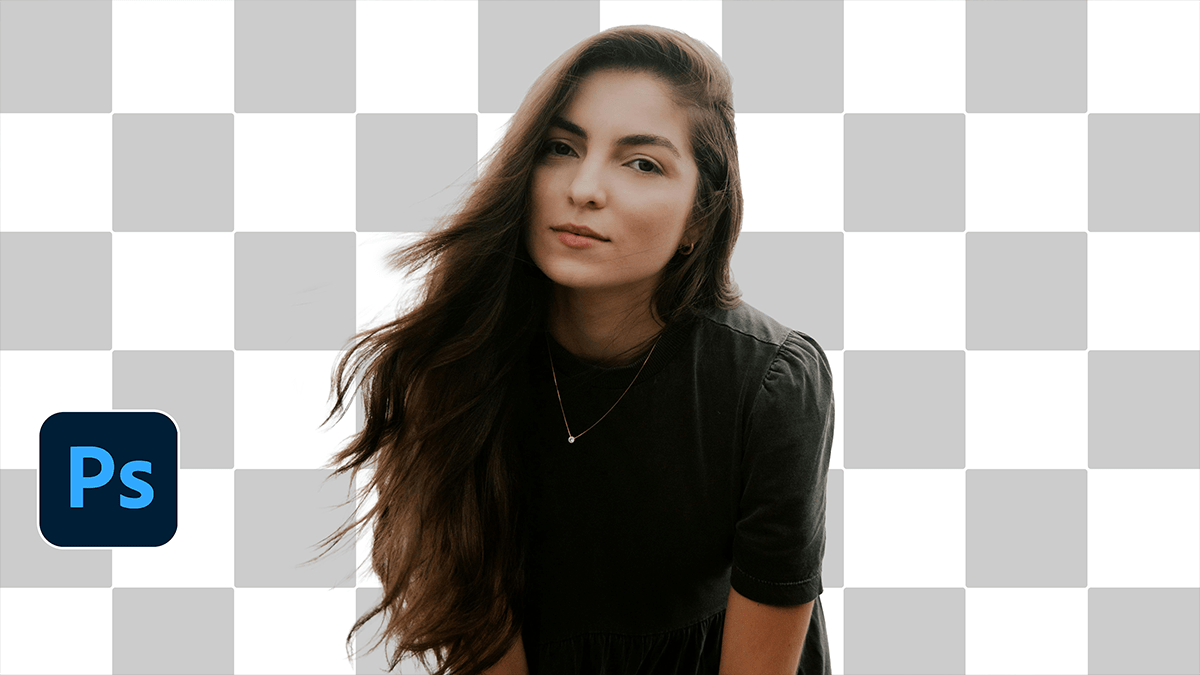
Adobe Photoshop 2026 Tips: How to Remove Background Hair,,

Removing stray hairs or cleaning up a “frizzy” outline in Photoshop is a classic challenge. Depending on how messy the hair is and how complex the background looks, there are three main ways to tackle it.

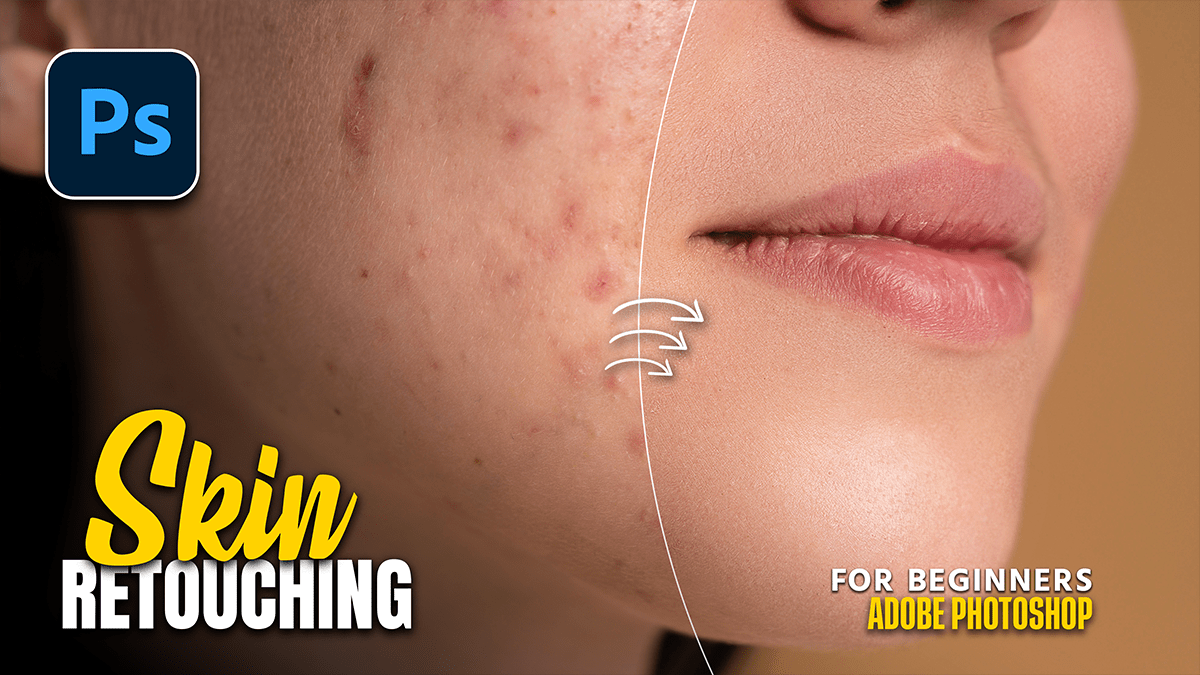
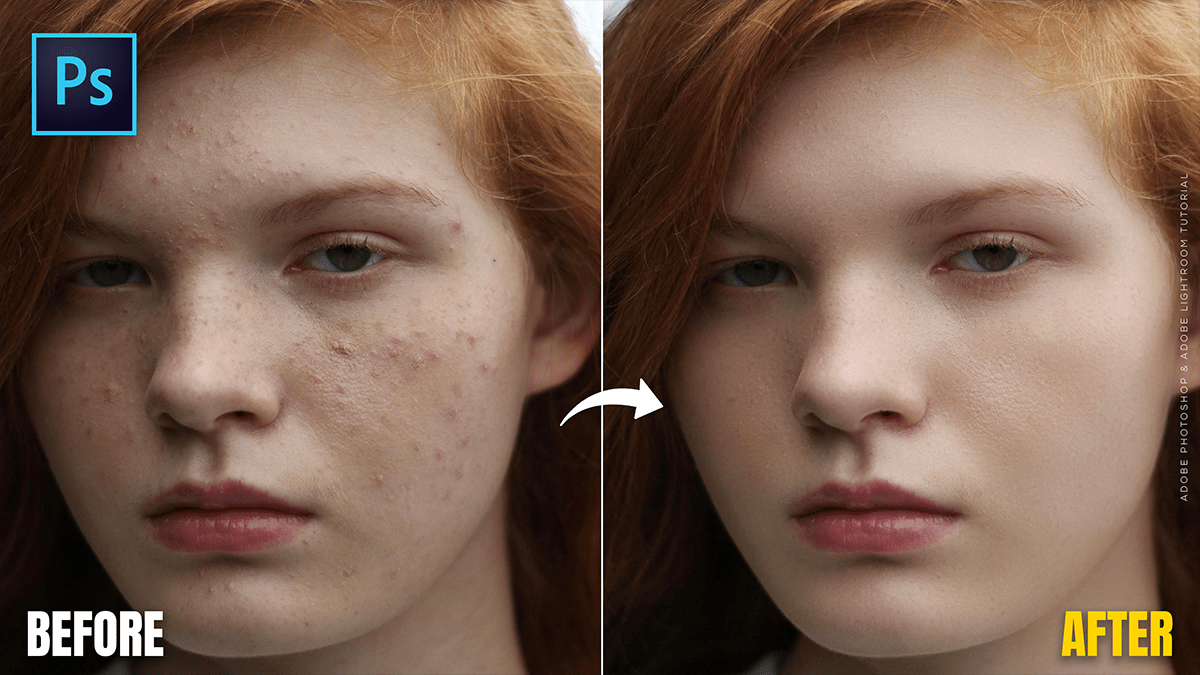
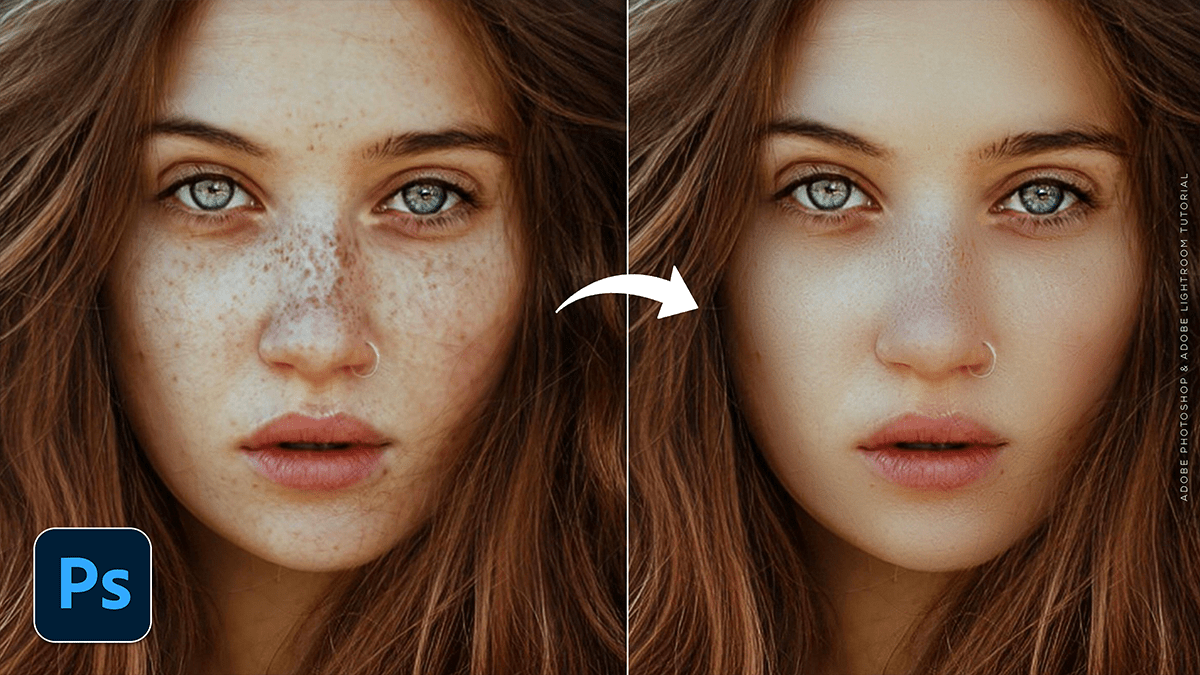
Adobe Photoshop 2026 Beginners: Skin Retouching Tutorial

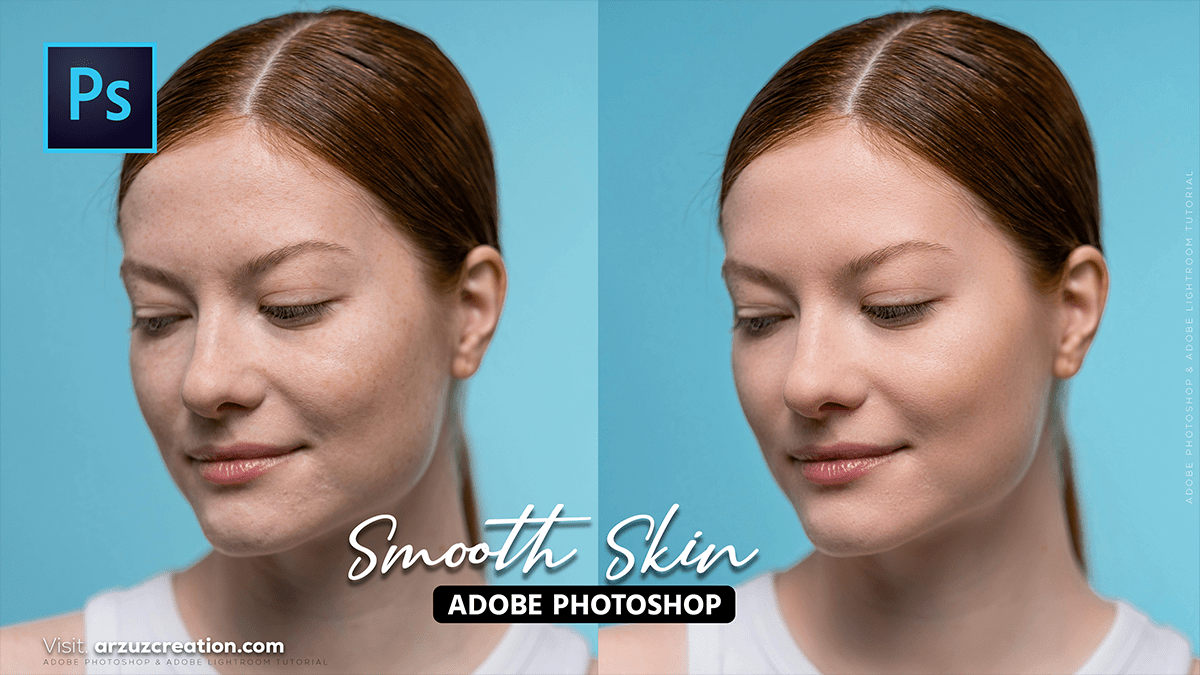
Adobe Photoshop 2026: Skin Retouching Tutorial,

In Adobe Photoshop 2026, skin retouching has shifted from labor-intensive manual work to a hybrid workflow that combines Generative AI with high-end manual control. The focus this year is on “Texture-First” retouching—ensuring that skin looks realistic and porous rather than “plastic.”

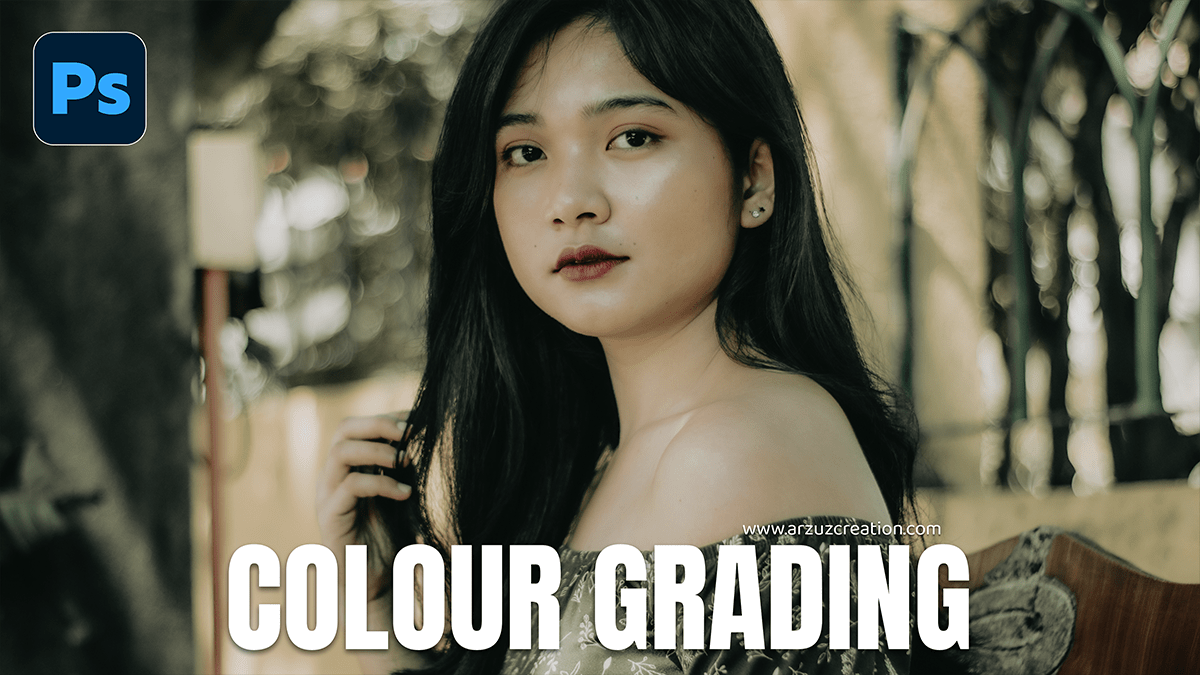
Photoshop Photo Editing: Color Grade in Photoshop 2024

Photoshop Photo Editing: How to Color Grade in Photoshop 2024,

Color grading in Photoshop 2024 allows you to enhance the mood and style of your photos by adjusting colors in highlights, shadows, and midtones. Here’s a step-by-step guide to get you started with color grading.

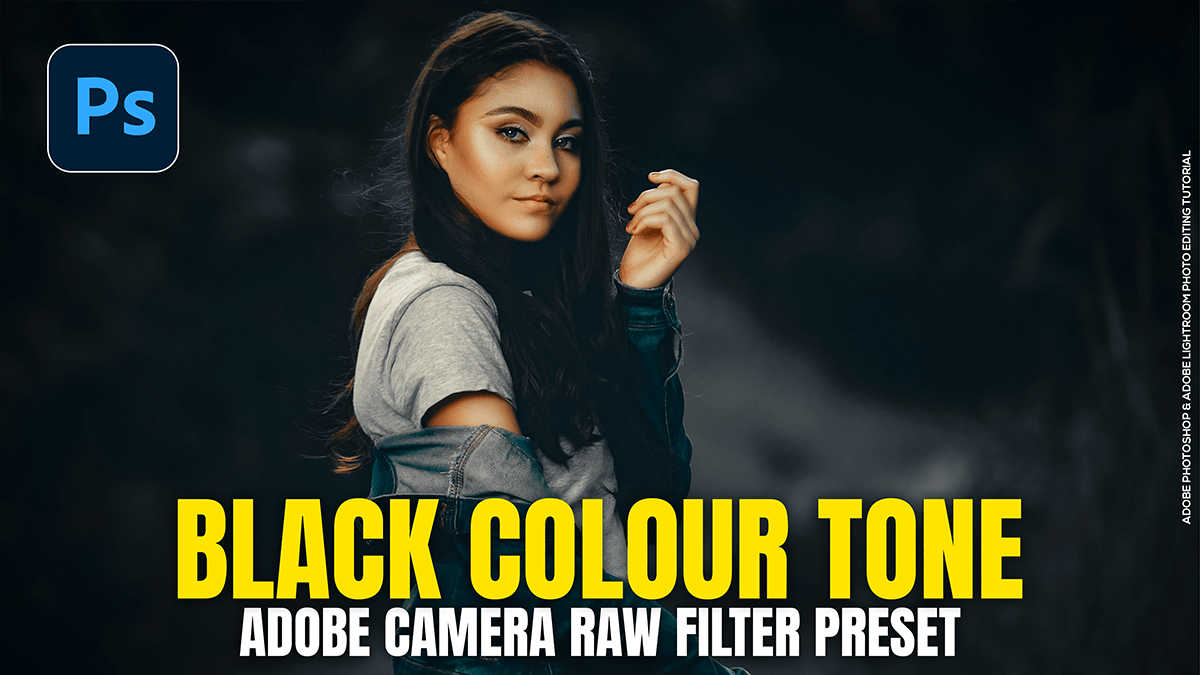
Create an Outdoor Portrait Black Colour Tone in Adobe Photoshop

Create an Outdoor Portrait Black Colour Tone in Adobe Photoshop,

Creating a “Black Tone” or “Moody Dark” look in Adobe Photoshop’s Camera Raw Filter involves desaturating distracting colors, crushing the blacks, and shifting greens toward a deeper, more atmospheric hue. This look is popular for outdoor portraits because it makes the subject pop against a dark, cinematic background.

Orange and Teal: Colour Grading Camera Raw Filter Presets

Orange and Teal Colour Grading Camera Raw Filter Presets,

Creating an Orange and Teal look (the “Cinematic” look) is a classic color grading technique that relies on color contrast. Because orange and teal are complementary (opposite on the color wheel), they make subjects pop, especially skin tones.

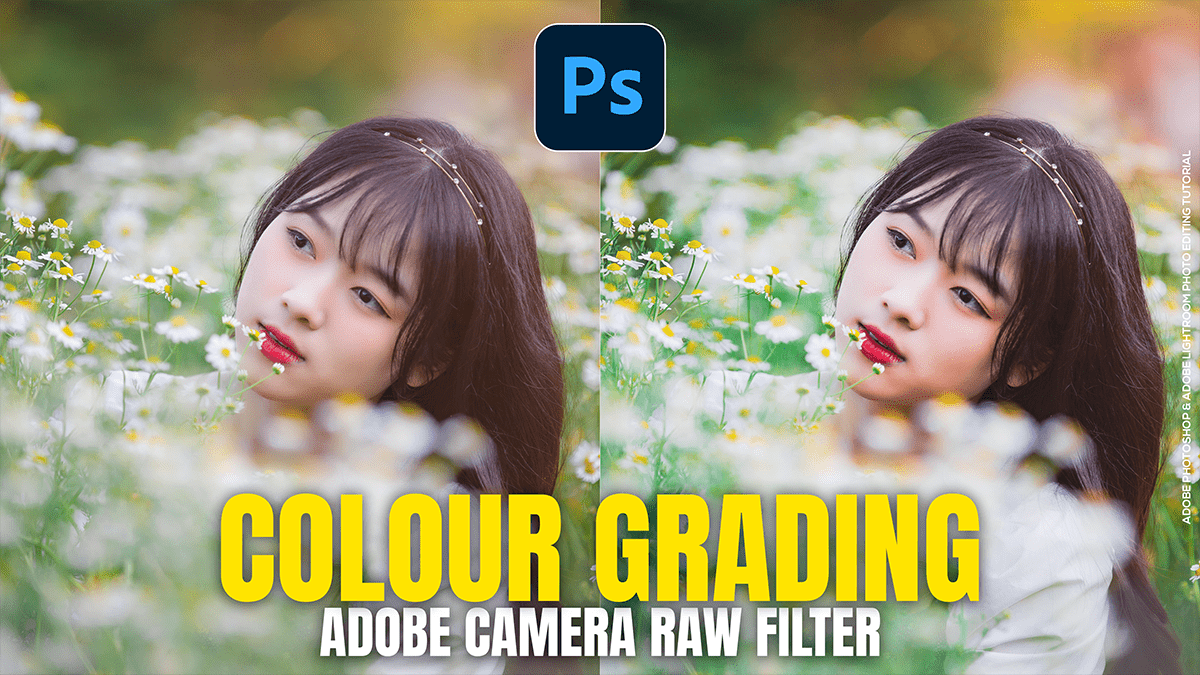
Colour Grading in Adobe Camera Raw Filter 18.1.1

Colour Grading in Adobe Camera Raw Filter 18.1.1,

Color grading in Adobe Camera Raw (ACR) is a powerful way to transform the mood of your photos. While “color correction” fixes the white balance and exposure, “color grading” is where you add your creative style.

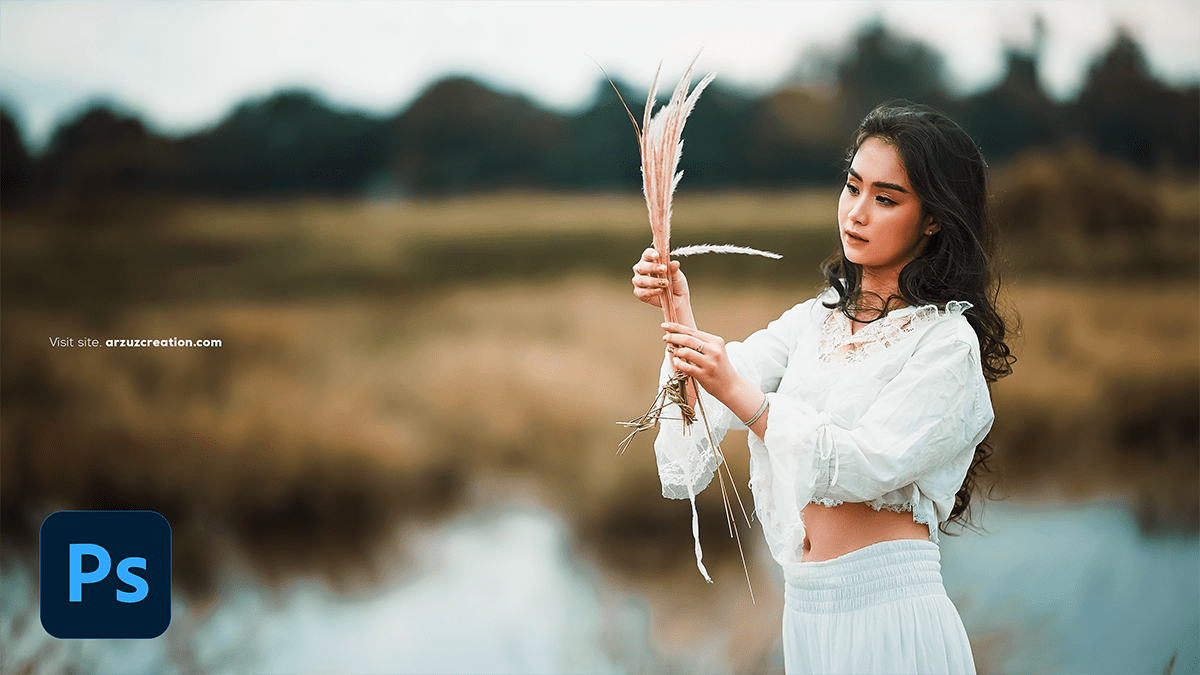
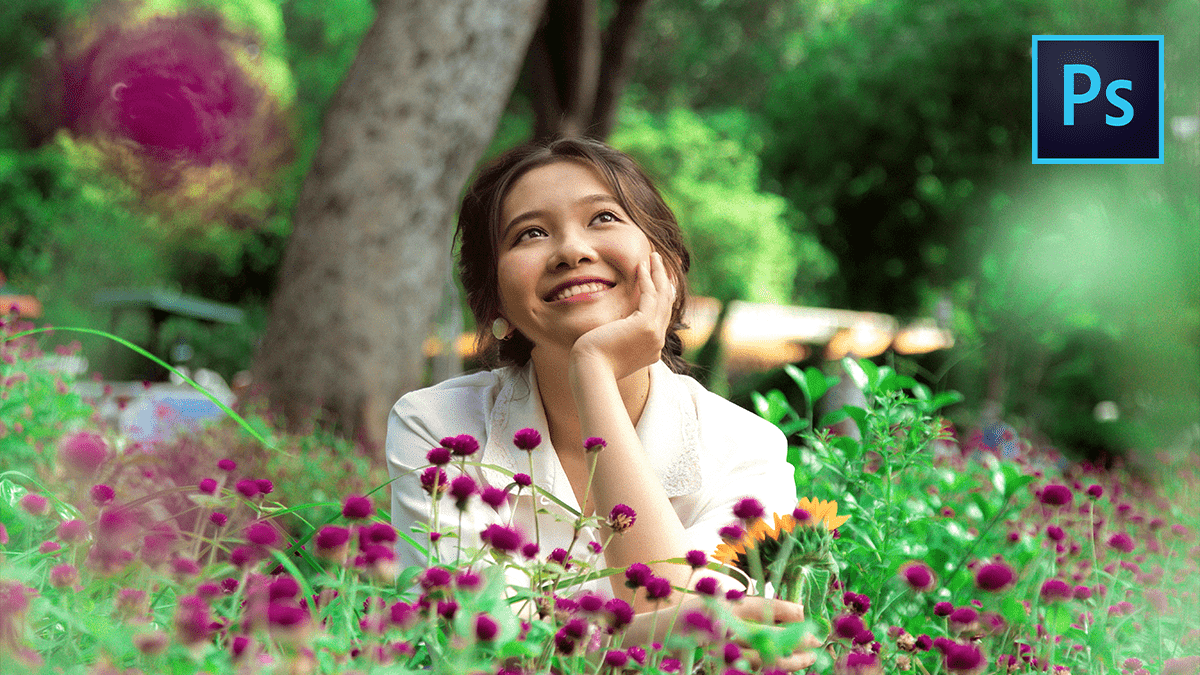
Adobe Photoshop 2026 Photo Filter Using Outdoor Photo Editing

Adobe Photoshop 2026 Photo Filter Using Outdoor Photo Editing,

In Adobe Photoshop 2026, outdoor photo editing has been transformed by a deeper integration of AI. While traditional filters still exist, the “2026 workflow” prioritizes Neural Filters and Generative AI to handle complex environmental changes like lighting, season, and object removal.

Adobe Photoshop 2026: Colour Mixer Photo Editing Tutorial

Adobe Photoshop 2026 Colour Mixer Photo Editing Tutorial,

In Adobe Photoshop 2026, the traditional “Color Mixer” concept has evolved into several powerful new tools and AI-driven features. Whether you are looking for the new Color and Vibrance adjustment layer or the AI-powered Harmonize tool, the 2026 update focuses on making color grading more intuitive.

Adobe Photoshop 2026 Selective Colour Photo Editing Tutorial

Adobe Photoshop 2026 Selective Colour Photo Editing Tutorial,

In Adobe Photoshop 2026, “Selective Color” editing has evolved from a single tool into a suite of AI-powered workflows and new adjustment layers. Whether you want to perform professional color grading (CMYK-style) or isolate a single object’s color, the 2026 update provides more precise control.

Adobe Photoshop 2026 Colour Lookup Table Photo Editing

Adobe Photoshop 2026 Colour Lookup Table Photo Editing,

In Adobe Photoshop 2026, Color Lookup Tables (LUTs) remain one of the most powerful ways to achieve professional color grading with a single click. While the core “Color Lookup” tool is a classic feature, the 2026 update introduces new AI-driven adjustment layers that complement LUT workflows perfectly.

Adobe Photoshop 2026 Professional Photo Editing Tutorial

Adobe Photoshop 2026 Professional Photo Editing Tutorial,

Adobe Photoshop 2026 has arrived with a heavy focus on “Creative Contextual Intelligence” and deeper integration of third-party AI models. For professional editors, the biggest shifts are the move toward local (on-device) AI processing and a new “Agentic” workflow that uses natural language to perform complex tasks.

Adobe Photoshop 2026: Skin Retouching Tutorial For Beginners

Adobe Photoshop 2026: Skin Retouching Tutorial For Beginners,

In 2026, skin retouching in Photoshop has shifted heavily toward AI-automated workflows, though professional “Frequency Separation” remains the gold standard for high-end results.

The current landscape for Photoshop 2026 (Version 27.x) includes powerful built-in AI filters, though some users have noted technical bugs in early 2026 releases that require specific updates to fix.

Adobe Photoshop 2026: High-End Skin Retouching Tutorial

Adobe Photoshop 2026: High-End Skin Retouching Tutorial,

In 2026, high-end skin retouching in Photoshop has evolved into a hybrid workflow that blends classic manual precision with powerful AI-driven tools. The goal remains “perfect but real”—retaining natural skin pores and texture while removing distractions and balancing tones.

Adobe Photoshop 2026 Exposure Using Outdoor Photo Editing

Adobe Photoshop 2026 Exposure Using Outdoor Photo Editing,

In Adobe Photoshop 2026, exposure editing for outdoor photography has become more intuitive, thanks to a mix of classic precision tools and new AI-driven features. Whether you’re trying to save a blown-out sky or brighten a subject in a shadow, the 2026 version offers several powerful workflows.

Adobe Photoshop 2026 Gradient Using Outdoor Photo Editing

Adobe Photoshop 2026 Gradient Using Outdoor Photo Editing,

In Adobe Photoshop 2026, the Gradient Tool has become one of the most powerful features for outdoor and landscape photography. The modern “Live” Gradient Tool allows you to adjust colors, opacity, and positioning directly on the canvas with non-destructive controls.

Adobe Photoshop 2026 Curves Using Outdoor Photo Editing

Adobe Photoshop 2026 Curves Using Outdoor Photo Editing,

In Adobe Photoshop 2026, the Curves tool remains the most powerful way to manipulate light and color in outdoor photography. While the core math of Curves is consistent, the 2026 version benefits from improved UI feedback and better integration with AI-driven masking.

Outdoor Photo Editing Using Photoshop Colour Balance Tool

Outdoor Photo Editing Using Photoshop Colour Balance Tool,

Editing outdoor photos using the Color Balance tool in Photoshop is one of the most effective ways to correct lighting inconsistencies or add a creative mood (like a “Golden Hour” glow) to your landscapes and portraits.

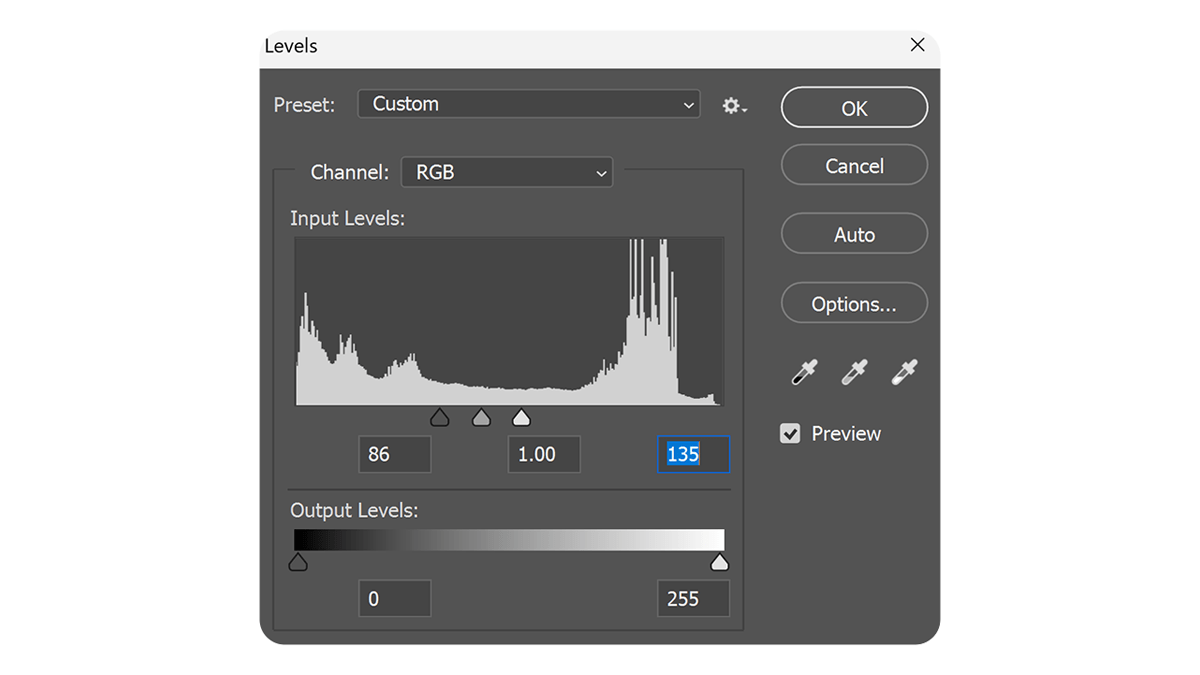
Adobe Photoshop 2026: Levels Using Outdoor Photo Editing

Adobe Photoshop 2026: Levels Using Outdoor Photo Editing,

Using the Levels tool is one of the most effective ways to fix exposure, add “pop,” and correct color in outdoor photography. Because outdoor lighting is often unpredictable—ranging from harsh midday sun to flat, overcast skies—Levels provides the precision needed to balance the histogram.

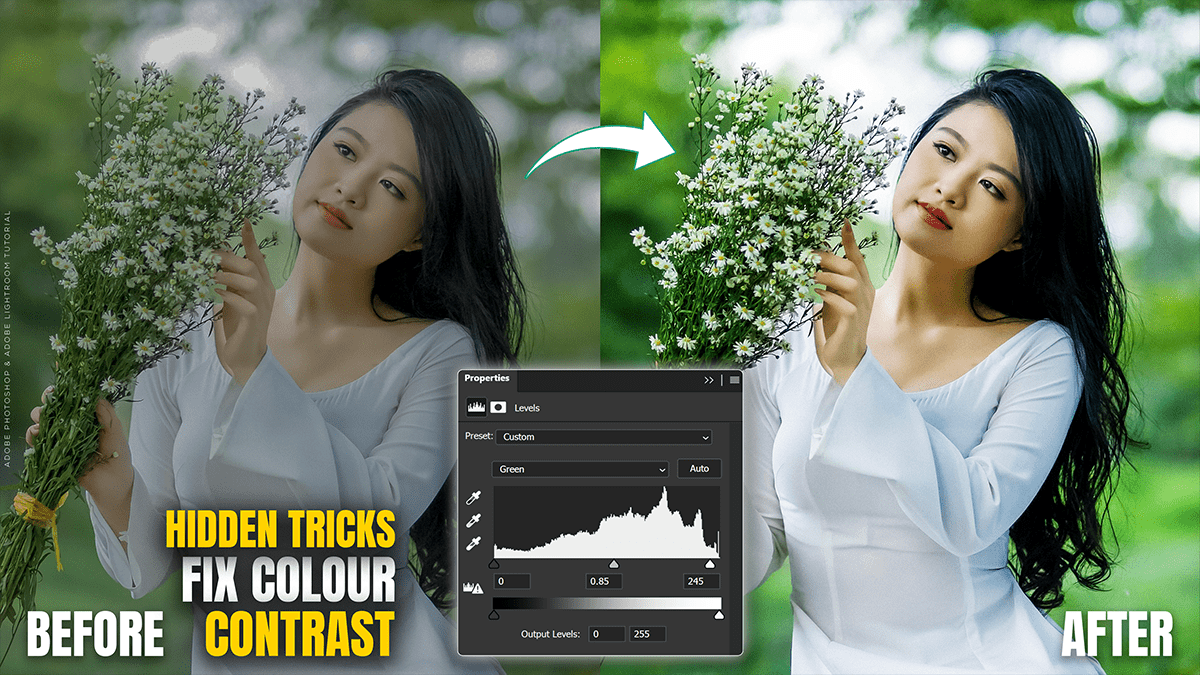
Fix Colour and Vibrance Photoshop Adjustment Layer 2026

Fix Colour and Vibrance Photoshop Adjustment Layer 2026,

To adjust color and vibrance in Photoshop, always use Adjustment Layers. Unlike standard image adjustments, these are “non-destructive,” meaning they live on a separate layer and can be toggled on/off or adjusted at any time without damaging your original pixels.

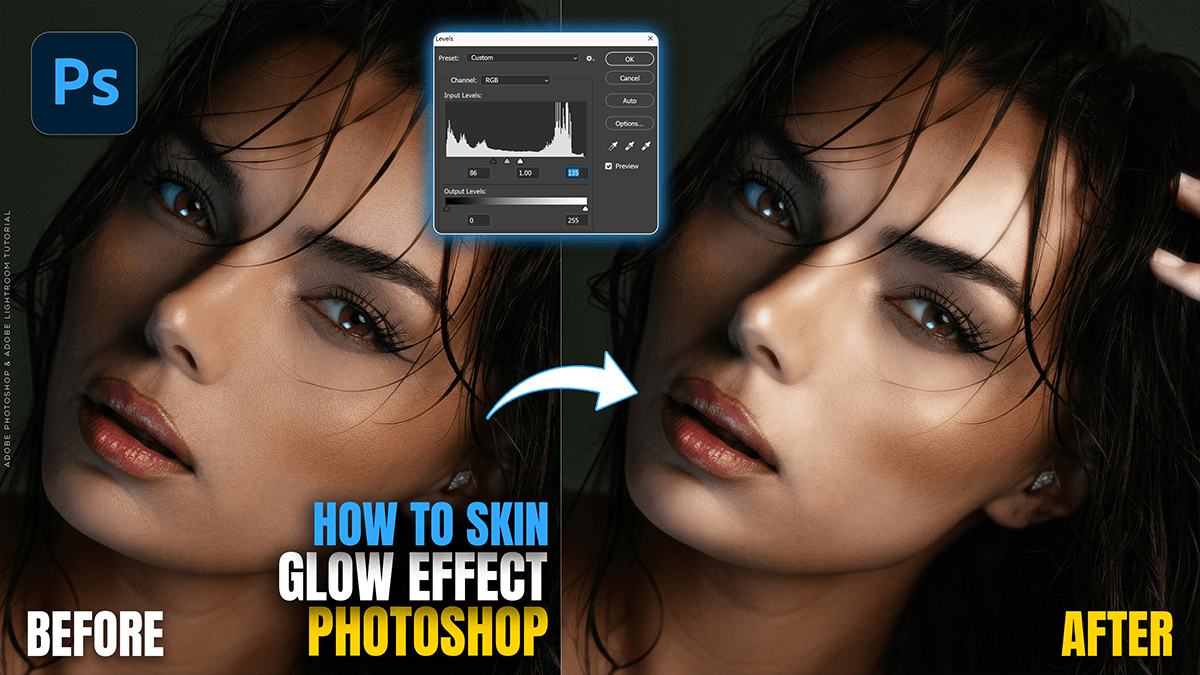
Create Skin Glow Effect in Adobe Photoshop 2026

Create Skin Glow Effect in Adobe Photoshop 2026,

In Photoshop 2026, creating a professional skin glow effect has evolved into a mix of classic manual techniques and new, highly sophisticated AI-driven tools like Nano Banana and Generative Upscale.

Gemma 4 AI: Google’s Latest Generation of open-weight AI Models

Gemma 4 AI: Google’s Latest Generation of open-weight AI Models,

Just released on April 2, 2026, Gemma 4 is Google’s latest generation of open-weight AI models. Built on the research behind Gemini 3, this family is designed specifically for “agentic” workflows—meaning it’s built to not just chat, but to reason, use tools, and follow multi-step plans.

Gemma 4: A New Generation of Open-Weight Models

Gemma 4: A New Generation of Open-Weight Models,

Google recently launched Gemma 4 (April 2, 2026), a new generation of open-weight models built on the same research as Gemini 3. It is designed to be highly efficient, running on everything from high-end cloud GPUs to mobile phones and IoT devices.

Adobe Photoshop 2026 (V27.0) New Update Features

Adobe Photoshop 2026 (V27.0) New Update Features,

The Adobe Photoshop 2026 (v27.0) update, unveiled at Adobe MAX in late 2025, represents a major shift toward “agentic” AI and multi-model flexibility. Rather than relying solely on Adobe’s Firefly, Photoshop now integrates third-party AI models and focuses on making complex compositing a one-click process.

Redmi A7 Pro with Massive 6000mAh Battery and 120 Hz Display

Redmi A7 Pro with Massive 6000mAh Battery and 120 Hz Display,

The Redmi A7 Pro was officially launched in global markets on April 1, 2026. It represents a “Pro” expansion of Xiaomi’s budget-friendly A-series, focusing on a larger display and extended battery life.

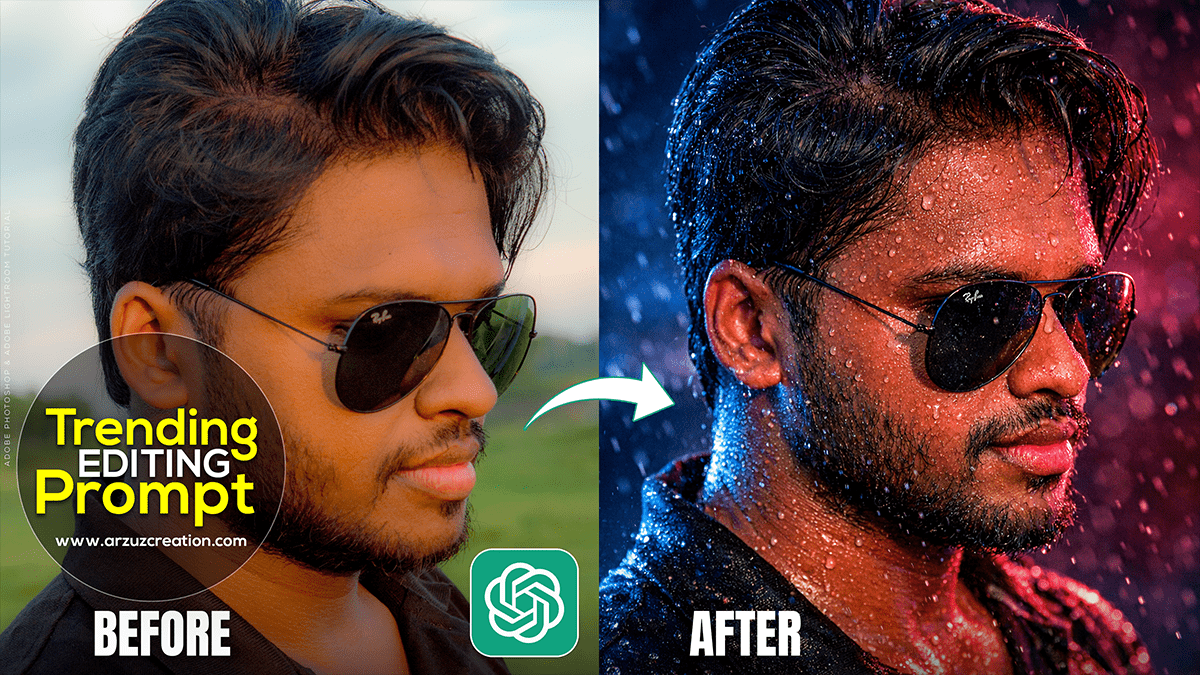
ChatGPT Trending Photo Editing Prompt 2026

ChatGPT Trending Photo Editing Prompt 2026,

In 2026, ChatGPT photo editing has moved beyond simple filters. With the integration of DALL-E 3 and the ChatGPT Image Editor, users are creating highly stylized, “vibe-focused” edits.

Cinematic Effect: Adobe Camera Raw Filter 2026

Cinematic Effect: Adobe Camera Raw Filter 2026,

Creating a cinematic look in Photoshop using the Camera Raw Filter is all about controlling the mood through color grading and lighting contrast. The goal is to mimic the look of movie film—often characterized by “Teal and Orange” tones, deep shadows, and subtle grain.

Colour Grading: Adobe Camera Raw Filter 2026

Colour Grading: Adobe Camera Raw Filter 2026,

Therefore, Color grading an outdoor portrait in Camera Raw (or Lightroom) is all about balancing the natural light with the mood you want to evoke. Whether you’re going for a warm “Golden Hour” look or a moody, cool cinematic vibe, the process follows a specific hierarchy.