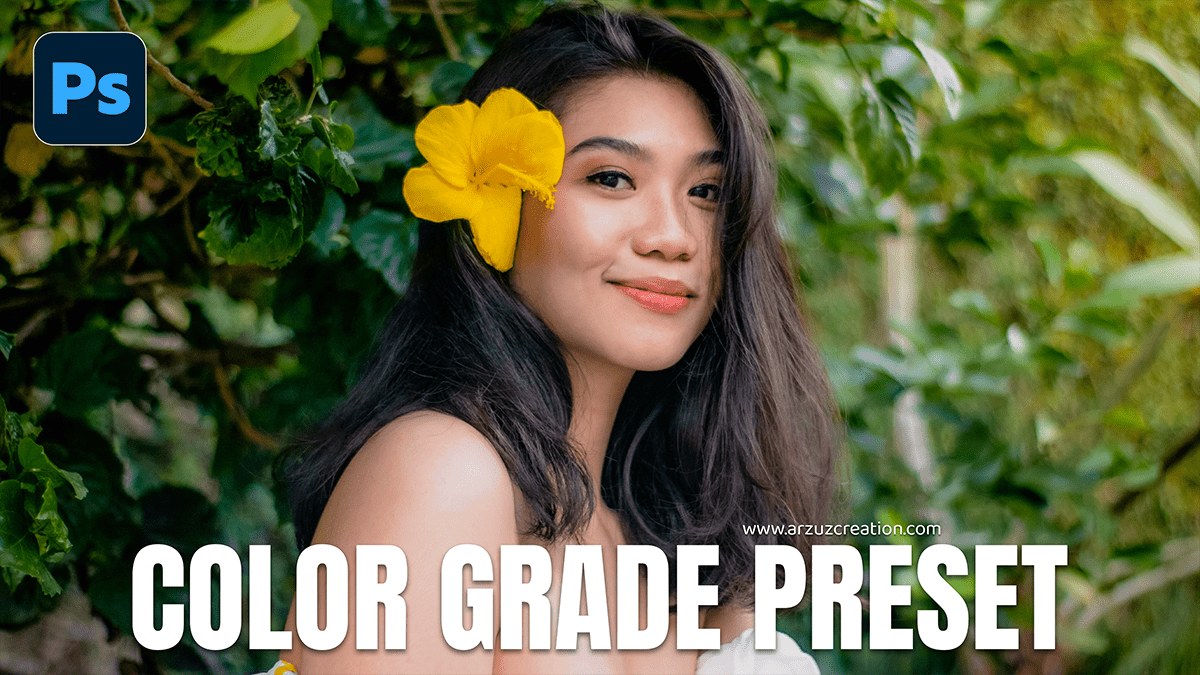
Adobe Photoshop 2026: Color Grade in Photoshop Camera Raw,

Therefore, Color grading is the creative process of applying a specific “look” or mood to your image after you have finished basic color correction (fixing white balance and exposure). In Photoshop, there are several ways to do this, ranging from beginner-friendly tools to professional-grade panels.
Adobe Photoshop 2026: Color Grade in Photoshop Camera Raw,
1. The Pro Way: Camera Raw Filter
Therefore, this is the most versatile method because it gives you dedicated color wheels, similar to what high-end colorists use in film.
Step 1: Go to Filter > Camera Raw Filter.
Method 2: In other words, open the Color Grading tab.
Step 3: Therefore, use the three wheels to inject color into specific tonal ranges:
Shadows: Add cool tones (like teal) for a cinematic look.
Midtones: In other words, adjust the overall “skin” and atmosphere.
Highlights: Add warm tones (such as orange) to simulate sunlight or a glow.
Step 4: Therefore, adjust the Blending and Balance sliders below the wheels to control how smoothly the colors transition into each other.
Adobe Photoshop 2026: Color Grade in Photoshop Camera Raw,
2. The Artistic Way: Gradient Maps
In other words, Gradient Maps are powerful because they replace the existing colors of your image with a custom gradient based on brightness.
Step 1: In other words, click the New Adjustment Layer icon (half-filled circle) and select Gradient Map.
Method 2: Click the gradient bar to open the editor.
Step 3: Set the left side (shadows) to a dark color (e.g., deep navy) and the right side (highlights) to a lighter color (e.g., soft beige or gold).
Step 4: In other words, change the Layer Blend Mode to Soft Light or Overlay and lower the Opacity to about 20–40% for a subtle, professional finish.
3. The Quick Way: Color Lookup (LUTs)
In other words, if you want an instant “movie” look, Photoshop has built-in presets called LUTs (Look-Up Tables).
Step 1: Add a Color Lookup adjustment layer.
Method 2: In the Properties panel, click the 3DLUT File dropdown.
Step 3: Try presets like “Crisp_Warm,” “LateSunset,” or “TealOrange.”
Step 4: Adjust the layer opacity to find the right intensity.
Adobe Photoshop 2026: Color Grade in Photoshop Camera Raw,
Summary Checklist for a Better Grade
| Tool | Best Used For |
| Selective Color | Tweaking specific colors (e.g., making just the greens more “foresty”). |
| Curves | Adding color via the Red, Green, and Blue channels for custom tints. |
| Hue/Saturation | Desaturating the image to create a “moody” or “gritty” look. |
| Photo Filter | Adding a quick global warming or cooling cast. |
Pro Tip: In other words, Always convert your image layer into a Smart Object (Right-click layer > Convert to Smart Object) before starting. This allows you to go back and change your Camera Raw settings at any time without losing quality.
Would you like me to walk you through a specific style, like a “Cinematic Teal and Orange” or “Vintage Film” look?
