Adobe Photoshop AI: Remove Photo Background
Adobe Photoshop AI: Remove Photo Background,
Therefore, Adobe Photoshop offers a few different AI-powered ways to remove backgrounds, ranging from one-click solutions to more refined selections.
Graphic Design & Professional Photo Editing
Therefore, Adobe Photoshop 2026 has been released, with the stable desktop version being 27.0 as of the latest update. The key focus of this release is a significant push into advanced AI-powered features and greater integration with partner models.
Therefore, here are the top new and enhanced features in Photoshop 2026:
Generative Upscale with Partner Models:
The new Generative Upscale feature can increase image resolution while preserving or adding detail.
It now includes technology from Topaz Labs (specifically Topaz Gigapixel and Topaz Bloom) alongside Adobe’s Firefly Upscaler, giving users more options for high-quality upscaling.
Harmonize (Out of Beta):
This feature is now fully released and uses AI to automatically match the color, lighting, and shadows of a foreground object to a background image, making composites more realistic with a single click.
Expanded Generative Fill Models:
Generative Fill now supports partner AI models directly in the main app (no longer beta-only), including Google’s Gemini 2.5 Flash (Nano Banana) and Black Forest Labs’ FLUX.1 Kontext [pro], offering more creative variations.
Improved Select Subject and Remove Background:
Both tools have received major upgrades for better accuracy in selecting complex edges like hair and fur, and more efficient background removal.
AI Denoise and AI Sharpen:
New AI-powered tools are available for advanced noise reduction and image sharpening.
Color and Vibrance Adjustment Layer:
A new adjustment layer has been added that includes Temperature and Tint sliders, allowing for white balance and color-toning corrections directly in Photoshop, using the same algorithm as Adobe Camera Raw.
Agentic AI (Web Only Beta):
Adobe is exploring “Agentic AI” in the Photoshop Web app, where a user can ask an AI assistant to carry out complex, multi-step edits in plain language (e.g., “Remove the background from this group of photos and make them all look warmer”).
In other words, If you are interested in Photoshop Elements 2026 (the simpler, one-time purchase version), it also includes new generative AI features like Generate Image, Insert Object, and Restore Photo (for damaged photos).
Would you like a step-by-step on how to use one of the new features, like Harmonize or Generative Upscale?
However, Adobe Photoshop is the industry-standard software for professional image editing, graphic design, and digital art. It is developed and published by Adobe Inc.
In other words, The most recent desktop version is Adobe Photoshop (v26.x), which continues to integrate powerful Generative AI features (powered by Adobe Firefly) into the core editing workflow.
Here is a summary of the key aspects of Adobe Photoshop:
Generative AI Tools: In other words, Features like Generative Fill and Generative Expand allow users to add, remove, or extend content in an image using simple text prompts, intelligently matching the perspective, lighting, and style of the existing photo.
Layer-Based Editing: In other words, Its core strength is non-destructive, layer-based editing, which allows for precise control over every element, mask, adjustment, and effect in an image.
Advanced Retouching & Compositing: In other words, It provides sophisticated tools for photo retouching (healing, cloning, color correction), creating complex photo composites, and deep image manipulation.
Digital Painting & Drawing: Supports a vast array of brushes, custom brush creation, and pressure-sensitive input for digital painting and illustration.
3D & Video Support: Includes tools for basic 3D manipulation and editing short video clips/creating GIFs on a timeline.
Photoshop is primarily available through an Adobe Creative Cloud (CC) subscription. The most common options for individuals are:
| Plan Name | Includes | Monthly Cost (Annual commitment, billed monthly) |
| Photoshop Single App | Photoshop (Desktop, Web, Mobile), Adobe Express Premium, 100GB Cloud Storage, Generative Credits. | ~$22.99 / month |
| Creative Cloud Photography Plan | Photoshop + Lightroom + Lightroom Classic, 20GB or 1TB Cloud Storage, Generative Credits. | ~$9.99 / month or ~$19.99 / month |
| Creative Cloud All Apps | Photoshop + 20+ other Adobe apps (Illustrator, Premiere Pro, etc.), plus Firefly AI features. | ~$69.99 / month |
Note: Students and teachers are often eligible for a substantial discount on the Creative Cloud All Apps plan.
In other words, If you are looking for a simpler, non-subscription version, you might consider Adobe Photoshop Elements, which is a one-time purchase with basic photo editing and organization features.
Do you have a specific task in mind, like photo retouching, graphic design, or digital painting, that I can help you with related to Photoshop?
Adobe Photoshop AI: Remove Photo Background,
Therefore, Adobe Photoshop offers a few different AI-powered ways to remove backgrounds, ranging from one-click solutions to more refined selections.
Cinematic Effect: Adobe Camera Raw Filter 2026,
Creating a cinematic look in Photoshop using the Camera Raw Filter is all about controlling the mood through color grading and lighting contrast. The goal is to mimic the look of movie film—often characterized by “Teal and Orange” tones, deep shadows, and subtle grain.
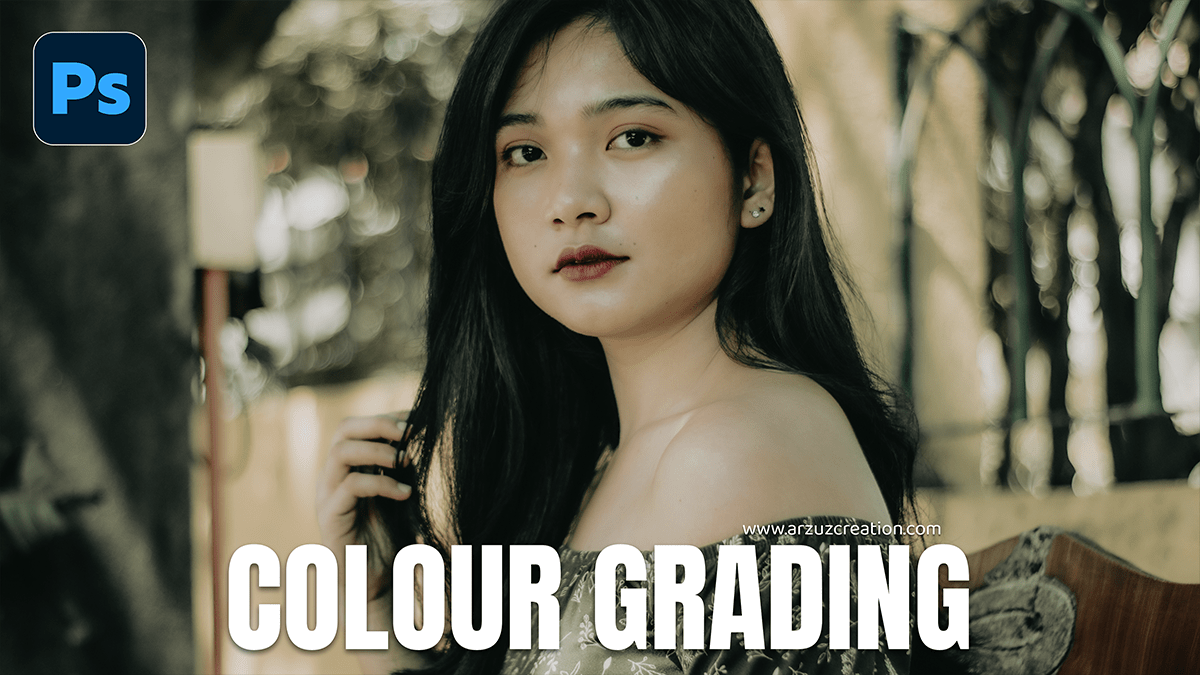
Colour Grading: Adobe Camera Raw Filter 2026,
Therefore, Color grading an outdoor portrait in Camera Raw (or Lightroom) is all about balancing the natural light with the mood you want to evoke. Whether you’re going for a warm “Golden Hour” look or a moody, cool cinematic vibe, the process follows a specific hierarchy.
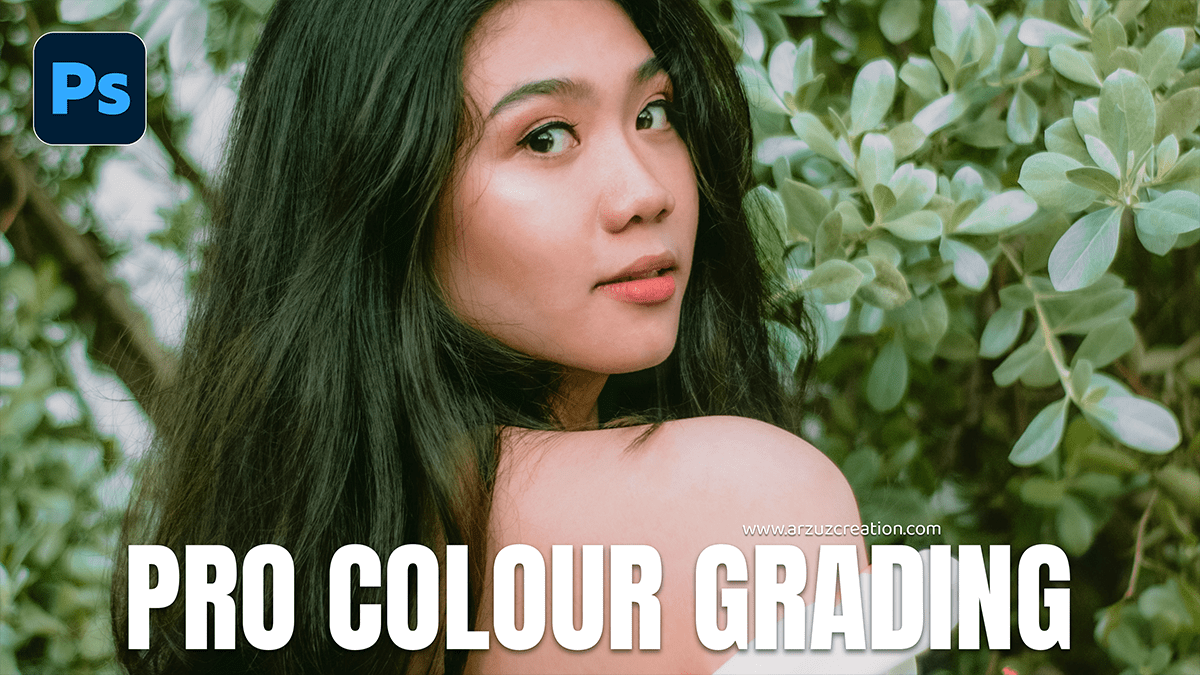
Pro Colour Grading: Adobe Photoshop Camera Raw Filter 2026,
Color grading an outdoor portrait in Camera Raw is all about balancing the natural light with the mood you want to create. Whether you’re going for a warm “Golden Hour” look or a moody, cool cinematic vibe, here is a professional workflow to get it done.
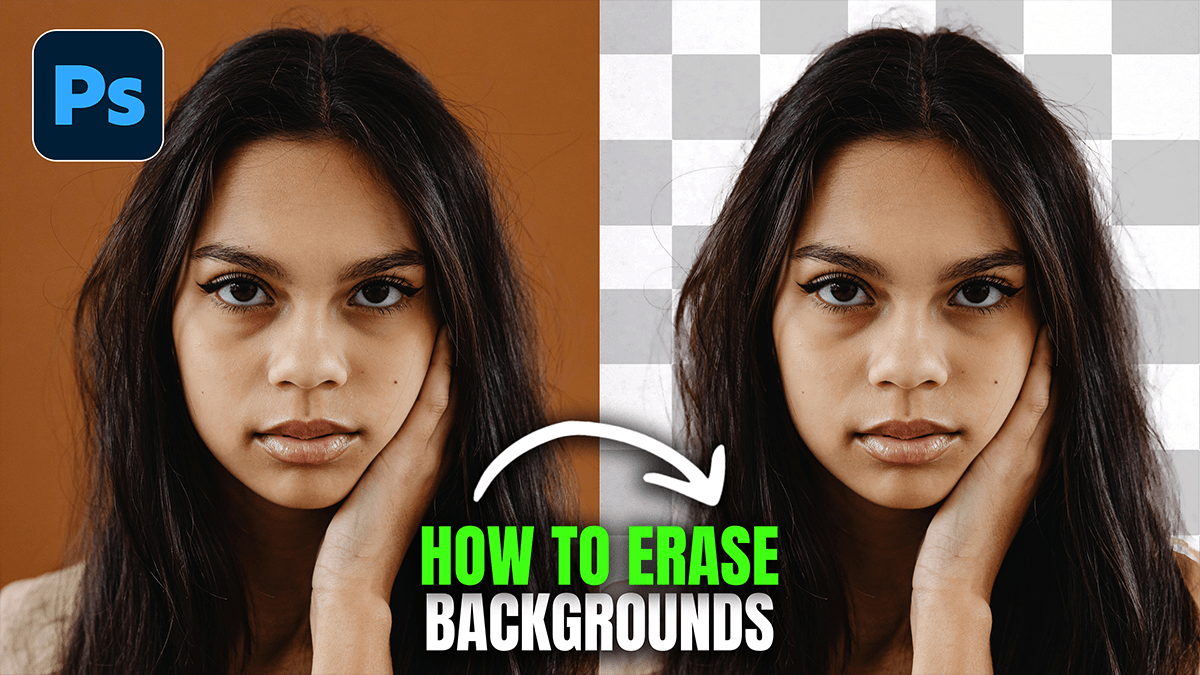
Remove Photo Background Object in Adobe Photoshop 2026,
Removing objects in Photoshop has become significantly easier with the introduction of AI-powered tools like Generative Fill and the Remove Tool. Depending on the complexity of your background, you can choose between a fully automated approach or a more manual, precise method.
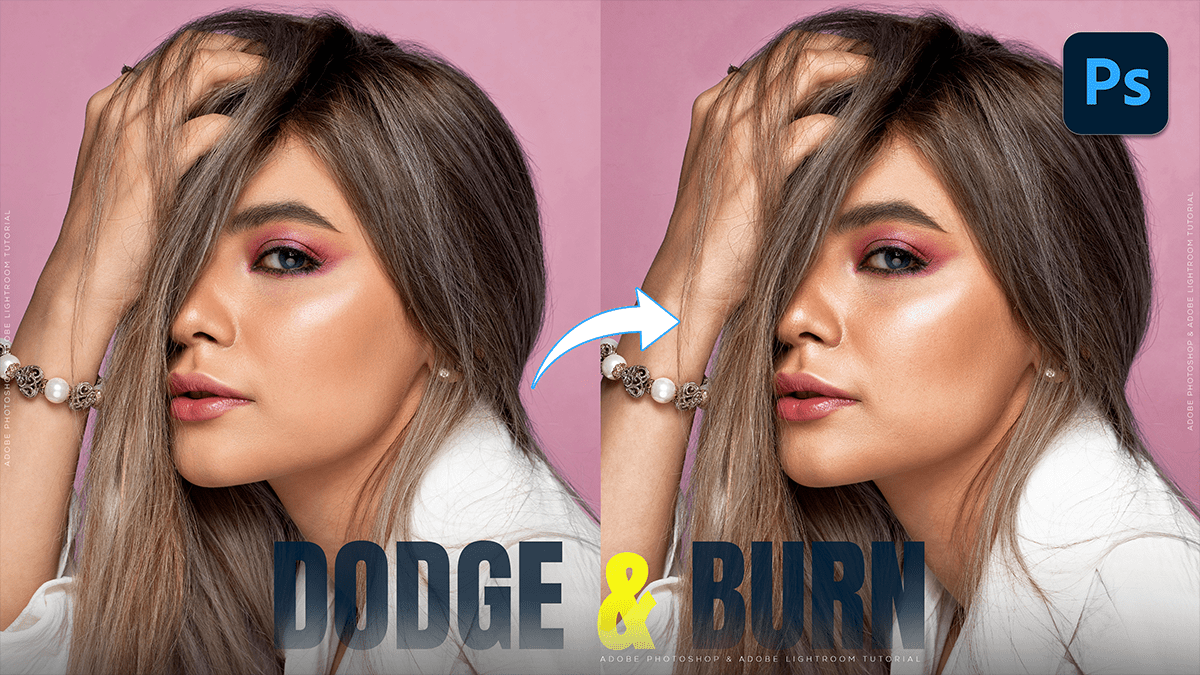
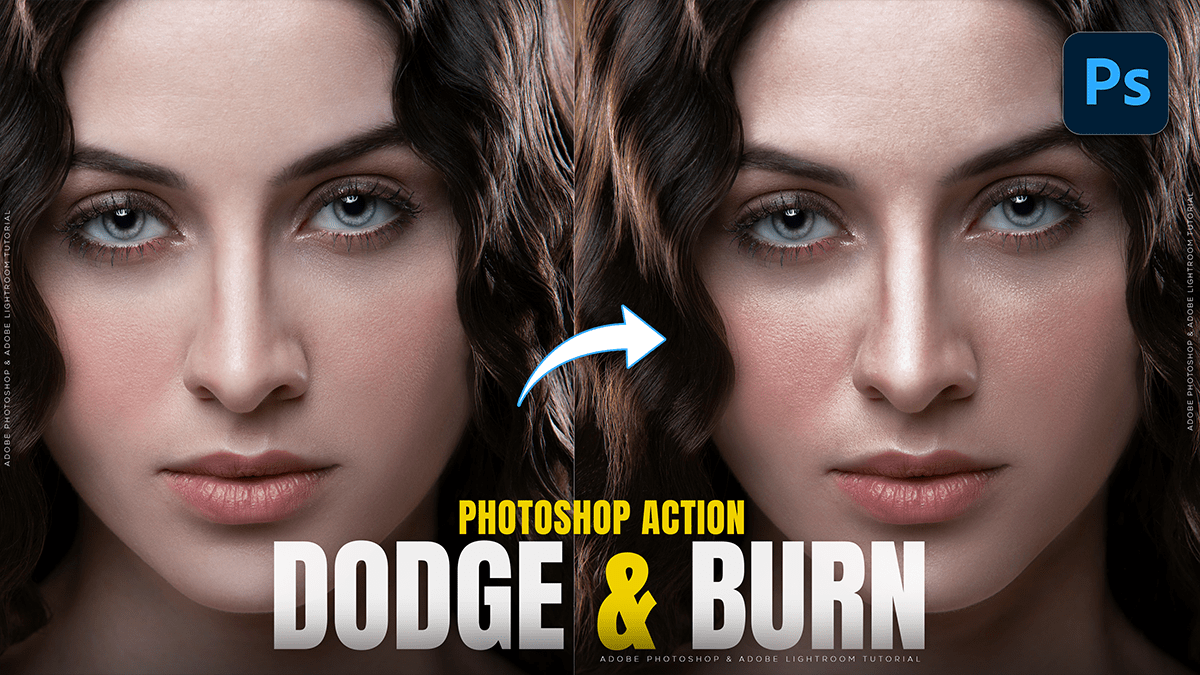
Dodge and Burn: Using Photoshop Levels Adjustment Layer 2026,
Using Levels Adjustment Layers for dodging and burning is a professional, non-destructive alternative to the standard Dodge and Burn tools. This method allows you to change the intensity of your edits at any time without damaging the original pixels.
Adobe Photoshop 2026: How to Create Dodge and Burn,
In Adobe Photoshop 2026, dodging (lightening) and burning (darkening) can be done using several methods, ranging from classic tools to modern non-destructive workflows.
While the basic Dodge and Burn tools in the toolbar are easy to use, they are “destructive” because they change the pixels of your original image. For professional results, most editors prefer non-destructive methods using layers.
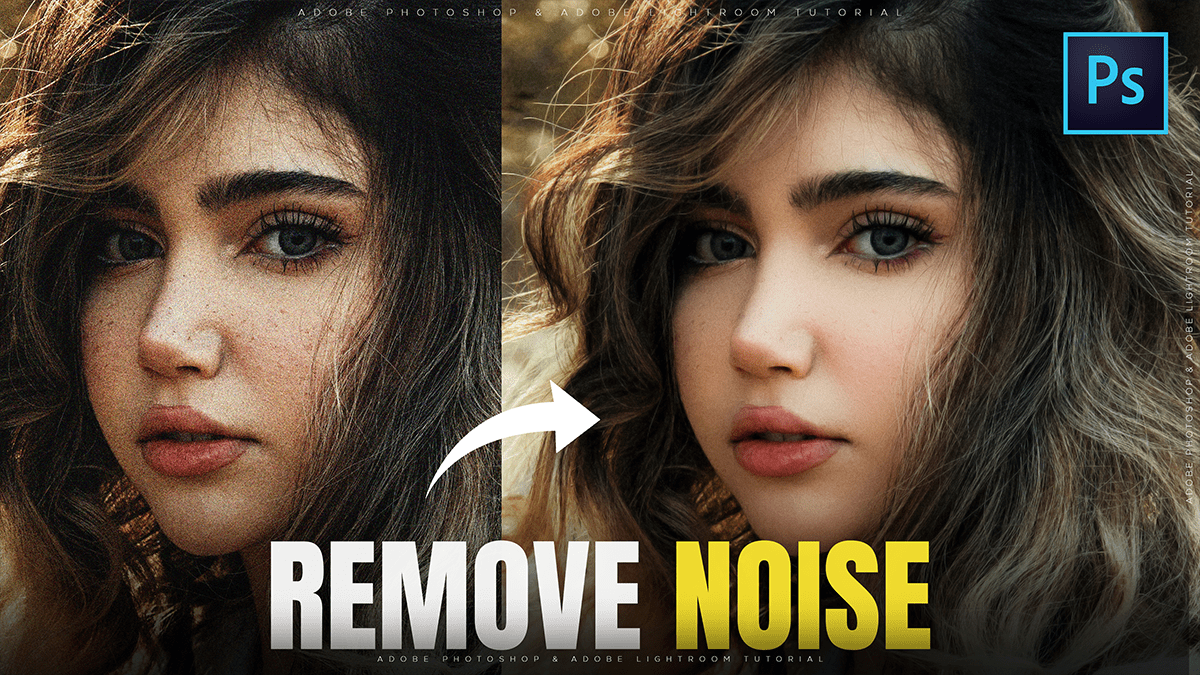
Remove Image Noise in Adobe Photoshop 2026,
In Adobe Photoshop 2026, noise reduction has moved beyond simple sliders to more sophisticated AI-driven processes. Depending on whether you are working with a RAW file or a standard layer (JPEG/PNG), you have several powerful options.
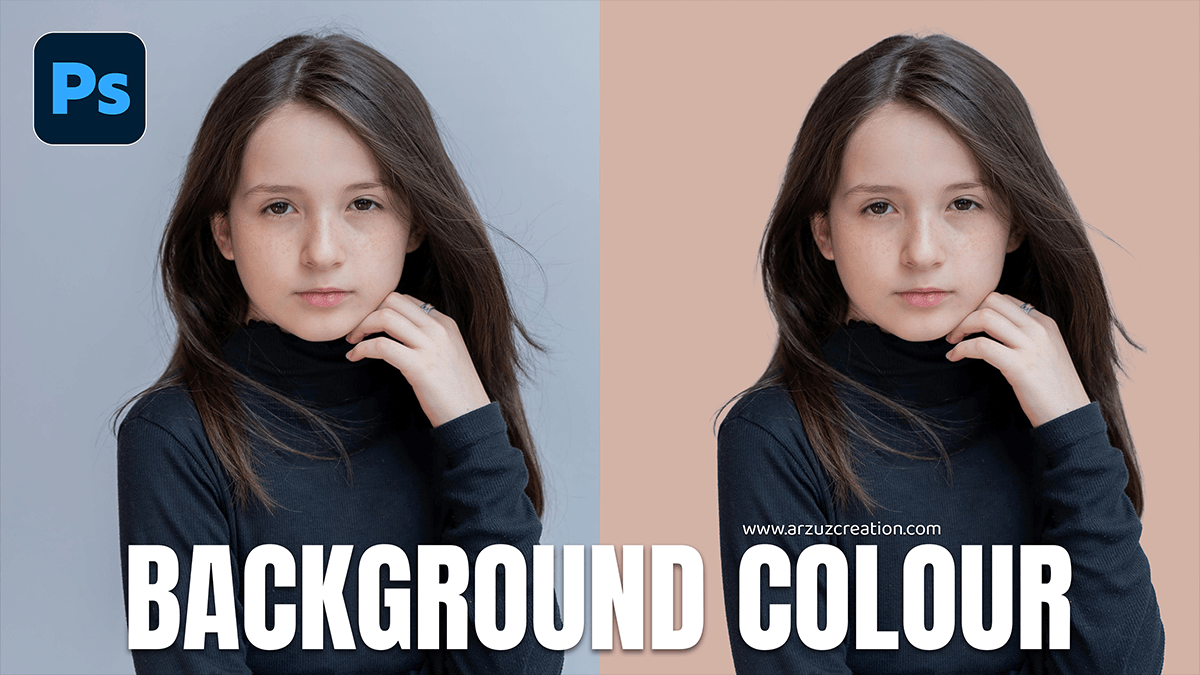
How to Give Background Color in Adobe Photoshop 2026,
Changing a background color in Photoshop is a fundamental skill, and the “best” way to do it depends on whether you are starting a fresh project or editing an existing photo.
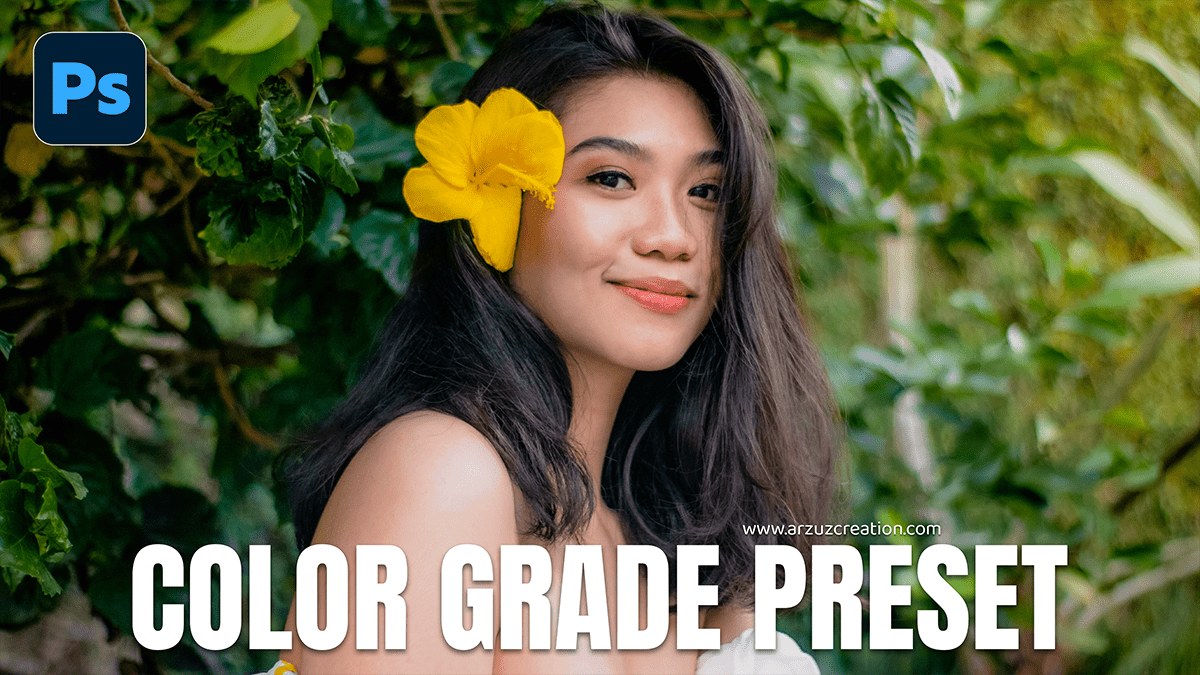
Adobe Photoshop 2026: Color Grade in Photoshop Camera Raw,
Color grading is the creative process of applying a specific “look” or mood to your image after you have finished basic color correction (fixing white balance and exposure). In Photoshop, there are several ways to do this, ranging from beginner-friendly tools to professional-grade panels.
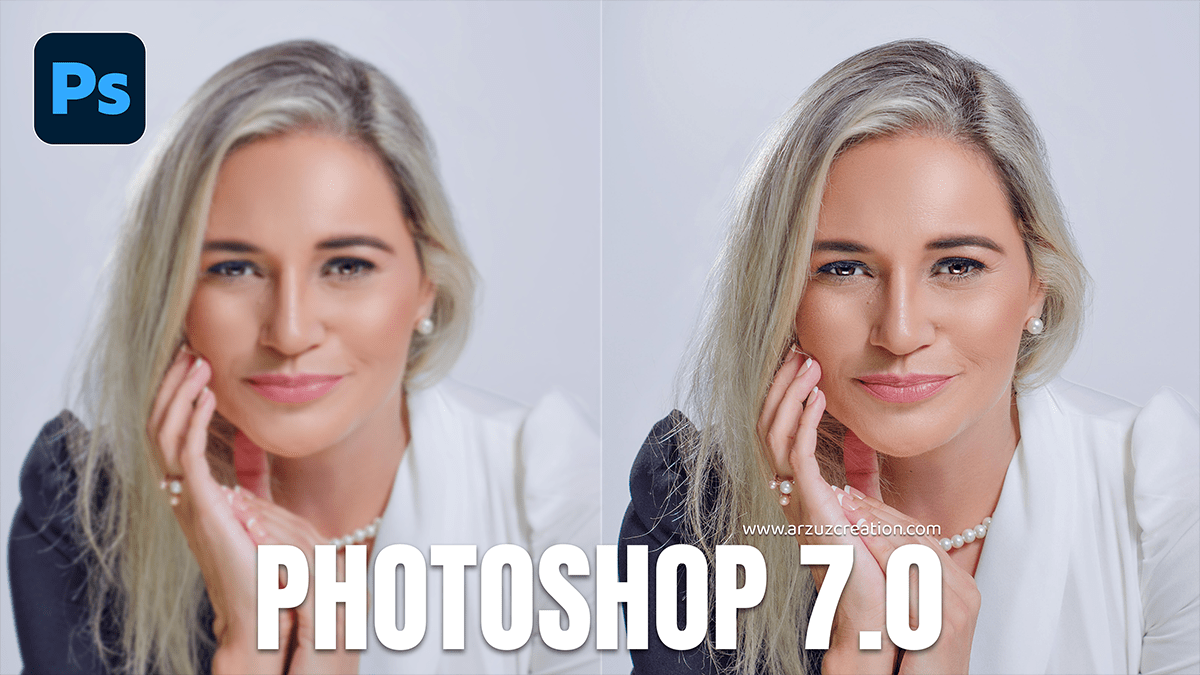
How to Increase Photo Quality in Photoshop 7.0,
While Photoshop 7.0 (released in 2002) lacks the AI “Super Resolution” and “Preserve Details 2.0” found in modern versions, you can still significantly improve image quality using manual techniques like Bicubic interpolation, Unsharp Mask, and High Pass sharpening.
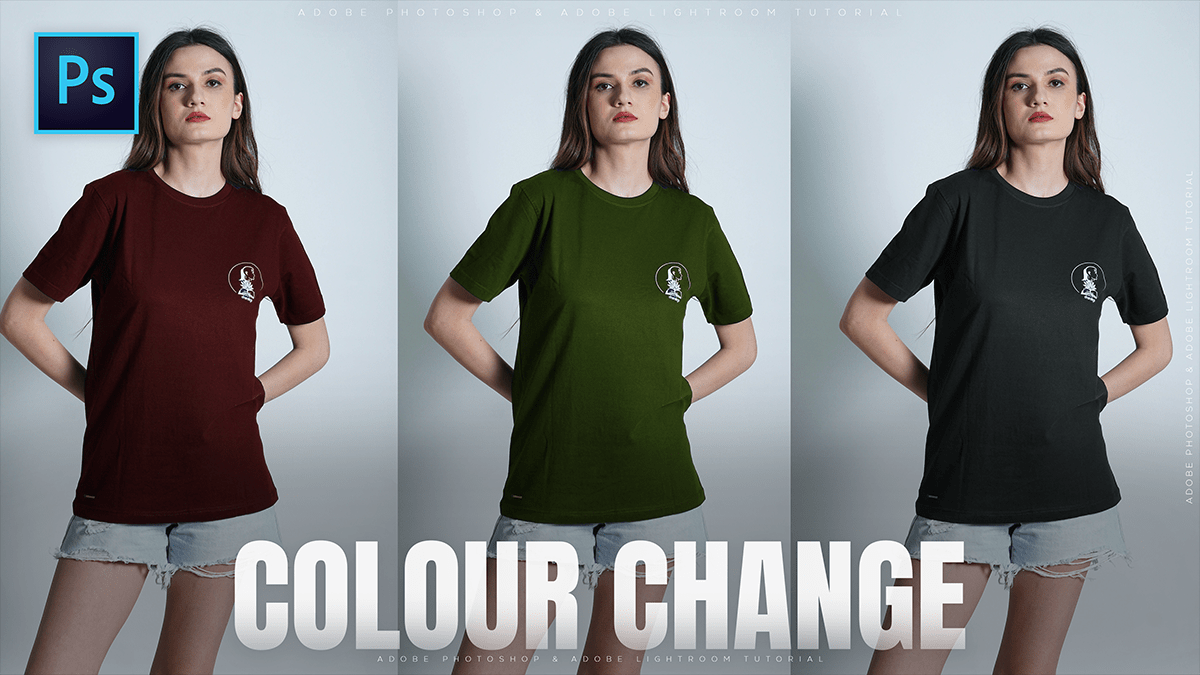
How to Change the Color of a Shirt in Photoshop 2026,
Changing the color of a shirt in Photoshop can be done in several ways, depending on the complexity of the original color. Here are the three most effective methods.
Instagram Trending Photo Editing in Adobe Photoshop 2026,
Instagram editing in 2026 is a blend of “Old World” nostalgia (film textures, vintage grain) and “New World” AI-driven perfection (clean aesthetics, generative backgrounds).
Adobe Photoshop Professional Cinematic Colour Grading Tutorial,
Achieving a professional “cinematic” look in Adobe Photoshop is most effectively done using the Camera Raw Filter. This tool allows you to manipulate light and color with the same precision as a professional film colorist.
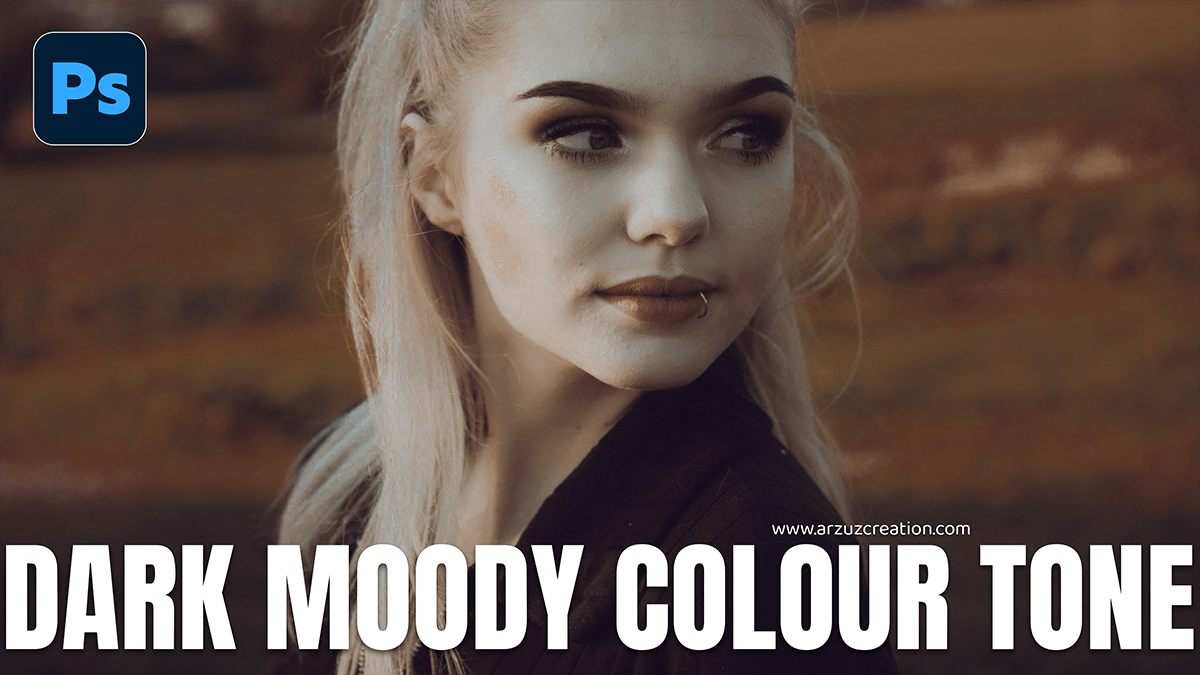
Adobe Photoshop 2026: Dark Moody Colour Grading Camera Raw,
Creating a “dark and moody” look in Photoshop 2026 has become significantly more intuitive thanks to new AI-driven adjustment layers and high-fidelity generative models. This aesthetic relies on deep shadows, desaturated colors, and selective lighting to create a cinematic atmosphere.
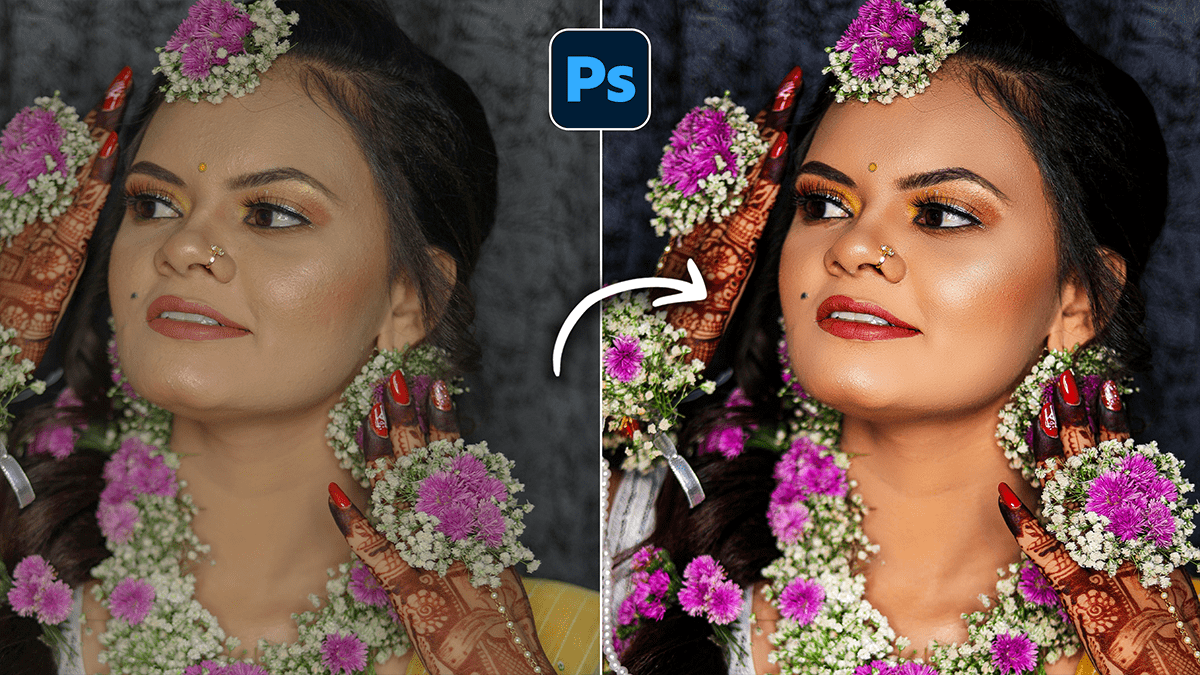
Wedding Photo Editing Workflow: Adobe Photoshop 2026,
Editing a wedding gallery in Adobe Photoshop (2026) is a high-stakes, high-volume process that relies heavily on a mix of AI automation and manual precision. For a professional workflow, Photoshop is typically the “finishing school” for your best (hero) shots, while a tool like Lightroom handles the bulk color grading.
Adobe Photoshop 2026 System Requirements,
To run Adobe Photoshop 2026 (v27.x) effectively, your system must be able to handle increasingly demanding AI features, such as Generative Fill and Neural Filters.
Cinematic: Outdoor Portraiture Cinematic Colour Tone Photoshop,
Quick Answer: Cinematic color grading in Adobe Photoshop involves using tools like adjustment layers, color lookup tables (LUTs), and gradient maps to create dramatic tones similar to those seen in films. Popular techniques include the teal-and-orange look, enhancing contrast, and fine-tuning shadows and highlights for a polished, cinematic feel.
Adobe Photoshop 2026 Hue Saturation Enhance Colours Tutorial,
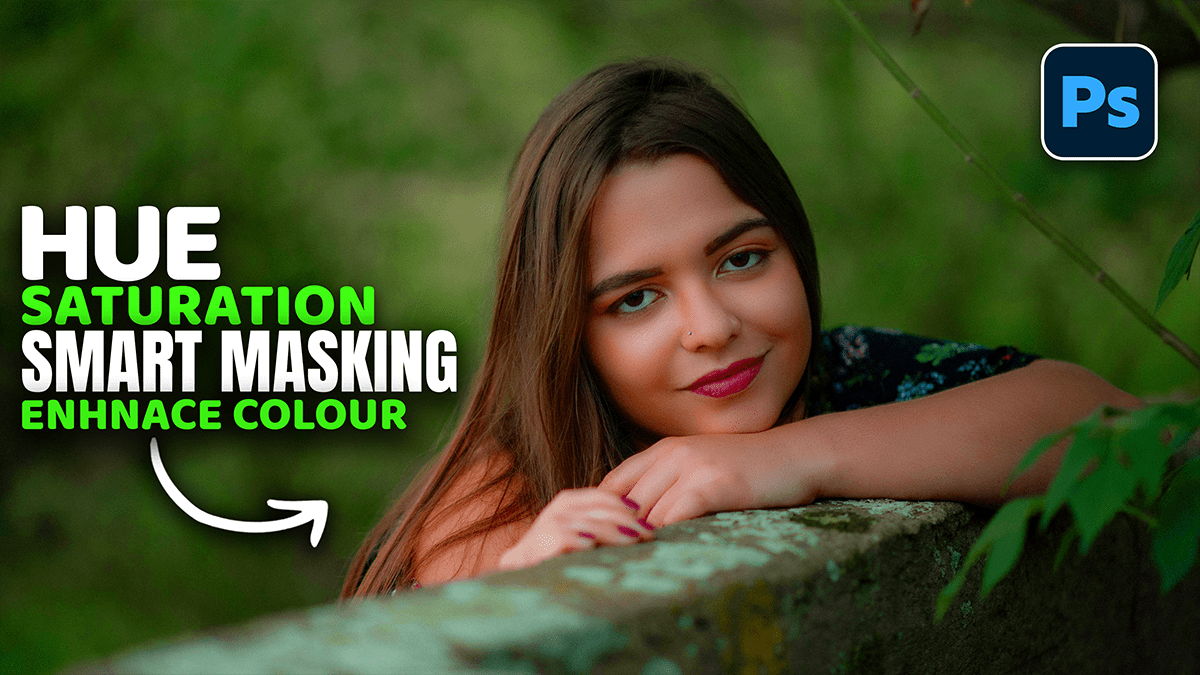
The Hue/Saturation adjustment is one of the most versatile tools in Photoshop for enhancing color, whether you want to boost the overall vibrancy or surgically target a single shade.
Adobe Photoshop 2026 Latest Version Update Features,
The March 2026 update for Adobe Photoshop (specifically looking at the early 2026 releases like v27.3/27.4) focuses on enhancing AI-driven workflows, introducing new non-destructive adjustment layers, and improving compositing tools.
Adobe Photoshop 2026 v27.4.0.15 Features Explained Beginner,
The Adobe Photoshop 2026 (v27.4.0.15) update, released in early March 2026, is primarily a performance and refinement build following the major 27.0 release. It focuses on upgrading the backend AI models and addressing stability issues reported in the previous month.
Adobe Photoshop Professional Wedding Photo Editing Presets,
In 2026, wedding photo editing has shifted away from heavy “copy-paste” presets toward AI-assisted realism. While Lightroom handles the bulk of the color work, Photoshop is now reserved for the “hero shots”—the top 5% of images that require high-end retouching for albums and prints.
Wedding Photo Editing Presets Photoshop 2026,
Professional wedding photo editing in 2026 has shifted away from heavy, “one-size-fits-all” filters toward Authentic Realism and Cinematic Storytelling. While Lightroom handles the bulk of the work, Photoshop is reserved for “Hero Shots”—the top 5% of images intended for albums or large prints.

Adobe Photoshop Useful Shortcut For Design and Editing 2026,
Twenty (20) Effective Keyboard Shortcuts for Adobe Photoshop (with Bangla Explanation) for Professional Photo Editing and Design Creation. For those who work in Photoshop – design, retouching, editing, or marketing – these shortcuts will speed up your work many times over!
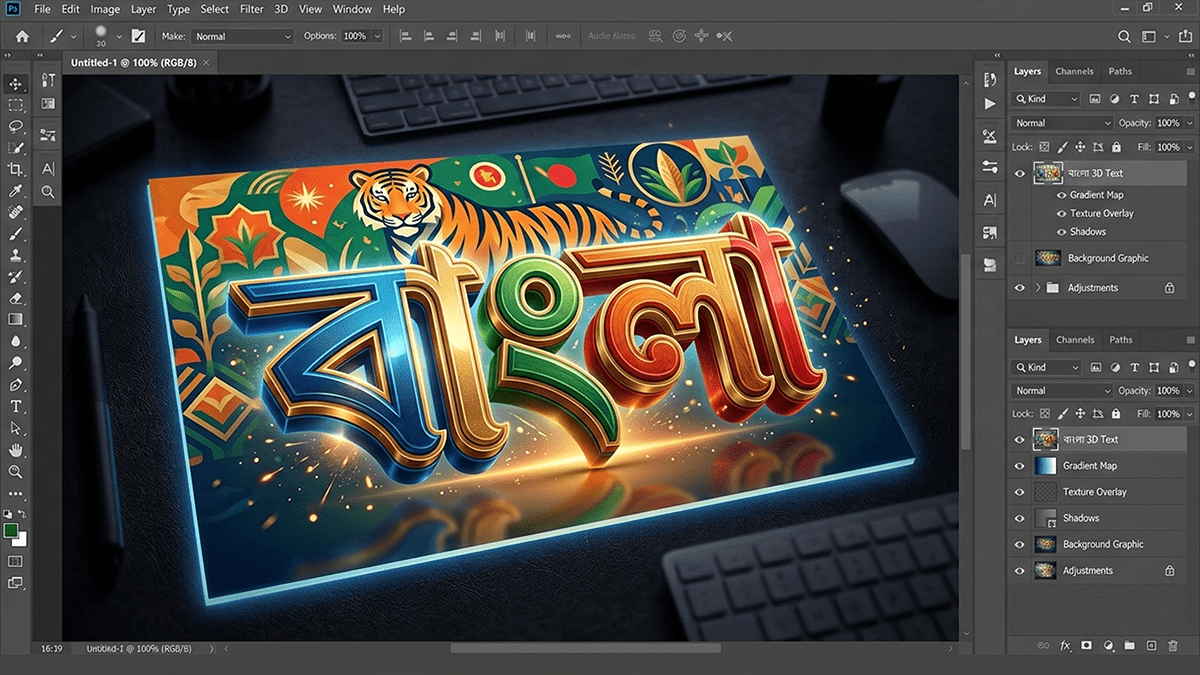
Adobe Photoshop Bengali Writing Method 2026,
Writing Bengali in Adobe Photoshop is quite straightforward, but it often requires a quick setting change to prevent the letters from “breaking” or appearing disconnected.
এডোবি ফটোশপে (Adobe Photoshop) নির্ভুলভাবে বাংলা লেখার জন্য প্রথমেই আপনার কম্পিউটারে বিজয় বায়ান্ন (Bijoy Bayanno) বা অভ্র (Avro) কিবোর্ড সচল থাকতে হবে। ফটোশপের Edit > Preferences > Type এ গিয়ে ‘Middle Eastern and South Asian’ অপশনটি বেছে নিয়ে এবং Unicode বা ANSI ফন্ট ব্যবহার করে টুলবার থেকে Type Tool (T) ব্যবহার করে বাংলা লেখা যায়।
Camera Raw Filter 18.2 February 2026 Update,
The Adobe Camera Raw (ACR) 18.2 update, released in February 2026, focuses on streamlining workflows between Photoshop and the Firefly ecosystem, while expanding file support and AI-driven cleanup tools.
Adobe Photoshop Version 27.4.0 Update Features,
Adobe Photoshop Version 27.4.0 (released in February 2026) is part of the Photoshop 2026 release cycle. This update focuses heavily on refining Generative AI workflows, enhancing on-device performance, and integrating professional-grade upscaling tools directly into the interface.
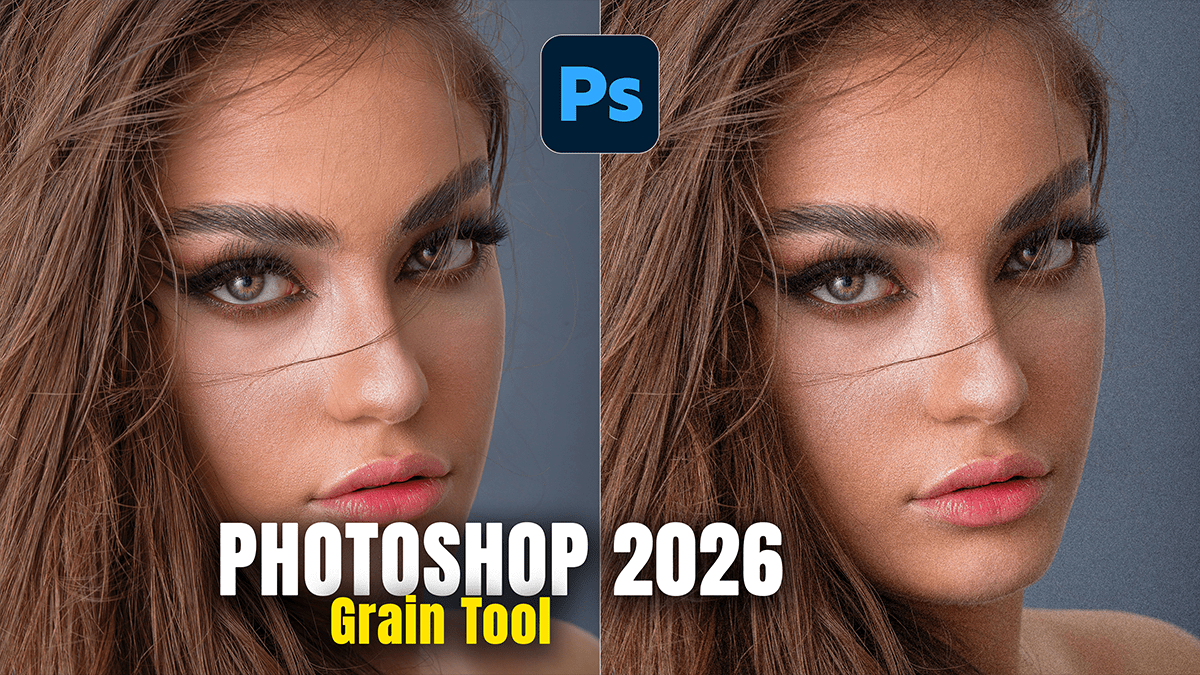
Adobe Photoshop 2026 Grain Tool Update,
The Photoshop January 2026 update (v27.3) introduced a highly requested change to how film grain is handled. The biggest news is that Grain is now available as a dedicated Adjustment Layer, moving it out of the “buried” menus of the Camera Raw Filter and into your primary non-destructive workflow.
Photoshop 2026 Clarity and Dehaze Update,
In the Photoshop 2026 (Version 27.2) update released in January, Adobe finally addressed one of the most long-standing requests from photographers: bringing Clarity and Dehaze out of the Camera Raw filter and into the main workspace as native Adjustment Layers.
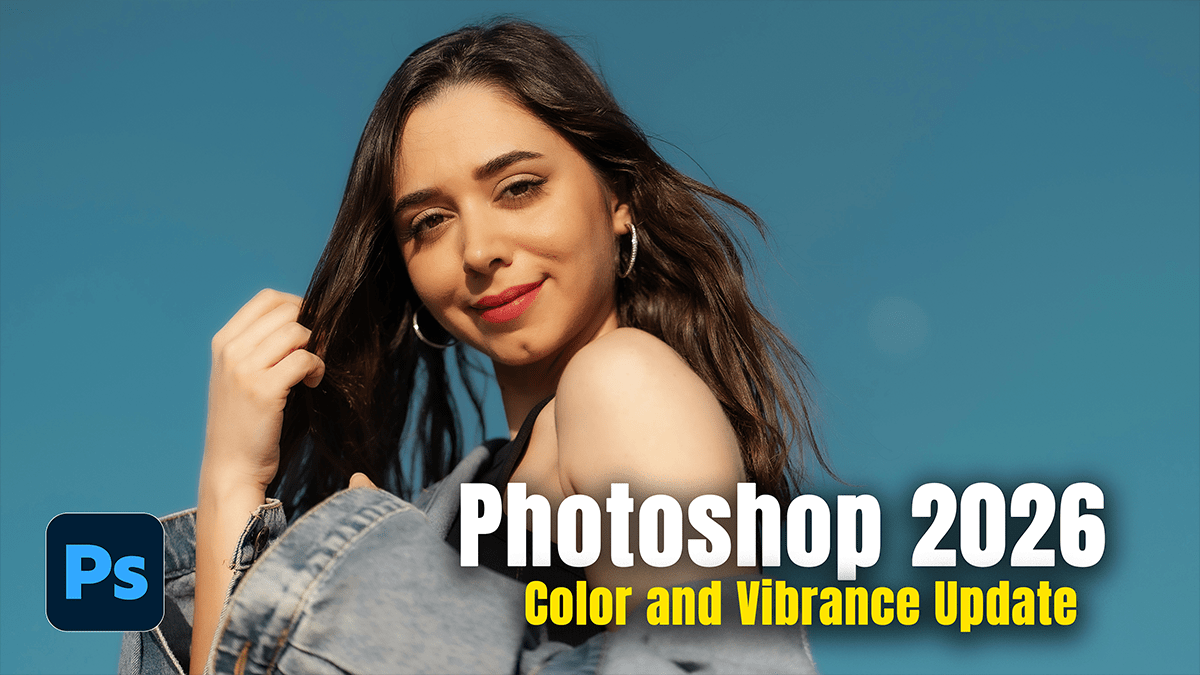
Photoshop 2026 Color and Vibrance Update,
The Adobe Photoshop 2026 update (Version 27.0 and later) introduces a major shift in how color is handled, moving several popular “RAW-only” features directly into the main workspace.
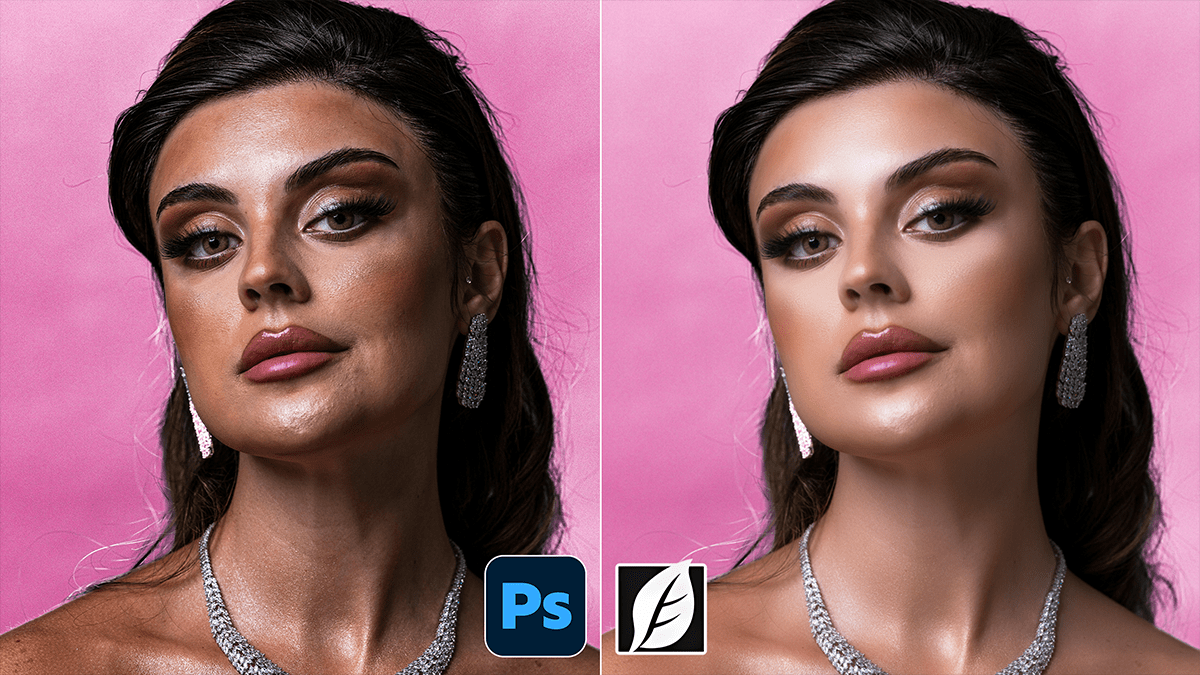
SkinFiner 5.7.1 Using Professional Skin Retouch in Photoshop CC,
Using SkinFiner as a professional Photoshop plugin is about more than just “smoothing”—it’s about preserving texture while automating the tedious parts of the job. For 2026, the latest versions (v5.8+) have significantly improved AI masking and 16-bit processing to ensure high-end results.