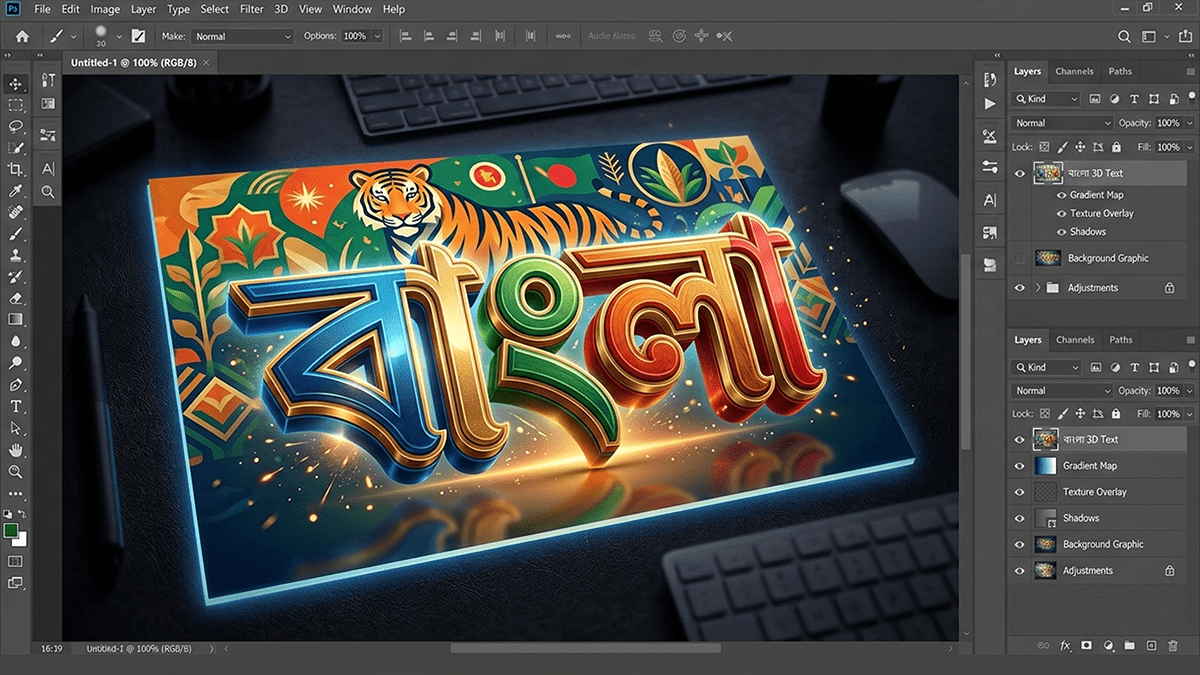
Adobe Photoshop Bengali Writing Method 2026,

Therefore, writing Bengali in Adobe Photoshop is quite straightforward, but it often requires a quick setting change to prevent the letters from “breaking” or appearing disconnected.
Adobe Photoshop Bengali Writing Method 2026,
In other words, here is the step-by-step method to set it up correctly in 2026:
1. Enable Middle Eastern Features (Essential)
Therefore, by default, Photoshop might not process the complex scripts of Bengali correctly. You need to tell the software to use the “World-Ready” engine.
In other words, Open Photoshop and go to Edit (Windows) or Photoshop (Mac) in the top menu.
Therefore, Select Preferences > Type…
In other words, under the “Choose Text Engine Options” section, select World-Ready Layout (in older versions, this might be called “Middle Eastern and South Asian”).
However, Click OK.
Important: Restart Photoshop for the changes to take effect.
Adobe Photoshop Bengali Writing Method 2026,
2. Choose the Right Typing Tool:
However, you generally have two main ways to type:
| Method | Best For | Requirement |
| Avro Keyboard (Phonetic) | Modern web-standard typing (Unicode). | Set Avro to “Unicode” mode. |
| Bijoy Bayanno | Professional printing/press work (ANSI). | Set Bijoy to “ANSI” and use ANSI fonts (e.g., SutonnyMJ). |
Pro Tip: For most social media graphics or web designs, use Avro Keyboard with a Unicode font like Kalpurush, SolaimanLipi, or Hind Siliguri.
Adobe Photoshop Bengali Writing Method 2026,
3. Fixing “Broken” Letters (Jukto-Borno)
However, If you see characters like $কা$ appearing as $ক + া$ (separated), check these two things:
Paragraph Panel: Go to Window > Paragraph. Click the small menu icon (three lines) in the corner of the panel and ensure World-Ready Layout is checked.
Font Choice: Above all, ensure you are using a font that supports the encoding you are typing in (don’t use an ANSI font while typing in Unicode).
4. Where to get Stylish Fonts?
Above all, if you want your designs to look modern, I recommend downloading free fonts from:
Lipighor (লিপিঘর): Great for stylish, artistic fonts.
Okshorgoro (অক্ষরগড়): Excellent for clean, professional fonts.
OmicronLab: The home of the classic Siyam Rupali.
Would you like me to guide you on how to install these fonts on your computer, or are you having trouble with a specific jukto-borno (complex character)?
এডোবি ফটোশপ বাংলা লিখন পদ্ধতি,

এডোবি ফটোশপে (Adobe Photoshop) নির্ভুলভাবে বাংলা লেখার জন্য প্রথমেই আপনার কম্পিউটারে বিজয় বায়ান্ন (Bijoy Bayanno) বা অভ্র (Avro) কিবোর্ড সচল থাকতে হবে। ফটোশপের Edit > Preferences > Type এ গিয়ে ‘Middle Eastern and South Asian’ অপশনটি বেছে নিয়ে এবং Unicode বা ANSI ফন্ট ব্যবহার করে টুলবার থেকে Type Tool (T) ব্যবহার করে বাংলা লেখা যায়।
বিস্তারিত পদ্ধতিসমূহ:
পদ্ধতি ১: অভ্র (Avro) ব্যবহার (সবচেয়ে সহজ – Unicode):
১. অভ্র কিবোর্ড চালু করুন এবং ‘Avro Phonetic’ মোডে গিয়ে বাংলা সেট করুন।
২. ফটোশপে Type Tool (T) সিলেক্ট করুন।
৩. ফন্ট হিসেবে “Vrinda”, “SolaimanLipi”, বা অন্য কোনো ইউনিকোড বাংলা ফন্ট নির্বাচন করুন।
৪. সরাসরি বাংলা টাইপ করুন।
পদ্ধতি ২: বিজয় বায়ান্ন (Bijoy Bayanno) ব্যবহার (ANSI):
১. বিজয় বায়ান্ন চালু করে ‘Bijoy Classic’ মোড সিলেক্ট করুন (Ctrl+Alt+B)।
২. ফটোশপের ফন্ট লিস্ট থেকে “SutonnyMJ” বা অন্য কোনো ANSI বাংলা ফন্ট নির্বাচন করুন।
৩. টাইপ করুন (এক্ষেত্রে অক্ষরগুলো ভেঙে যাওয়ার সম্ভাবনা থাকলে, ‘Preferences > Type’ সেটিংস ঠিক করতে হবে)।
এডোবি ফটোশপ বাংলা লিখন পদ্ধতি,
জরুরি সেটিংস (Preferences):
এরপর, যদি ফটোশপে বাংলা যুক্তবর্ণ ঠিকমতো না দেখায়, তবে Edit > Preferences > Type এ যান এবং ‘Choose Text Engine Options’ এর অধীনে ‘World-Ready Layout’ বা ‘Middle Eastern and South Asian’ সিলেক্ট করে ফটোশপ রিস্টার্ট করুন।
সহজ টিপস:
একইভাবে, যেকোনো বাংলা লেখা ভুল হলে Ctrl+Z (Undo) ব্যবহার করুন।
এছাড়াও, বড় লেখা বা প্যারাগ্রাফের জন্য Horizontal Type Tool ব্যবহার করুন।
