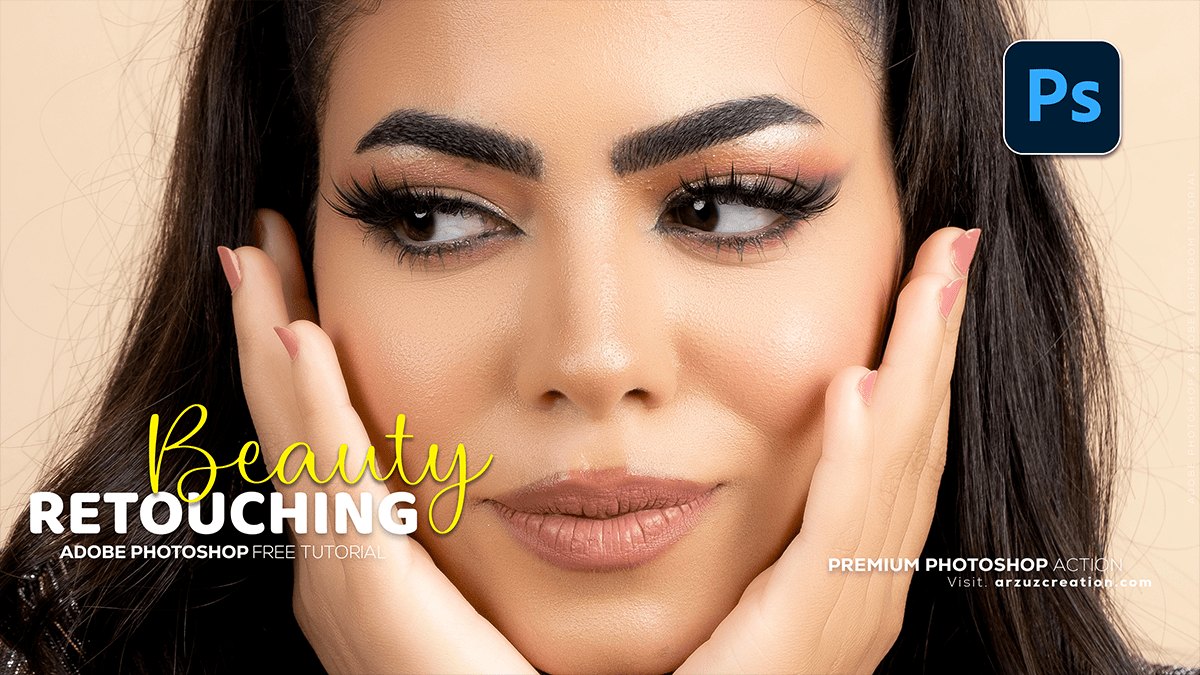
Adobe Photoshop Beauty Retouching Tutorial,
Therefore, that’s a great skill to learn! Adobe Photoshop beauty retouching involves a set of professional techniques to enhance a portrait while keeping it natural-looking.

Adobe Photoshop Beauty Retouching Tutorial,
Therefore, the most common and advanced techniques covered in tutorials are:
✨ Core Beauty Retouching Techniques,
- Frequency Separation: This is the foundation of high-end retouching.
- Therefore, it separates the image into two layers: a low-frequency layer (color and tones) and a high-frequency layer (texture and fine details).
- This allows you to smooth skin tones without losing essential texture, or clean up blemishes without affecting the color and light.
- Dodge and Burn (D&B): Used to sculpt and contour the face by selectively lightening (Dodge) and darkening (Burn) areas.
- Therefore, this technique adds dimension, enhances highlights on cheekbones, nose, and lips, and deepens shadows for a more defined look.
- It’s often done non-destructively on a 50% Gray Layer set to Soft Light blend mode.
- Blemish Removal/Cleanup: Therefore, using tools like the Spot Healing Brush Tool, Healing Brush Tool, and Clone Stamp Tool to remove temporary imperfections (acne, stray hairs, minor distractions).
Adobe Photoshop Beauty Retouching Tutorial,
🛠️ Common Steps in a Retouching Workflow,
- Initial Cleanup: Remove large distractions and major blemishes using the Spot Healing Brush and Clone Stamp tools.
- Liquify (Optional): Gently adjust proportions or fix lens distortion (e.g., subtle reshaping of features).
- Frequency Separation: Apply the technique for advanced skin smoothing and evening out skin tone inconsistencies.
- Dodge and Burn: Manually refine highlights and shadows to add depth and dimension.
- Color Correction: Adjust global and local color casts and perfect the overall skin tone.
- Detail Enhancement: Sharpen key features like eyes, eyelashes, and lips to make them pop.
- Final Color Grade/Look: Apply an overall style, contrast, and color adjustment (e.g., a Curves or Color Lookup adjustment layer).
Adobe Photoshop Beauty Retouching Tutorial,
🎥 Recommended Masterclass Tutorials,
Therefore, if you’re looking for a comprehensive video guide, here are a few highly-rated YouTube tutorials covering the professional workflow:
- High End Professional Retouch – Beauty Retouch Masterclass: This type of tutorial often provides a complete, step-by-step walkthrough of all the major techniques for a high-end, flawless look.
- Search for recent videos titled “Mastering High-End Beauty Retouch in Adobe Photoshop” or “Professional Retouch Masterclass” for the latest workflows.
- Photoshop Retouching for Beginners | FREE COURSE: If you are just starting, a beginner-focused course will break down the fundamental tools and concepts like Frequency Separation and Dodge and Burn in simpler terms.
Would you like me to find a specific, recent YouTube tutorial for a complete high-end beauty retouching workflow?
