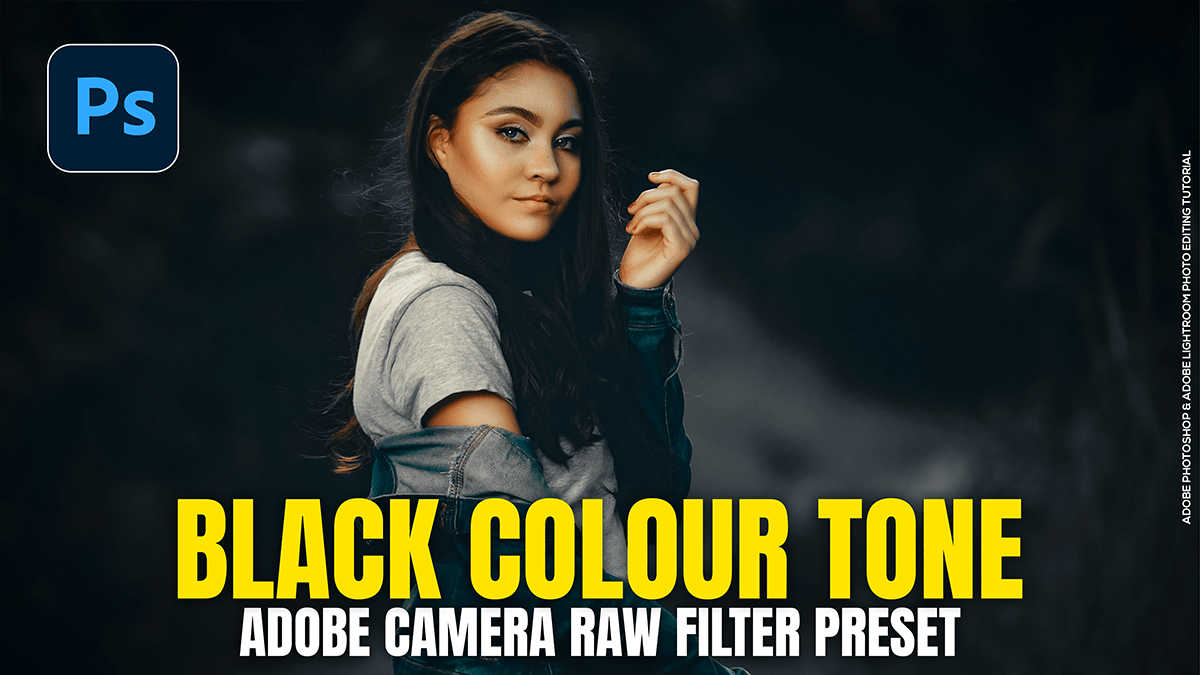
Create an Outdoor Portrait Black Colour Tone in Adobe Photoshop
Create an Outdoor Portrait Black Colour Tone in Adobe Photoshop,
Creating a “Black Tone” or “Moody Dark” look in Adobe Photoshop’s Camera Raw Filter involves desaturating distracting colors, crushing the blacks, and shifting greens toward a deeper, more atmospheric hue. This look is popular for outdoor portraits because it makes the subject pop against a dark, cinematic background.
