Arzuz Creation

Graphic Design & Professional Photo Editing

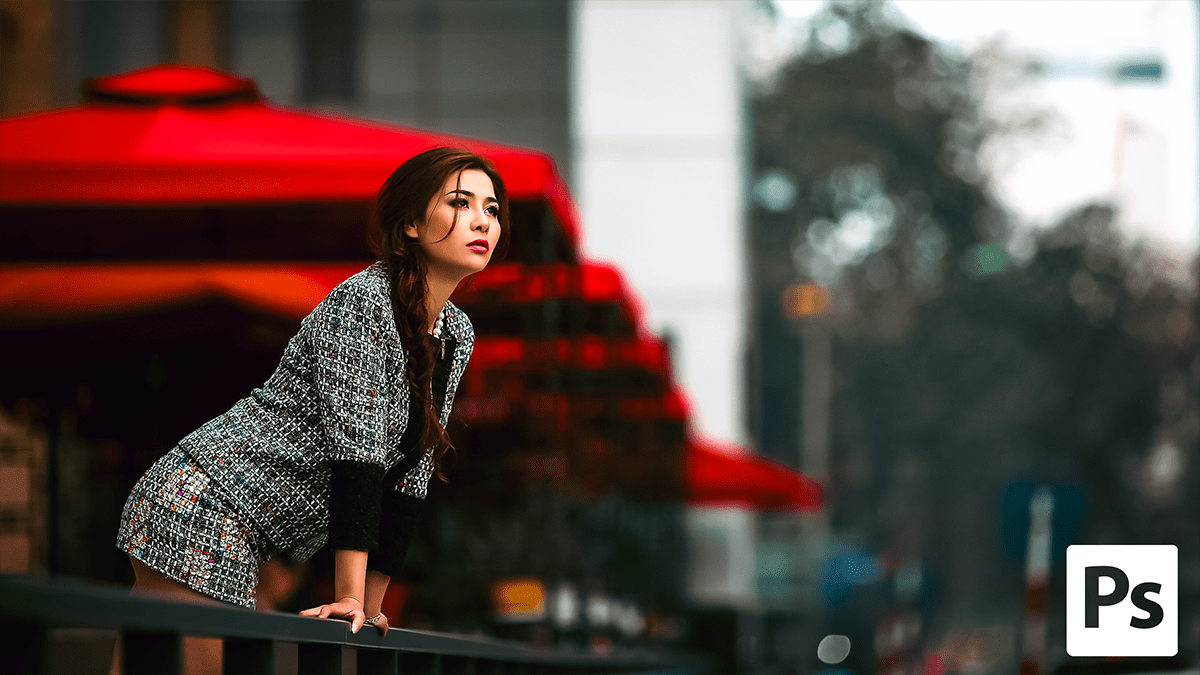
Creating a Cinematic Teal & Orange Colour Grading in Photoshop

Creating a Cinematic Teal & Orange Colour Grading in Photoshop

Creating a Cinematic Teal & Orange Colour Grading in Photoshop,

Creating a Cinematic Teal & Orange look is about more than just moving sliders; it’s about creating “color opposition.” By pushing shadows toward cool teal and highlights toward warm orange, you create maximum visual tension and depth.

Editing in Adobe Photoshop Camera Raw Filter 18.1.1

Editing in Adobe Photoshop Camera Raw Filter 18.1.1,

Editing in Adobe Camera Raw (ACR) v18.1.1 (the January 2026 update) has evolved significantly with the integration of Adobe Firefly AI and more granular color controls. This version focuses on “Clean Editing”—using AI to strip away distractions before applying cinematic color grades.

Perfect Colour Grading in Adobe Photoshop 2026 Camera Raw

Perfect Colour Grading in Adobe Photoshop 2026 Camera Raw,

In 2026, color grading outdoor portraits in Adobe Photoshop has become significantly more streamlined. The major shift is that many tools previously “locked” inside the Camera Raw Filter are now available as independent Adjustment Layers, allowing for a completely non-destructive workflow without leaving the main Layers panel.

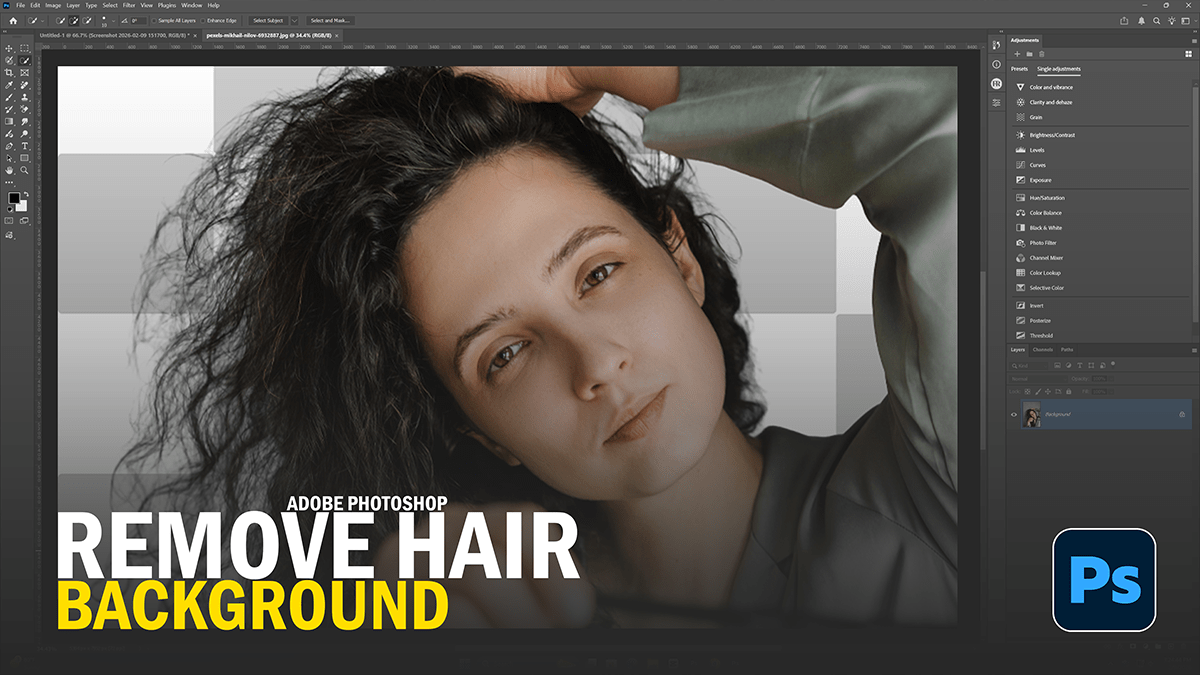
Remove Photo Background Using Adobe Photoshop AI

Remove Photo Background Using Adobe Photoshop AI,

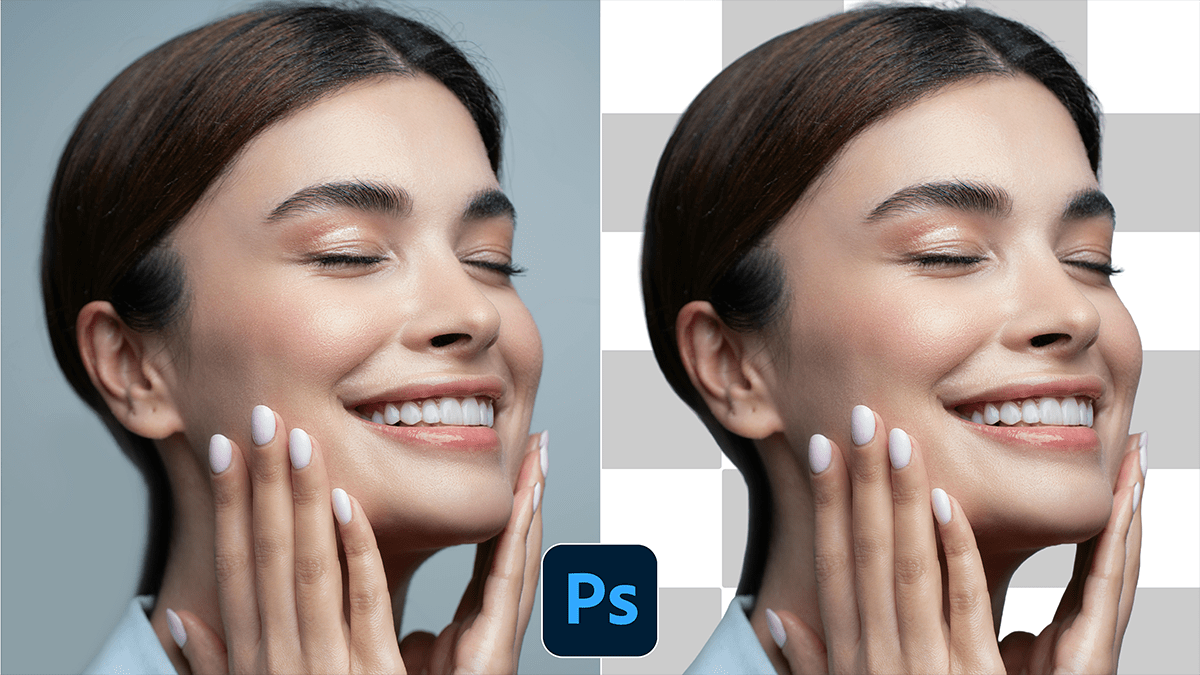
Using Adobe Photoshop’s AI-powered tools makes background removal a “one-click” task compared to the tedious manual masking of the past. Photoshop primarily uses Adobe Sensei AI to identify subjects and refine edges.

How to Fix White Balance in Adobe Photoshop 2026

How to Fix White Balance in Adobe Photoshop 2026,

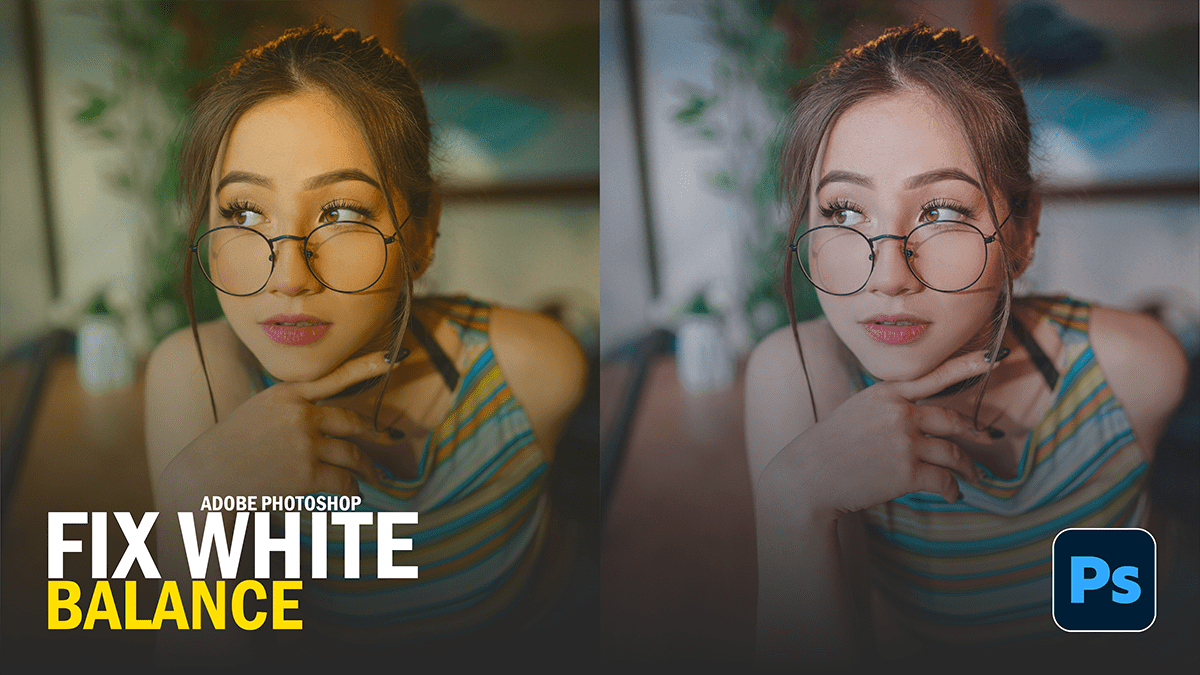
In Adobe Photoshop 2026, the workflow for fixing white balance has been significantly upgraded. While the traditional “Camera Raw” method is still available, the 2026 release introduces a dedicated, non-destructive adjustment layer that makes the process much faster.

Professional Wedding Photo Skin Retouching in Adobe Photoshop

Professional Wedding Photo Skin Retouching in Adobe Photoshop,

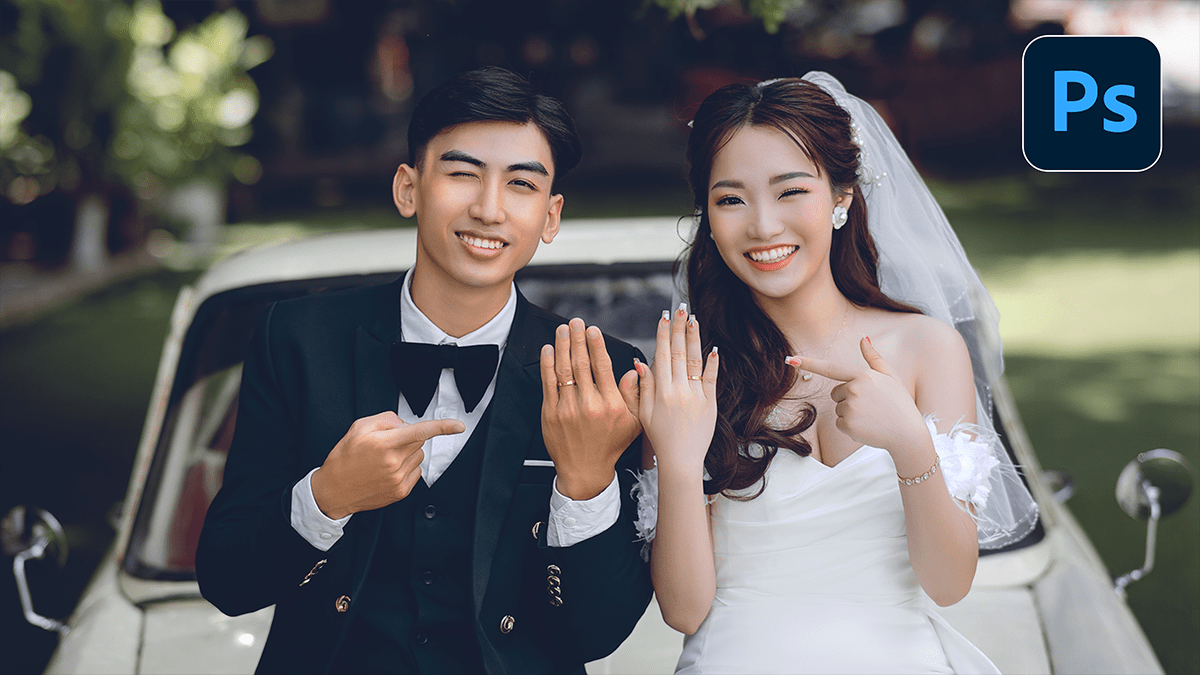
Retouching wedding photos is a balancing act. You want the couple to look like the best version of themselves without making them look like “porcelain dolls.” The goal is to remove temporary imperfections (blemishes, redness, stray hairs) while preserving the natural skin texture (pores and fine lines).

Professional Wedding Photo Editing in Adobe Photoshop 2026

Professional Wedding Photo Editing in Adobe Photoshop 2026,

To get that high-end, professional wedding look in Adobe Photoshop, you need a workflow that balances efficiency with artistic flair. Since a wedding can involve thousands of shots, the “professional” approach usually involves a mix of batch processing in Camera Raw and surgical retouching in Photoshop.

Dark Cinematic Professional Colour Grading Camera Raw Preset

Dark Cinematic Professional Colour Grading Camera Raw Preset

Dark Cinematic Professional Colour Grading Camera Raw Preset,

To achieve a Dark Cinematic look, the goal is to create high contrast, deep shadows with a slight color tint (usually cool), and desaturated tones that focus the viewer’s eye on the subject.

Camera Raw Filter- Professional Colour Grading Outdoor Photo

Camera Raw Filter- Professional Colour Grading Outdoor Photo

Camera Raw Filter: Professional Colour Grading Outdoor Photo,

Mastering the Camera Raw Filter for color grading is one of the most powerful ways to give your photos a professional “look,” whether you’re going for a cinematic teal-and-orange vibe or a moody, desaturated aesthetic.

Adobe Photoshop CC 2026: Professional Photo Editing Tutorial

Adobe Photoshop CC 2026: Professional Photo Editing Tutorial

Adobe Photoshop 2026 – Professional Photo Editing Tutorial,

Adobe Photoshop 2026 (Version 27.x) has officially arrived, and it marks a major shift from simple “AI assistance” to what Adobe calls “Creative Contextual Intelligence.” The headline for this year is the integration of third-party AI models and much-requested non-destructive photo editing tools.

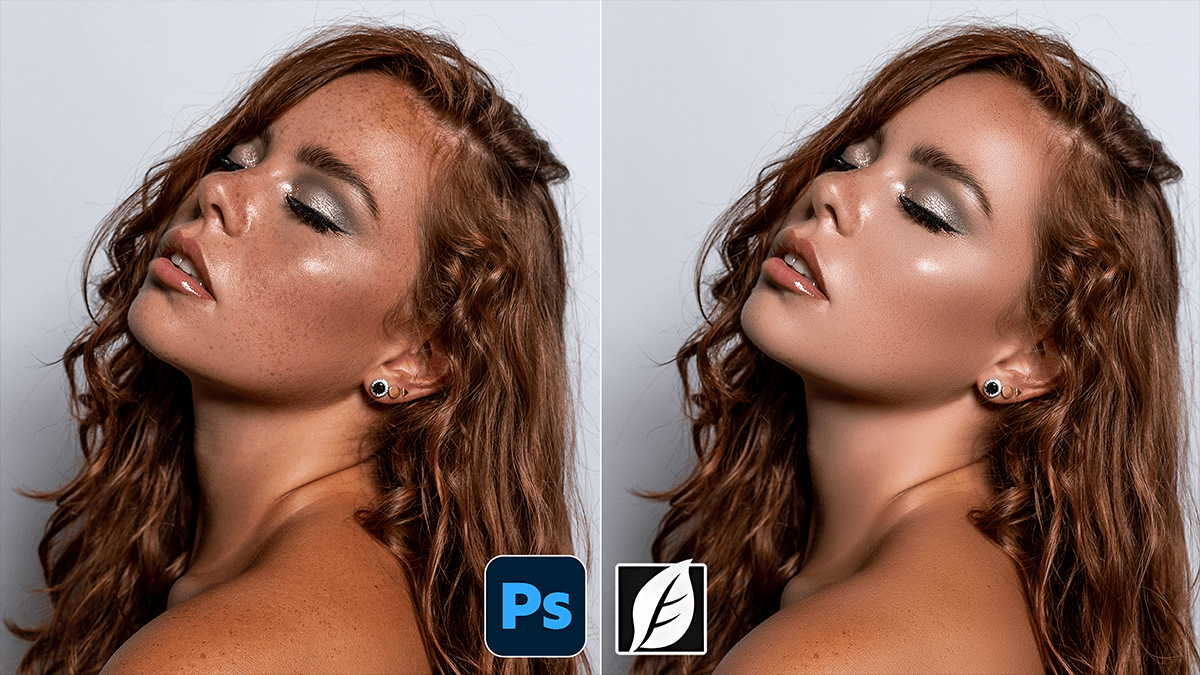
Professional Retouch: How to Skin Retouching in Photoshop 2026

Professional Retouch: How to Skin Retouching in Photoshop 2026,

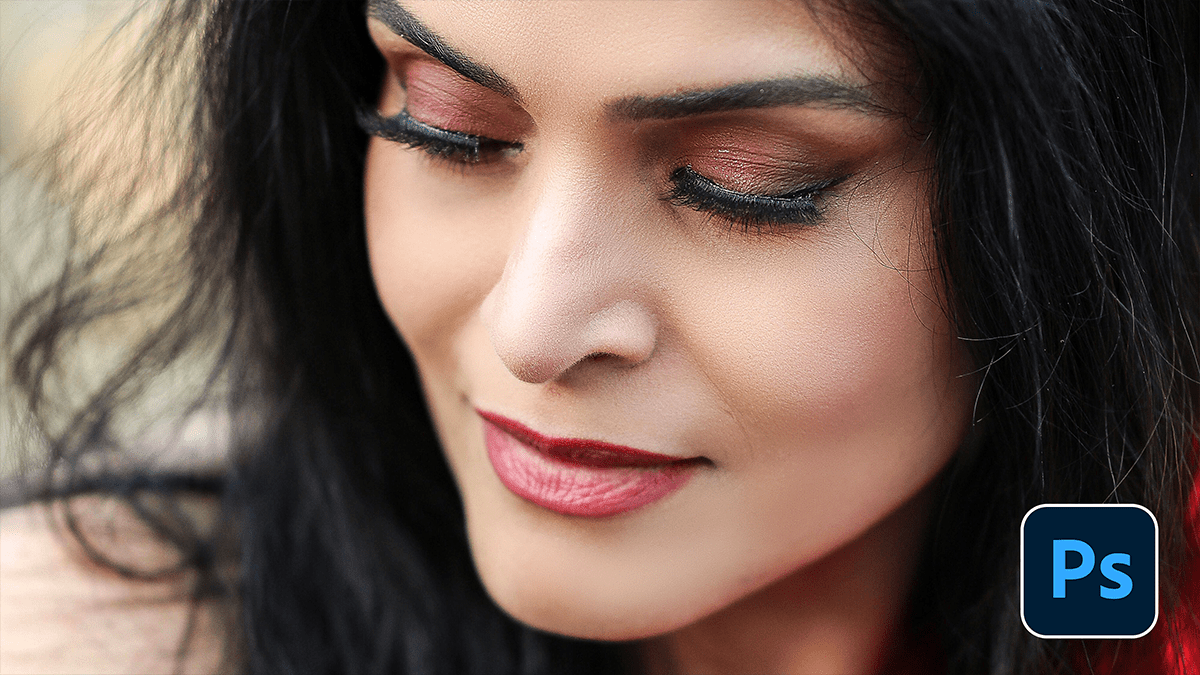
Professional skin retouching is a balancing act. The goal is to remove distractions while preserving the texture that makes skin look like skin. If you go too far, you end up with the “uncanny valley” plastic look.

Cinematic Look- How to Edit Photos in Adobe Lightroom Cinematic

Cinematic Look: How to Edit Photos in Adobe Lightroom Cinematic,

Achieving that “cinematic” look in Adobe Lightroom isn’t just about slapping on a filter; it’s about storytelling through color, contrast, and depth. Cinema often leans into specific palettes (like the classic Teal and Orange) and a softer, more atmospheric texture.

Photoshop Gradient Map: Professional Photo Editing Tutorial

Photoshop Gradient Map: Professional Photo Editing Tutorial,

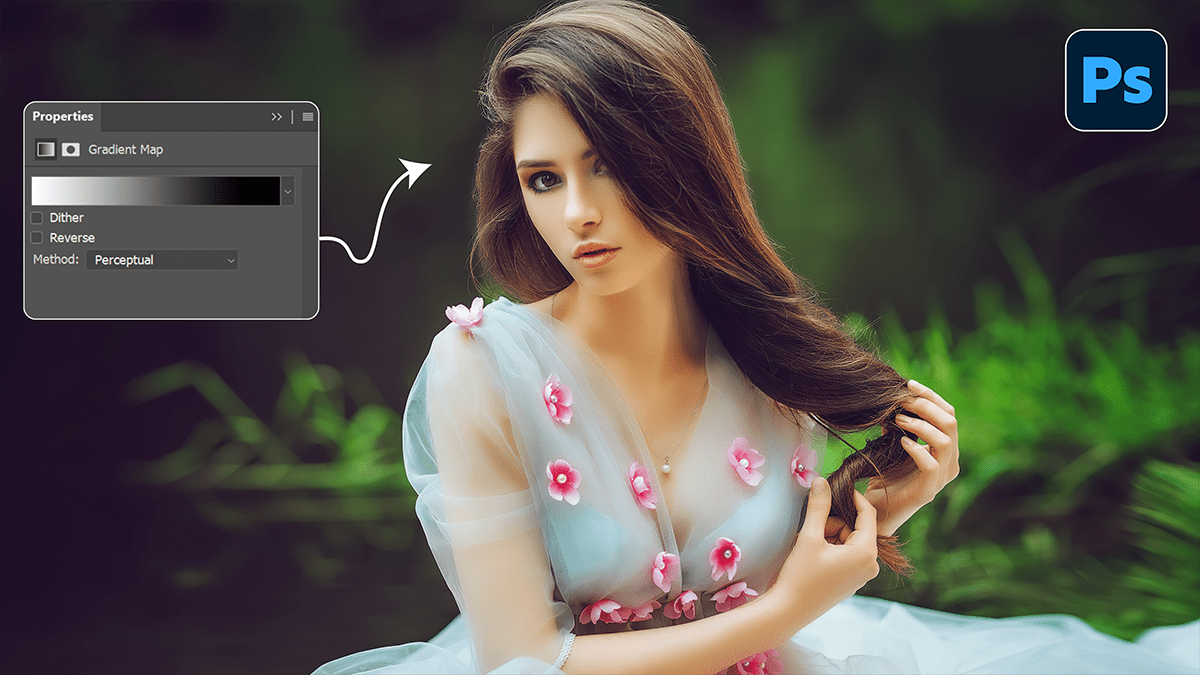
Gradient Maps are one of the most powerful, professional tools in Photoshop for color grading. Unlike a standard filter that just “washes” a color over an image, a Gradient Map replaces specific luminosity values (shadows, midtones, and highlights) with chosen colors.

Adobe Photoshop Color Balance: Pro Photo Editing Tutorial 2026

Adobe Photoshop Color Balance Pro Photo Editing Tutorial 2026,

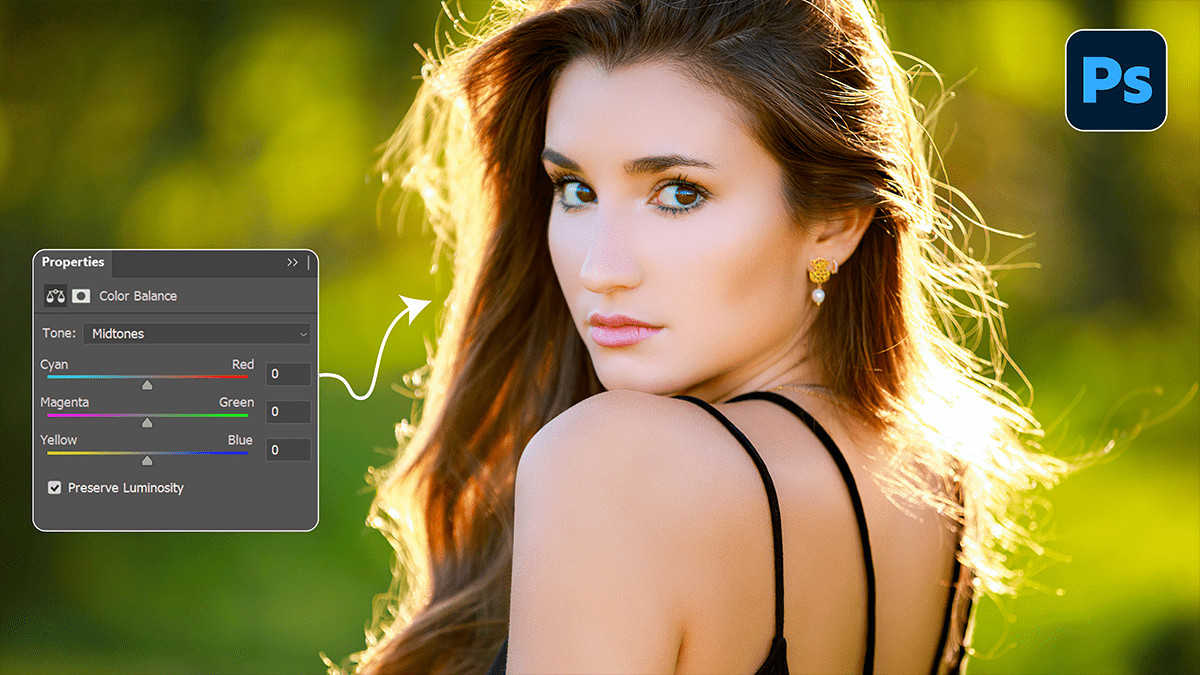
In professional photo editing, Color Balance is a fundamental adjustment used to shift the overall mixture of colors in an image. It is primarily used for color correction (removing unwanted color casts) or creative grading (adding a specific mood).

Adobe Photoshop Vibrance Professional Photo Editing Tutorial

Adobe Photoshop Vibrance Professional Photo Editing Tutorial,

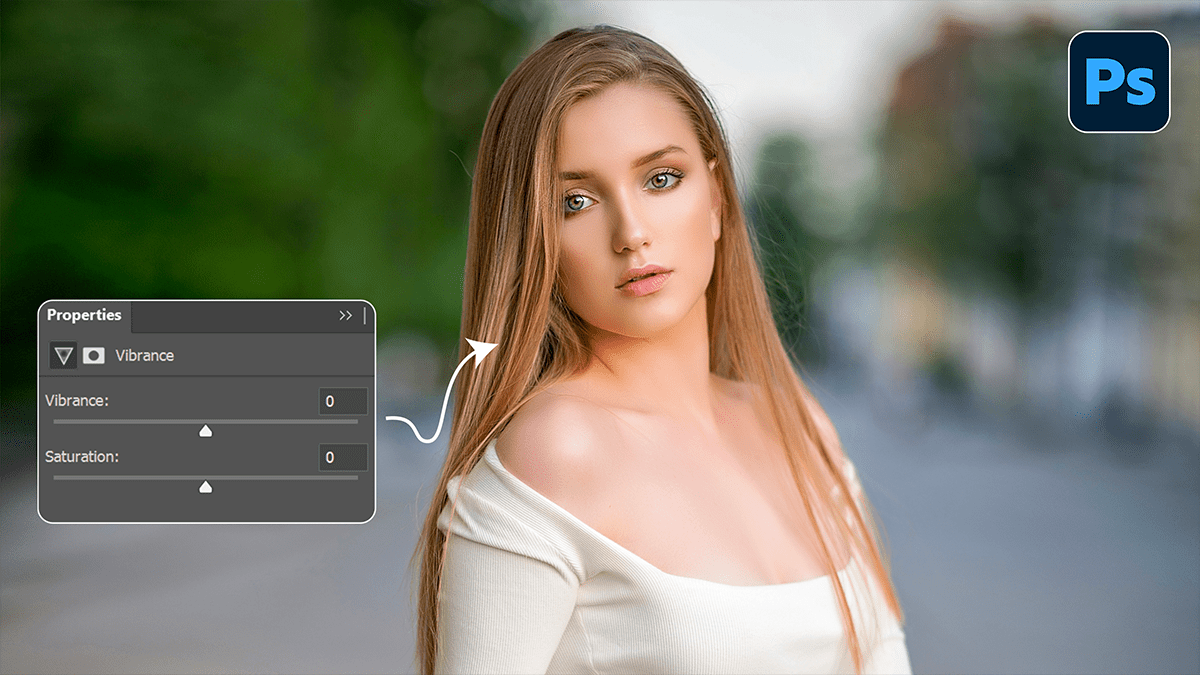
Vibrance is often the “secret sauce” in Photoshop for making photos pop without making people look like they have a bad spray tan. While Saturation is a blunt instrument that boosts every color equally, Vibrance is a smart tool that targets muted colors while protecting skin tones.

Photoshop 27.6 New Features For Beginners

Photoshop 27.6 New Features For Beginners,

The Photoshop 27.6 (April 2026) release is a major milestone that officially transitions several viral beta features into the stable build. This update focuses heavily on “spatial” AI, allowing you to manipulate 2D images with 3D-like physics.

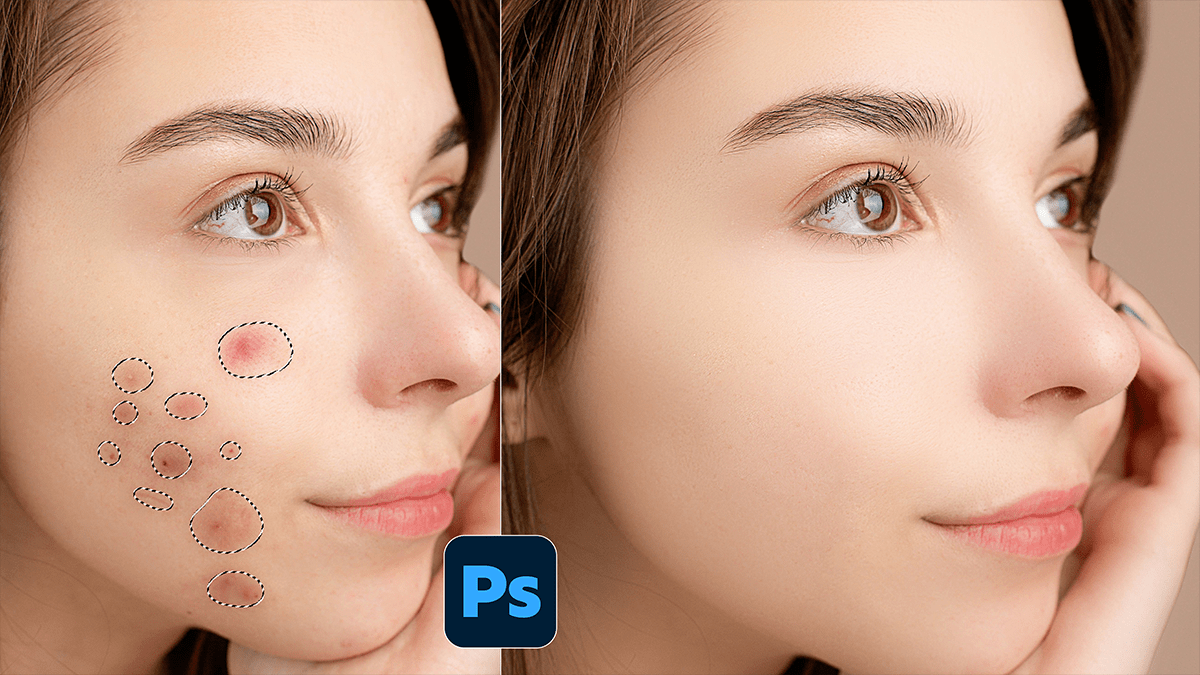
Remove Skin Blemishes Using Photoshop Plugin SkinFiner 5.7.1

Remove Skin Blemishes Using Photoshop Plugin SkinFiner 5.7.1,

If you’re looking to streamline your portrait editing, SkinFiner is a popular choice because it functions as both a standalone app and a Photoshop plugin. It’s designed to automate the tedious parts of skin retouching while maintaining a realistic texture.

Adobe Photoshop 2026 Hue Saturation Use Photo Editing

Adobe Photoshop 2026 Hue Saturation Use Photo Editing

Adobe Photoshop 2026 Hue Saturation Use Photo Editing,

In Adobe Photoshop 2026, the Hue/Saturation tool has undergone its most significant overhaul in years. Moving away from the traditional dropdown menu system, the new “Hue/Saturation 2.0” (introduced in the late 2025/2026 updates) focuses on a more visual, swatch-based workflow.

Color Balance Photo Editing Beginners Adobe Photoshop 2026

Color Balance Photo Editing Beginners Adobe Photoshop 2026

Color Balance Photo Editing Beginners Adobe Photoshop 2026,

In Adobe Photoshop 2026, color balance and correction have received a significant overhaul, blending traditional manual controls with advanced AI-driven tools. The most notable change is the move toward “non-destructive” white balance directly on the canvas.

Camera Raw Filter 2026: Outdoor Wedding Photo Editing Tutorial

Camera Raw Filter 2026: Outdoor Wedding Photo Editing Tutorial

Camera Raw Filter 2026: Outdoor Wedding Photo Editing Tutorial,

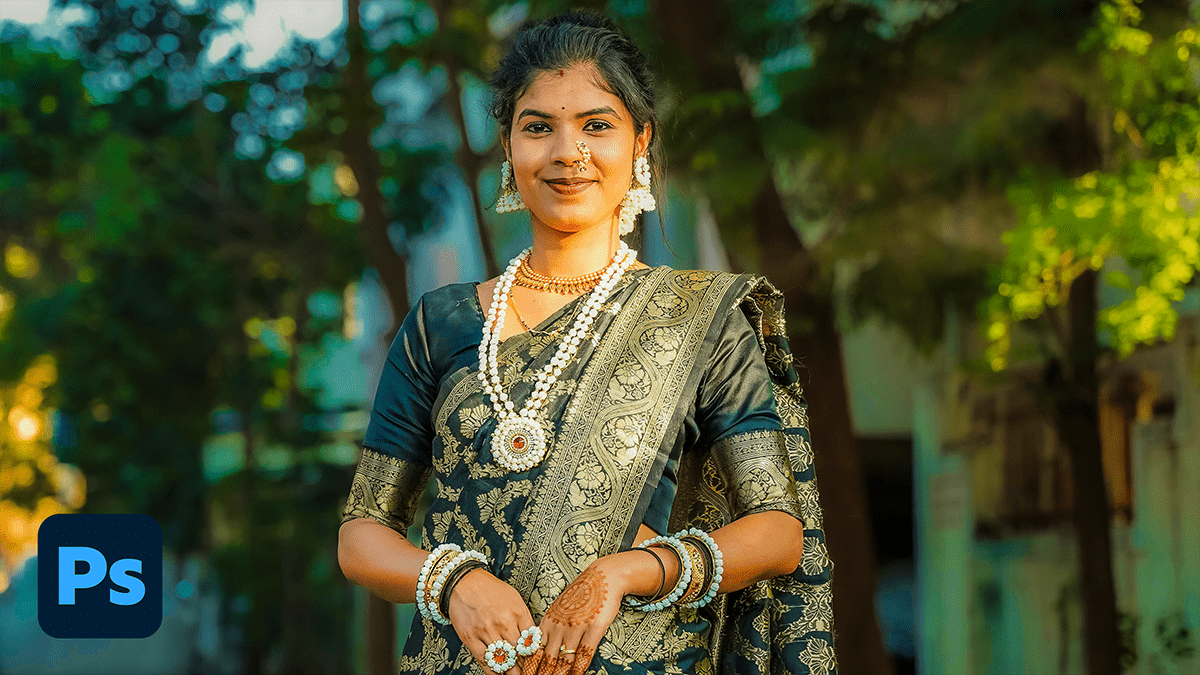
Editing outdoor wedding photos using the Camera Raw Filter in Photoshop is a favorite among pros because it allows for high-end color grading and light manipulation within a single interface.

For the best results, convert your layer into a Smart Object first (Right-click layer > Convert to Smart Object). This lets you go back and tweak your settings later without losing quality.

Photoshop Wedding Photo Editing: Camera Raw Filter 2026

Photoshop Wedding Photo Editing: Camera Raw Filter 2026

Photoshop Wedding Photo Editing: Camera Raw Filter 2026,

The Camera Raw Filter ($Ctrl+Shift+A$) is arguably the most powerful tool in Photoshop for wedding photography because it brings Lightroom’s entire engine directly into your layer-based workflow.

For 2026, the trend has shifted away from heavy “orange and teal” filters toward a “True-to-Life” or “Modern Cinematic” look—characterized by clean whites, natural skin tones, and soft, film-inspired contrast.

Adobe Photoshop 2026 Wedding Photo Editing Preset Download

Adobe Photoshop 2026 Wedding Photo Editing Preset Download,

Editing a wedding gallery is a marathon, not a sprint. In 2026, the trend has shifted away from “heavy” filters toward True-to-Life color and Cinematic Storytelling. While Lightroom is for the “bulk” work, Photoshop is where you create the “hero” shots.