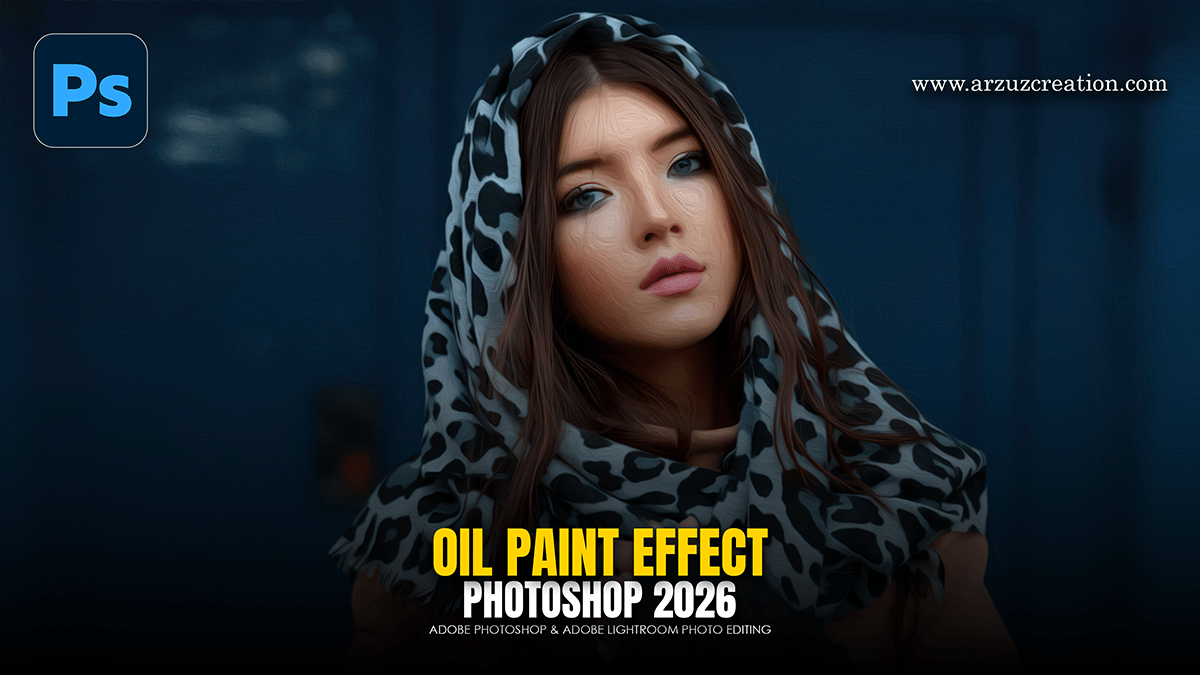
How to Make Oil Paint Effect Photo Editing in Adobe Photoshop,

Therefore, creating an oil painting effect in Photoshop is a classic technique that relies on a mix of built-in filters and manual “brushwork” to give a digital photo a tactile, canvas feel.
In other words, here is the most effective workflow to achieve a professional look:
How to Make Oil Paint Effect Photo Editing in Adobe Photoshop,
1. Prepare Your Canvas:
Therefore, before applying effects, you want to ensure the edit is non-destructive so you can tweak the settings later.
Open your image in Photoshop.
Convert to Smart Object: Therefore, right-click your image layer in the Layers panel and select Convert to Smart Object. This allows you to go back and change filter settings at any time.
2. Apply the Oil Paint Filter:
In other words, Photoshop has a dedicated engine for this, but the key is in the sliders:
However, Go to Filter > Stylize > Oil Paint…
Stylization: In other words, Higher values (8–10) create longer, more fluid strokes.
Cleanliness: However, High values (7–10) make the paint look smooth and “clean,” while lower values add more grit.
Scale: Adjusts the thickness of the “paint” applied to the canvas.
Bristle Detail: However, Controls how much of the brush hair texture is visible.
Lighting: This is crucial for depth. If the “Shine” is too high, it looks plastic. Keep Shine between 0.5 and 2.0 for a natural look.
How to Make Oil Paint Effect Photo Editing in Adobe Photoshop,
3. Adding Texture and Depth:
However, to make it look like a real painting rather than a digital filter, you need to simulate the canvas texture.
Filter Gallery: In addition, go to Filter > Filter Gallery > Texture > Texturizer. Select “Canvas” and set the scaling to a subtle level (around 60-80%).
High Pass Sharpening: To bring back some lost detail, duplicate your layer, go to Filter > Other > High Pass (set to about 2.0 px), and change the layer blending mode to Overlay.
4. Final Color Grading:
Above all, Traditional oil paintings often have rich, saturated tones.
In addition, add a Camera Raw Filter (Ctrl/Cmd + Shift + A) to boost the Vibrance and slightly increase the Contrast.
Above all, In the Effects tab of Camera Raw, add a subtle Vignette to draw focus to the center of the piece.
How to Make Oil Paint Effect Photo Editing in Adobe Photoshop,
Alternative: The 3D Bevel Method:
Above all, since you’ve been exploring 3D tools in Photoshop, you can actually use the 3D extrusion settings on a high-contrast version of your photo to create literal “depth” in the paint strokes, though the standard Oil Paint filter is usually faster for portraits.
In conclusion, would you like me to walk you through how to use the Mixer Brush tool to manually “paint” over the edges for a more authentic, hand-crafted look?
