Arzuz Creation

Graphic Design & Professional Photo Editing

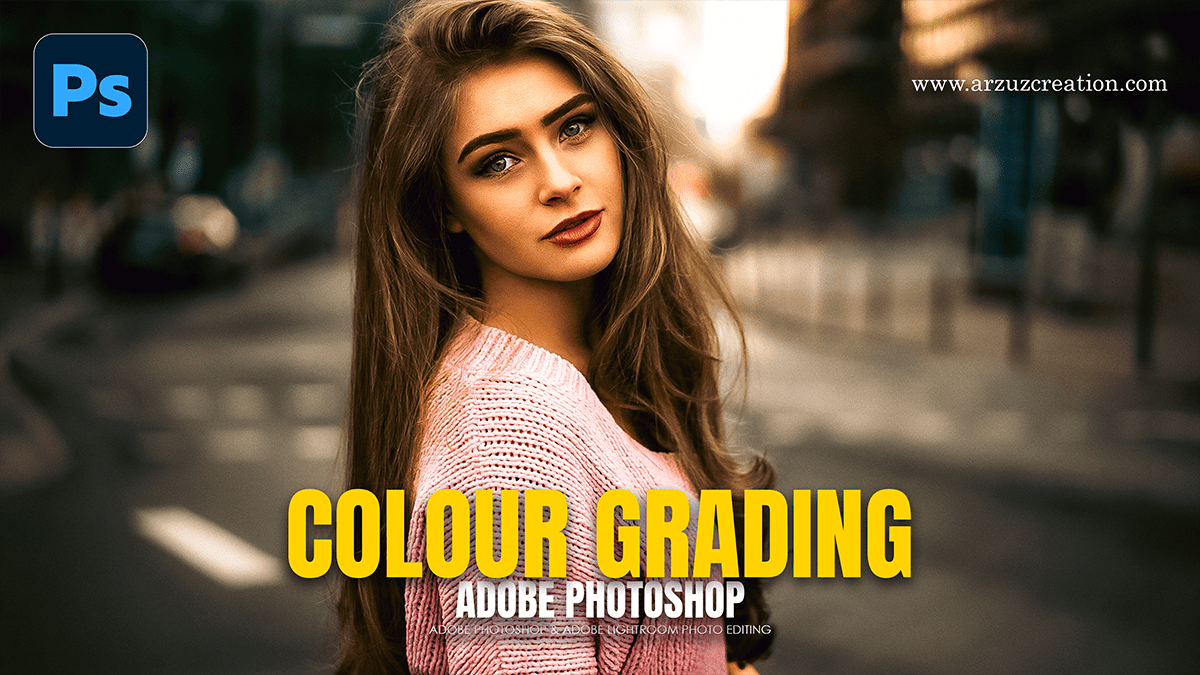
Colour Lookup Photoshop Using Outdoor Portrait Photo Editing

Colour Lookup Photoshop Using Outdoor Portrait Photo Editing,

Using the Color Lookup adjustment layer in Photoshop is one of the most efficient ways to apply a cinematic or stylistic “grade” to an outdoor portrait. Because outdoor lighting can vary from harsh sunlight to soft overcast, Color Lookup Tables (LUTs) help unify the tones across the image instantly.

Photoshop Cinematic Look Basic to Advanced Editing Tutorial

Photoshop Cinematic Look Basic to Advanced Editing Tutorial,

Achieving a cinematic look in Photoshop involves more than just slapping on a filter; it’s about controlling light, color harmony, and texture to mimic the characteristics of high-end film.

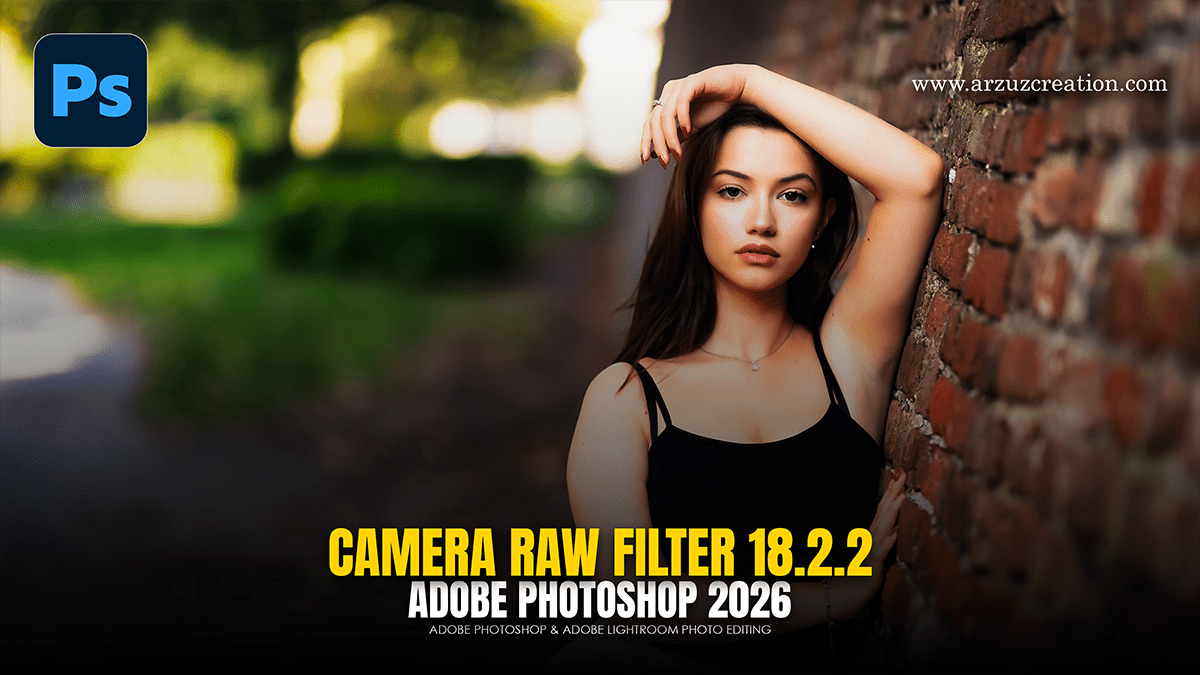
Cinematic Look in Adobe Photoshop Camera Raw Filter 18.2.2

Cinematic Look in Adobe Photoshop Camera Raw Filter 18.2.2,

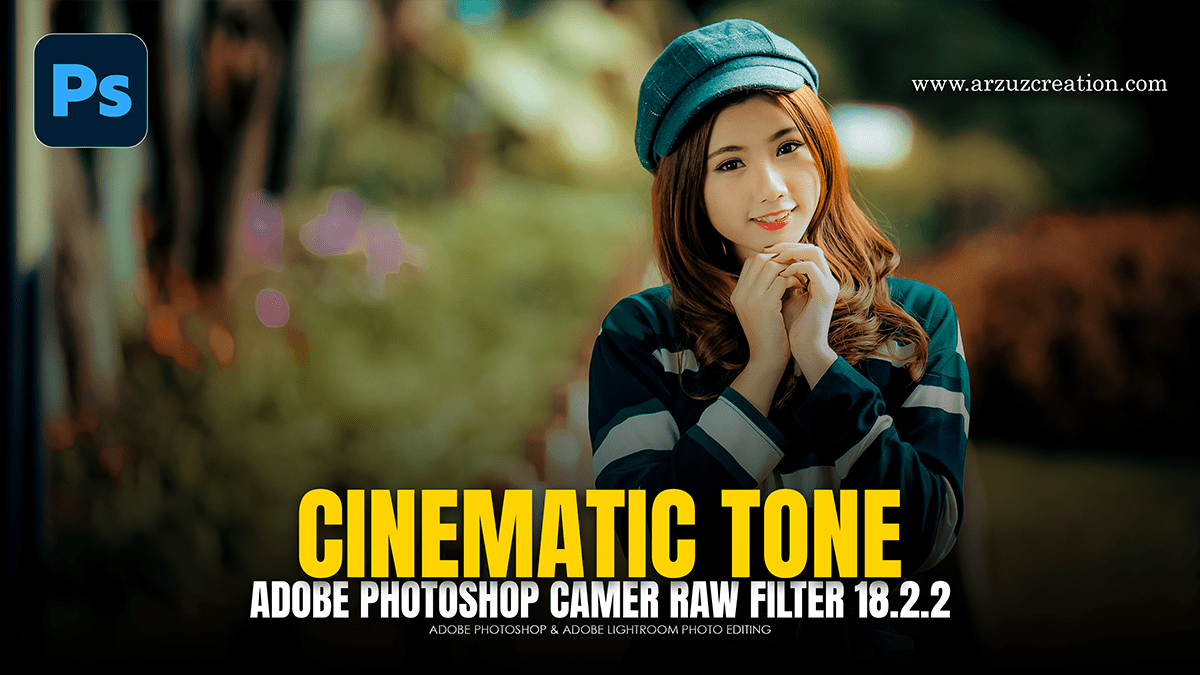
To achieve a cinematic look in Adobe Photoshop using the Camera Raw Filter (CRF), you need to manipulate contrast, color separation, and texture. Cinematic grading often moves away from “perfect” digital clarity toward a more stylized, atmospheric aesthetic.

Cinematic Colour Grading: Levels and Adjustment Layer Photoshop

Cinematic Colour Grading: Levels and Adjustment Layer Photoshop,

Creating a cinematic look in Photoshop using adjustment layers allows for a non-destructive workflow, meaning you can tweak the “grade” without permanently altering your original image.

Basic Cinematic Photo Editing in Adobe Photoshop Adjustment

Basic Cinematic Photo Editing in Adobe Photoshop Adjustment,

The 2026 update to Adobe Photoshop (v27.2) introduced several game-changing Adjustment Layers that specifically streamline cinematic photo editing. Previously, many of these effects required jumping into the Camera Raw Filter, but they are now fully non-destructive and maskable directly in your layers panel.

Photoshop Color Grading With Adjustment Layers 2026

Photoshop Color Grading With Adjustment Layers 2026,

Professional color grading in Adobe Photoshop relies on non-destructive workflows using Adjustment Layers. These layers allow for precise control over tone and color without permanently altering the original pixels of the image.

Camera Raw Filter 18: Professional Colour Grading For Beginners

Camera Raw Filter: Professional Colour Grading For Beginners,

The Camera Raw Filter in Adobe Photoshop is a powerful, non-destructive environment for color grading. It provides a more intuitive interface than standard adjustment layers, making it ideal for quickly achieving a cinematic or professional look.

Camera Raw Filter Masking Professional Skin Retouching Tutorial

Camera Raw Filter Masking Professional Skin Retouching Tutorial,

Retouching skin using the Camera Raw Filter in Photoshop provides a non-destructive way to achieve professional results by leveraging advanced masking tools. This method allows for targeted adjustments to texture and tone without affecting the entire image.

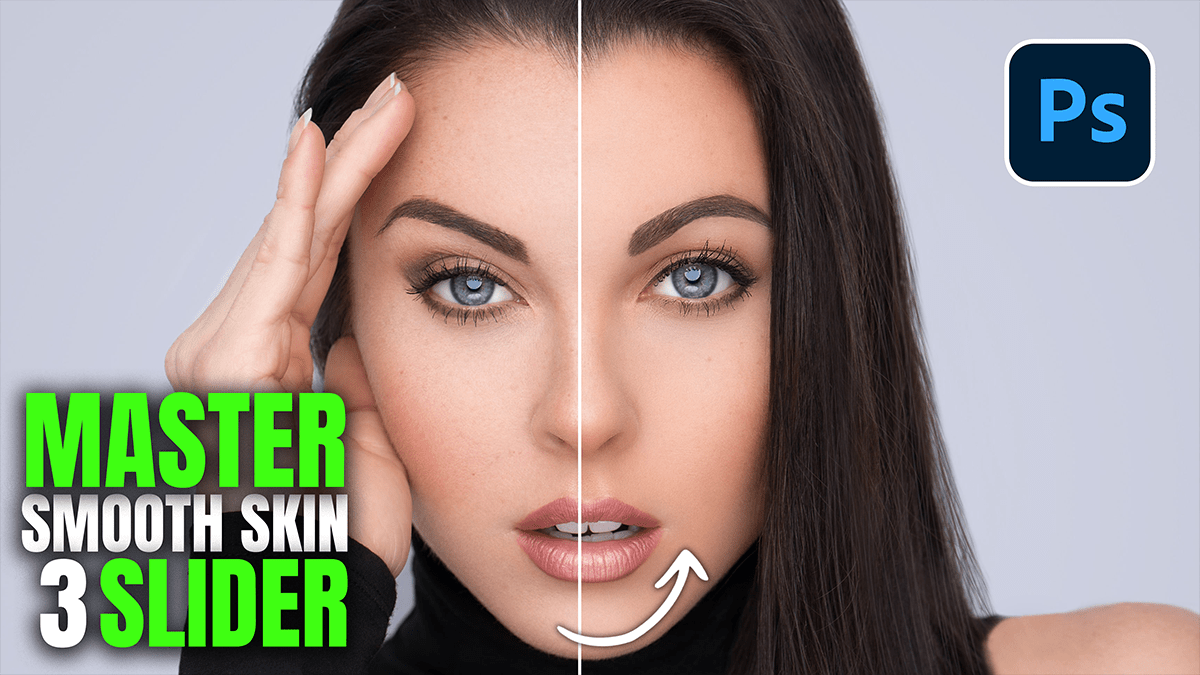
Three Sliders for Smooth Skin: Adobe Camera Raw Filter 2026

Three Sliders for Smooth Skin: Adobe Camera Raw Filter 2026,

To master smooth skin in Adobe Camera Raw (ACR) 2026, the user can achieve professional results by focusing on the Effects panel or specific Masking adjustments. While complex retouching often requires many steps, “The Three-Slider Method” relies on manipulating texture and midtone contrast to soften skin while preserving natural pores

How can I remove the Background from a Photo

How can I remove the Background from a Photo?

Removing the background from a photo can be done in seconds using a variety of tools, ranging from free web apps to professional software. Here are the most effective methods:

Adobe Photoshop CC: Professional Photo Editing

Adobe Photoshop CC: Professional Photo Editing,

Adobe Photoshop CC remains the gold standard for professional photo editing in 2026, leaning heavily into AI-driven workflows while maintaining its deep, layer-based technical control.

Learn how to do Colour Grading in Adobe Photoshop

How to do Colour Grading in Adobe Photoshop,

Color grading in Photoshop is the process of altering the color, contrast, and tone of an image to create a specific aesthetic or mood. Unlike color correction (which fixes issues like white balance), grading is a creative choice.

Cinematic Colour Grading Using Adobe Photoshop Adjustment

Cinematic Colour Grading Using Adobe Photoshop Adjustment,

Color grading in Adobe Photoshop using Adjustment Layers is a non-destructive way to give your images a specific “look” (like the classic teal-and-orange or a moody noir) without damaging the original pixels.

Cinematic Photoshop Landscape Editing 2026

Cinematic Photoshop Landscape Editing 2026,

Achieving a cinematic look in Photoshop is less about a single filter and more about controlling depth, lighting, and color grading. A cinematic image typically mimics the high dynamic range and specific color palettes of anamorphic film.

Professional Wedding Photo Edit in Adobe Photoshop 2026

Professional Wedding Photo Edit in Adobe Photoshop 2026,

Editing a wedding gallery is a high-stakes process where consistency is as important as the fine details. In 2026, the workflow has shifted toward a “hybrid” approach: using AI to handle the heavy lifting of cleaning and denoising, while using manual precision for “hero” shots (the couple’s portraits).

Camera Raw Filter: Wedding Photo Editing in Adobe Photoshop

Camera Raw Filter: Wedding Photo Editing in Adobe Photoshop,

Adobe Camera Raw (ACR) remains the powerhouse for wedding editing because it allows you to handle high-volume color correction and “hero shot” retouching in a non-destructive environment. In 2026, the trend has shifted away from heavy, moody filters toward Authentic Realism and Cinematic Storytelling.

Skin Retouching: One-Click Skin Retouching Photoshop Action

Skin Retouching: One-Click Skin Retouching Photoshop Action,

Creating an automated Frequency Separation Action in Adobe Photoshop allows you to separate skin texture (high frequency) from tone and color (low frequency), enabling smooth skin retouching while preserving natural texture.

Adobe Photoshop Adjustment Layer Basic to Advanced Tutorial

Adobe Photoshop Adjustment Layer Basic to Advanced Tutorial,

Color grading in Adobe Photoshop via Adjustment Layers is a non-destructive workflow that allows for precise control over the mood, tone, and narrative of an image. By using layers instead of direct edits, the original pixels remain untouched, and settings can be tweaked at any point.

Basic to Advanced Photoshop Camera Raw Color Grading Guide

Basic to Advanced Photoshop Camera Raw Color Grading Guide,

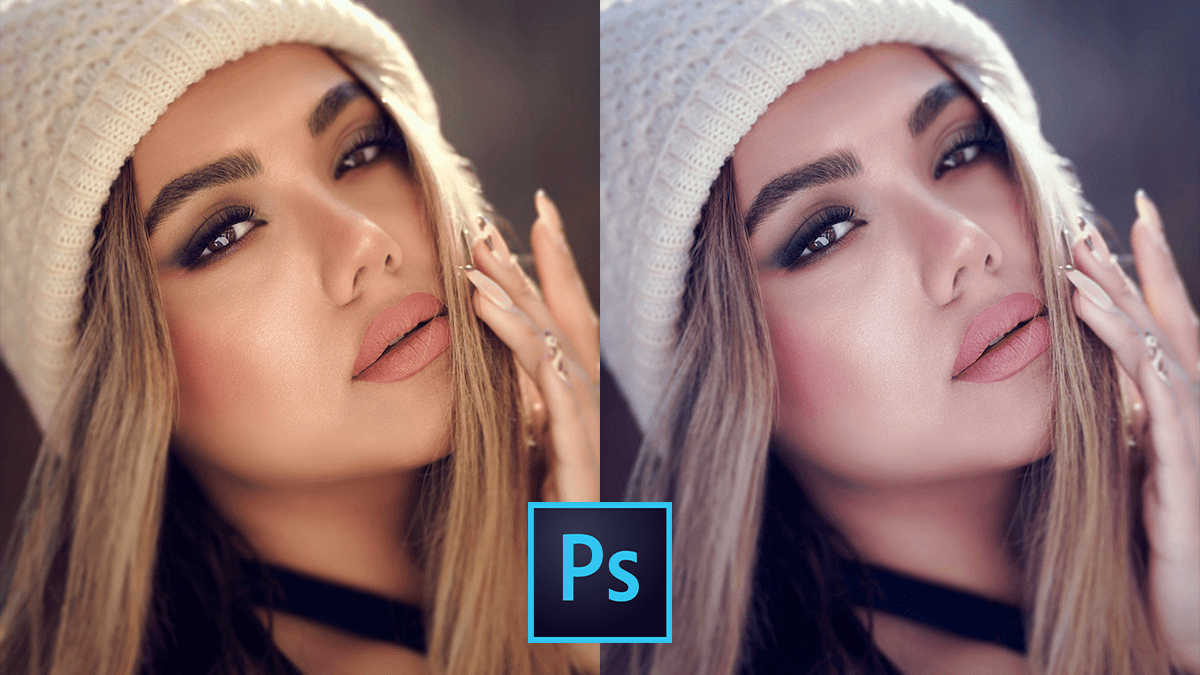
Color grading in Adobe Photoshop’s Camera Raw Filter is the process of altering the visual tone, mood, and style of an image. It moves beyond simple “correction” (fixing exposure or white balance) into “stylization.”

Colour Grading Adobe Camera Raw Filter 18.2.2

Colour Grading: Camera Raw Filter 18.2.2,

Adobe Camera Raw (ACR) version 18.2.2 (released in early 2026) continues to use the refined Color Grading engine that replaced the older “Split Toning” panel. This version maintains the high-precision 3-way color wheels and adds integration with the newer Point Color and Variance features.

Adobe Photoshop 2026: Camera Raw Filter 18.2.2

Adobe Photoshop 2026 Camera Raw Filter 18.2.2,

Professional color grading in the Camera Raw Filter (CRF) is where a photo transforms from a standard capture into a cinematic or stylized piece of art. To achieve a high-end look, the secret lies in balancing technical correction with creative “mood” setting.

Dark Moody Colour Grading: Adobe Photoshop Camera Raw Filter

Dark Moody Colour Grading: Adobe Photoshop Camera Raw Filter,

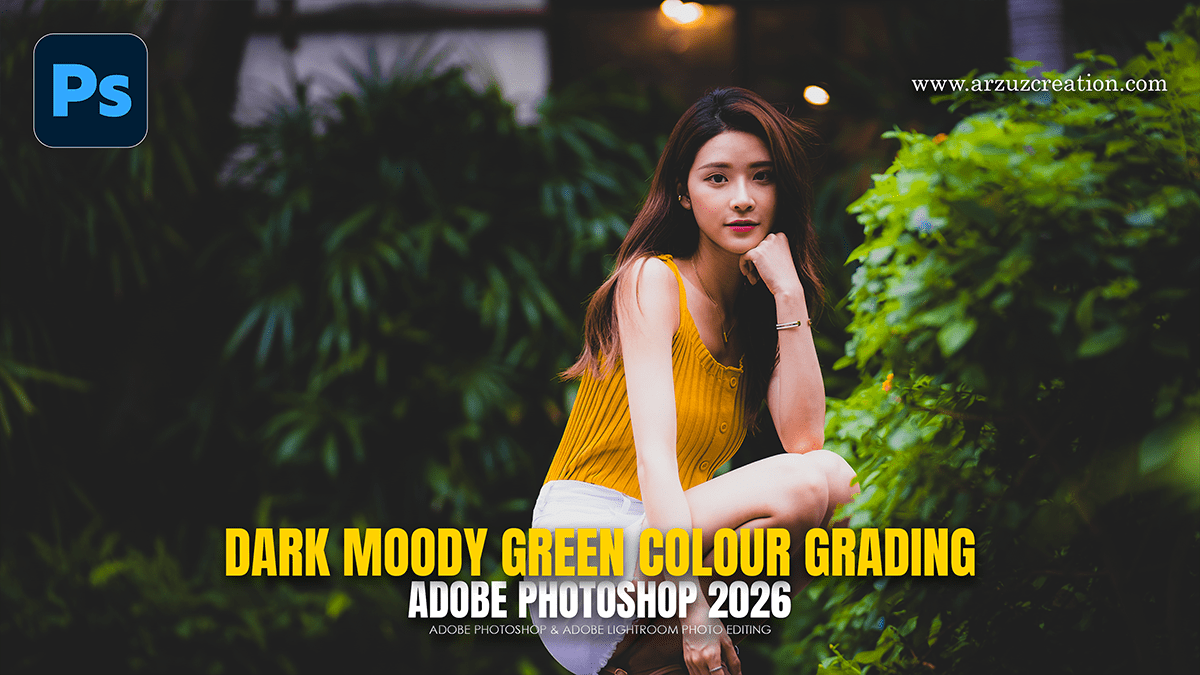
To achieve a dark, moody green aesthetic in Photoshop using the Camera Raw Filter, the goal is to shift the color science away from “natural” greens toward deeper, forest-like tones while crushing the blacks for a cinematic feel.

Adobe Photoshop Action: Professional Skin Retouching

Adobe Photoshop Action: Professional Skin Retouching,

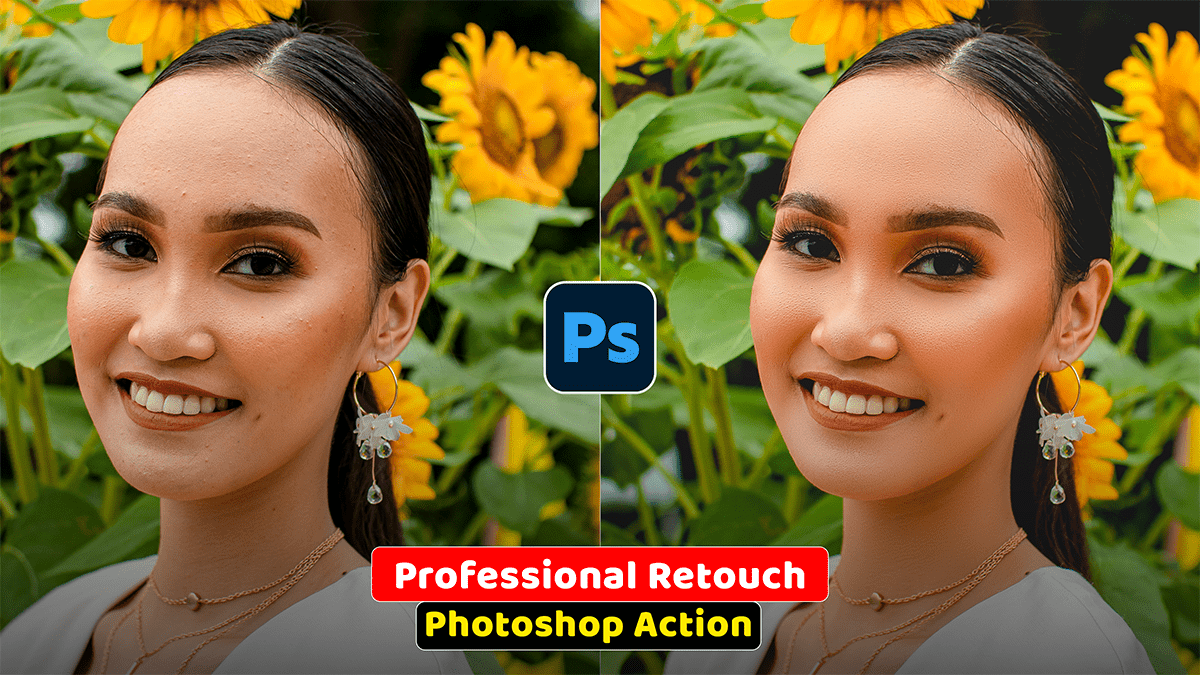
Professional skin retouching in Adobe Photoshop relies on separating color/tonal data from texture data. This prevents the artificial, plastic look caused by simple blurring filters and keeps pores, natural lines, and fine details fully intact.

Levels Adjustment Layer Photo Editing in Adobe Photoshop 2026

Levels Adjustment Layer Photo Editing in Adobe Photoshop 2026,

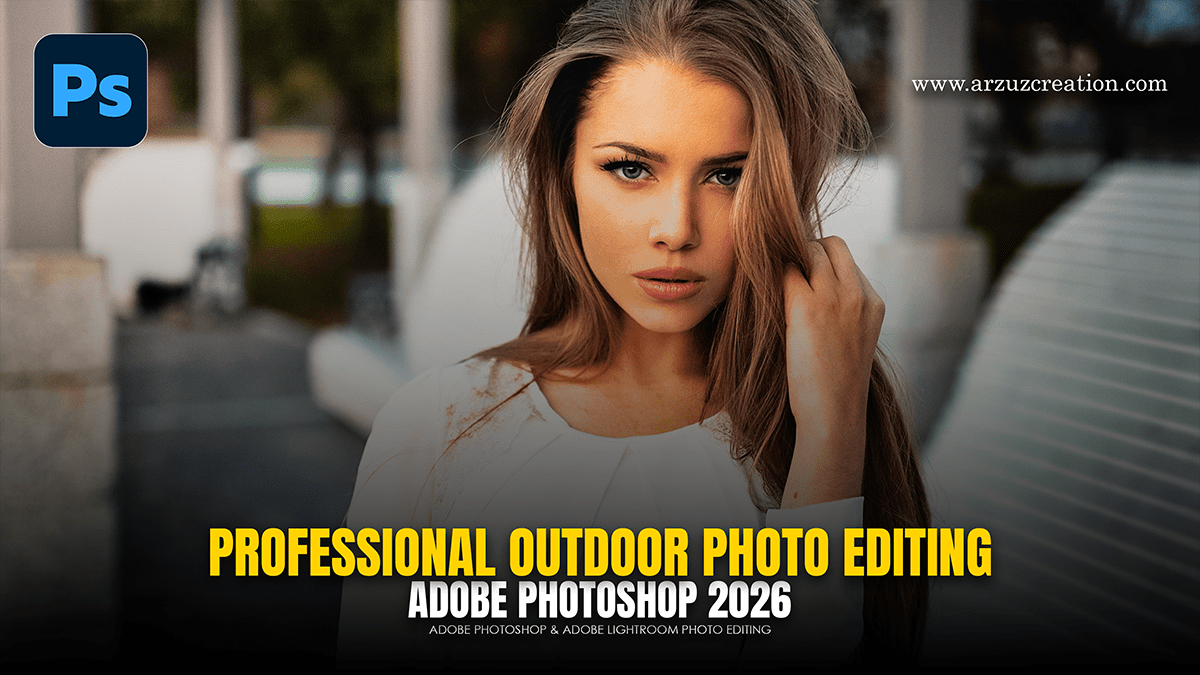
Using Levels Adjustment Layers for outdoor portraits is one of the most effective ways to balance natural light without degrading your original image pixels. Since outdoor lighting can often be “flat” (overcast) or “harsh” (direct sun), Levels allows you to redistribute the tonal range precisely.

Colour Grading: Outdoor Portrait in Adobe Photoshop 2026

Colour Grading: Outdoor Portrait in Adobe Photoshop 2026,

Color grading an outdoor portrait in Camera Raw allows for a high degree of control over the mood and “temperature” of the shot. Since you’re working with natural light, the goal is often to balance the skin tones while creating a cohesive color story.

Adobe Photoshop 2026 Adjustment Layer Photo Editing Tutorial

Adobe Photoshop 2026 Adjustment Layer Photo Editing Tutorial,

To achieve a professional, non-destructive result for an outdoor portrait, utilizing Adjustment Layers is the most effective workflow. This approach allows you to tweak lighting and color without permanently altering your original image pixels.

Adobe Photoshop Professional Outdoor Portrait Photo Editing 2026

Adobe Photoshop Professional Outdoor Portrait Photo Editing 2026,

To edit an outdoor portrait in Adobe Photoshop using adjustment layers, follow this workflow to maintain a non-destructive process. This approach allows for fine-tuning at any stage without permanently altering the original pixels.

Professional Cinematic Green Colour Tone in Adobe Photoshop

Professional Cinematic Green Colour Tone in Adobe Photoshop,

Achieving a professional cinematic green color grade in Adobe Photoshop involves a combination of shifting hue, managing saturation, and controlling luminance to create a cohesive mood.