Arzuz Creation

Professional Graphic Design and Editing

Using the Gradient Tool Change Colour in Adobe Photoshop 2026

Using the Gradient Tool Change Colour in Adobe Photoshop 2026,

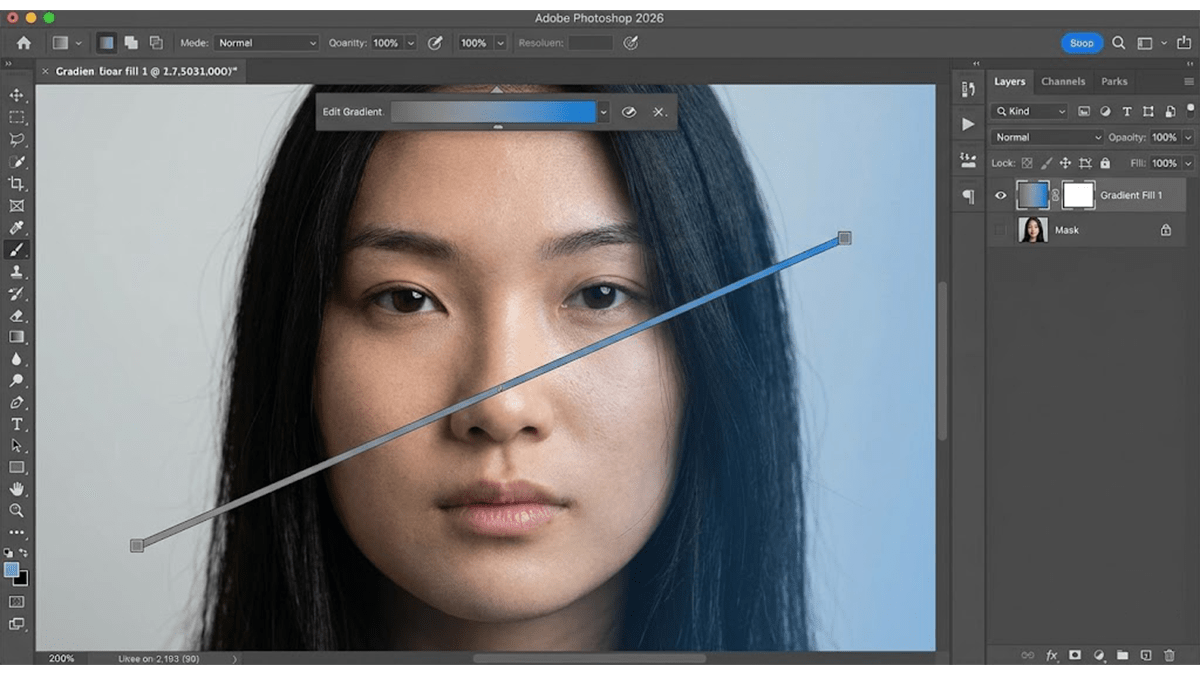
Using the Gradient Tool is one of the best ways to give a background some depth and energy.

Recent versions of Photoshop use a live, non-destructive Gradient Layer system by default. This means when you draw a gradient, you can easily tweak the colors, angle, and positions directly on your canvas at any time.
Photoshop Gradient Tool: Professional Photo Editing

Photoshop Gradient Tool: Professional Photo Editing,

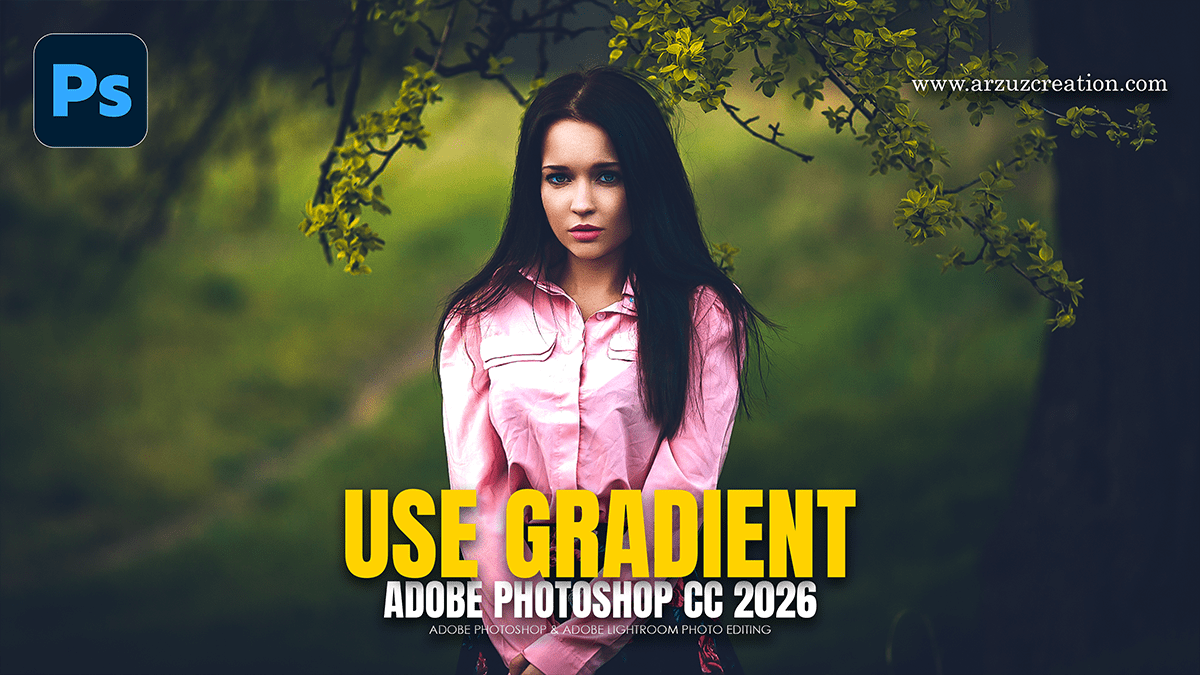
The Photoshop Gradient Tool (\(G\)) creates smooth color transitions between multiple colors or transparency. Activated via the toolbar, it offers Linear, Radial, Angle, Reflected, and Diamond types, with modern, live-editable, on-canvas controls for adjusting colors, angles, and midpoints. Key options include reverse, dither for smoother blends, and opacity adjustments.