Arzuz Creation

Graphic Design & Professional Photo Editing

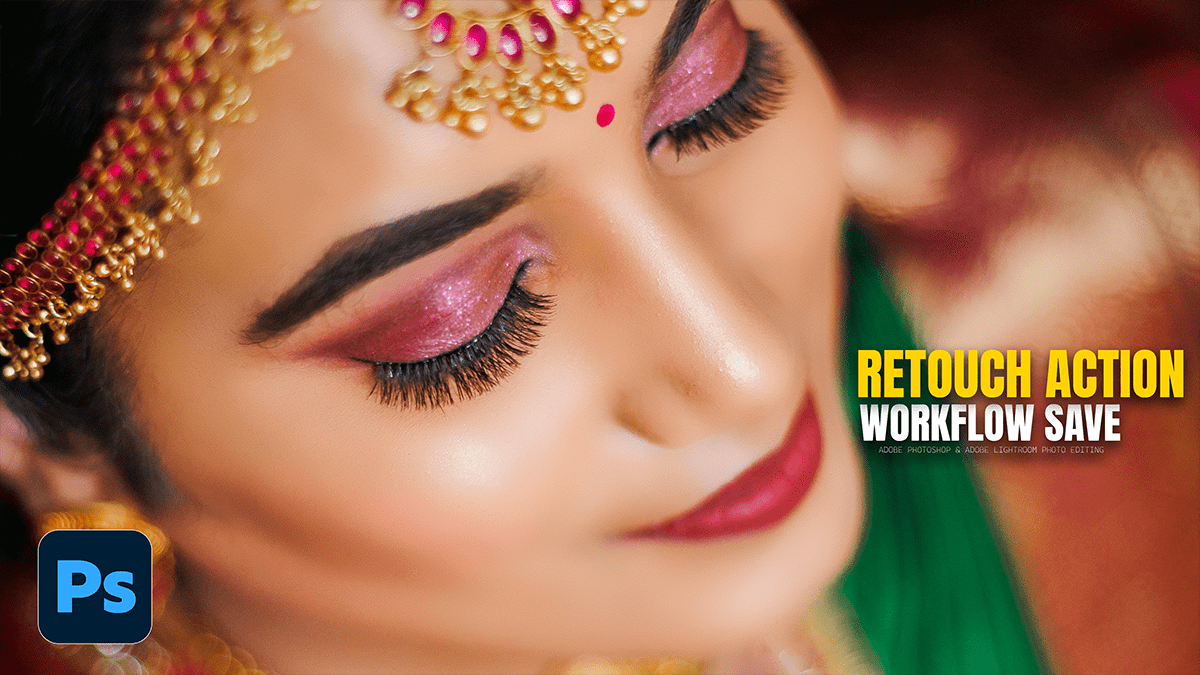
How to Save Retouching Workflow as an Action in Photoshop

How to Save Retouching Workflow as an Action in Photoshop,

Saving your workflow as an Action is the ultimate “pro” move. It allows you to automate the tedious setup (creating layers, naming them, and setting the math for Frequency Separation) so you can get straight to the creative retouching.

How to use that AI Masking Feature, Dodge and Burn, Photoshop

How to use that AI Masking Feature Dodge and Burn Photoshop,

The AI Selection and Masking updates in Photoshop 2026 have turned the tedious manual Dodge and Burn process into a much faster, “semi-automated” workflow. Instead of guessing where the highlights and shadows are, you can let the AI identify the planes of the face for you.