Here we will use Adobe Photoshop CC software for professional photo editing. It is a very powerful and popular photo editing software. This includes many tools that will help you a lot in editing your photos.
Adobe Photoshop CC is a powerful image editing software that is widely used by professionals and beginners alike. If you’re new to Photoshop, it can be overwhelming to get started, but with the right tutorial, you can learn the basics and start creating your own designs. In this tutorial, we’ll cover the essential tools and features for beginners.
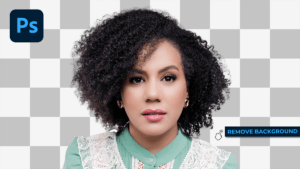
Remove Photo Background in Photoshop
In other words, when you open Photoshop, you’ll see a blank canvas with a toolbar on the left-hand side. For instance, this is where you’ll find all the tools you need to edit your images. Let’s take a quick tour of the interface:
In addition, Menu Bar: This is where you’ll find all the commands and options in Photoshop. Therefore, you can access it by clicking on the three lines in the top left corner of the window.
Toolbar: This is where you’ll find all the tools you need to edit your images. You can select a tool by clicking on it or by pressing its shortcut key (which you can find by hovering over the tool).
Options Bar: This is where you can adjust the settings for the selected tool. You can access it by clicking on the tool in the toolbar or by pressing Shift + T.
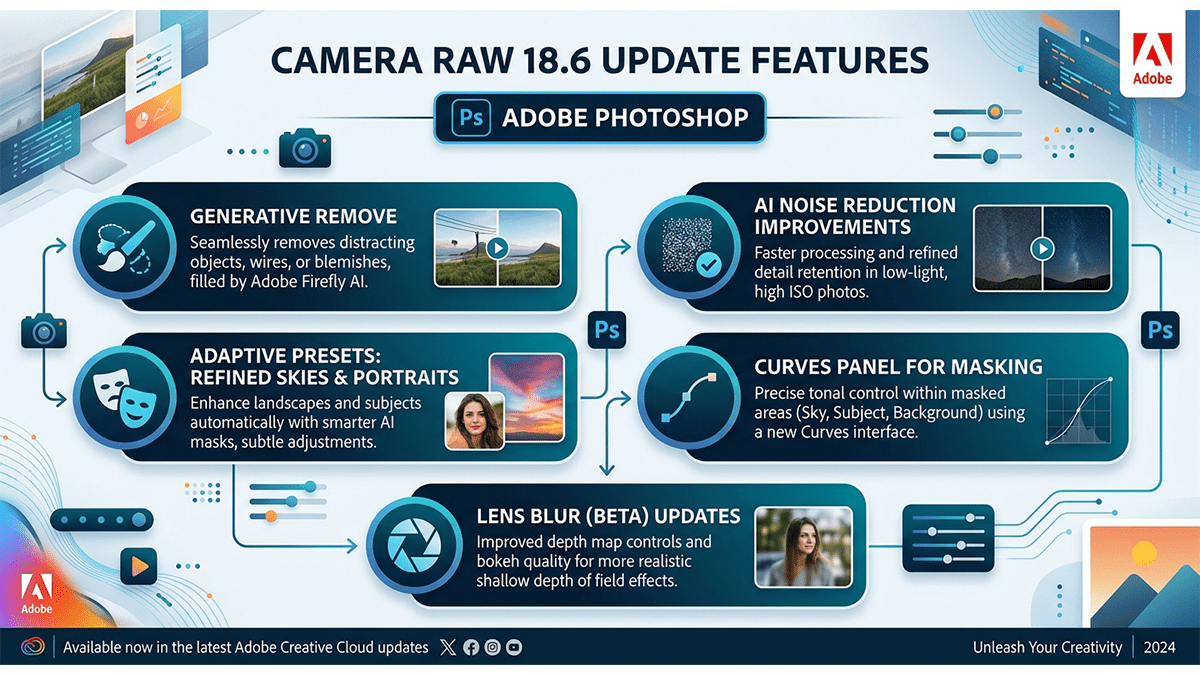
The major update features introduced in Adobe Photoshop Camera Raw v18.6 focus on creative light controls, compositing flexibility, and streamlined workspace metadata:
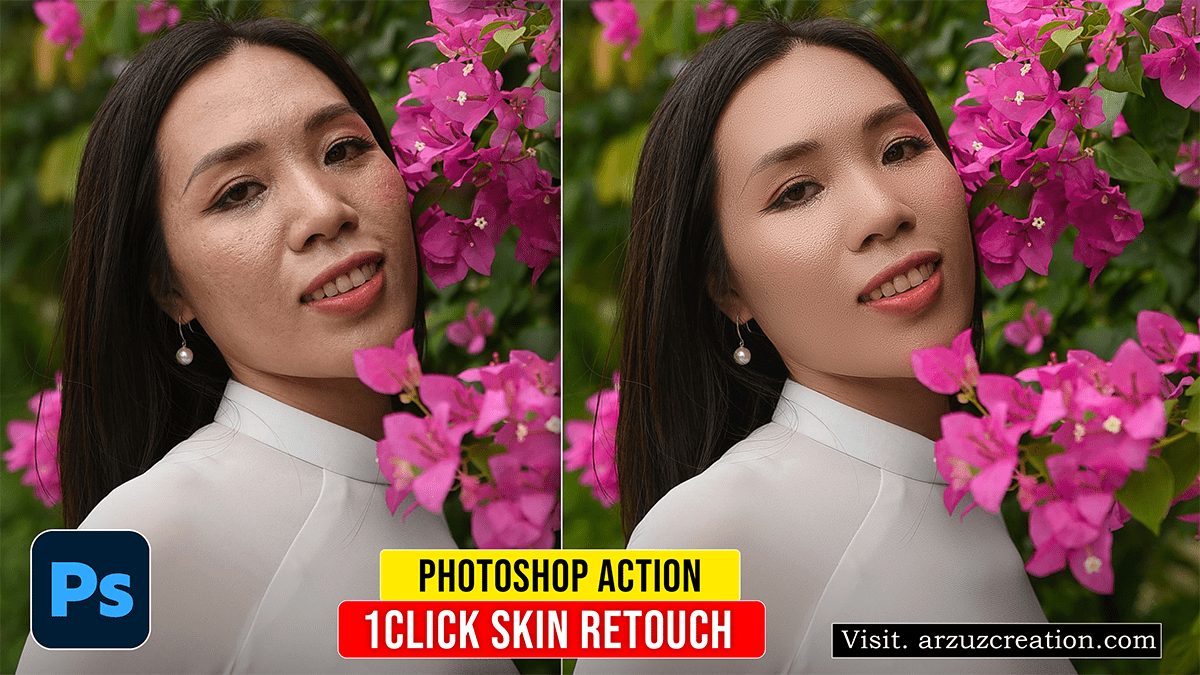
Creating an automated Frequency Separation Action in Adobe Photoshop allows you to separate skin texture (high frequency) from tone and color (low frequency), enabling smooth skin retouching while preserving natural texture.
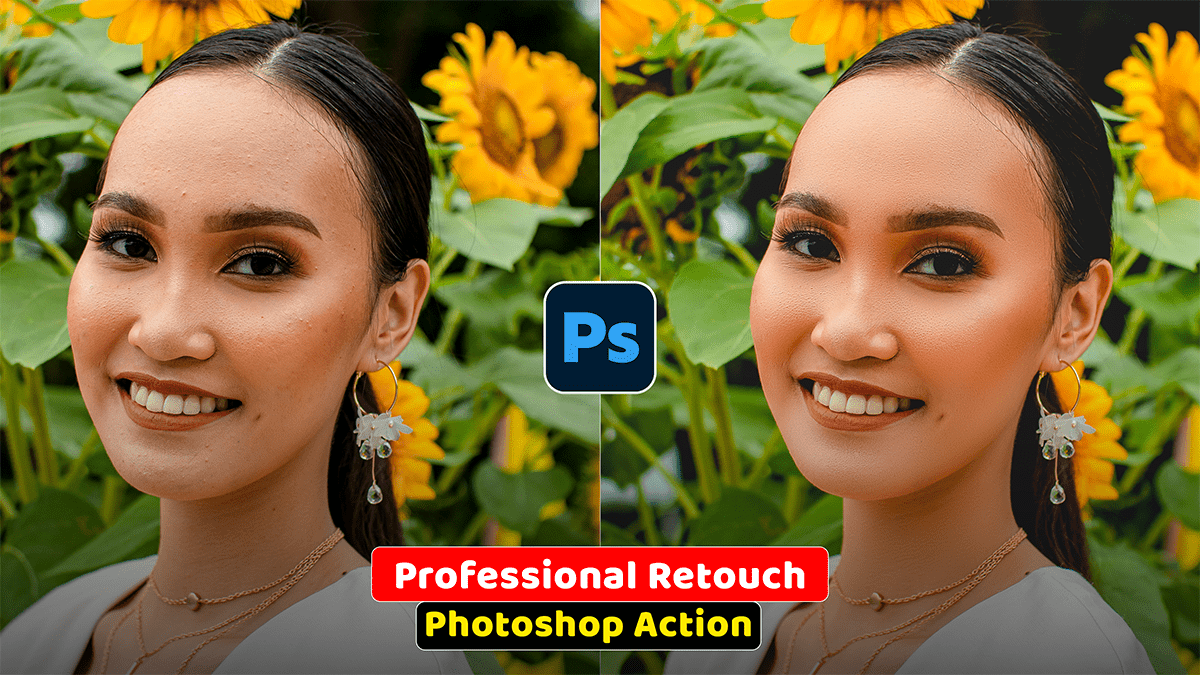
Adobe Photoshop Action: Professional Skin Retouching,
Professional skin retouching in Adobe Photoshop relies on separating color/tonal data from texture data. This prevents the artificial, plastic look caused by simple blurring filters and keeps pores, natural lines, and fine details fully intact.
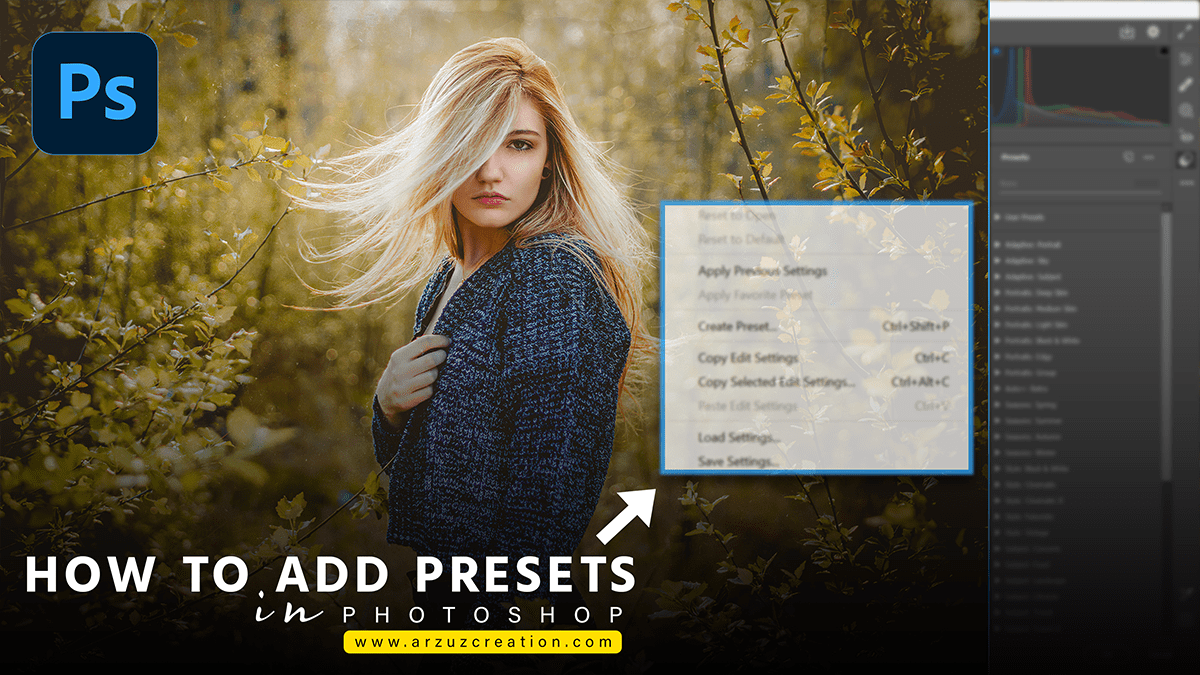
Install Presets in Photoshop, Adobe Photoshop Camera Raw Filter Tutorial For Beginners. Here’s how to install Camera Raw presets in Adobe Photoshop: First, you need to have the Camera Raw presets you want to install. For […]
Best camera raw preset, Adobe Photoshop Professional Photo Editing Tutorial For Beginners. In other words, Professional photo editing in Photoshop creates a variety of methods and devices that can stand operated to improve, adjust, and recast […]
Photoshop color grading presets, the Best professional photo editing tutorial for beginners. Color grading in Photoshop is the process of adjusting the color, tone, and mood of an image to achieve a specific look or feel. […]
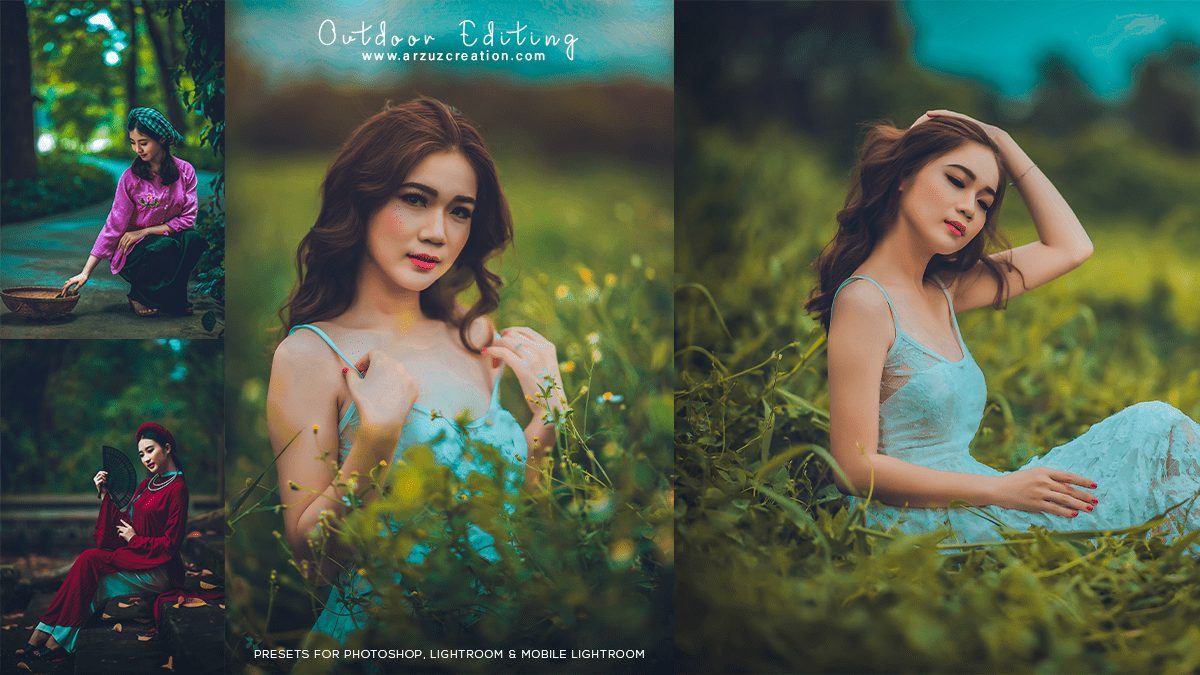
Outdoor photo editing camera raw presets, Adobe Photoshop Camera Raw Filter. Hello everyone, In this Photoshop tutorial, I will show you, How to use Outdoor photo editing camera raw presets in Photoshop. I do not have […]
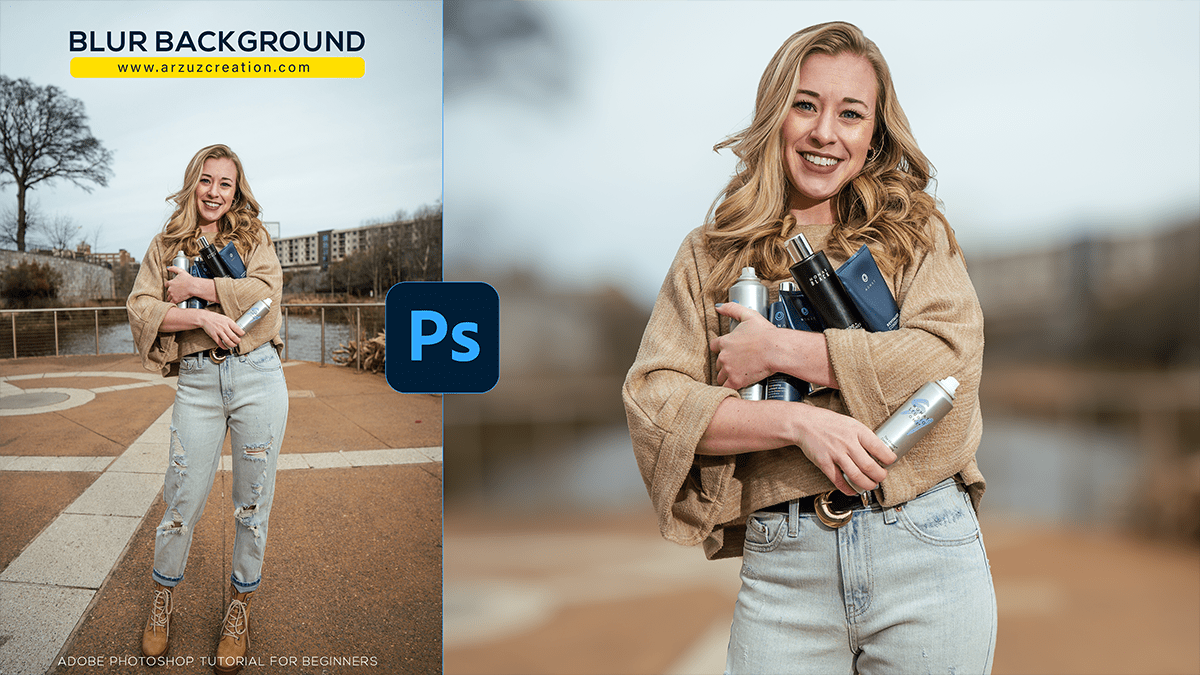
Blur background Photoshop, How to blur the background in Photoshop. Adobe Photoshop tutorial for beginners. Hello everyone, In this Photoshop tutorial, you learn, How to Blur the Background in Photoshop. Today you learn completely step-by-step, Blur […]
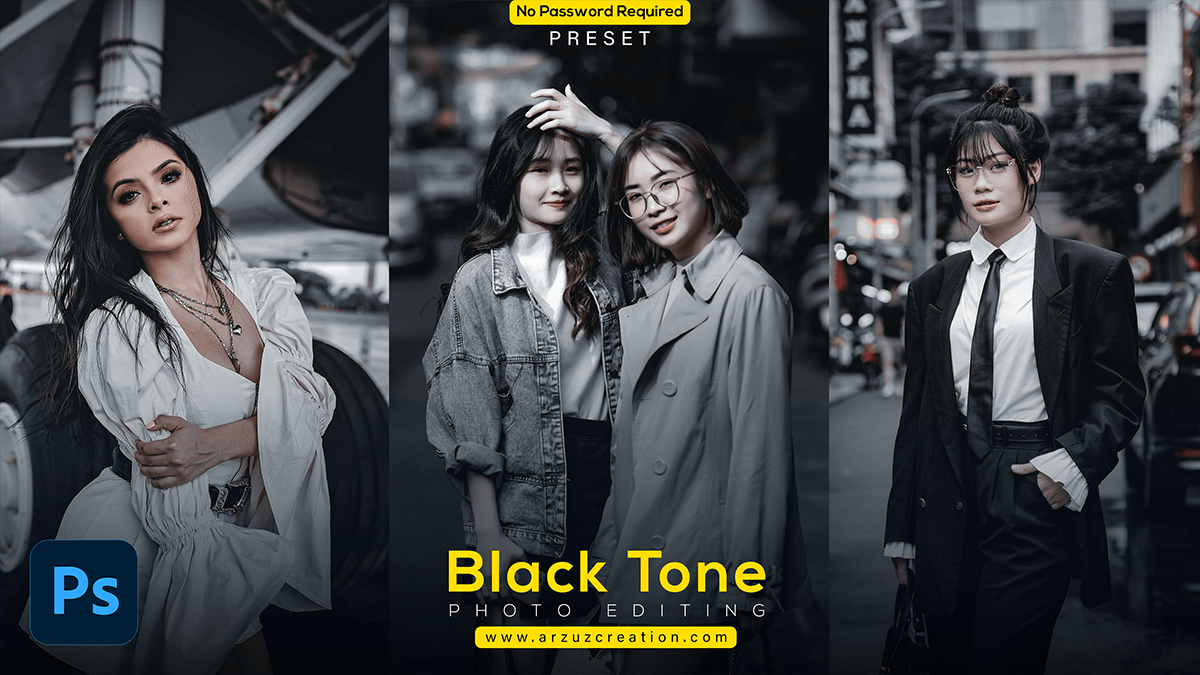
Black tone photo editing, Adobe Photoshop tutorial for beginners. Hello everyone, In this Photoshop tutorial, you learn, How to Black tone photo edit in Photoshop. Step by step I will tell you, How to edit a […]
Color lookup presets for Photoshop cc, Adobe Photoshop 2024. Hello Everyone, In this Photoshop tutorial, you learn, How to use Color Lookup Presets for Photoshop CC. And how to install color lookup or, 3DLuts presets in […]
Color grading Photoshop camera raw, Professional photo editing tutorial Hello Everyone, In this tutorial, I’ll show you how to do color grading using the Adobe camera raw filter. Knowing the Adobe camera raw filter is essential […]
Outdoor photo editing camera raw presets, Adobe Photoshop 2024! Hello Friends, In other words, I will show you how to use camera raw presets for outdoor photo editing in Adobe Photoshop. This method is the easiest […]