Arzuz Creation

Graphic Design & Professional Photo Editing

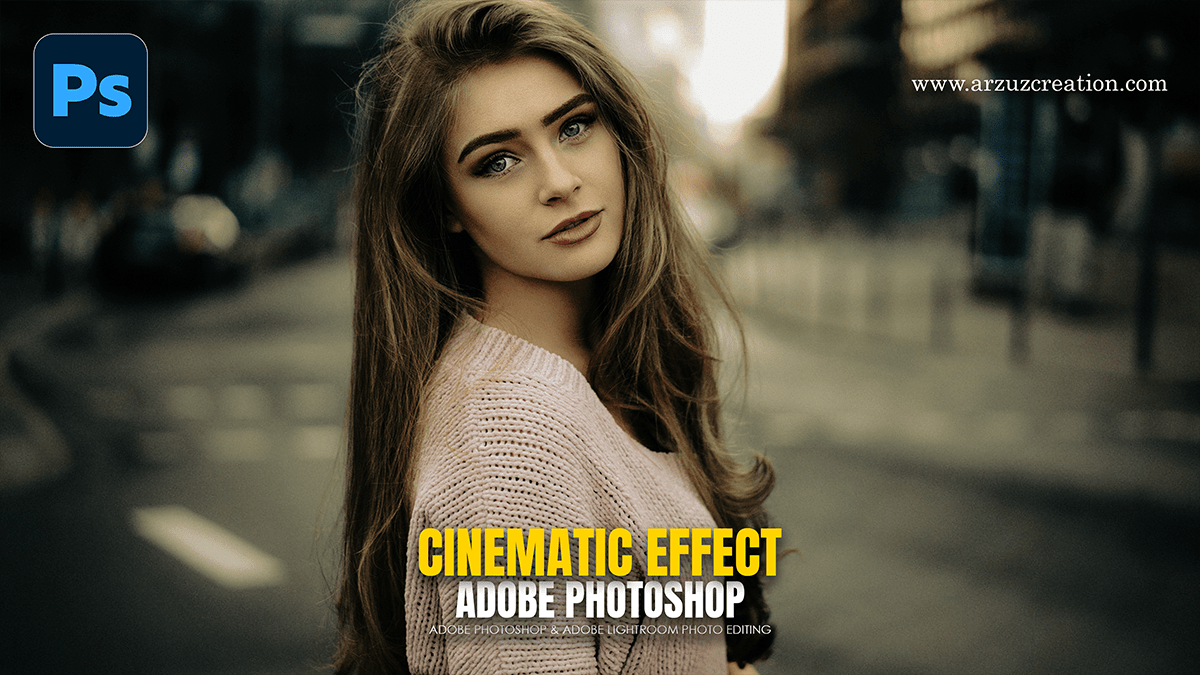
Cinematic Effect: Adobe Camera Raw Filter 2026

Cinematic Effect: Adobe Camera Raw Filter 2026,

Creating a cinematic look in Photoshop using the Camera Raw Filter is all about controlling the mood through color grading and lighting contrast. The goal is to mimic the look of movie film—often characterized by “Teal and Orange” tones, deep shadows, and subtle grain.
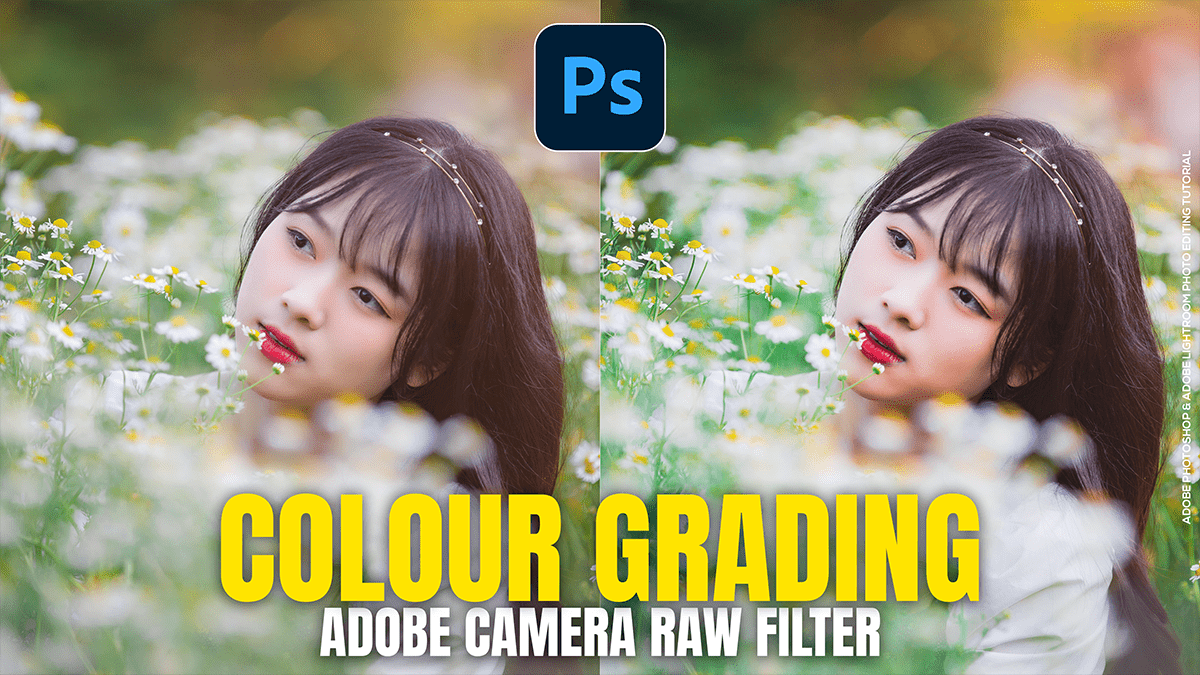
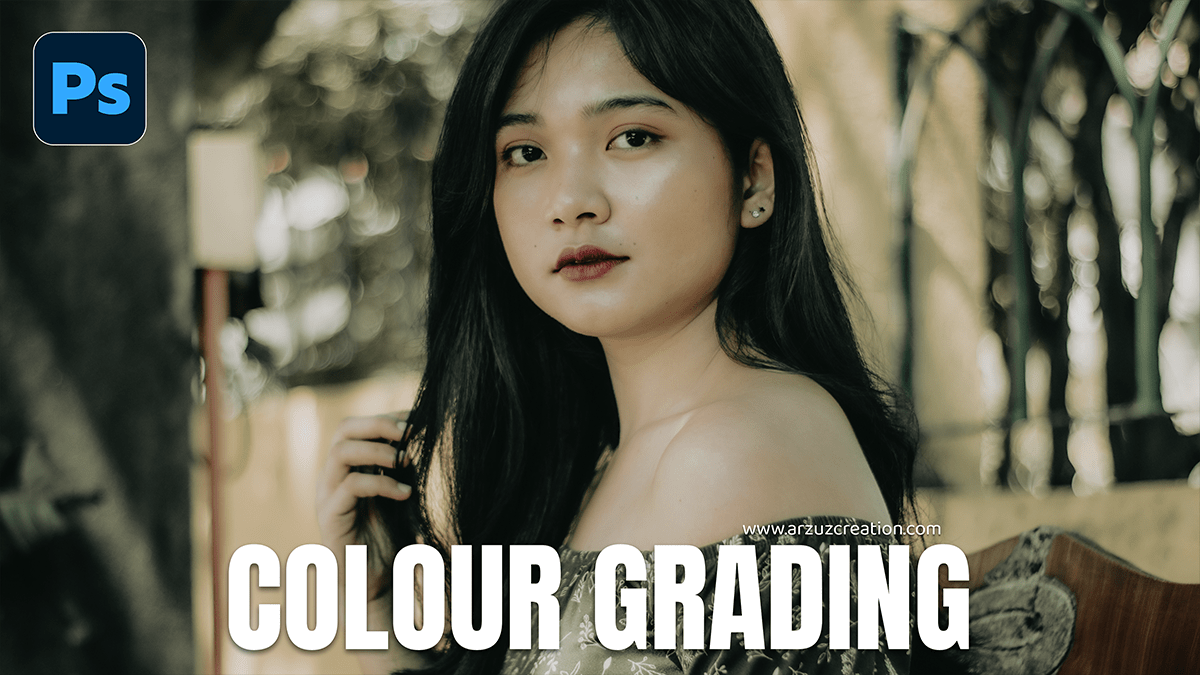
Colour Grading: Adobe Camera Raw Filter 2026

Colour Grading: Adobe Camera Raw Filter 2026,

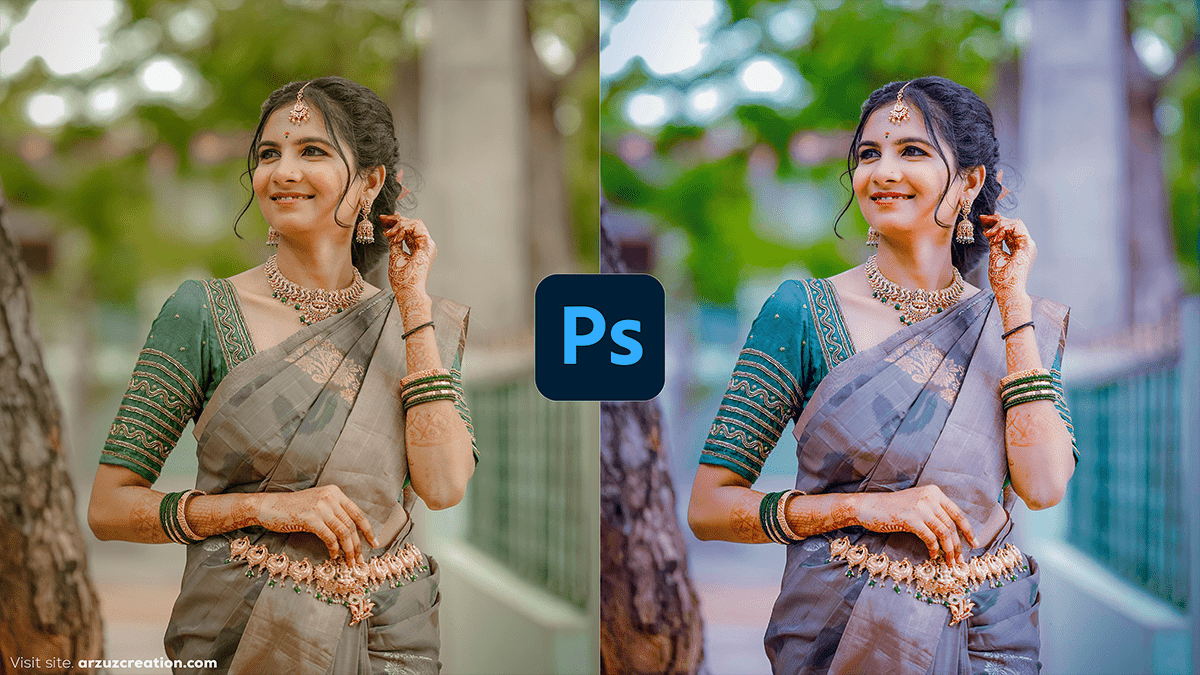
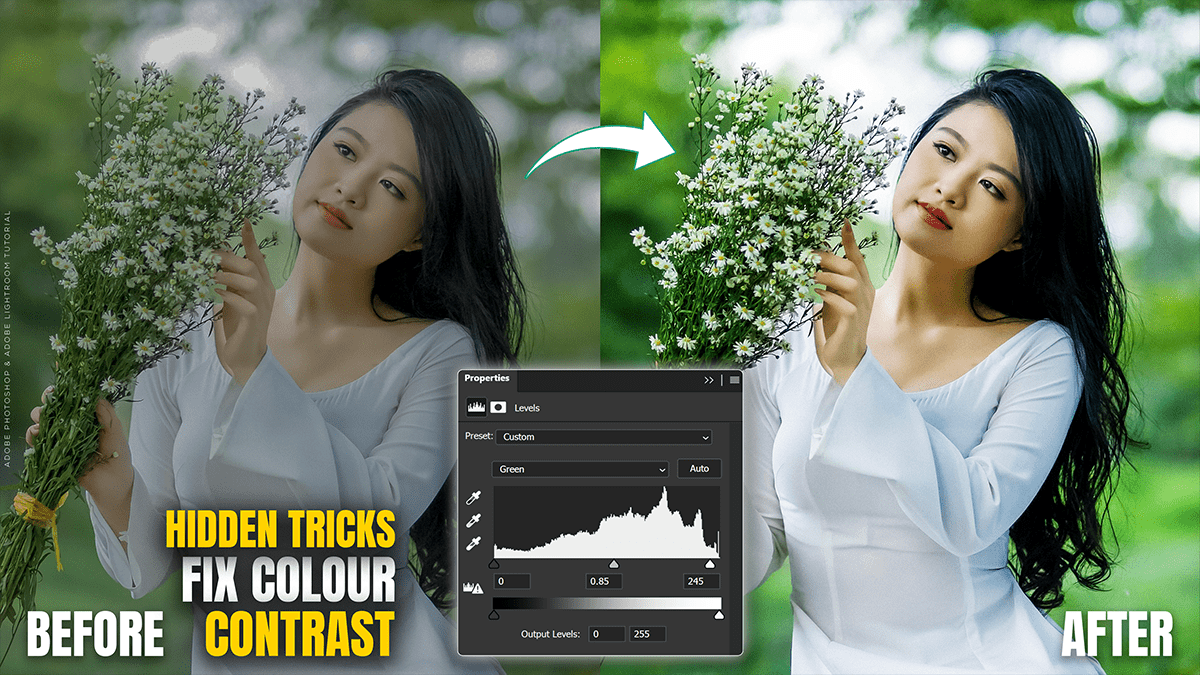
Therefore, Color grading an outdoor portrait in Camera Raw (or Lightroom) is all about balancing the natural light with the mood you want to evoke. Whether you’re going for a warm “Golden Hour” look or a moody, cool cinematic vibe, the process follows a specific hierarchy.

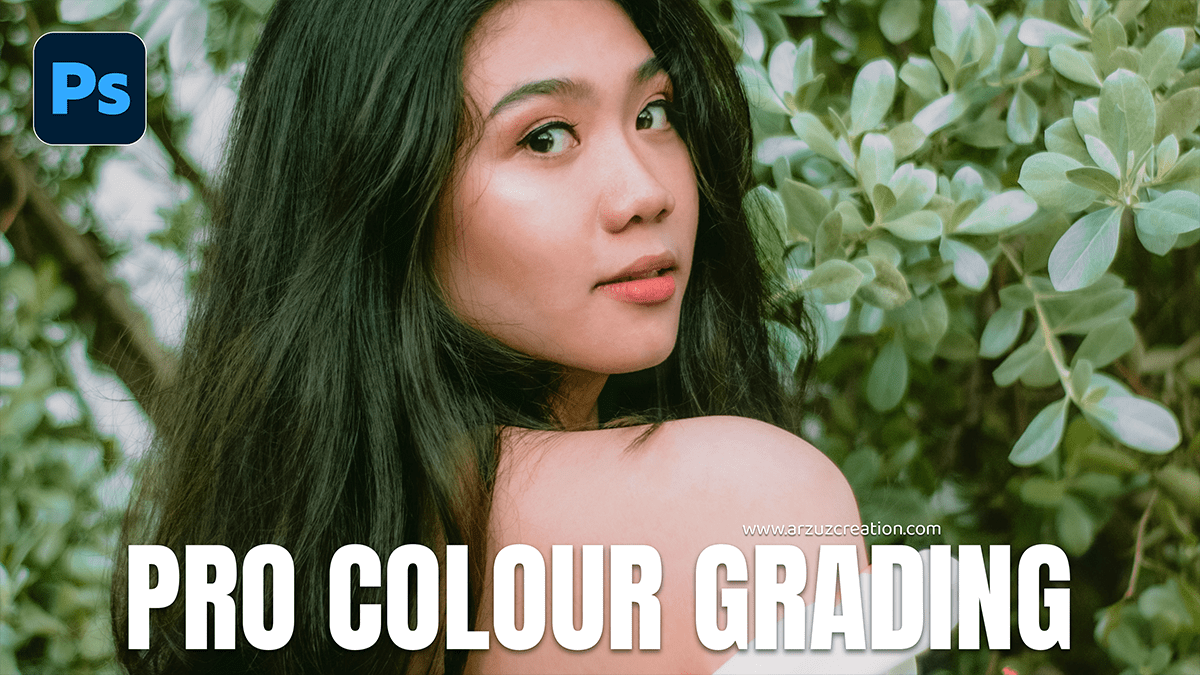
Pro Colour Grading: Adobe Photoshop Camera Raw Filter 2026

Pro Colour Grading: Adobe Photoshop Camera Raw Filter 2026,

Color grading an outdoor portrait in Camera Raw is all about balancing the natural light with the mood you want to create. Whether you’re going for a warm “Golden Hour” look or a moody, cool cinematic vibe, here is a professional workflow to get it done.

Remove Photo Background Object in Adobe Photoshop 2026

Remove Photo Background Object in Adobe Photoshop 2026,

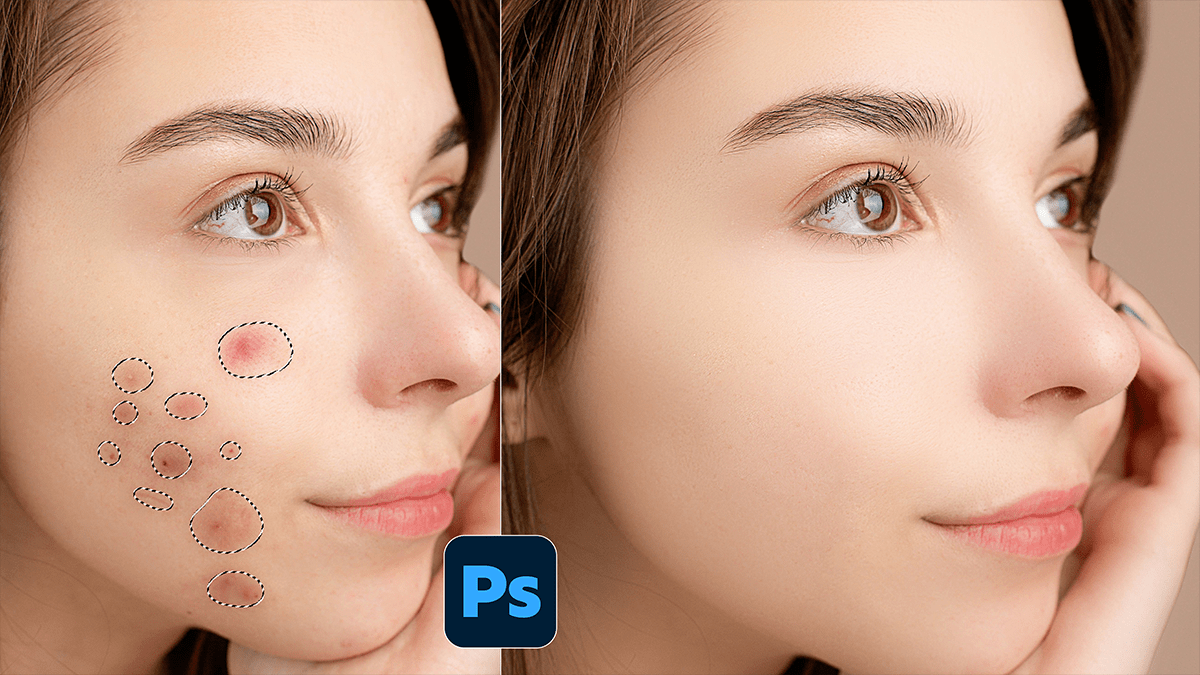
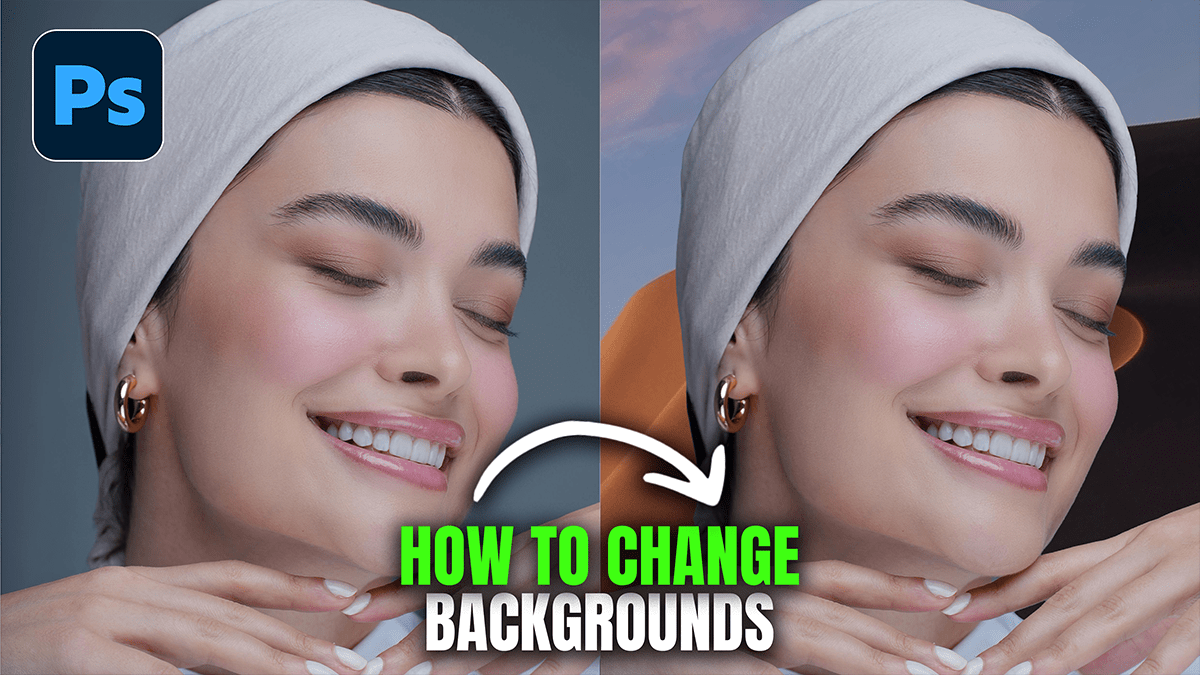
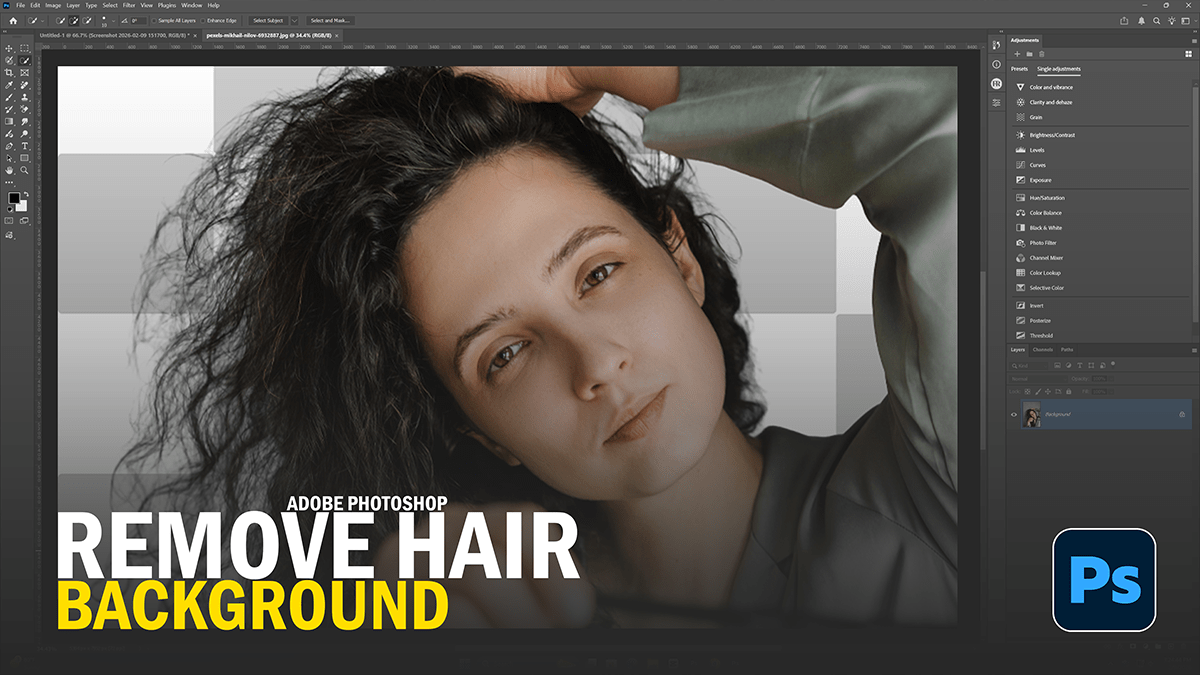
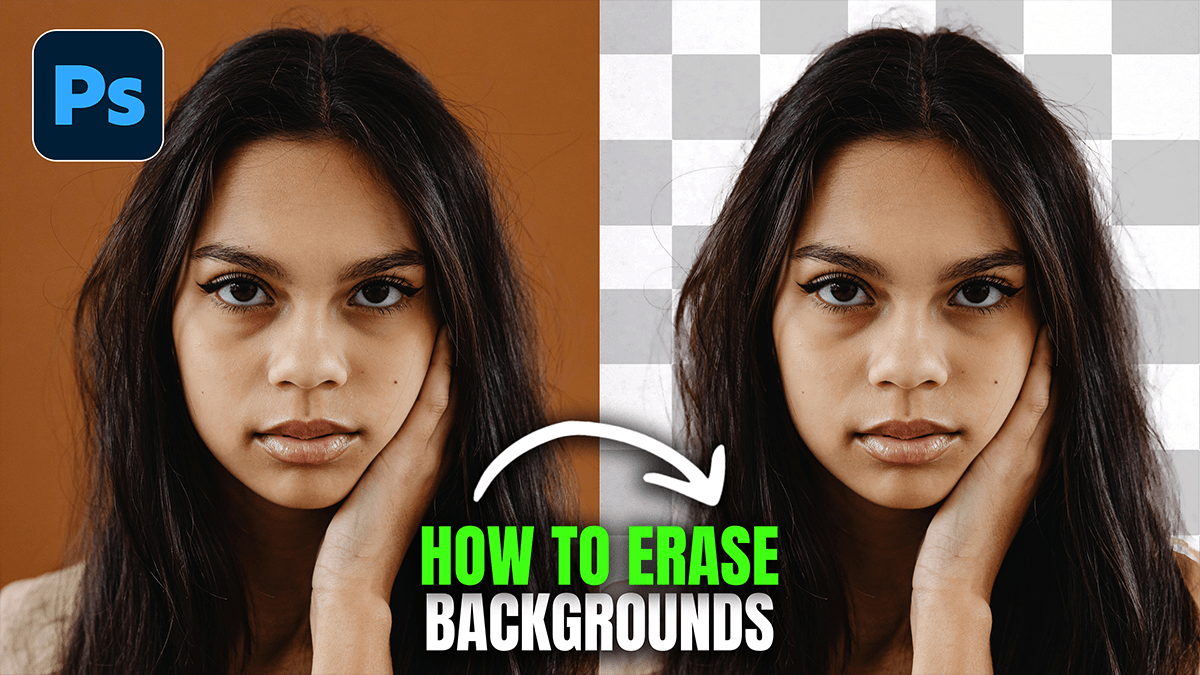
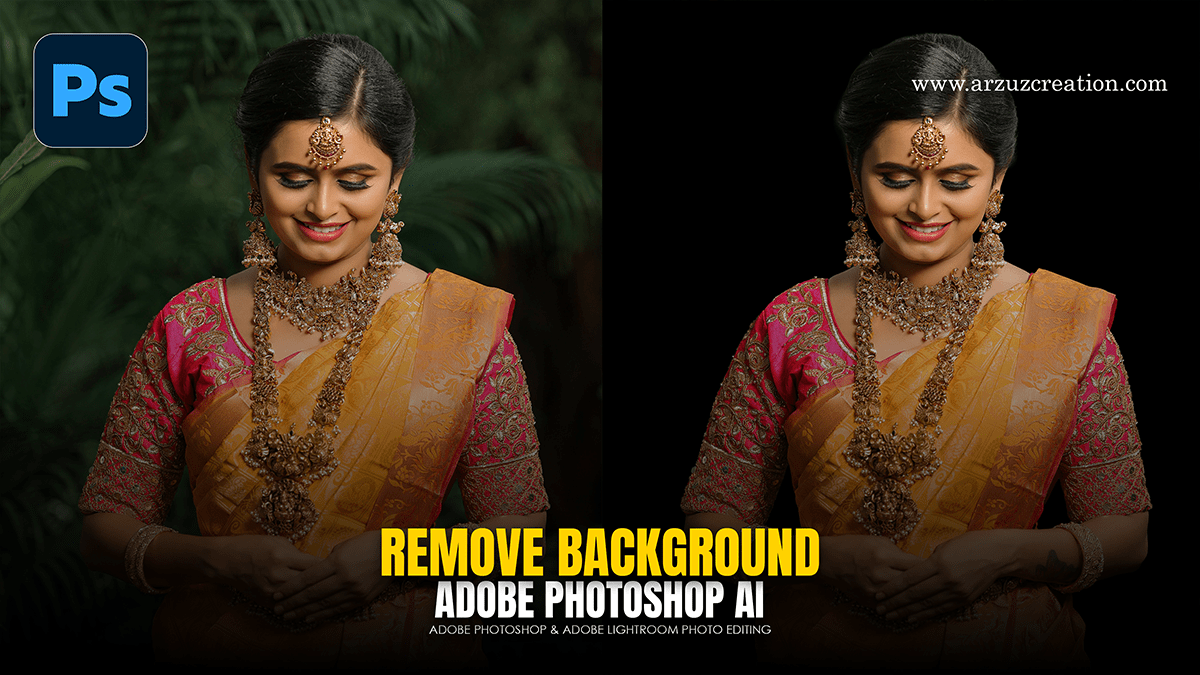
Removing objects in Photoshop has become significantly easier with the introduction of AI-powered tools like Generative Fill and the Remove Tool. Depending on the complexity of your background, you can choose between a fully automated approach or a more manual, precise method.

Dodge and Burn: Using Photoshop Levels Adjustment Layer 2026

Dodge and Burn: Using Photoshop Levels Adjustment Layer 2026,

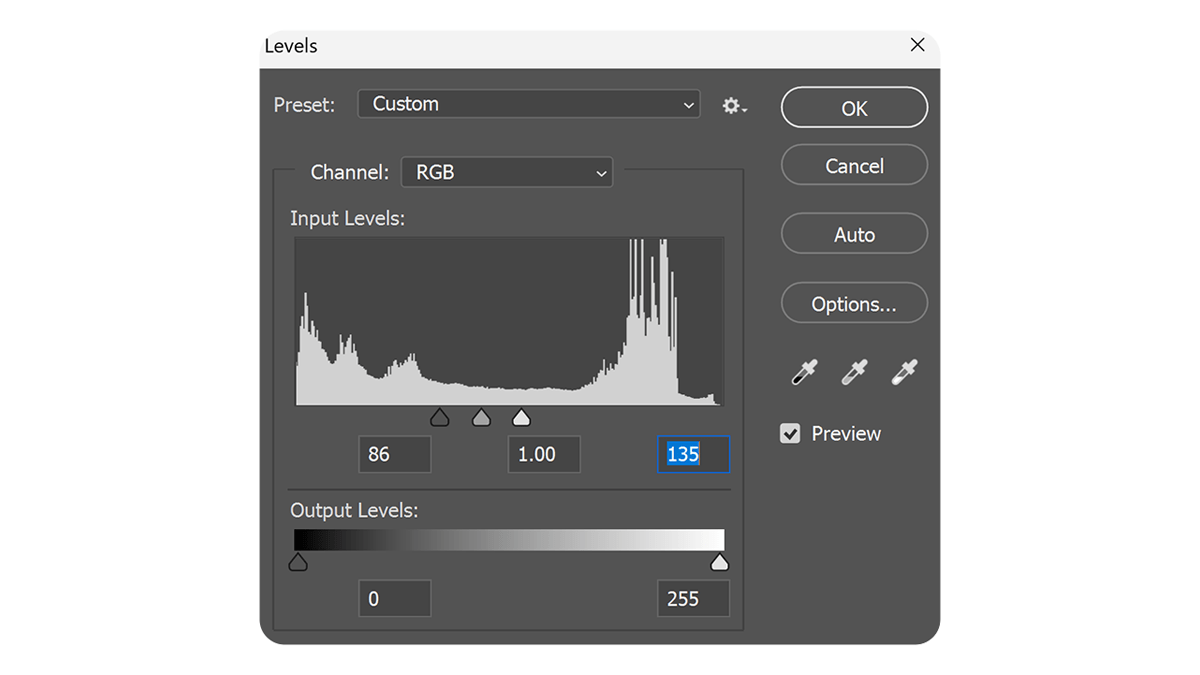
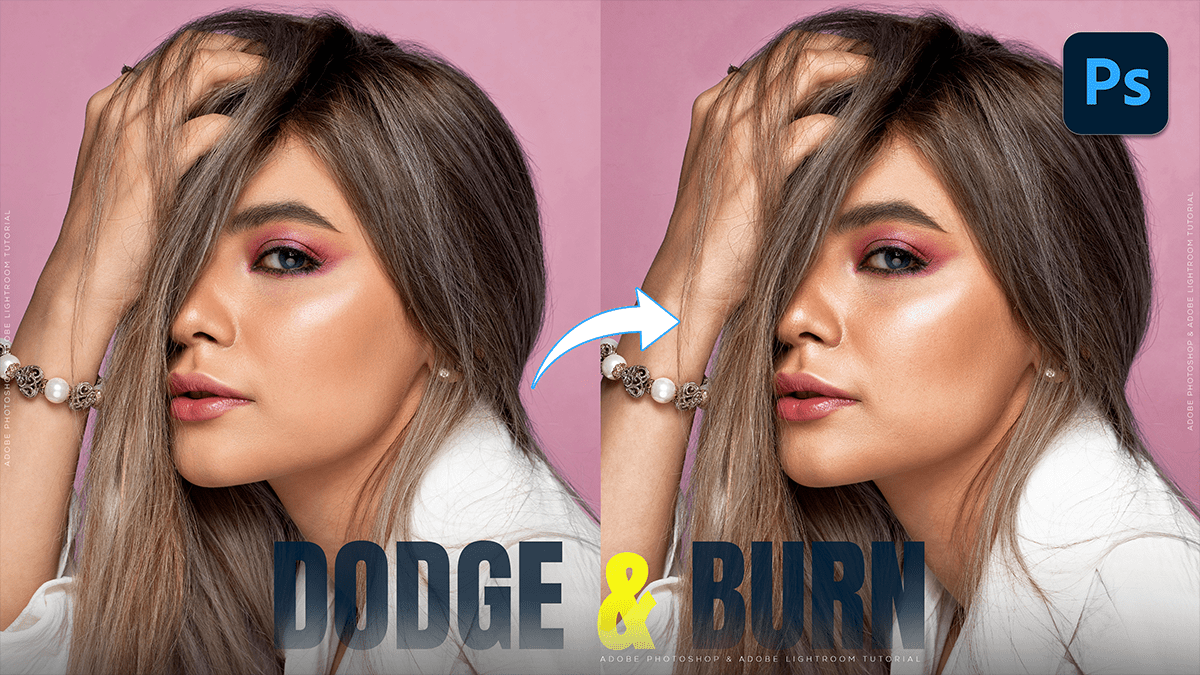
Using Levels Adjustment Layers for dodging and burning is a professional, non-destructive alternative to the standard Dodge and Burn tools. This method allows you to change the intensity of your edits at any time without damaging the original pixels.

Adobe Photoshop 2026: How to Create Dodge and Burn

Adobe Photoshop 2026: How to Create Dodge and Burn,

In Adobe Photoshop 2026, dodging (lightening) and burning (darkening) can be done using several methods, ranging from classic tools to modern non-destructive workflows.

While the basic Dodge and Burn tools in the toolbar are easy to use, they are “destructive” because they change the pixels of your original image. For professional results, most editors prefer non-destructive methods using layers.

Remove Image Noise in Adobe Photoshop 2026

Remove Image Noise in Adobe Photoshop 2026,

In Adobe Photoshop 2026, noise reduction has moved beyond simple sliders to more sophisticated AI-driven processes. Depending on whether you are working with a RAW file or a standard layer (JPEG/PNG), you have several powerful options.

Adobe Photoshop 2026: Color Grade in Photoshop Camera Raw

Adobe Photoshop 2026: Color Grade in Photoshop Camera Raw,

Color grading is the creative process of applying a specific “look” or mood to your image after you have finished basic color correction (fixing white balance and exposure). In Photoshop, there are several ways to do this, ranging from beginner-friendly tools to professional-grade panels.

How to Increase Photo Quality in Photoshop 7.0

How to Increase Photo Quality in Photoshop 7.0,

While Photoshop 7.0 (released in 2002) lacks the AI “Super Resolution” and “Preserve Details 2.0” found in modern versions, you can still significantly improve image quality using manual techniques like Bicubic interpolation, Unsharp Mask, and High Pass sharpening.

What’s New in Adobe Lightroom Classic 2025

What’s New in Adobe Lightroom Classic 2025,

Lightroom Classic has seen several significant updates throughout 2025 (versions 14.x through 15.x). The focus has been on AI-driven automation, smarter organization, and massive performance improvements for the editing interface.

Adobe Photoshop Professional Cinematic Colour Grading Tutorial

Adobe Photoshop Professional Cinematic Colour Grading Tutorial,

Achieving a professional “cinematic” look in Adobe Photoshop is most effectively done using the Camera Raw Filter. This tool allows you to manipulate light and color with the same precision as a professional film colorist.

Adobe Photoshop 2026: Dark Moody Colour Grading Camera Raw

Adobe Photoshop 2026: Dark Moody Colour Grading Camera Raw,

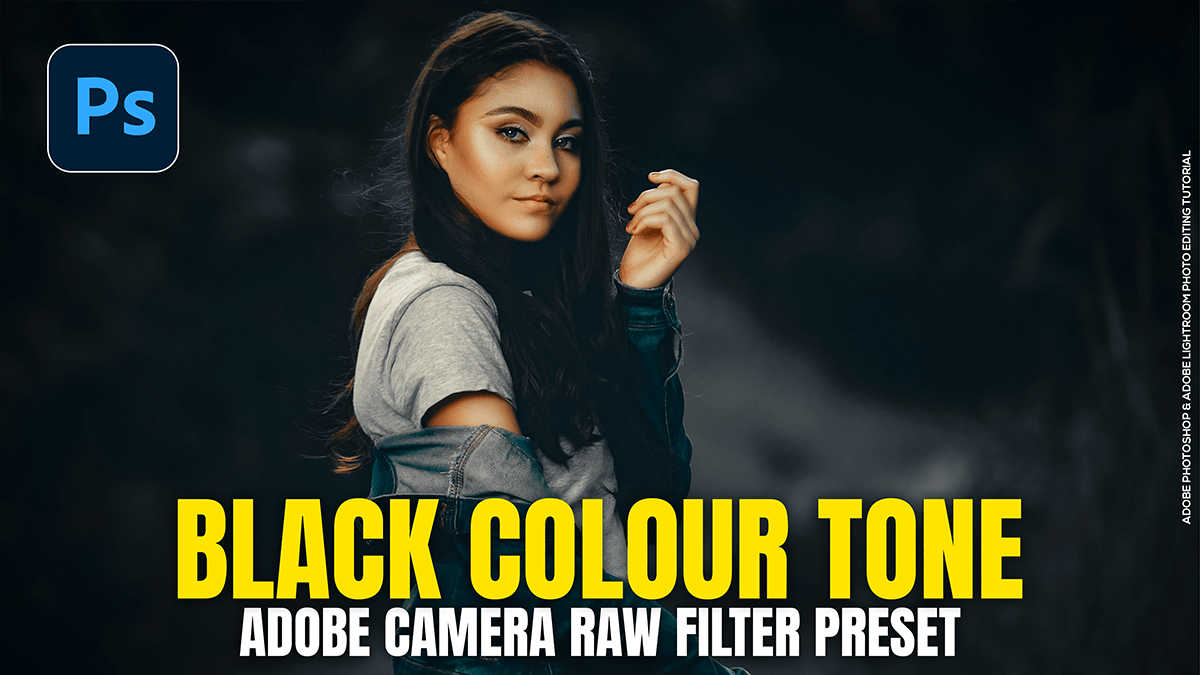
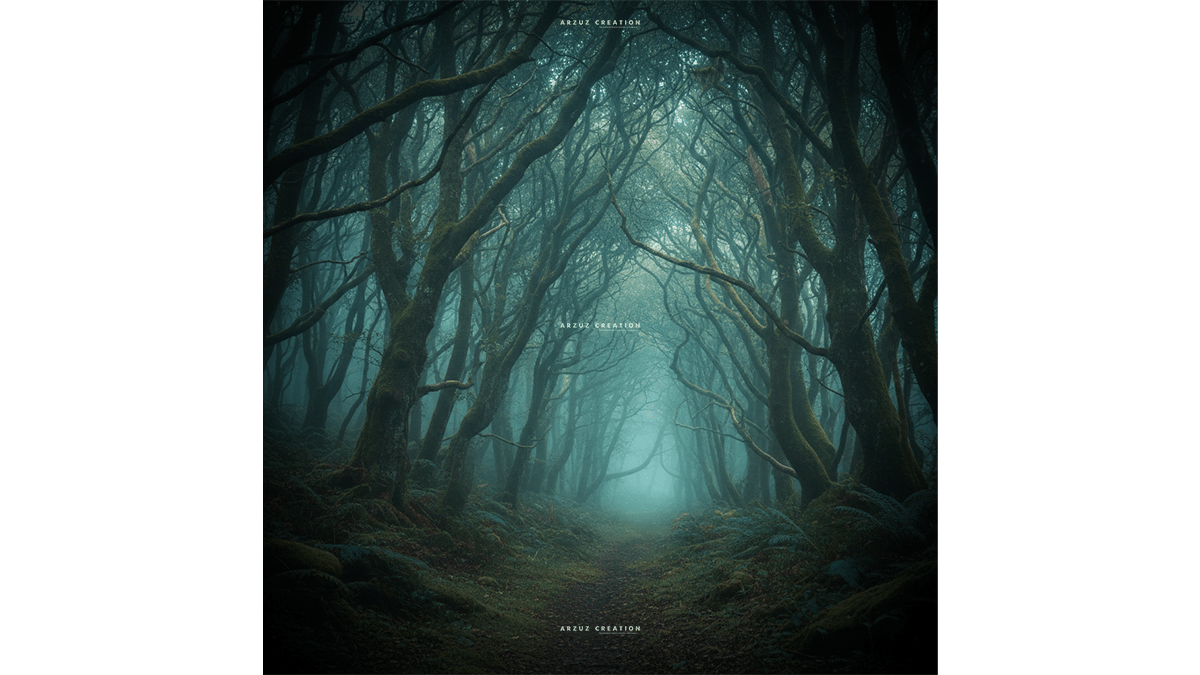
Creating a “dark and moody” look in Photoshop 2026 has become significantly more intuitive thanks to new AI-driven adjustment layers and high-fidelity generative models. This aesthetic relies on deep shadows, desaturated colors, and selective lighting to create a cinematic atmosphere.

Cinematic: Outdoor Portraiture Cinematic Colour Tone Photoshop

Cinematic: Outdoor Portraiture Cinematic Colour Tone Photoshop,

Quick Answer: Cinematic color grading in Adobe Photoshop involves using tools like adjustment layers, color lookup tables (LUTs), and gradient maps to create dramatic tones similar to those seen in films. Popular techniques include the teal-and-orange look, enhancing contrast, and fine-tuning shadows and highlights for a polished, cinematic feel.

Camera Raw Filter: Professional Colour Grading in Photoshop

Camera Raw Filter: Professional Colour Grading in Photoshop,

Color grading in the Camera Raw Filter is one of the most powerful ways to achieve a high-end, cinematic look in Photoshop. It allows for non-destructive, surgical control over your image’s palette.

To get professional results, it is best to follow a structured workflow rather than jumping straight to the color wheels.

Gradient Adjustment Layer: Professional Photo Editing Photoshop

Gradient Adjustment Layer: Professional Photo Editing Photoshop,

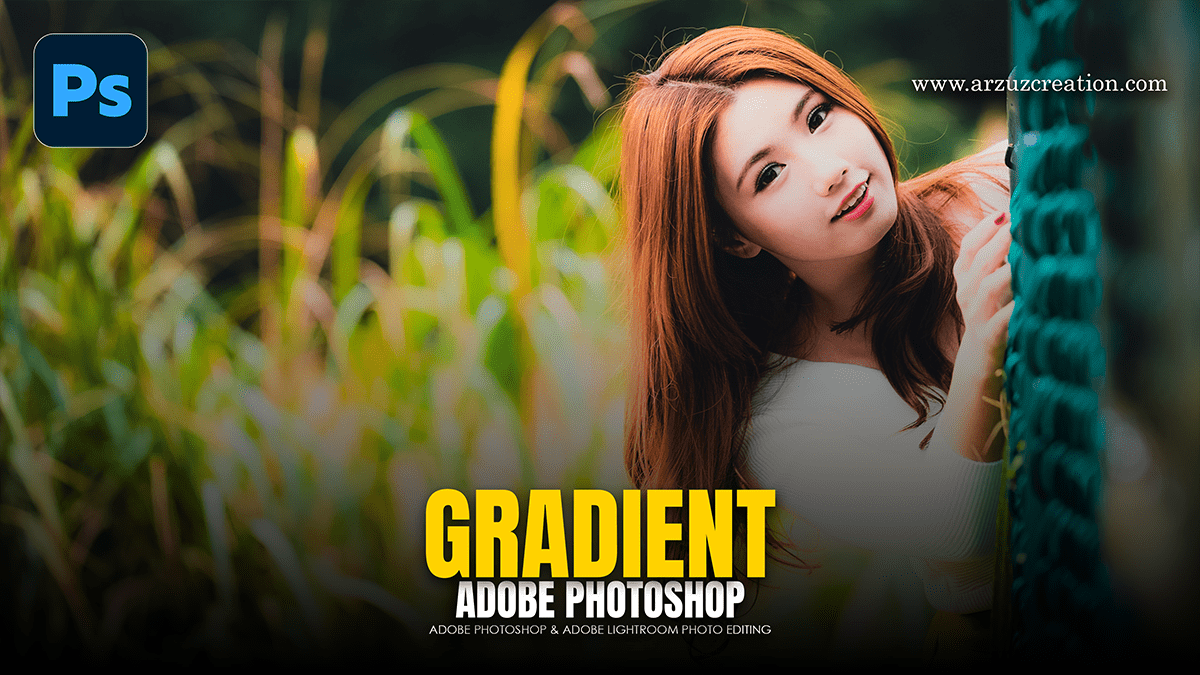
Using a Gradient Adjustment Layer is one of the most effective ways to enhance lighting, add color grading, or create seamless transitions in your photos. Unlike the Gradient Tool, an Adjustment Layer is non-destructive, meaning you can change the colors and settings at any time without damaging your original image.

How to Make My Photos Look Professional in Adobe Photoshop

How to Make My Photos Look Professional in Adobe Photoshop,

Making your photos look professional in Photoshop is less about using one “magic” filter and more about following a structured workflow that emphasizes non-destructive editing (using layers so you don’t ruin the original pixels).

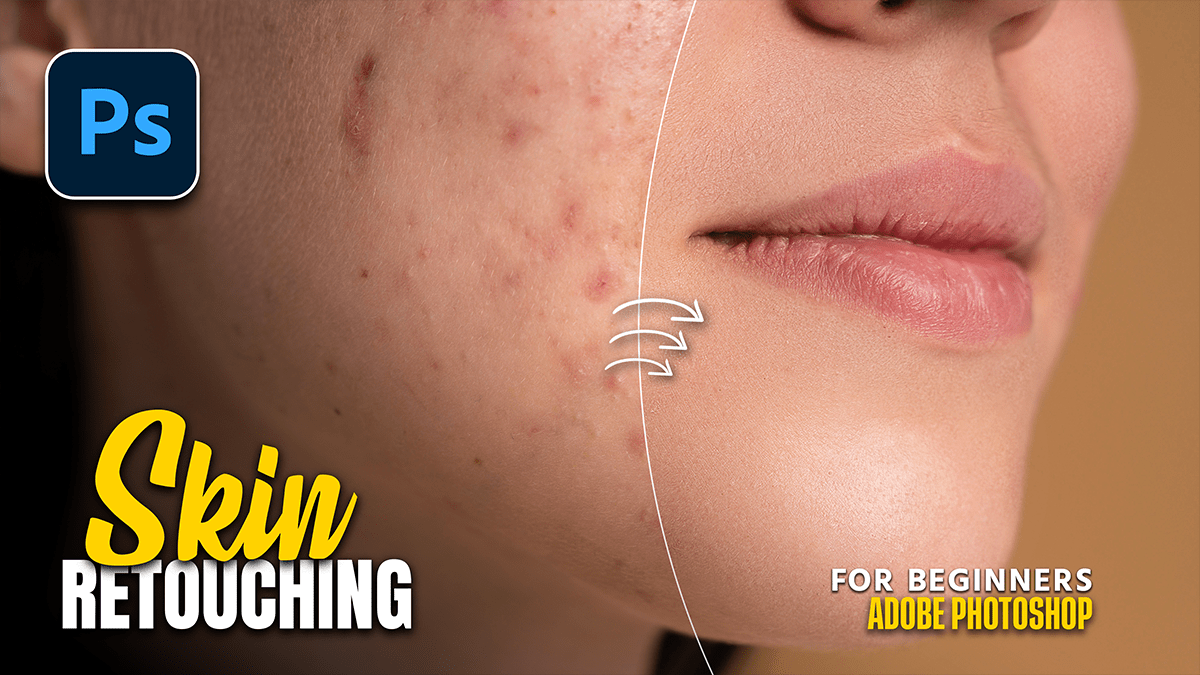
How to Create Natural Skin Texture in Adobe Photoshop

How to Create Natural Skin Texture in Adobe Photoshop,

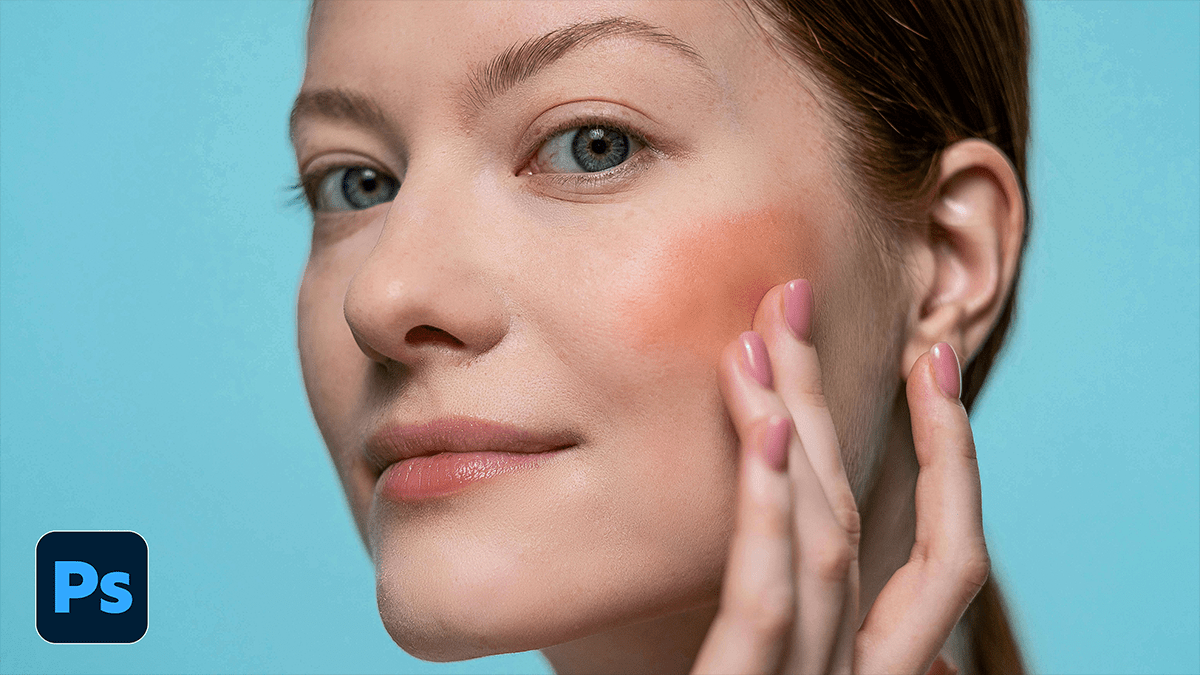
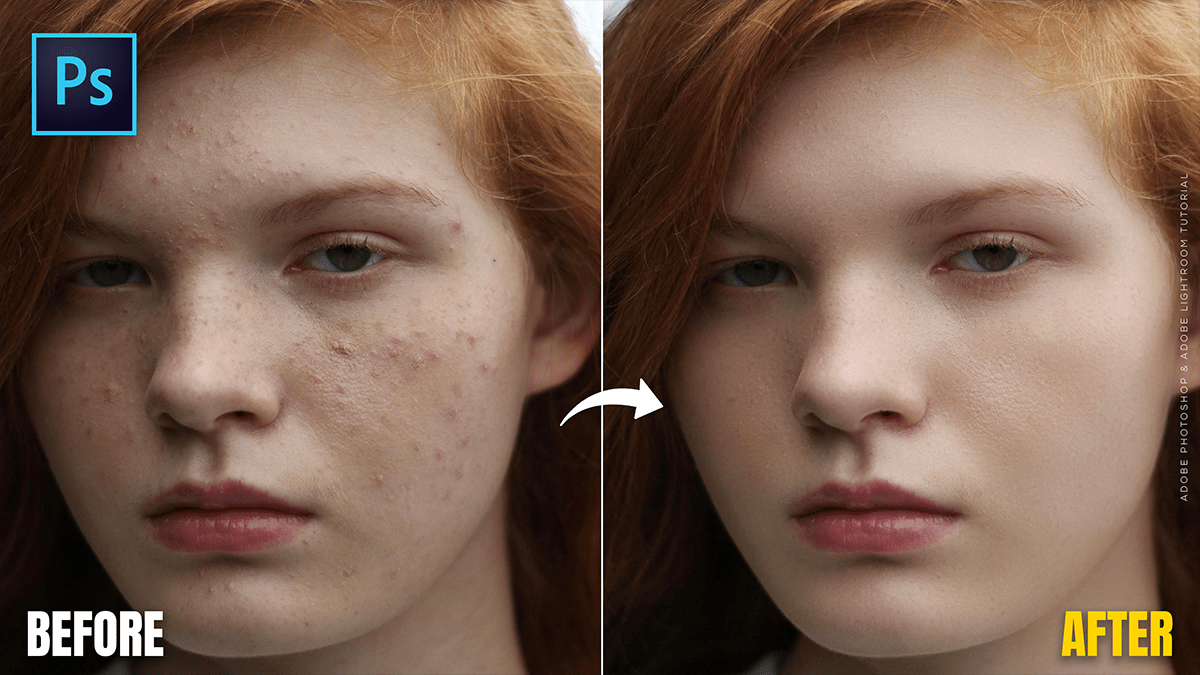
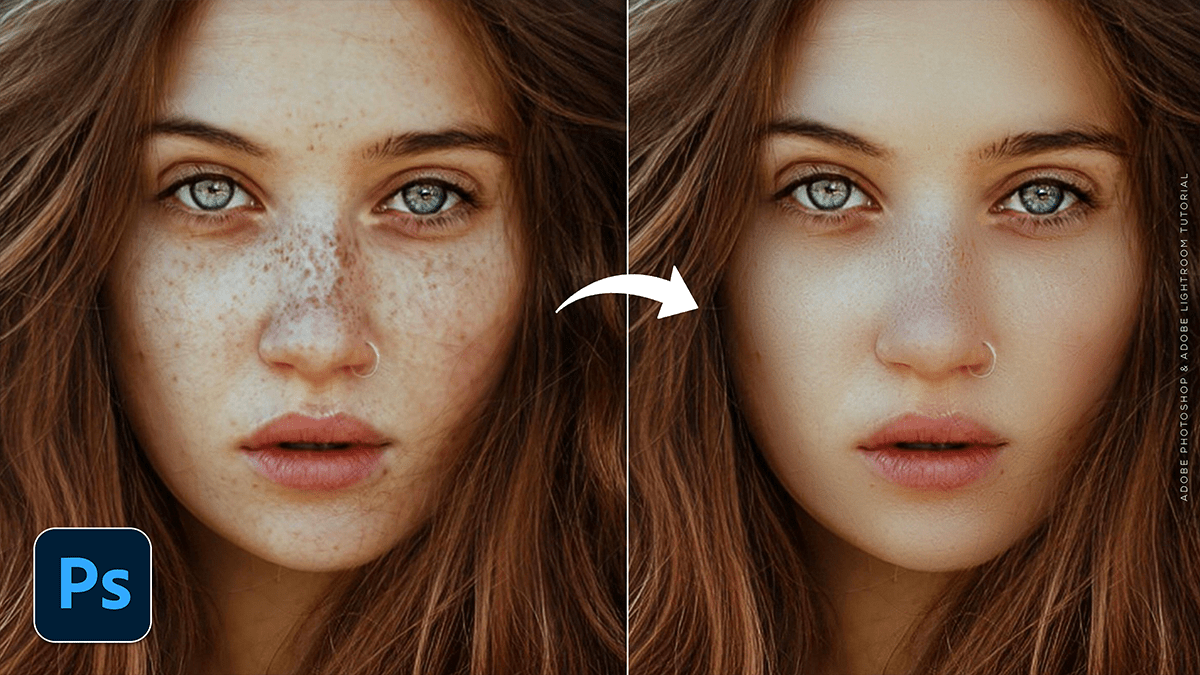
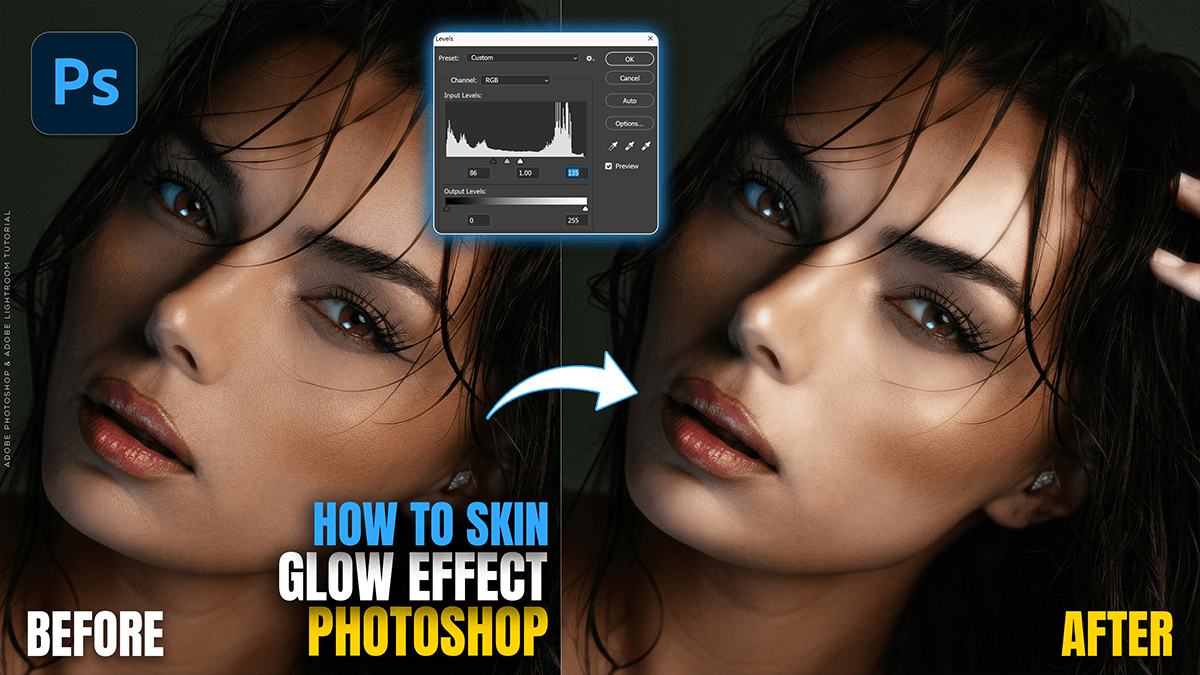
Creating natural skin texture in Photoshop involves two main approaches: preserving the texture that is already there or re-creating it from scratch if the skin has become too “plastic” or smooth during editing.

Adobe Photoshop 2025: Camera Raw Filter 18.1.1 New Update

Adobe Photoshop 2025 Camera Raw Filter 18.1.1 New Update,

The Adobe Camera Raw (ACR) 18.1.1 update, released in mid-December 2025, is primarily a maintenance and support release. It focuses on expanding hardware compatibility and fixing bugs rather than introducing major new creative tools like the Generative AI features seen in version 18.0.

Professional Black and White Portrait Look in Adobe Photoshop

Professional Black and White Portrait Look in Adobe Photoshop,

Achieving a professional black-and-white (B&W) look in Photoshop is about more than just desaturating. A “pro” look requires controlling the luminosity of specific colors, managing local contrast, and maintaining skin texture.

Cinematic Blue Tone Photo Editing in Adobe Photoshop 2025

Cinematic Blue Tone Photo Editing in Adobe Photoshop 2025,

Creating a cinematic blue tone is one of the most popular ways to give photos a “moody” or “Hollywood” look. This is often achieved by adding Teal/Blue to the shadows and Orange/Yellow to the highlights (split toning).

Adobe Photoshop Bengali Writing Method 2026

Adobe Photoshop Bengali Writing Method 2026,

Writing Bengali in Adobe Photoshop is quite straightforward, but it often requires a quick setting change to prevent the letters from “breaking” or appearing disconnected.

এডোবি ফটোশপে (Adobe Photoshop) নির্ভুলভাবে বাংলা লেখার জন্য প্রথমেই আপনার কম্পিউটারে বিজয় বায়ান্ন (Bijoy Bayanno) বা অভ্র (Avro) কিবোর্ড সচল থাকতে হবে। ফটোশপের Edit > Preferences > Type এ গিয়ে ‘Middle Eastern and South Asian’ অপশনটি বেছে নিয়ে এবং Unicode বা ANSI ফন্ট ব্যবহার করে টুলবার থেকে Type Tool (T) ব্যবহার করে বাংলা লেখা যায়। 

Adobe Photoshop: Editing Outdoor Portrait Photos Tutorial 2025

Adobe Photoshop: Editing Outdoor Portrait Photos Tutorial 2025,

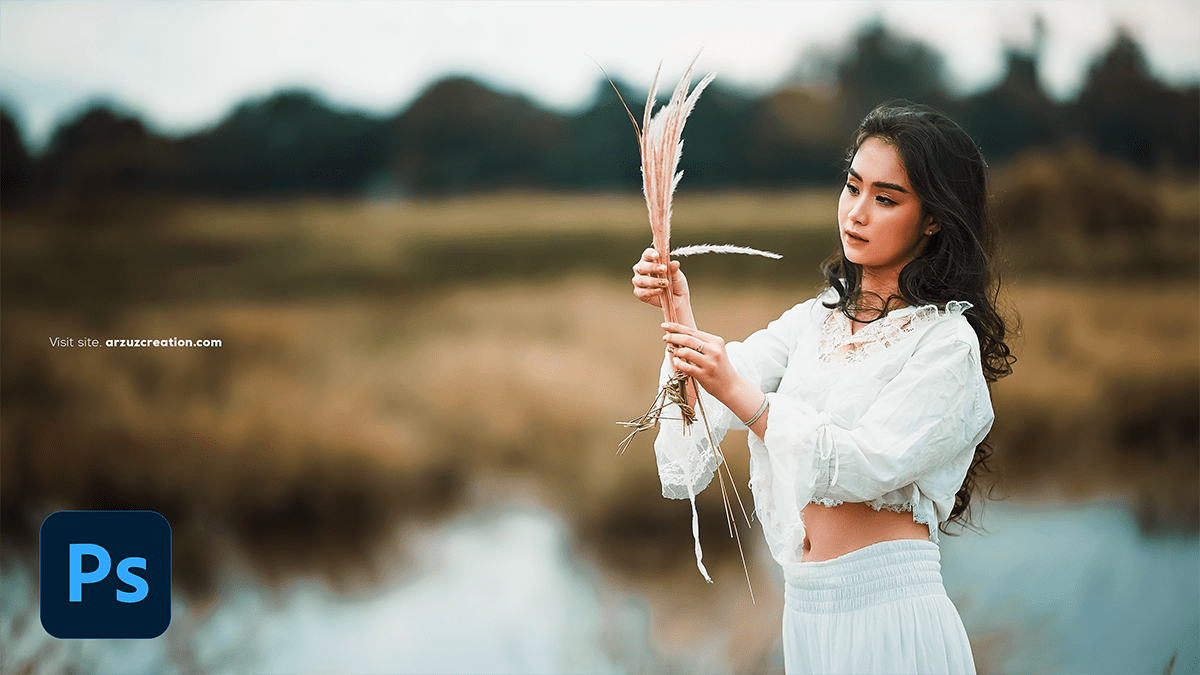
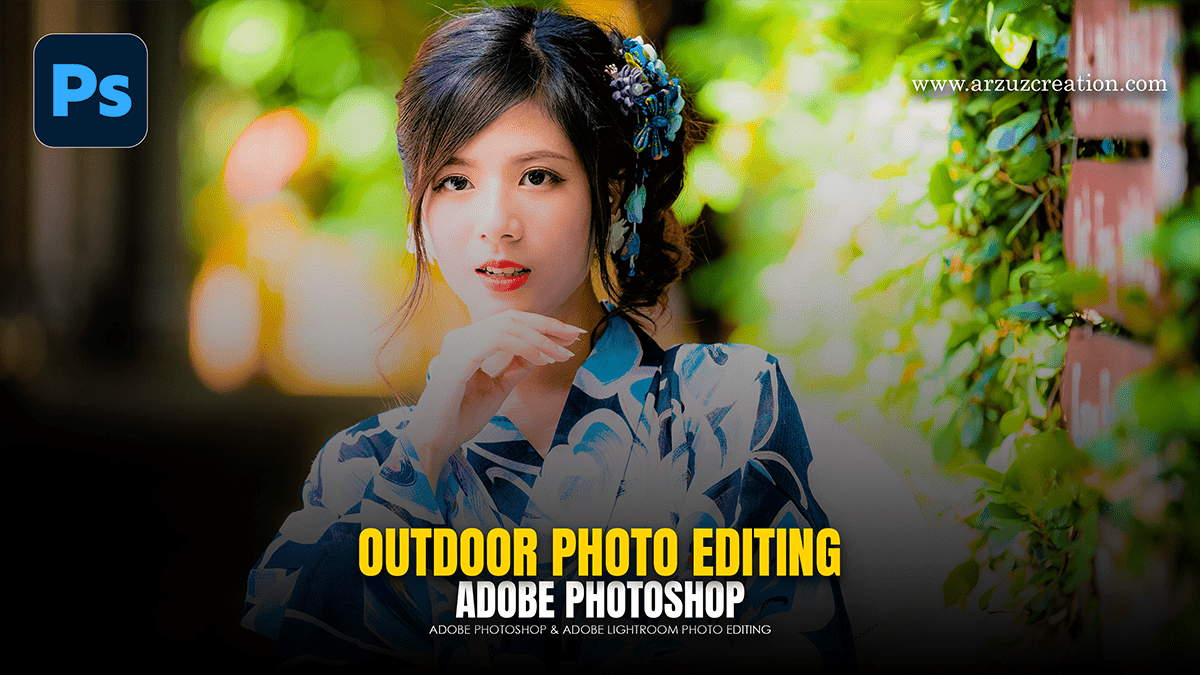
Editing outdoor portraits in Photoshop is all about balancing the unpredictable nature of outdoor light with the specific needs of your subject. Whether you’re dealing with harsh midday sun or the soft glow of the golden hour, a structured workflow is key.

Adjustment: Adobe Photoshop Photo Editing Tutorial 2025

Adjustment: Adobe Photoshop Photo Editing Tutorial 2025,

In Photoshop, Adjustment Layers are the gold standard for photo editing because they allow for non-destructive editing. Unlike direct adjustments (found under Image > Adjustments), adjustment layers act like a transparent sheet of film over your image, applying color and tonal changes without permanently changing a single pixel of your original photo.

Adobe Photoshop: Camera Raw Filter Colour Grading Tutorial 2025

Adobe Photoshop Camera Raw Filter Colour Grading Tutorial 2025,

In Adobe Photoshop’s Camera Raw Filter, the Color Grading panel (which replaced the old “Split Toning”) is one of the most powerful tools for creating a cinematic or stylized look. It allows you to inject specific colors into the shadows, midtones, and highlights of your image independently.

Adobe Photoshop Version 27.4.0 Update Features

Adobe Photoshop Version 27.4.0 Update Features,

Adobe Photoshop Version 27.4.0 (released in February 2026) is part of the Photoshop 2026 release cycle. This update focuses heavily on refining Generative AI workflows, enhancing on-device performance, and integrating professional-grade upscaling tools directly into the interface.

Cinematic Colour Tone Photo Editing Tutorial For Beginners 2025

Cinematic Colour Tone Photo Editing Tutorial For Beginners 2025,

That’s a fantastic request! The Color Grading panel within the Adobe Camera Raw (ACR) Filter in Photoshop is the primary tool for achieving a professional, cinematic look.

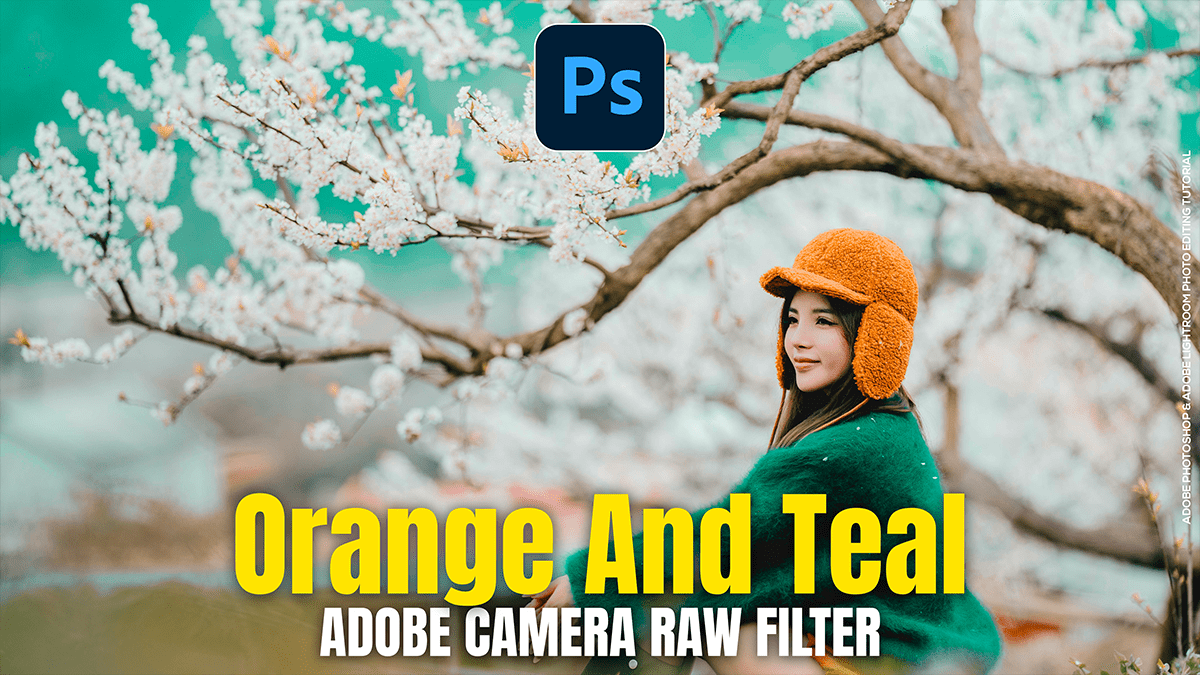
The essence of a cinematic color grade often lies in the Teal and Orange (or Blue and Gold) look, achieved by setting complementary colors in the shadows and highlights.

Autumn Colour Tone Adobe Photoshop Camera Raw Filter 2025

Autumn Colour Tone Adobe Photoshop Camera Raw Filter 2025,

Creating a rich, vibrant autumn look in your photos using the Adobe Camera Raw filter (accessible from Photoshop’s Filter menu) primarily involves warming up the image and manipulating the Reds, Oranges, and Yellows in the HSL/Color Mixer panel.

Rich Colour Grading Adobe Photoshop Camera Raw Filter 2025

Rich Colour Grading Adobe Photoshop Camera Raw Filter 2025,

That’s a great request! Achieving a “rich” color grade often involves a mix of adjustments to contrast, saturation, and targeted color shifts, particularly in the Color Grading panel of the Camera Raw Filter.

How to Copy and Paste Colour in Adobe Photoshop 2025

How to Copy and Paste Colour in Adobe Photoshop 2025,

Therefore, There are a few effective ways to “copy and paste” color in Photoshop, depending on whether you want to transfer a color to a selection or shape, or if you want to copy the exact color code for precise application.

Beautiful Outdoor Portrait Colour Grading in Photoshop 2025

Beautiful Outdoor Portrait Colour Grading in Photoshop 2025,

Colour grading in Photoshop involves manipulating the colours and tones of an image to create a specific style or mood, going beyond simple colour correction. Photoshop offers several powerful tools and techniques for this.

Increasing the Resolution Upscaling Picture in Photoshop

Increasing the Resolution Upscaling Picture in Photoshop,

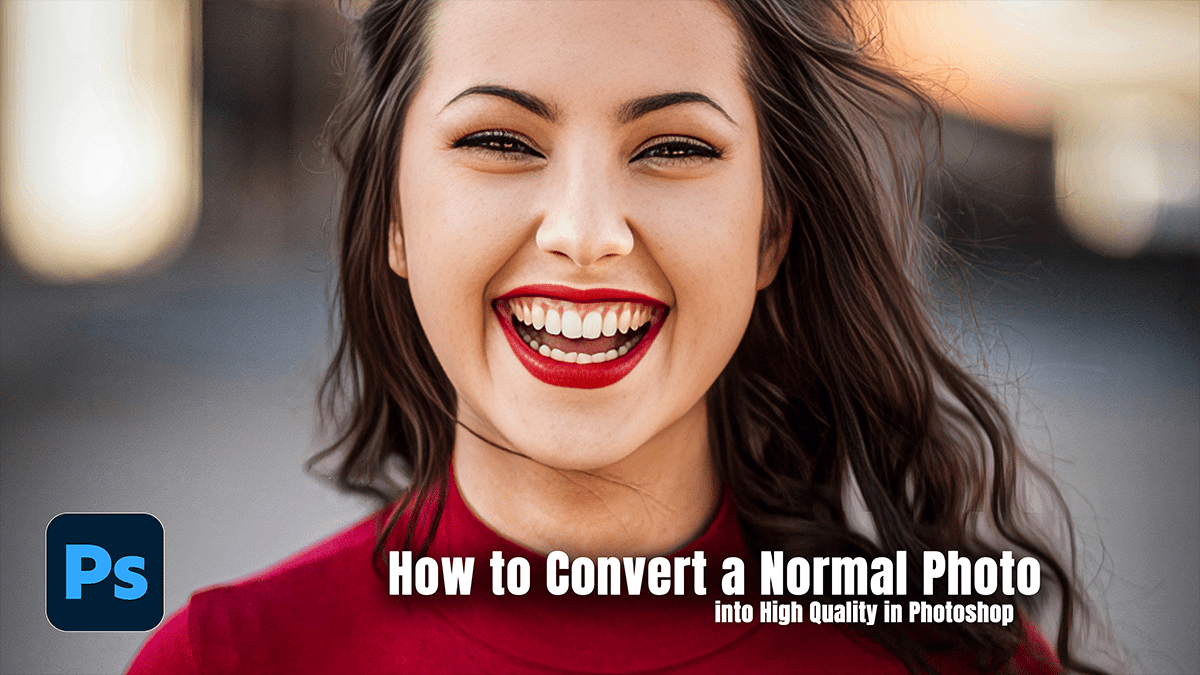
Increasing the quality of a picture in Photoshop, especially a low-resolution one, often involves two main steps: increasing the resolution (upscaling) and fine-tuning the details (sharpening and noise reduction).

Adobe Lightroom: Portrait Colour Grading Tutorial For Beginners

Adobe lightroom: Portrait Colour Grading Tutorial For Beginners,

That’s a fantastic area to dive into! Color grading an outdoor portrait in Lightroom is where you can truly give your photo a unique mood and style.

Since “outdoor portrait” can cover everything from a bright sunny beach shot to a moody forest image, the approach will vary, but here is a general workflow and popular styles.

Adobe Photoshop: Portrait Colour Grading Tutorial For Beginners

Adobe Photoshop: Portrait Colour Grading Tutorial For Beginners,

Color grading an outdoor portrait in Photoshop can dramatically enhance the mood and professionalism of your photo! While the exact steps depend on the specific look you want (e.g., warm and cinematic, cool and moody, or vibrant and punchy), here is a general, effective workflow using Adjustment Layers.

Exit mobile version