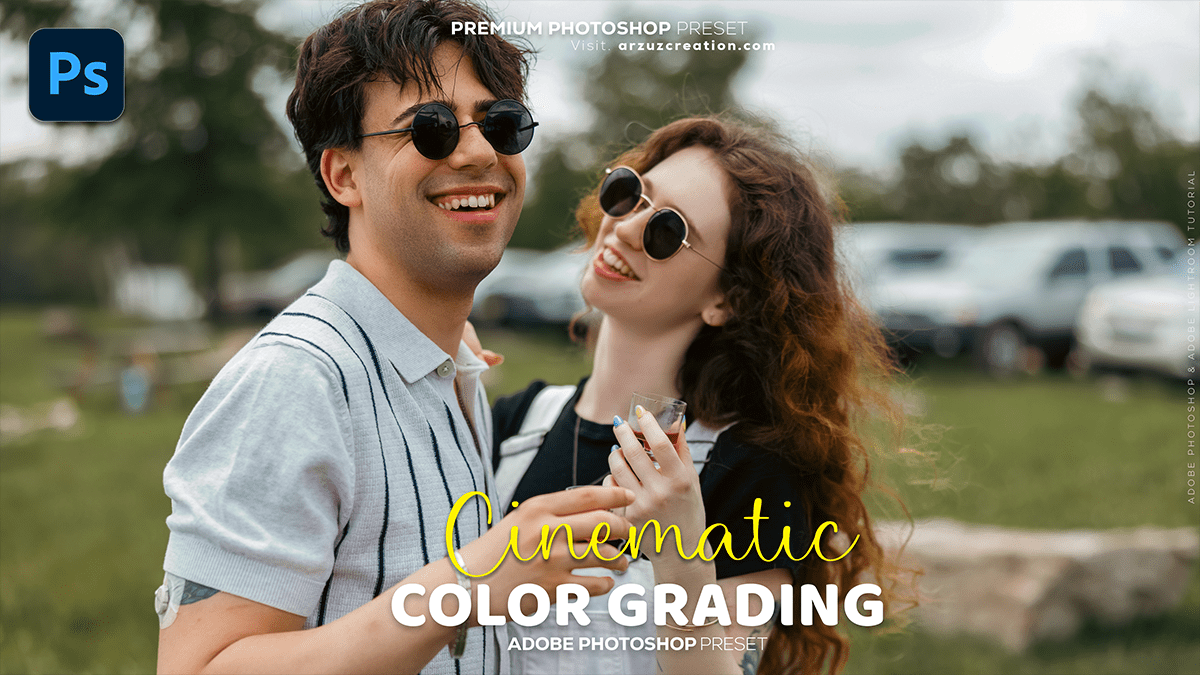
Cinematic Color Grading Concepts: Adobe Photoshop 2025,
Therefore, that’s a fantastic goal! Cinematic color grading can dramatically elevate a photo’s mood and visual impact.

Cinematic Color Grading Concepts: Adobe Photoshop 2025,
Therefore, here is an overview of the key concepts and a general approach you can use in software like Adobe Lightroom or Photoshop:
🎬 Cinematic Color Grading Concepts:
Therefore, the goal of cinematic grading (or color grading) is to use color to enhance the story, mood, or aesthetic of the image, moving beyond just correcting colors to their natural state.
- Color Correction (First Step): Before grading, you must first correct the image. This means fixing:
- White Balance: Ensure the whites and neutrals are actually neutral.
- Exposure & Contrast: Adjust highlights, shadows, and overall exposure to a good starting point.
- Tone: Therefore, use the Tone Curve to set your black and white points and often add a subtle S-curve for contrast. A popular cinematic technique is to “lift the blacks” by raising the lowest point of the Tone Curve (the shadow point) to create a faded or film-like effect.
- Color Grading (The Creative Step): This is where you apply a distinct aesthetic. The most famous cinematic look is Teal and Orange (or Orange and Blue):
- Orange: Typically used for Highlights and Midtones (especially skin tones) to add warmth.
- Teal/Blue: Typically used for Shadows to add a cool contrast.
- Color Tools: Therefore, the primary tool for this is the Color Grading Panel (or Split Toning in older software), which lets you assign different colors (Hues) and saturation (Amount) to the Shadows, Midtones, and Highlights.
🎨 Step-by-Step Cinematic Edit Guide:
1. The Core Adjustments (Lightroom/Camera Raw)
- Contrast/Highlights/Shadows: Use the sliders to control dynamic range. Often, a lower overall contrast is used to create a moodier, less “digital” look.
- Tone Curve: Apply a slight S-Curve for micro-contrast, but the key is to lift the black point to get that signature filmic/faded shadow look.
- Saturation/Vibrance: Slightly reduce overall saturation or Vibrance. Cinematic looks are often slightly desaturated compared to punchy commercial photos.
Cinematic Color Grading Concepts: Adobe Photoshop 2025,
2. The Color Grade (Teal and Orange)
- In the Color Grading Panel (recommended):
- Shadows: Therefore, drag the color wheel to a Teal/Cyan/Blue hue. Adjust the saturation to a desired level (often subtle).
- Highlights: Drag the color wheel to an Orange/Yellow/Warm hue. This adds a warm glow to the brightest parts of the image and often complements skin tones.
- Blending and Balance: Adjust these sliders to fine-tune how the colors transition between the shadows and highlights.
3. HSL/Color Mixer (For Refinement)
- Use the HSL (Hue, Saturation, Luminance) or Color Mixer panel for surgical adjustments:
- Blues/Cyans: Often, the blue hue is shifted slightly toward Cyan, and its Luminance is lowered to deepen the shadows.
- Oranges/Reds: Therefore, you can slightly increase the Luminance of Orange and Red to make skin tones stand out more.
Cinematic Color Grading Concepts: Adobe Photoshop 2025,
4. Final Touches:
- Detail: Add a small amount of Sharpening and Noise Reduction.
- Vignette: A subtle vignette (darkening the edges) helps draw the viewer’s eye to the center and adds to the moody feel.
- Aspect Ratio: Cropping to a wide, cinematic aspect ratio like 2.35:1 or 21:9 instantly gives the photo a movie frame feel.
Would you like to find a video tutorial on YouTube that demonstrates these steps in a specific editing program like Lightroom or Photoshop?
