Arzuz Creation

Graphic Design & Professional Photo Editing

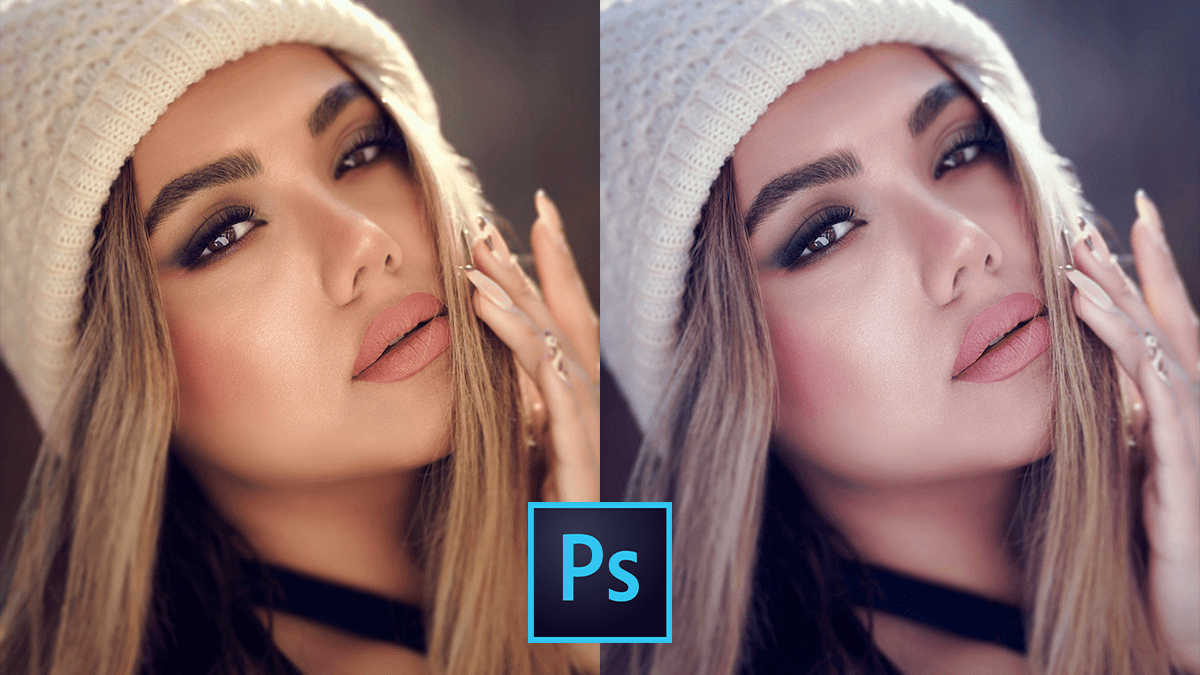
Color Balance Photo Editing Beginners Adobe Photoshop 2026

Color Balance Photo Editing Beginners Adobe Photoshop 2026

Color Balance Photo Editing Beginners Adobe Photoshop 2026,

In Adobe Photoshop 2026, color balance and correction have received a significant overhaul, blending traditional manual controls with advanced AI-driven tools. The most notable change is the move toward “non-destructive” white balance directly on the canvas.

Camera Raw Filter 2026: Outdoor Wedding Photo Editing Tutorial

Camera Raw Filter 2026: Outdoor Wedding Photo Editing Tutorial

Camera Raw Filter 2026: Outdoor Wedding Photo Editing Tutorial,

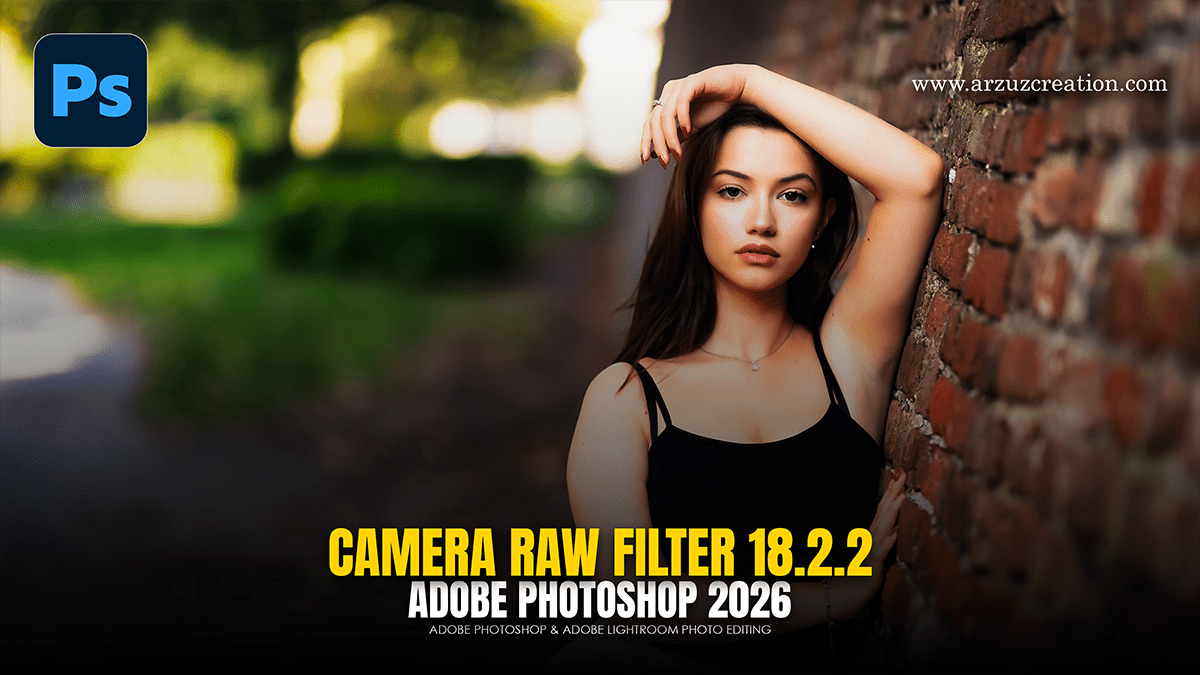
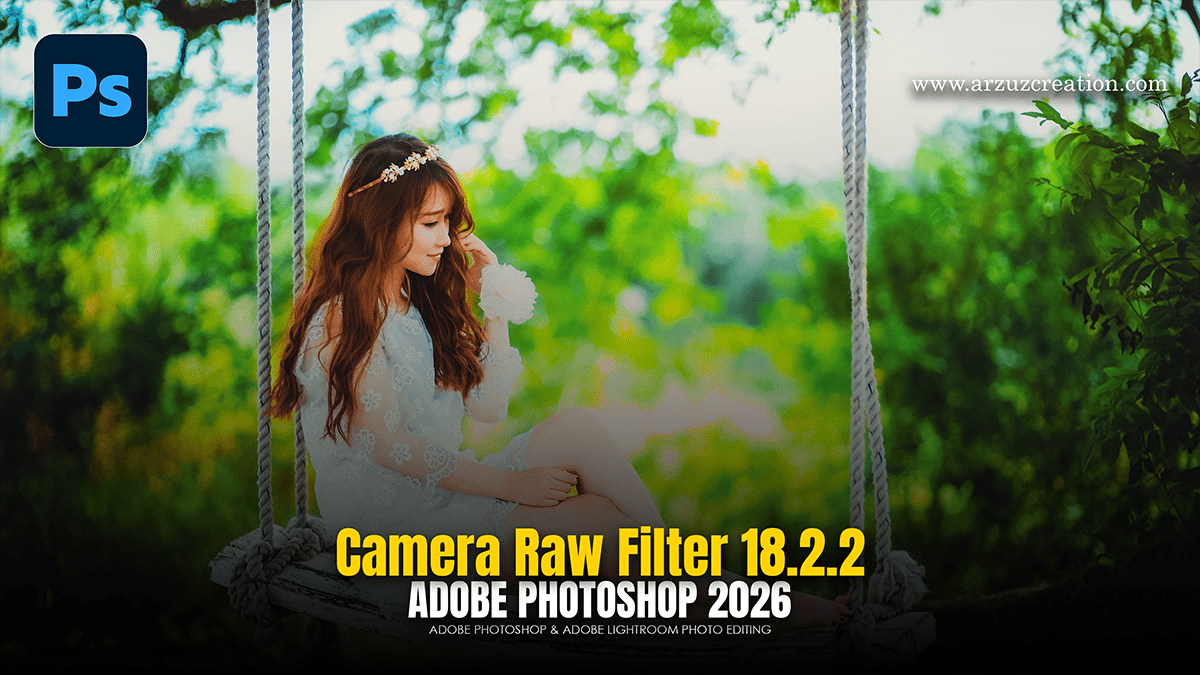
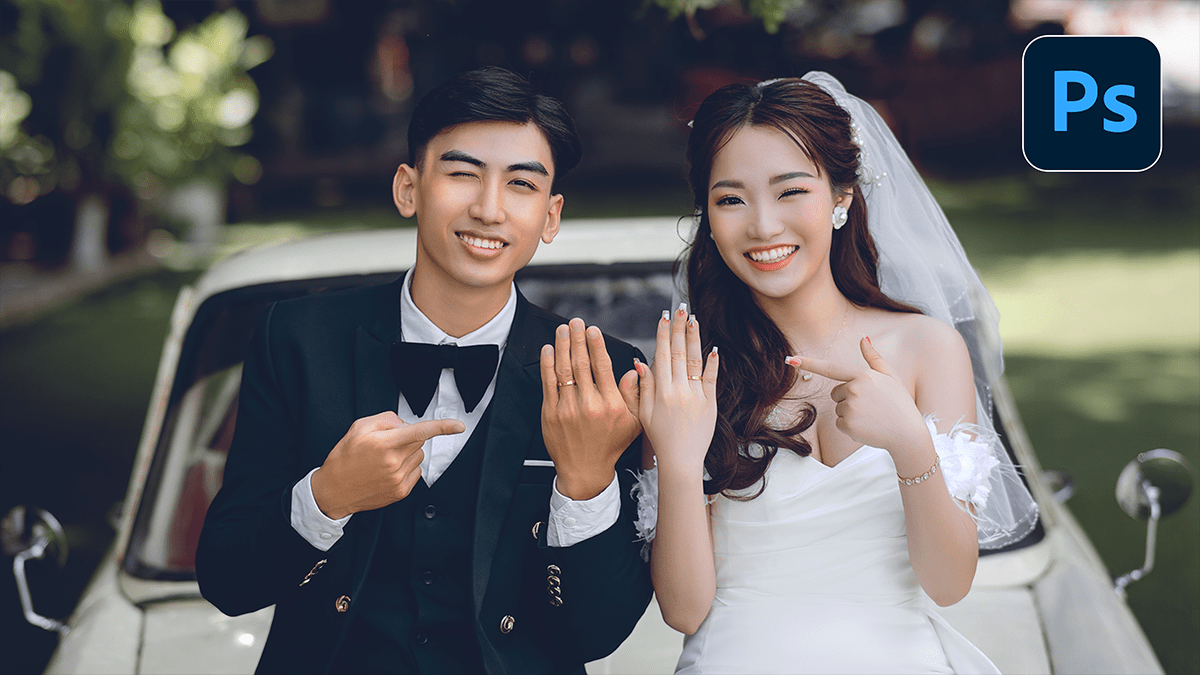
Editing outdoor wedding photos using the Camera Raw Filter in Photoshop is a favorite among pros because it allows for high-end color grading and light manipulation within a single interface.

For the best results, convert your layer into a Smart Object first (Right-click layer > Convert to Smart Object). This lets you go back and tweak your settings later without losing quality.

Photoshop Wedding Photo Editing: Camera Raw Filter 2026

Photoshop Wedding Photo Editing: Camera Raw Filter 2026

Photoshop Wedding Photo Editing: Camera Raw Filter 2026,

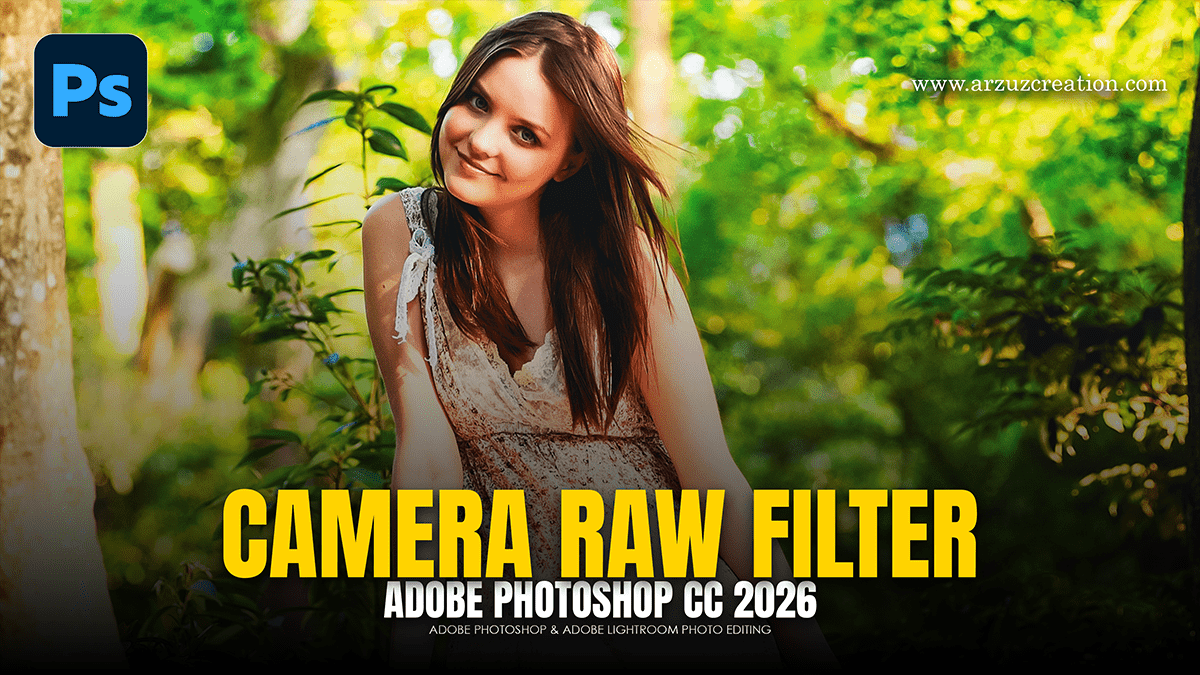
The Camera Raw Filter ($Ctrl+Shift+A$) is arguably the most powerful tool in Photoshop for wedding photography because it brings Lightroom’s entire engine directly into your layer-based workflow.
For 2026, the trend has shifted away from heavy “orange and teal” filters toward a “True-to-Life” or “Modern Cinematic” look—characterized by clean whites, natural skin tones, and soft, film-inspired contrast.
Adobe Photoshop 2026 Wedding Photo Editing Preset Download

Adobe Photoshop 2026 Wedding Photo Editing Preset Download,

Editing a wedding gallery is a marathon, not a sprint. In 2026, the trend has shifted away from “heavy” filters toward True-to-Life color and Cinematic Storytelling. While Lightroom is for the “bulk” work, Photoshop is where you create the “hero” shots.

Photoshop SkinFiner 5.7.1 Update Version New Settings

Photoshop SkinFiner 5.7.1 Update Version New Settings,

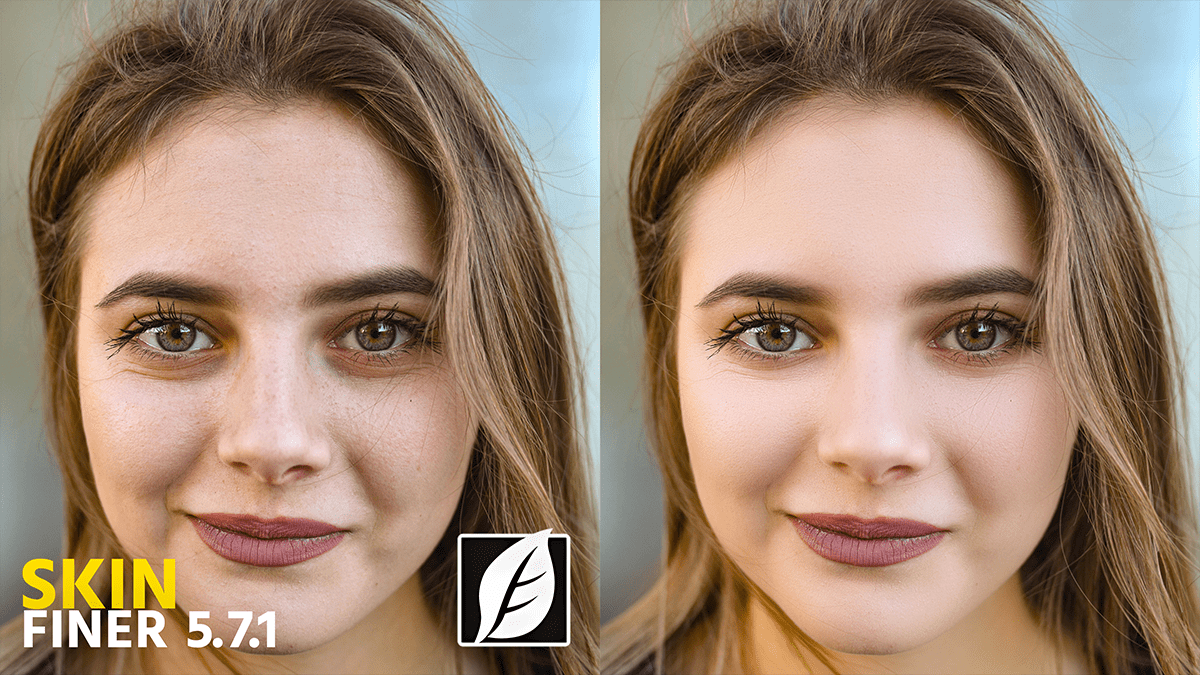
SkinFiner 5.7 (and its minor update, 5.7.1) introduced significant refinements to the AI mask and facial feature detection. While version 5.8 is the most recent current release, many users are still migrating to the 5.7 branch for its improved stability in handling profiles.

Adobe Photoshop 2026 Tips: How to Remove Background Hair

Adobe Photoshop 2026 Tips: How to Remove Background Hair,,

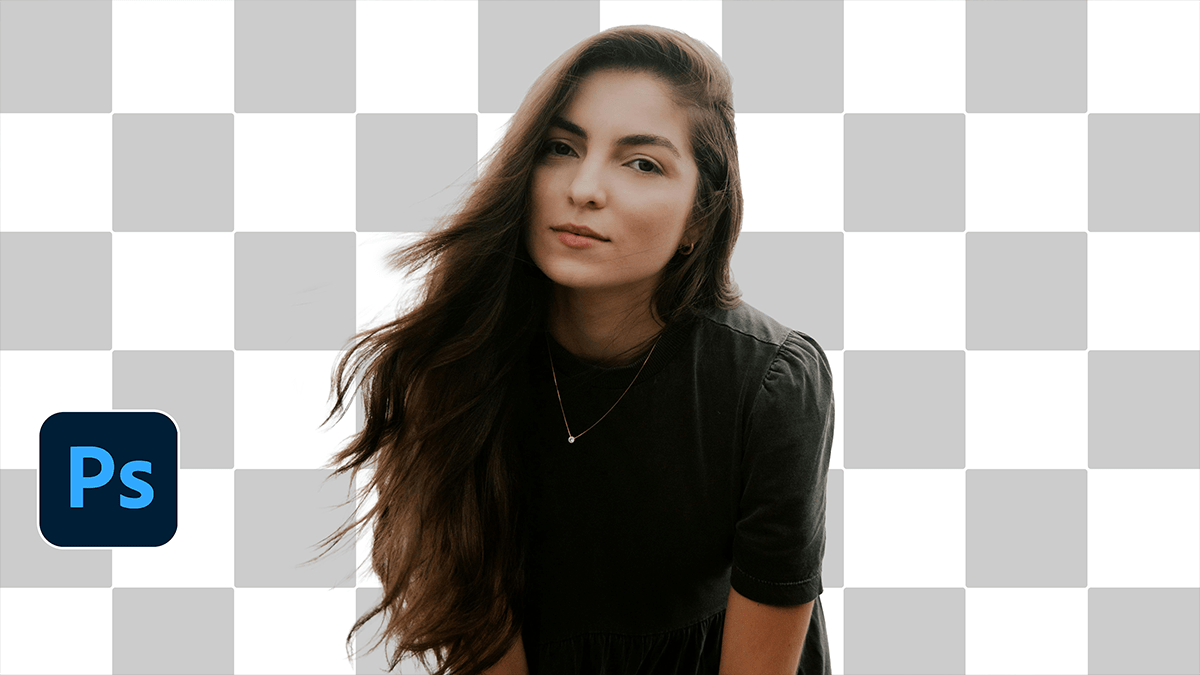
Removing stray hairs or cleaning up a “frizzy” outline in Photoshop is a classic challenge. Depending on how messy the hair is and how complex the background looks, there are three main ways to tackle it.

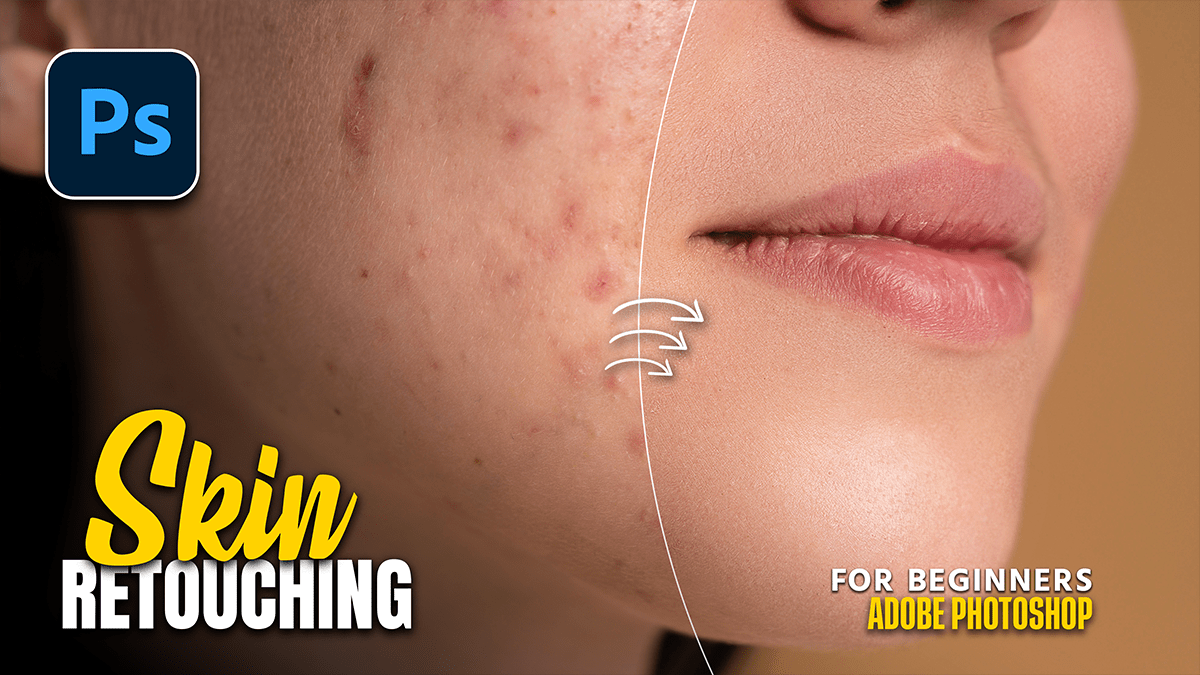
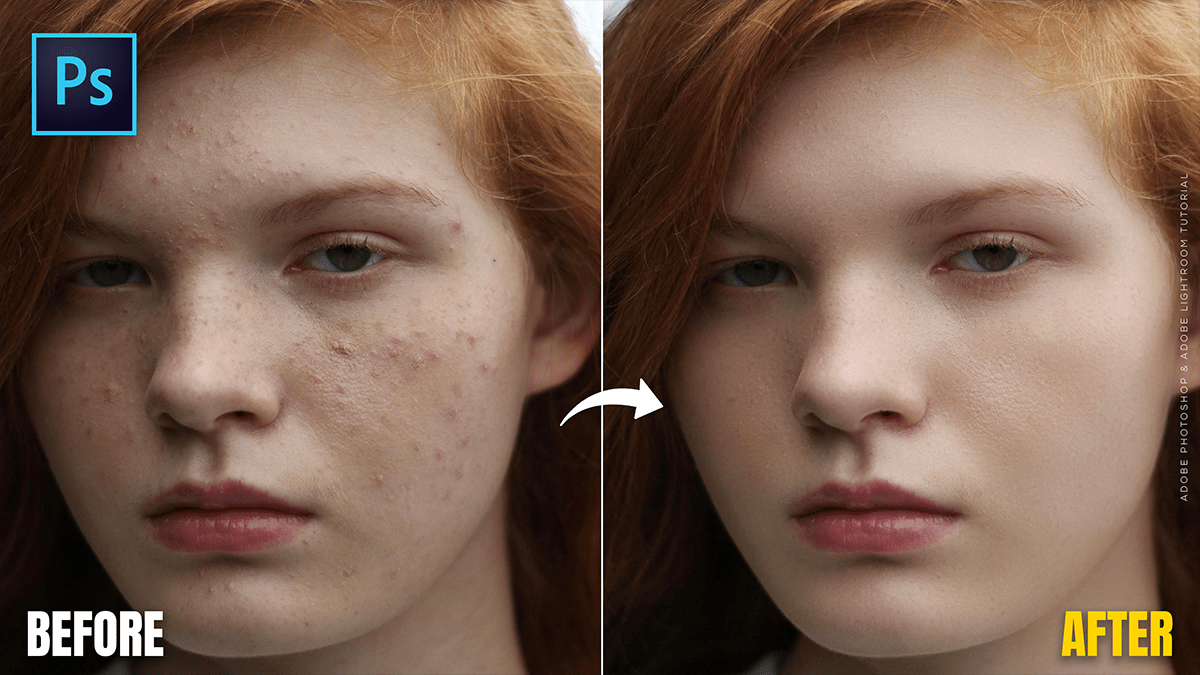
Adobe Photoshop 2026 Beginners: Skin Retouching Tutorial

Adobe Photoshop 2026: Skin Retouching Tutorial,

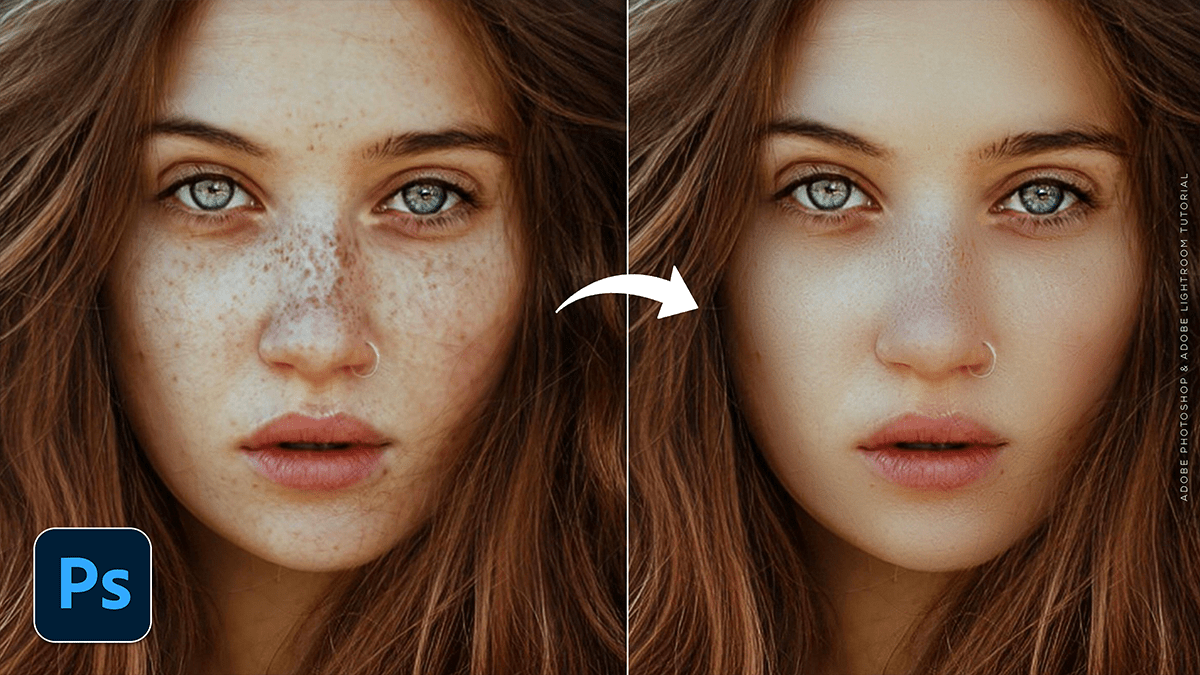
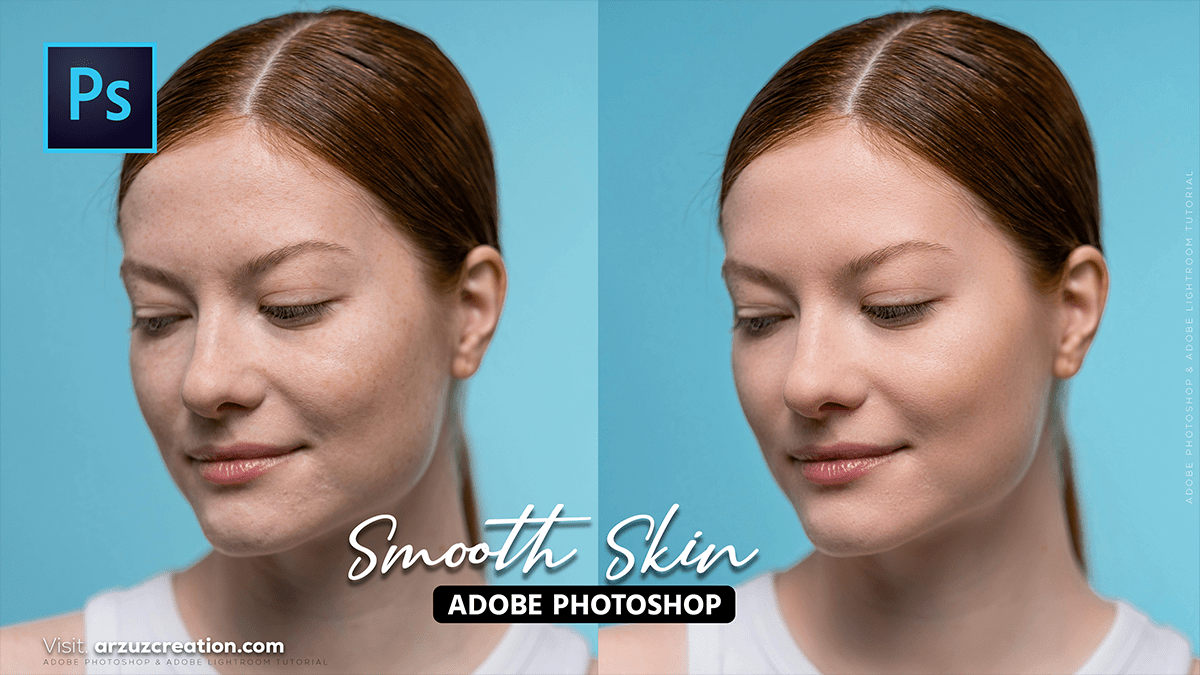
In Adobe Photoshop 2026, skin retouching has shifted from labor-intensive manual work to a hybrid workflow that combines Generative AI with high-end manual control. The focus this year is on “Texture-First” retouching—ensuring that skin looks realistic and porous rather than “plastic.”

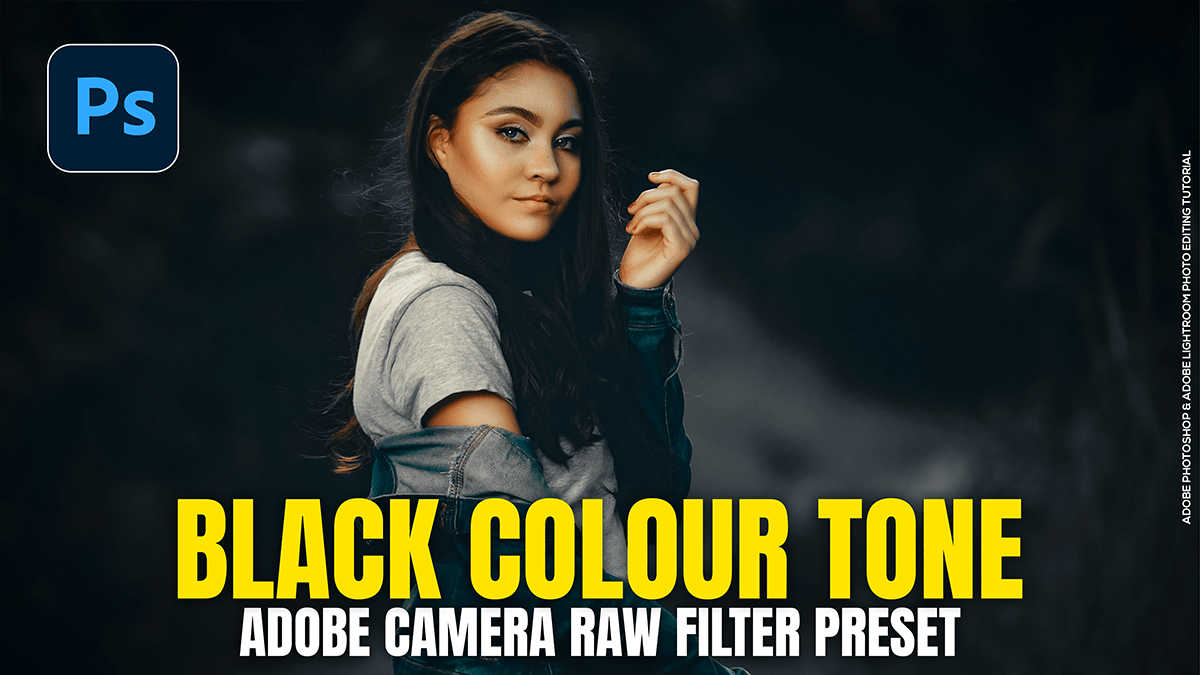
Create an Outdoor Portrait Black Colour Tone in Adobe Photoshop

Create an Outdoor Portrait Black Colour Tone in Adobe Photoshop,

Creating a “Black Tone” or “Moody Dark” look in Adobe Photoshop’s Camera Raw Filter involves desaturating distracting colors, crushing the blacks, and shifting greens toward a deeper, more atmospheric hue. This look is popular for outdoor portraits because it makes the subject pop against a dark, cinematic background.

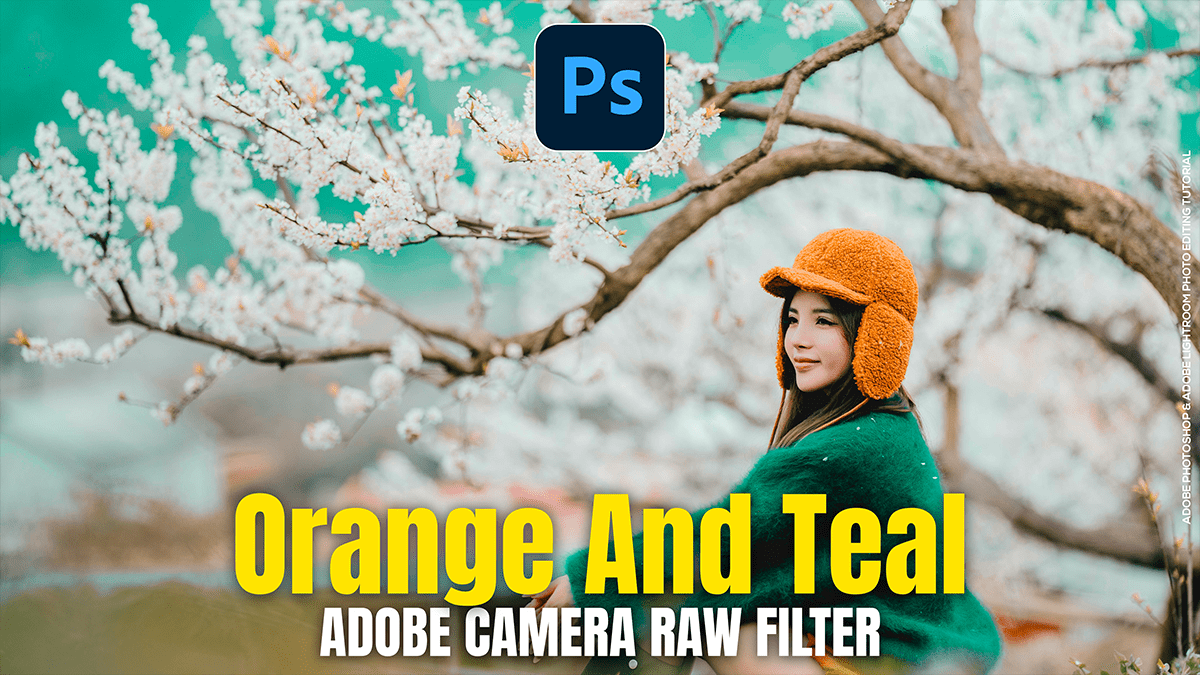
Orange and Teal: Colour Grading Camera Raw Filter Presets

Orange and Teal Colour Grading Camera Raw Filter Presets,

Creating an Orange and Teal look (the “Cinematic” look) is a classic color grading technique that relies on color contrast. Because orange and teal are complementary (opposite on the color wheel), they make subjects pop, especially skin tones.

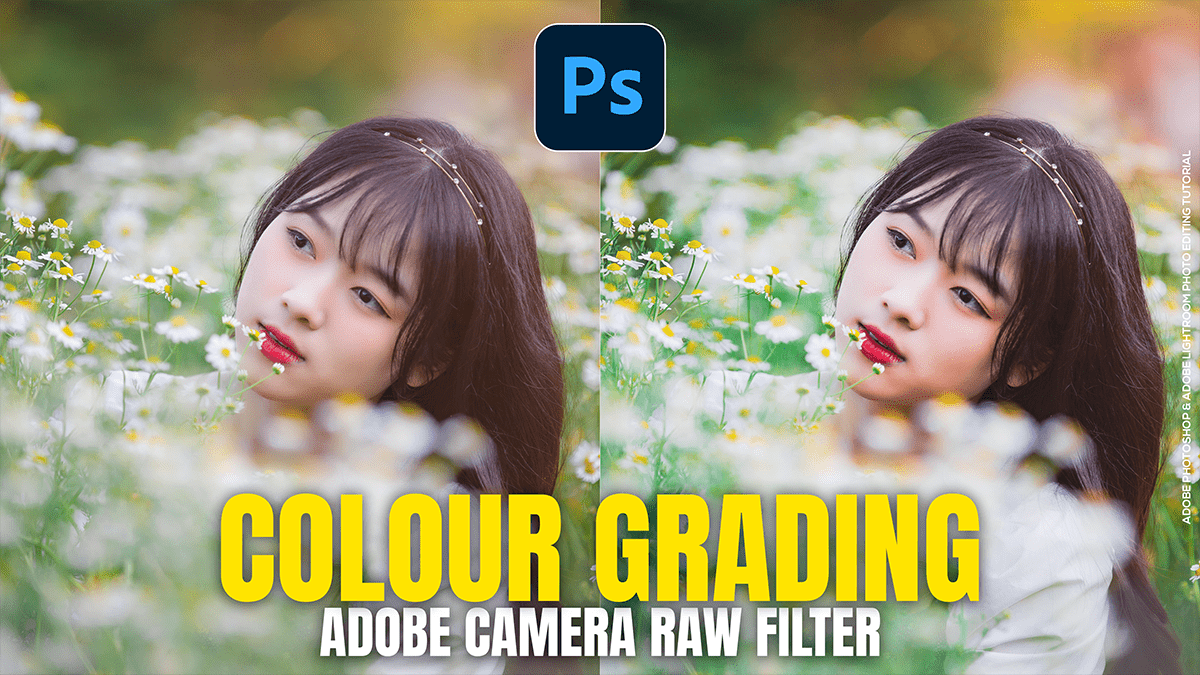
Colour Grading in Adobe Camera Raw Filter 18.1.1

Colour Grading in Adobe Camera Raw Filter 18.1.1,

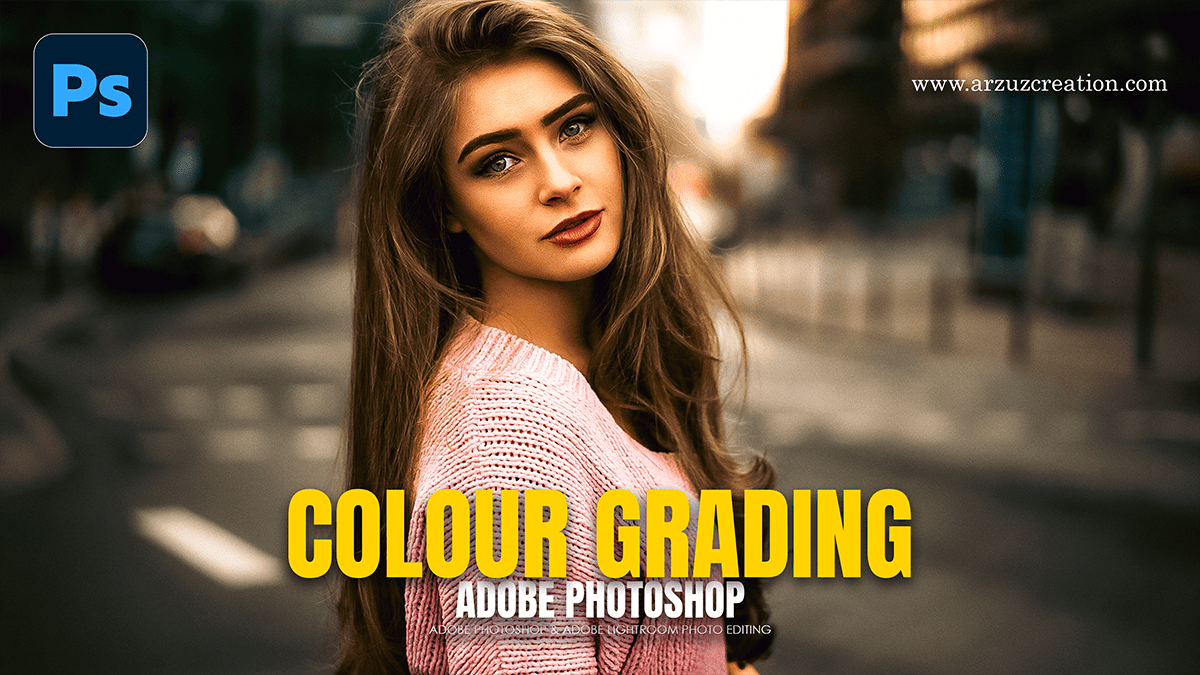
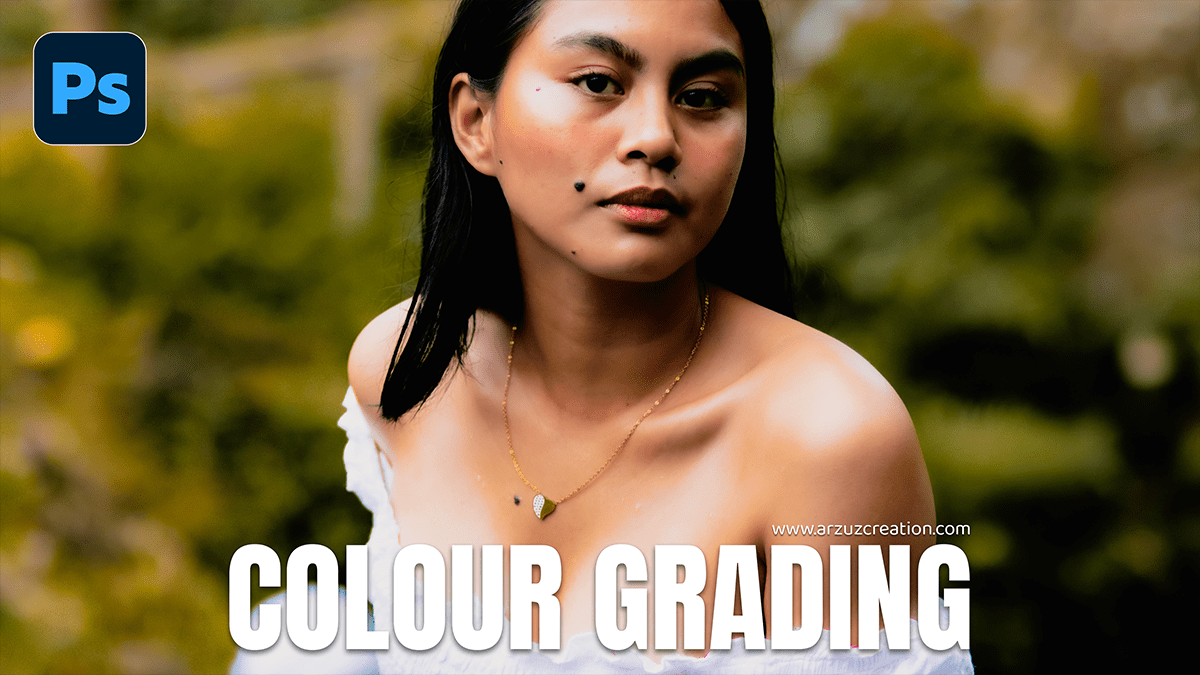
Color grading in Adobe Camera Raw (ACR) is a powerful way to transform the mood of your photos. While “color correction” fixes the white balance and exposure, “color grading” is where you add your creative style.

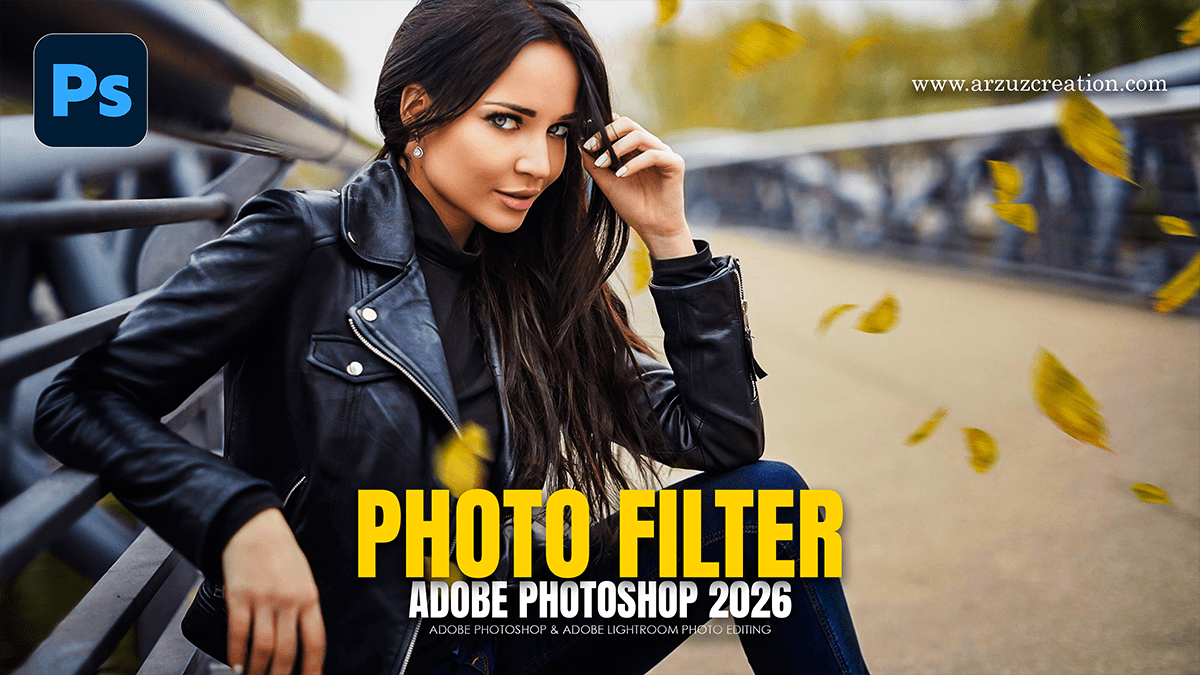
Adobe Photoshop 2026 Photo Filter Using Outdoor Photo Editing

Adobe Photoshop 2026 Photo Filter Using Outdoor Photo Editing,

In Adobe Photoshop 2026, outdoor photo editing has been transformed by a deeper integration of AI. While traditional filters still exist, the “2026 workflow” prioritizes Neural Filters and Generative AI to handle complex environmental changes like lighting, season, and object removal.

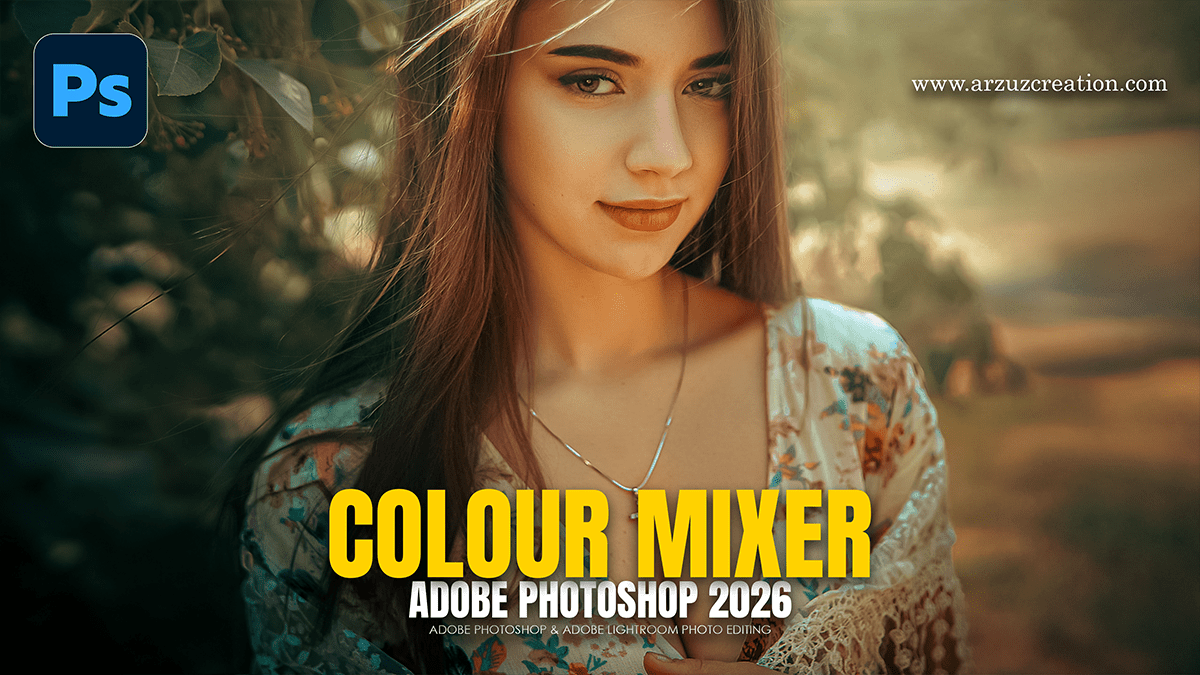
Adobe Photoshop 2026: Colour Mixer Photo Editing Tutorial

Adobe Photoshop 2026 Colour Mixer Photo Editing Tutorial,

In Adobe Photoshop 2026, the traditional “Color Mixer” concept has evolved into several powerful new tools and AI-driven features. Whether you are looking for the new Color and Vibrance adjustment layer or the AI-powered Harmonize tool, the 2026 update focuses on making color grading more intuitive.

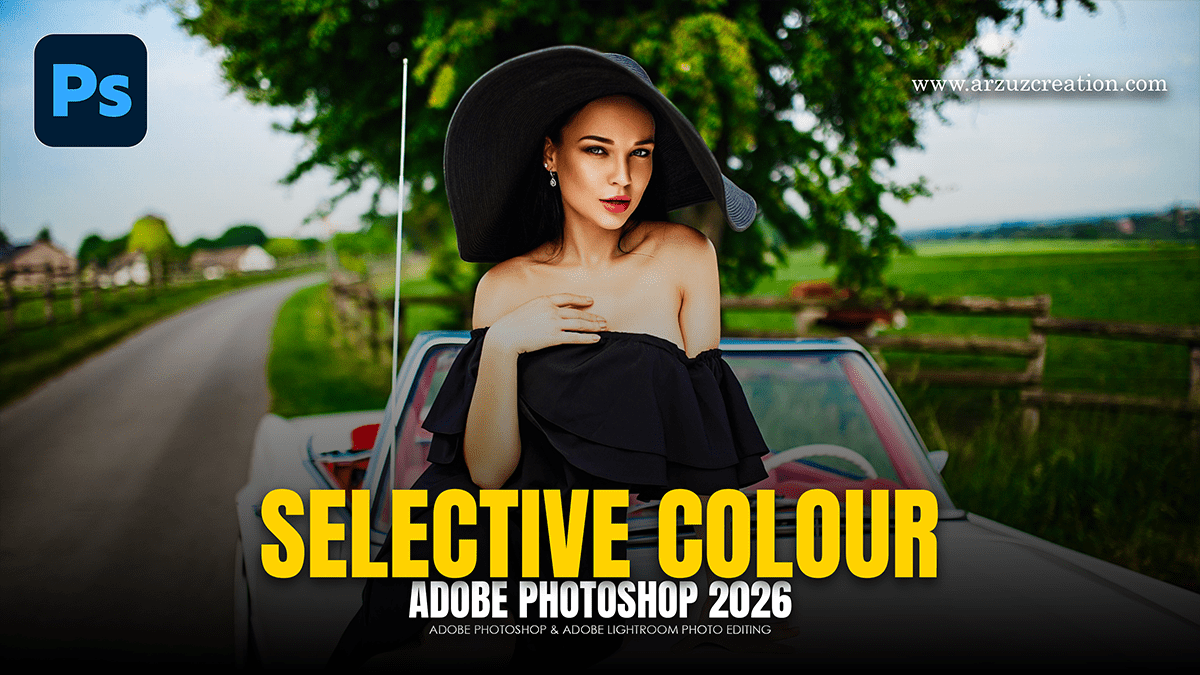
Adobe Photoshop 2026 Selective Colour Photo Editing Tutorial

Adobe Photoshop 2026 Selective Colour Photo Editing Tutorial,

In Adobe Photoshop 2026, “Selective Color” editing has evolved from a single tool into a suite of AI-powered workflows and new adjustment layers. Whether you want to perform professional color grading (CMYK-style) or isolate a single object’s color, the 2026 update provides more precise control.

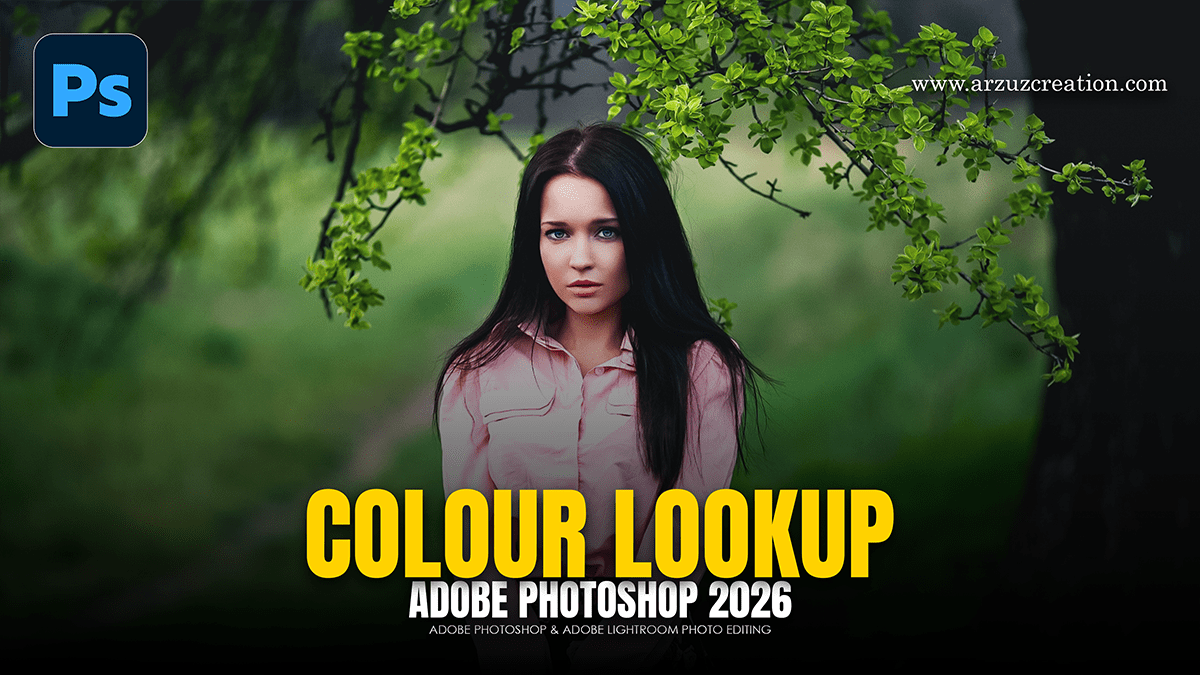
Adobe Photoshop 2026 Colour Lookup Table Photo Editing

Adobe Photoshop 2026 Colour Lookup Table Photo Editing,

In Adobe Photoshop 2026, Color Lookup Tables (LUTs) remain one of the most powerful ways to achieve professional color grading with a single click. While the core “Color Lookup” tool is a classic feature, the 2026 update introduces new AI-driven adjustment layers that complement LUT workflows perfectly.

Adobe Photoshop 2026 Professional Photo Editing Tutorial

Adobe Photoshop 2026 Professional Photo Editing Tutorial,

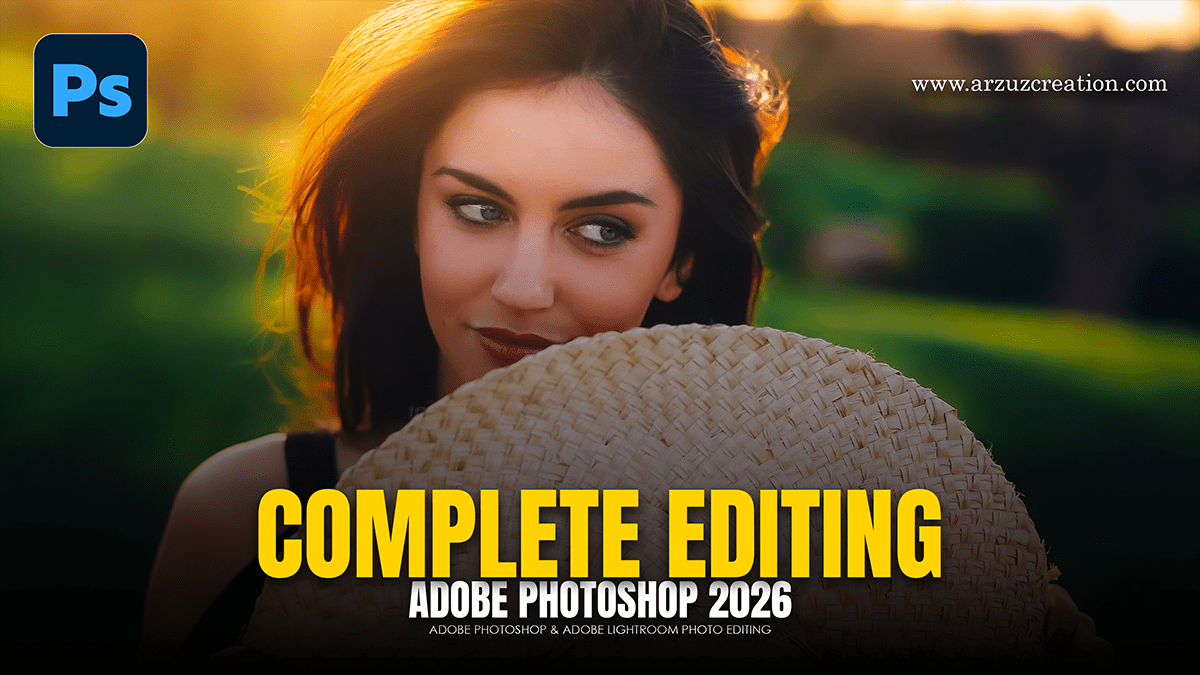
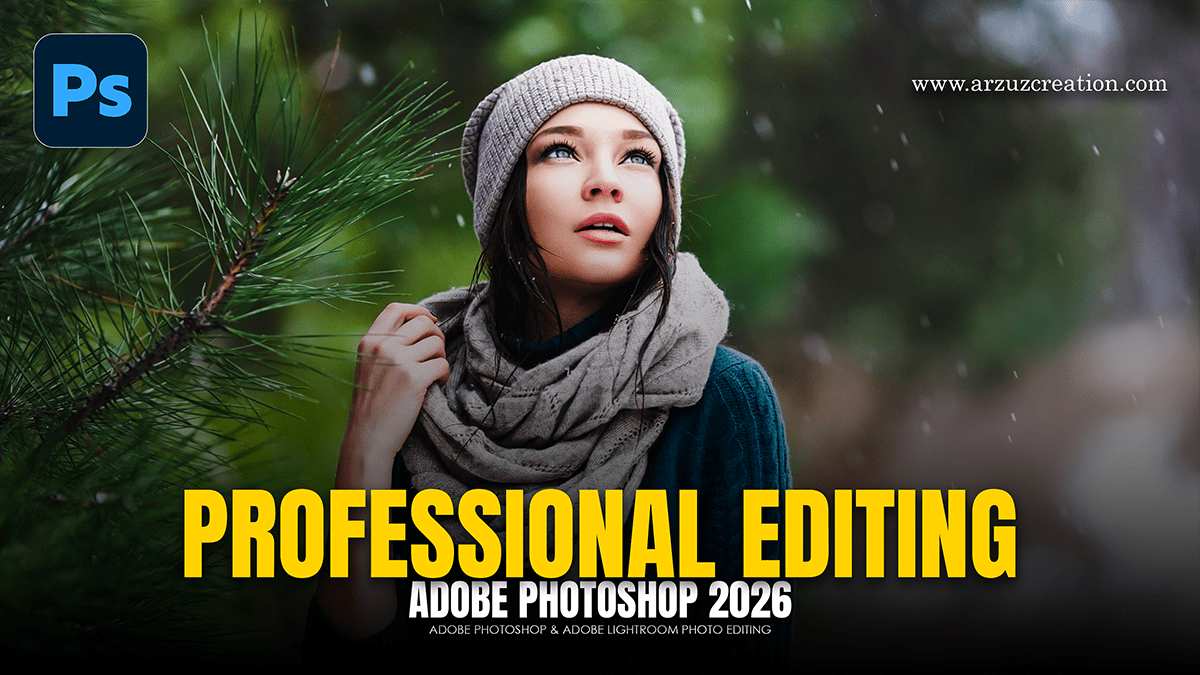
Adobe Photoshop 2026 has arrived with a heavy focus on “Creative Contextual Intelligence” and deeper integration of third-party AI models. For professional editors, the biggest shifts are the move toward local (on-device) AI processing and a new “Agentic” workflow that uses natural language to perform complex tasks.

Adobe Photoshop 2026: Skin Retouching Tutorial For Beginners

Adobe Photoshop 2026: Skin Retouching Tutorial For Beginners,

In 2026, skin retouching in Photoshop has shifted heavily toward AI-automated workflows, though professional “Frequency Separation” remains the gold standard for high-end results.

The current landscape for Photoshop 2026 (Version 27.x) includes powerful built-in AI filters, though some users have noted technical bugs in early 2026 releases that require specific updates to fix.

Adobe Photoshop 2026: High-End Skin Retouching Tutorial

Adobe Photoshop 2026: High-End Skin Retouching Tutorial,

In 2026, high-end skin retouching in Photoshop has evolved into a hybrid workflow that blends classic manual precision with powerful AI-driven tools. The goal remains “perfect but real”—retaining natural skin pores and texture while removing distractions and balancing tones.

Adobe Photoshop 2026 Exposure Using Outdoor Photo Editing

Adobe Photoshop 2026 Exposure Using Outdoor Photo Editing,

In Adobe Photoshop 2026, exposure editing for outdoor photography has become more intuitive, thanks to a mix of classic precision tools and new AI-driven features. Whether you’re trying to save a blown-out sky or brighten a subject in a shadow, the 2026 version offers several powerful workflows.

Adobe Photoshop 2026 Gradient Using Outdoor Photo Editing

Adobe Photoshop 2026 Gradient Using Outdoor Photo Editing,

In Adobe Photoshop 2026, the Gradient Tool has become one of the most powerful features for outdoor and landscape photography. The modern “Live” Gradient Tool allows you to adjust colors, opacity, and positioning directly on the canvas with non-destructive controls.

Adobe Photoshop 2026 Curves Using Outdoor Photo Editing

Adobe Photoshop 2026 Curves Using Outdoor Photo Editing,

In Adobe Photoshop 2026, the Curves tool remains the most powerful way to manipulate light and color in outdoor photography. While the core math of Curves is consistent, the 2026 version benefits from improved UI feedback and better integration with AI-driven masking.

Outdoor Photo Editing Using Photoshop Colour Balance Tool

Outdoor Photo Editing Using Photoshop Colour Balance Tool,

Editing outdoor photos using the Color Balance tool in Photoshop is one of the most effective ways to correct lighting inconsistencies or add a creative mood (like a “Golden Hour” glow) to your landscapes and portraits.

Adobe Photoshop 2026: Levels Using Outdoor Photo Editing

Adobe Photoshop 2026: Levels Using Outdoor Photo Editing,

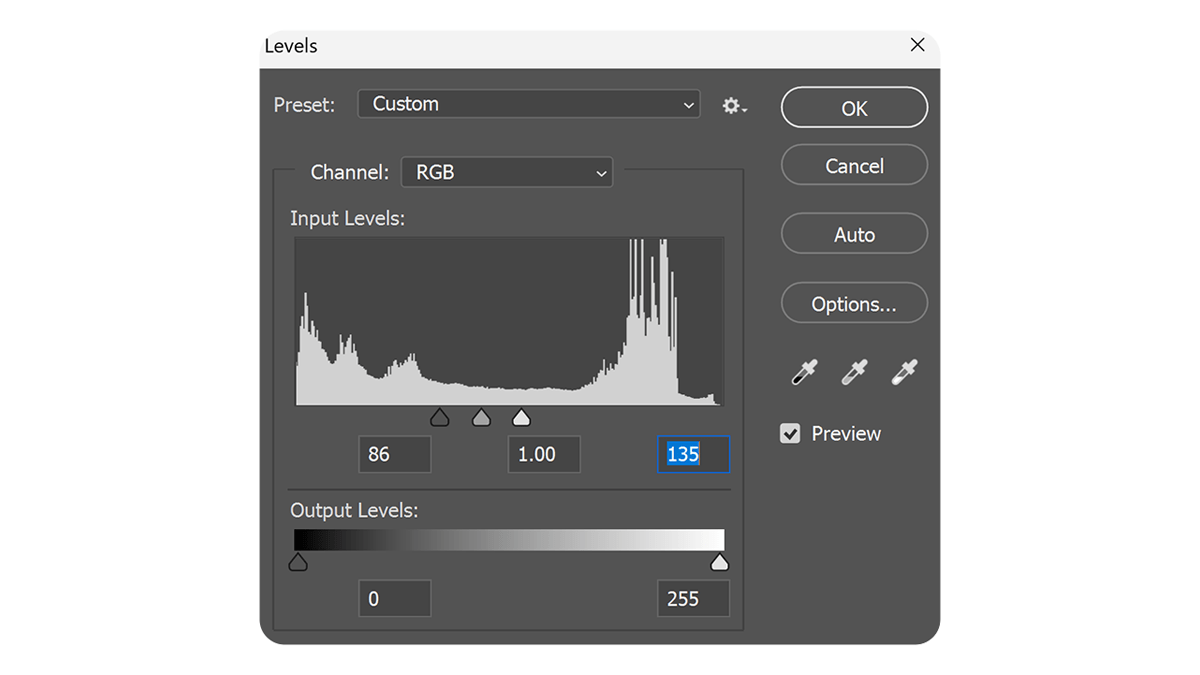
Using the Levels tool is one of the most effective ways to fix exposure, add “pop,” and correct color in outdoor photography. Because outdoor lighting is often unpredictable—ranging from harsh midday sun to flat, overcast skies—Levels provides the precision needed to balance the histogram.

Fix Colour and Vibrance Photoshop Adjustment Layer 2026

Fix Colour and Vibrance Photoshop Adjustment Layer 2026,

To adjust color and vibrance in Photoshop, always use Adjustment Layers. Unlike standard image adjustments, these are “non-destructive,” meaning they live on a separate layer and can be toggled on/off or adjusted at any time without damaging your original pixels.

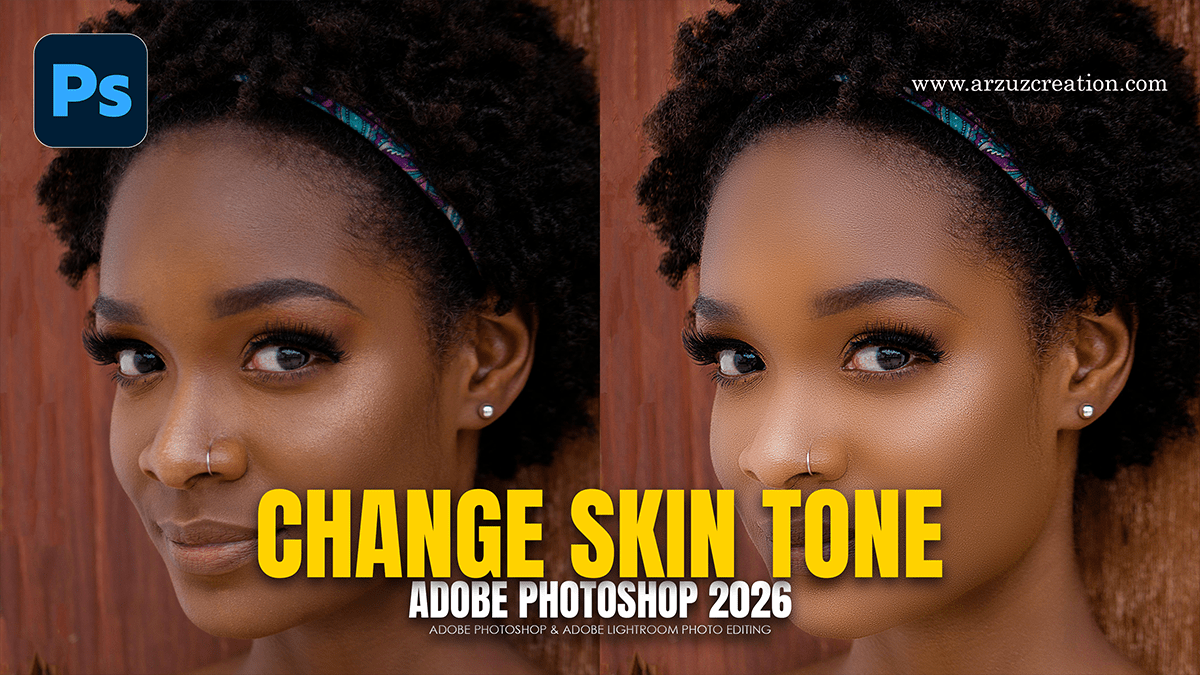
Create Skin Glow Effect in Adobe Photoshop 2026

Create Skin Glow Effect in Adobe Photoshop 2026,

In Photoshop 2026, creating a professional skin glow effect has evolved into a mix of classic manual techniques and new, highly sophisticated AI-driven tools like Nano Banana and Generative Upscale.

Adobe Photoshop 2026 (V27.0) New Update Features

Adobe Photoshop 2026 (V27.0) New Update Features,

The Adobe Photoshop 2026 (v27.0) update, unveiled at Adobe MAX in late 2025, represents a major shift toward “agentic” AI and multi-model flexibility. Rather than relying solely on Adobe’s Firefly, Photoshop now integrates third-party AI models and focuses on making complex compositing a one-click process.

Instagram Trending Photo Editing: Adobe Photoshop 2026

Instagram Trending Photo Editing in Adobe Photoshop 2026,

Instagram editing in 2026 is a blend of “Old World” nostalgia (film textures, vintage grain) and “New World” AI-driven perfection (clean aesthetics, generative backgrounds).

Adobe Photoshop Professional Cinematic Colour Grading Tutorial

Adobe Photoshop Professional Cinematic Colour Grading Tutorial,

Achieving a professional “cinematic” look in Adobe Photoshop is most effectively done using the Camera Raw Filter. This tool allows you to manipulate light and color with the same precision as a professional film colorist.

Adobe Photoshop 2026: Dark Moody Colour Grading Camera Raw

Adobe Photoshop 2026: Dark Moody Colour Grading Camera Raw,

Creating a “dark and moody” look in Photoshop 2026 has become significantly more intuitive thanks to new AI-driven adjustment layers and high-fidelity generative models. This aesthetic relies on deep shadows, desaturated colors, and selective lighting to create a cinematic atmosphere.

Cinematic: Outdoor Portraiture Cinematic Colour Tone Photoshop

Cinematic: Outdoor Portraiture Cinematic Colour Tone Photoshop,

Quick Answer: Cinematic color grading in Adobe Photoshop involves using tools like adjustment layers, color lookup tables (LUTs), and gradient maps to create dramatic tones similar to those seen in films. Popular techniques include the teal-and-orange look, enhancing contrast, and fine-tuning shadows and highlights for a polished, cinematic feel.

Camera Raw Filter: Professional Colour Grading in Photoshop

Camera Raw Filter: Professional Colour Grading in Photoshop,

Color grading in the Camera Raw Filter is one of the most powerful ways to achieve a high-end, cinematic look in Photoshop. It allows for non-destructive, surgical control over your image’s palette.

To get professional results, it is best to follow a structured workflow rather than jumping straight to the color wheels.

Gradient Adjustment Layer: Professional Photo Editing Photoshop

Gradient Adjustment Layer: Professional Photo Editing Photoshop,

Using a Gradient Adjustment Layer is one of the most effective ways to enhance lighting, add color grading, or create seamless transitions in your photos. Unlike the Gradient Tool, an Adjustment Layer is non-destructive, meaning you can change the colors and settings at any time without damaging your original image.

How to Make My Photos Look Professional in Adobe Photoshop

How to Make My Photos Look Professional in Adobe Photoshop,

Making your photos look professional in Photoshop is less about using one “magic” filter and more about following a structured workflow that emphasizes non-destructive editing (using layers so you don’t ruin the original pixels).

Outdoor Portrait Photo: Colour Grading Camera Raw Filter

Outdoor Portrait Photo: Colour Grading Camera Raw Filter,,

Editing outdoor portraits in Photoshop is about balancing natural light with professional polish. Unlike studio shots, outdoor photos often deal with unpredictable lighting and distracting backgrounds.

How to Create Natural Skin Texture in Adobe Photoshop

How to Create Natural Skin Texture in Adobe Photoshop,

Creating natural skin texture in Photoshop involves two main approaches: preserving the texture that is already there or re-creating it from scratch if the skin has become too “plastic” or smooth during editing.

Adobe Photoshop 2025: Camera Raw Filter 18.1.1 New Update

Adobe Photoshop 2025 Camera Raw Filter 18.1.1 New Update,

The Adobe Camera Raw (ACR) 18.1.1 update, released in mid-December 2025, is primarily a maintenance and support release. It focuses on expanding hardware compatibility and fixing bugs rather than introducing major new creative tools like the Generative AI features seen in version 18.0.

Adobe Photoshop: Beginners to Advanced Photo Editing Tutorial

Adobe Photoshop: Beginners to Advanced Photo Editing Tutorial,

Getting started with Adobe Photoshop can feel like stepping into a cockpit—there are a lot of buttons, but once you know the “flight controls,” it becomes incredibly intuitive.

Professional Black and White Portrait Look in Adobe Photoshop

Professional Black and White Portrait Look in Adobe Photoshop,

Achieving a professional black-and-white (B&W) look in Photoshop is about more than just desaturating. A “pro” look requires controlling the luminosity of specific colors, managing local contrast, and maintaining skin texture.

Adobe Photoshop: Dramatic Black and White Portrait Tutorial

Adobe Photoshop: Dramatic Black and White Portrait Tutorial,

Creating a dramatic black-and-white portrait in Photoshop is about more than just removing color; it’s about controlling the tonal contrast to guide the viewer’s eye.

How to Make a Colour Image Black and White in Adobe Photoshop

How to Make a Colour Image Black and White in Adobe Photoshop,

There are several ways to convert an image to black and white in Photoshop, ranging from a quick “one-click” shortcut to professional-grade adjustments that give you full control over the tonal depth.

Cinematic Blue Tone Photo Editing in Adobe Photoshop 2025

Cinematic Blue Tone Photo Editing in Adobe Photoshop 2025,

Creating a cinematic blue tone is one of the most popular ways to give photos a “moody” or “Hollywood” look. This is often achieved by adding Teal/Blue to the shadows and Orange/Yellow to the highlights (split toning).

Adobe Photoshop Bengali Writing Method 2026

Adobe Photoshop Bengali Writing Method 2026,

Writing Bengali in Adobe Photoshop is quite straightforward, but it often requires a quick setting change to prevent the letters from “breaking” or appearing disconnected.

এডোবি ফটোশপে (Adobe Photoshop) নির্ভুলভাবে বাংলা লেখার জন্য প্রথমেই আপনার কম্পিউটারে বিজয় বায়ান্ন (Bijoy Bayanno) বা অভ্র (Avro) কিবোর্ড সচল থাকতে হবে। ফটোশপের Edit > Preferences > Type এ গিয়ে ‘Middle Eastern and South Asian’ অপশনটি বেছে নিয়ে এবং Unicode বা ANSI ফন্ট ব্যবহার করে টুলবার থেকে Type Tool (T) ব্যবহার করে বাংলা লেখা যায়। 

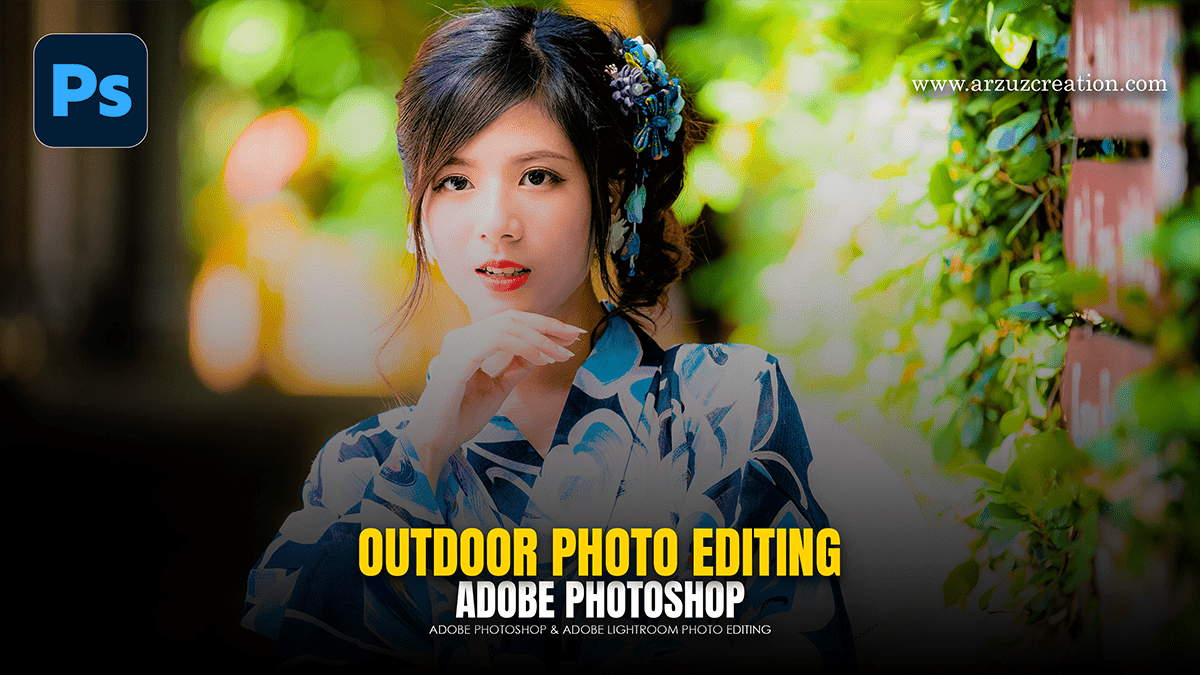
Adobe Photoshop: Editing Outdoor Portrait Photos Tutorial 2025

Adobe Photoshop: Editing Outdoor Portrait Photos Tutorial 2025,

Editing outdoor portraits in Photoshop is all about balancing the unpredictable nature of outdoor light with the specific needs of your subject. Whether you’re dealing with harsh midday sun or the soft glow of the golden hour, a structured workflow is key.

Adjustment: Adobe Photoshop Photo Editing Tutorial 2025

Adjustment: Adobe Photoshop Photo Editing Tutorial 2025,

In Photoshop, Adjustment Layers are the gold standard for photo editing because they allow for non-destructive editing. Unlike direct adjustments (found under Image > Adjustments), adjustment layers act like a transparent sheet of film over your image, applying color and tonal changes without permanently changing a single pixel of your original photo.

Adobe Photoshop: Camera Raw Filter Colour Grading Tutorial 2025

Adobe Photoshop Camera Raw Filter Colour Grading Tutorial 2025,

In Adobe Photoshop’s Camera Raw Filter, the Color Grading panel (which replaced the old “Split Toning”) is one of the most powerful tools for creating a cinematic or stylized look. It allows you to inject specific colors into the shadows, midtones, and highlights of your image independently.

Cinematic Look: How to Edit a Cinematic Look Photo Editing 2025

Cinematic Look: How to Edit a Cinematic Look Photo Editing 2025,

Creating a “cinematic look” in Photoshop is less about a single filter and more about a specific workflow involving color grading, lighting control, and aspect ratio.

How to Edit an Outdoor Portrait Photo in Adobe Photoshop 2025

How to Edit an Outdoor Portrait Photo in Adobe Photoshop 2025,

Editing outdoor portraits in Photoshop is all about balancing the unpredictable nature of outdoor light (which can be too harsh or too flat) with the fine details of your subject.

Cinematic Colour Tone Photo Editing Tutorial For Beginners 2025

Cinematic Colour Tone Photo Editing Tutorial For Beginners 2025,

That’s a fantastic request! The Color Grading panel within the Adobe Camera Raw (ACR) Filter in Photoshop is the primary tool for achieving a professional, cinematic look.

The essence of a cinematic color grade often lies in the Teal and Orange (or Blue and Gold) look, achieved by setting complementary colors in the shadows and highlights.

Autumn Colour Tone Adobe Photoshop Camera Raw Filter 2025

Autumn Colour Tone Adobe Photoshop Camera Raw Filter 2025,

Creating a rich, vibrant autumn look in your photos using the Adobe Camera Raw filter (accessible from Photoshop’s Filter menu) primarily involves warming up the image and manipulating the Reds, Oranges, and Yellows in the HSL/Color Mixer panel.