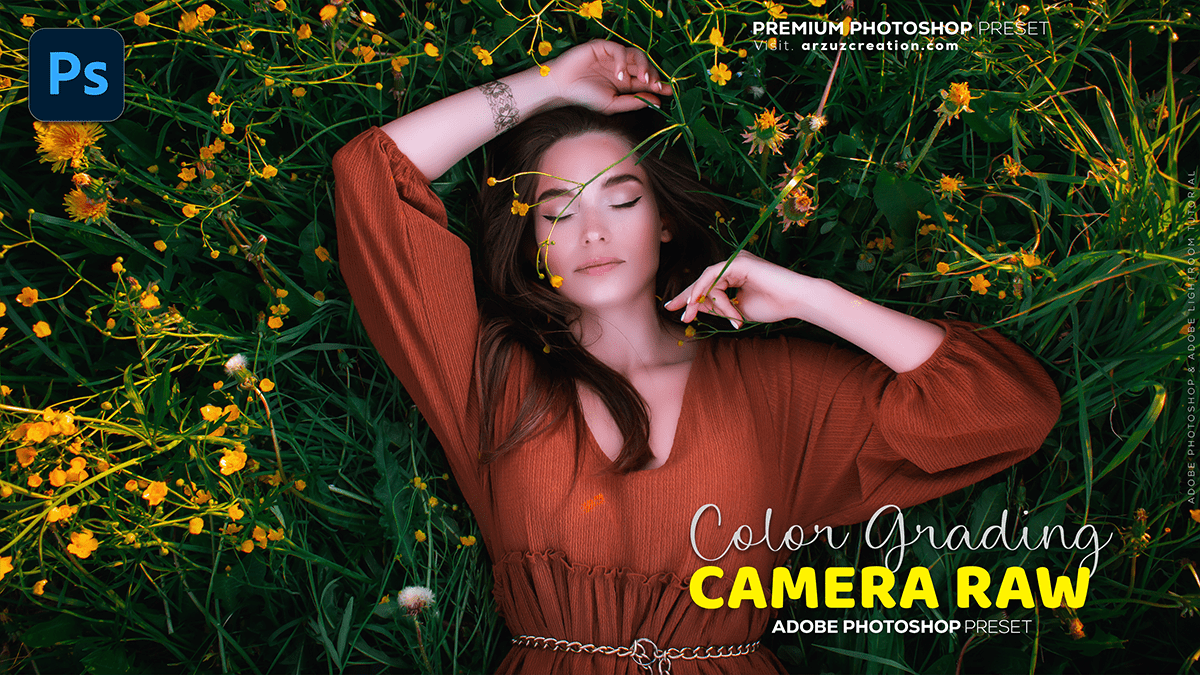
Colour Grading: Adobe Photoshop 2025 Tutorial,
Therefore, Photoshop 2025 has introduced several updates that enhance color control and grading, particularly leveraging AI for faster and more intuitive workflows.
In other words, here are the key updates related to color grading and control in Adobe Photoshop 2025:

Colour Grading: Adobe Photoshop 2025 Tutorial,
🎨 Key Color Grading Features in Photoshop 2025:
- New “Adjust Colors” Feature (AI-Powered)
- Therefore, found directly in the Contextual Taskbar, this tool automatically detects the six most prominent colors in your image.
- In other words, you can quickly adjust each of these prominent colors using simple Hue, Saturation, and Lightness sliders.
- Therefore, it operates non-destructively by applying changes via a Hue/Saturation adjustment layer, giving you full control over layer masks for selective application.
- In other words, suppose the desired color is not one of the six automatically detected. In that case, you can easily replace a color swatch using the Eyedropper Tool to target any specific color in your image.
Colour Grading: Adobe Photoshop 2025 Tutorial,
- AI-Powered Compositing with “Harmonize”
- Therefore, while not a dedicated color grading tool, Harmonize is a significant AI feature for compositing that ensures color consistency.
- In other words, it seamlessly blends people or objects into new scenes by automatically matching the background’s light, color, and tone, creating natural, realistic results. This saves a huge amount of manual color work when combining images.
- New Adjustment Layers
- However, Photoshop has added new, dedicated adjustment layers for Temperature and Tint, offering fine-tuned, nondestructive control over white balance and color cast, which are fundamental to color grading.
Adobe Photoshop 2025 Tutorial,
- Actions Panel Improvements for Selective Edits
- In other words, the redesigned Actions panel now allows you to right-click an action and choose to apply it specifically to the Subject or the Background. This is ideal for quickly applying selective color grading or stylized effects.
❓ What Else Can I Help You With?
- However, would you like to see a tutorial video on how to use the new Adjust Colors feature?
- Above all, are you looking for information on any other new features in Photoshop 2025?
- However, do you need a breakdown of the traditional color grading tools still available (like Curves, Levels, or Selective Color)?
