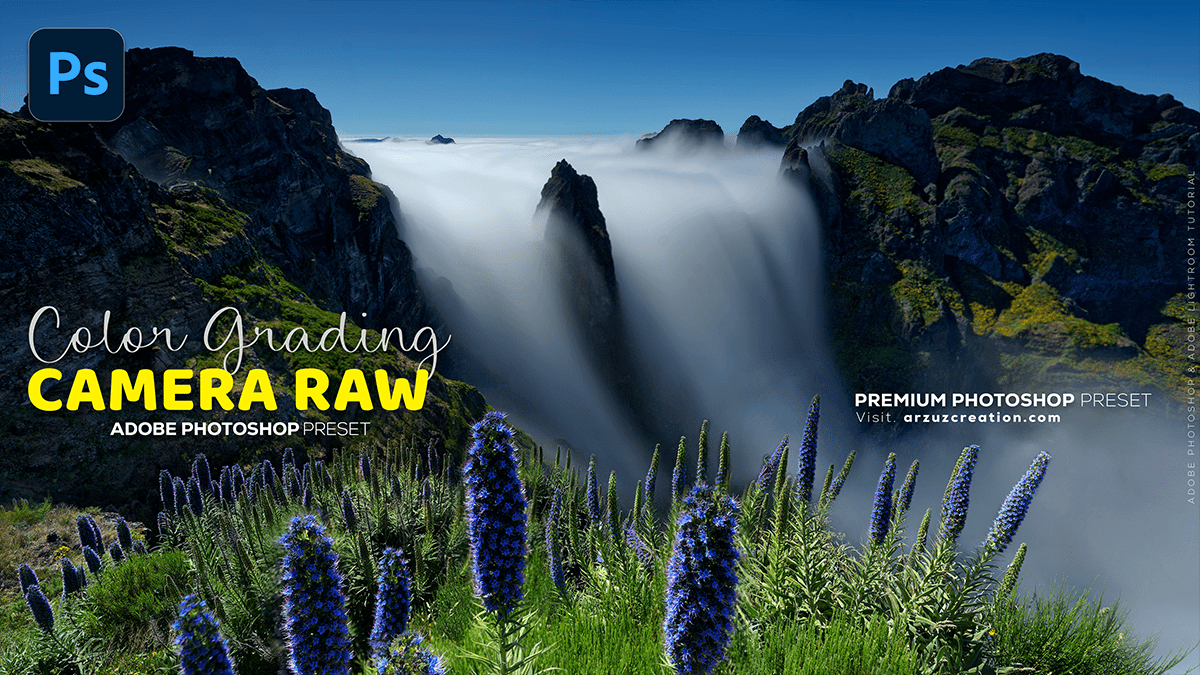
Outdoor Colour Grading: Adobe Photoshop 2025,
Therefore, Color grading outdoor photos in Photoshop often starts with utilizing the Camera Raw Filter for powerful non-destructive adjustments, especially if you’re working with RAW files.

Outdoor Colour Grading: Adobe Photoshop 2025,
Therefore, Here’s a general approach using key Photoshop features:
🎨 Color Grading Steps
- Open in Camera Raw Filter:
- Therefore, Open your image in Photoshop. For best results, consider converting the layer to a Smart Object first so you can re-edit the Camera Raw Filter later.
- In other words, Go to Filter > Camera Raw Filter (or use the keyboard shortcut $Ctrl+Shift+A$ on Windows / $Cmd+Shift+A$ on Mac).
- Basic Adjustments:
- Therefore, Start in the Basic panel. Adjust White Balance (Temperature and Tint) to set the foundational mood (e.g., cooler for a moody look, warmer for golden hour).
- Tweak Exposure, Highlights, Shadows, Whites, and Blacks to establish proper contrast and tonal range. Outdoor photos often benefit from slightly reducing Highlights and increasing Shadows to recover detail.
Outdoor Colour Grading: Adobe Photoshop 2025,
- Use the Color Grading Tool:
- Therefore, Navigate to the Color Grading panel (it uses a three-way color wheel system).
- In other words, This is where you inject specific color casts into your Shadows, Midtones, and Highlights.
- Outdoor Examples:
- Therefore, Add a subtle blue or cyan tone to the Shadows for a cinematic or moody feel.
- In other words, Add a slight yellow or orange tone to the Highlights to emphasize sunlight or warmth.
- Outdoor Examples:
- In other words, Use the Balance and Blending sliders to control the transition and overlap of these color casts.
- HSL/Color Mixer:
- Therefore, Use the Color Mixer (formerly HSL) panel to adjust specific colors in the scene, which is crucial for outdoor images.
- For example, in a landscape, you might adjust the Hue, Saturation, and Luminance of Greens (trees, grass) and Blues (sky, water) to make them pop or appear more stylized.
- Therefore, Use the Color Mixer (formerly HSL) panel to adjust specific colors in the scene, which is crucial for outdoor images.
Outdoor Colour Grading: Adobe Photoshop 2025,
- Curves and Selective Color (Advanced):
- Therefore, Back in Photoshop, you can refine the color and tone using Adjustment Layers like Curves and Selective Color.
- Curves offers fine-tuned control over luminosity and individual RGB channels for precise color shifts.
- Selective Color lets you adjust the color components within existing color ranges (e.g., adding Cyan to the Blacks to cool them down even more).
The ultimate technique depends on the desired style (e.g., bright and airy, dark and moody, faded film look). Experimentation, especially in the Color Grading and Color Mixer panels, is key to developing your unique outdoor look.
