Arzuz Creation

Professional Graphic Design and Editing

Adjustment Layer Photoshop 2026: Professional Photo Editing

Adjustment Layer Photoshop 2026: Professional Photo Editing Tutorial,

Photoshop’s 2026 updates introduced some of the biggest changes to Adjustment Layers in years. Adobe brought several highly requested, Lightroom-inspired global controls directly into the core Photoshop workspace as non-destructive layers.
How to Apply an Adjustment Layer to one Layer in Photoshop

How to Apply an Adjustment Layer to one Layer in Photoshop,

To apply an adjustment layer to only one layer in Photoshop, use a clipping mask. Place the adjustment layer directly above your target layer, then hold Alt (Windows) or Option (Mac) and click on the line between the two layers. Alternatively, click the square icon with a downward arrow in the Properties panel.

How to Add an Adjustment Layer in Adobe Photoshop 2026

How to Add an Adjustment Layer in Adobe Photoshop 2026,

To add an adjustment layer in Photoshop, click the Create new fill or adjustment layer icon (half-black, half-white circle) at the bottom of the Layers panel and select your desired adjustment. Alternatively, go to Layer > New Adjustment Layer or use the Adjustments panel. This creates a non-destructive layer above your image, allowing you to edit colors or tones using the Properties panel.

Photoshop Adjustment Layers: Pro Editing For Beginners

Photoshop Adjustment Layers: Pro Editing For Beginners,

Adjustment Layers are the cornerstone of professional, non-destructive photo editing in Adobe Photoshop. Unlike direct image adjustments, these layers act as “filters” that sit above your original pixels, allowing you to tweak colors and tones without permanently altering the source file.

Photoshop Gradient Map: Professional Photo Editing Tutorial

Photoshop Gradient Map: Professional Photo Editing Tutorial,

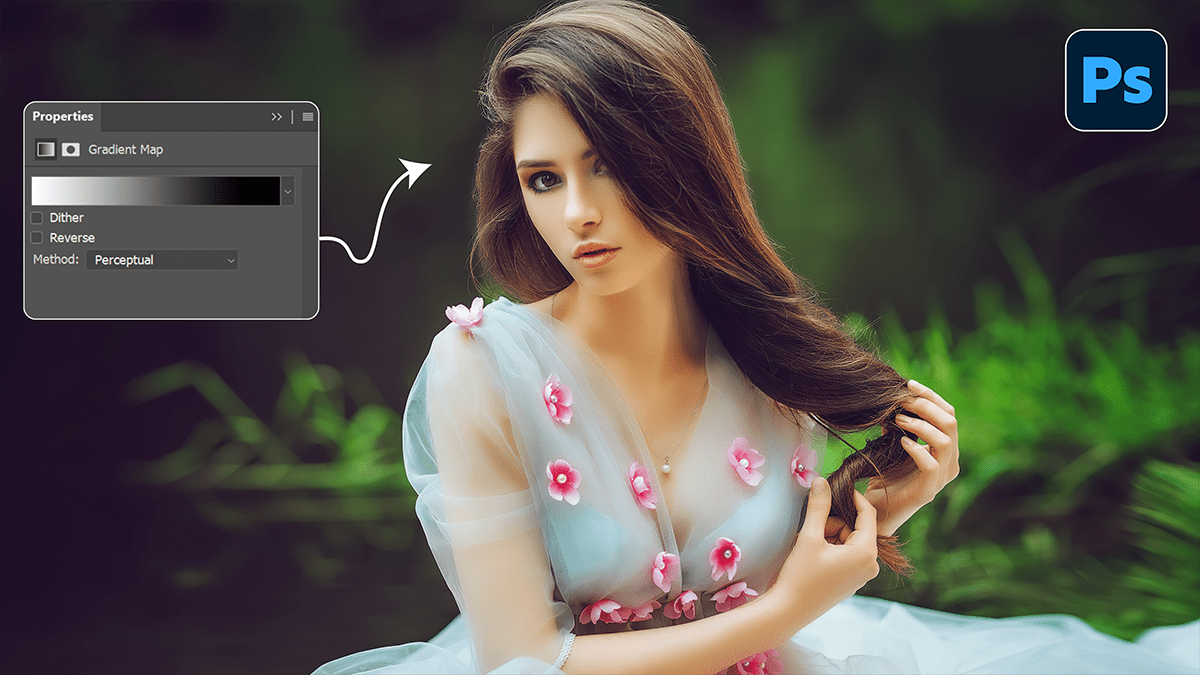
Gradient Maps are one of the most powerful, professional tools in Photoshop for color grading. Unlike a standard filter that just “washes” a color over an image, a Gradient Map replaces specific luminosity values (shadows, midtones, and highlights) with chosen colors.