Arzuz Creation

Graphic Design & Professional Photo Editing

How to use Hue Saturation in Adobe Photoshop 2026

How to use Hue Saturation in Adobe Photoshop 2026,

A Hue/Saturation adjustment layer in Photoshop enables non-destructive, precise color changes by editing hue (color type), saturation (intensity), and lightness (brightness). It allows users to target specific colors through a drop-down menu, the “Colorize” option, or by selecting, masking, and adjusting specific color ranges.
Professional Colour Grading Using Hue Saturation Adjustment

Professional Colour Grading Using Hue Saturation Adjustment,

To change color in Photoshop, use a Hue/Saturation Adjustment Layer for non-destructive editing. Go to the Adjustments panel, click the “Hue/Saturation” icon, and move the “Hue” slider. For specific colors, use the on-image hand tool to click and drag over the object.

Hue Saturation Most Powerful Adjustments Layer in Photoshop CC

Hue Saturation Most Powerful Adjustments Layer in Photoshop CC,

The Hue/Saturation tool is one of the most versatile adjustment layers in Photoshop. It allows you to change the color (Hue), the intensity (Saturation), and the brightness (Lightness) of specific colors or the entire image.

Adobe Photoshop 2026: Hue Saturation Enhance Colours Tutorial

Adobe Photoshop 2026 Hue Saturation Enhance Colours Tutorial,

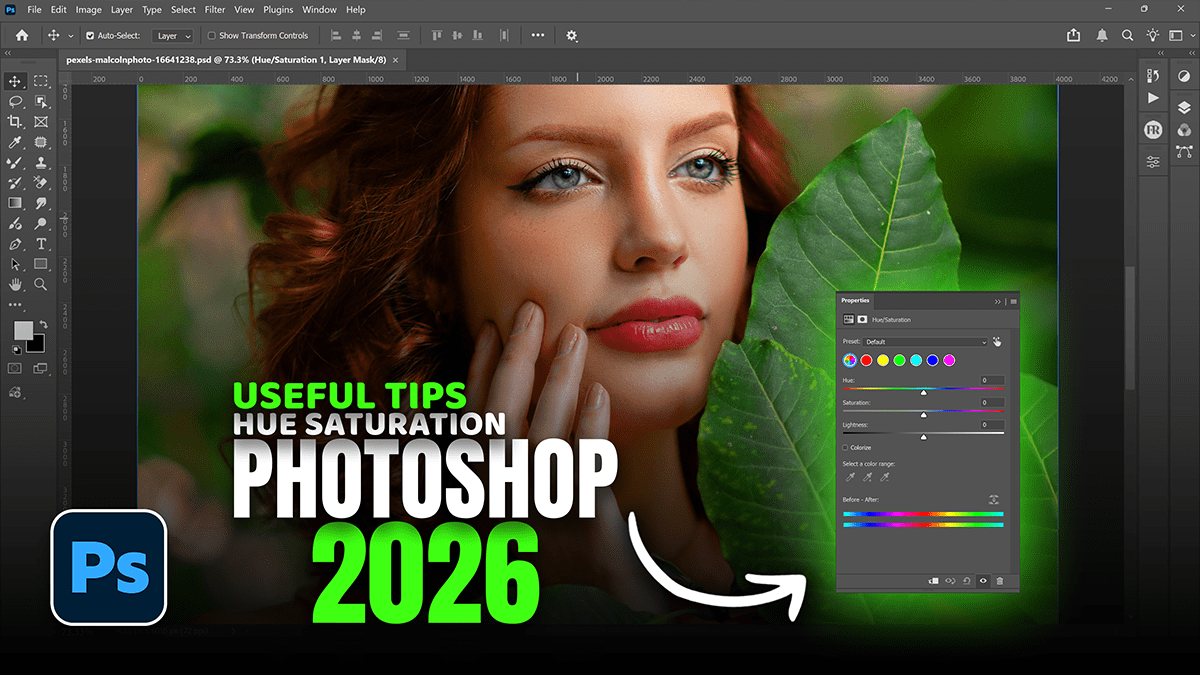
The Hue/Saturation adjustment is one of the most versatile tools in Photoshop for enhancing color, whether you want to boost the overall vibrancy or surgically target a single shade.