Arzuz Creation

Graphic Design & Professional Photo Editing

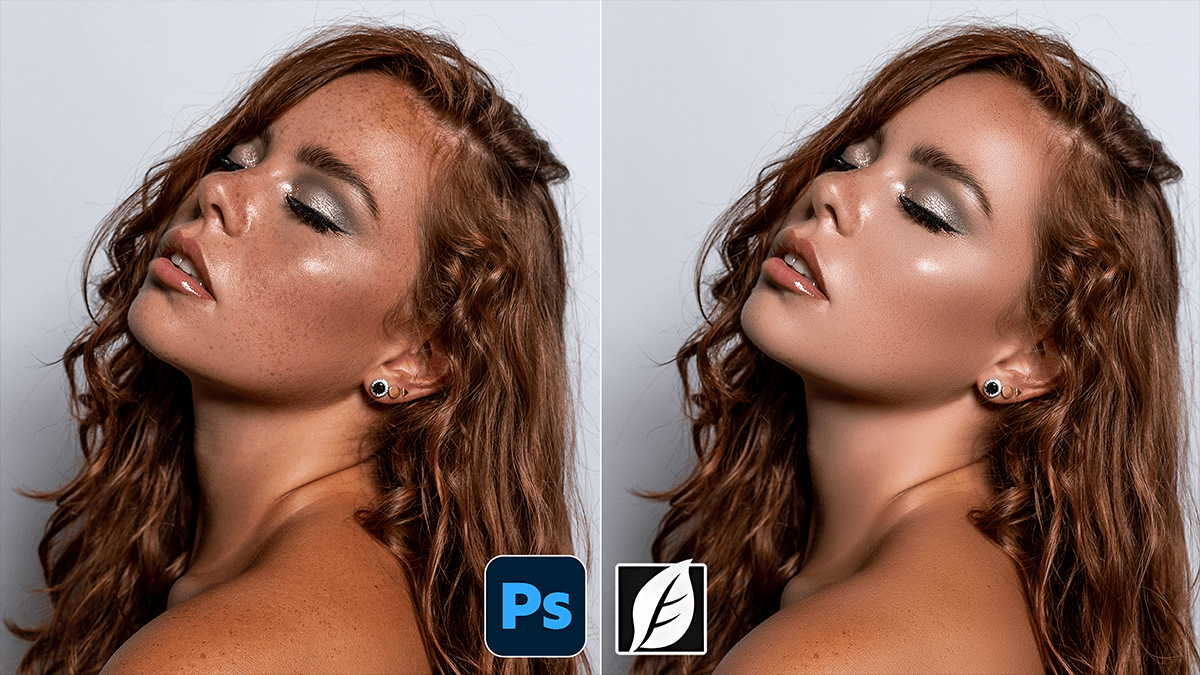
Remove Skin Blemishes Using Photoshop Plugin SkinFiner 5.7.1

Remove Skin Blemishes Using Photoshop Plugin SkinFiner 5.7.1,

If you’re looking to streamline your portrait editing, SkinFiner is a popular choice because it functions as both a standalone app and a Photoshop plugin. It’s designed to automate the tedious parts of skin retouching while maintaining a realistic texture.
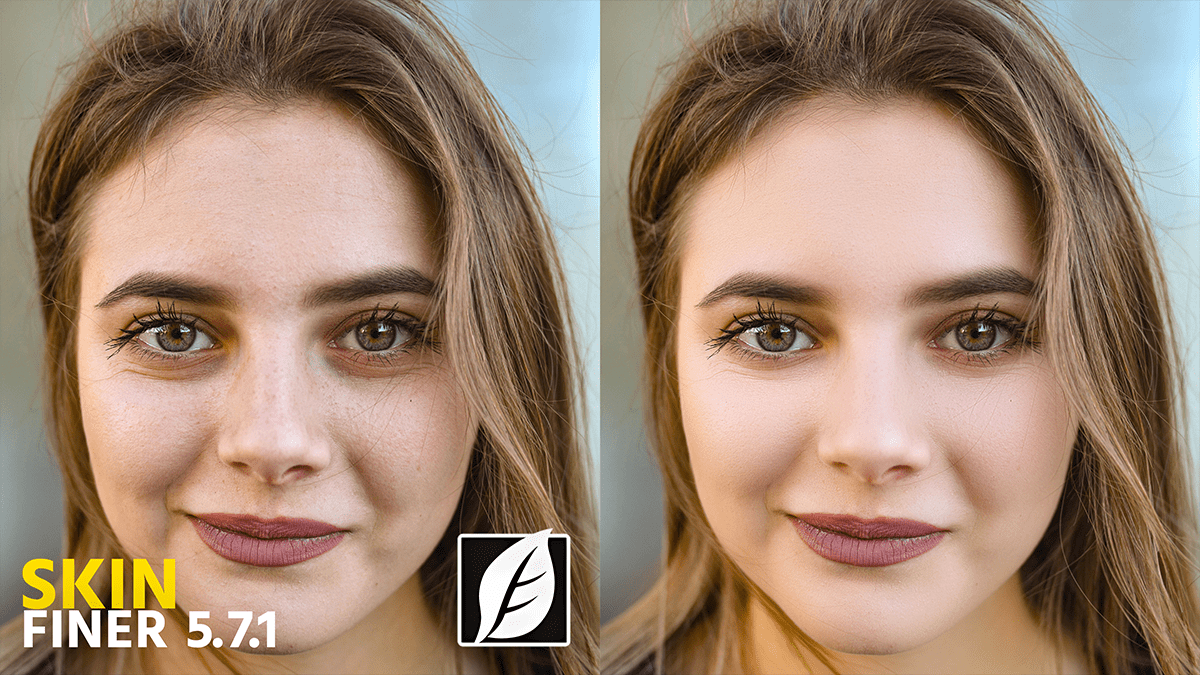
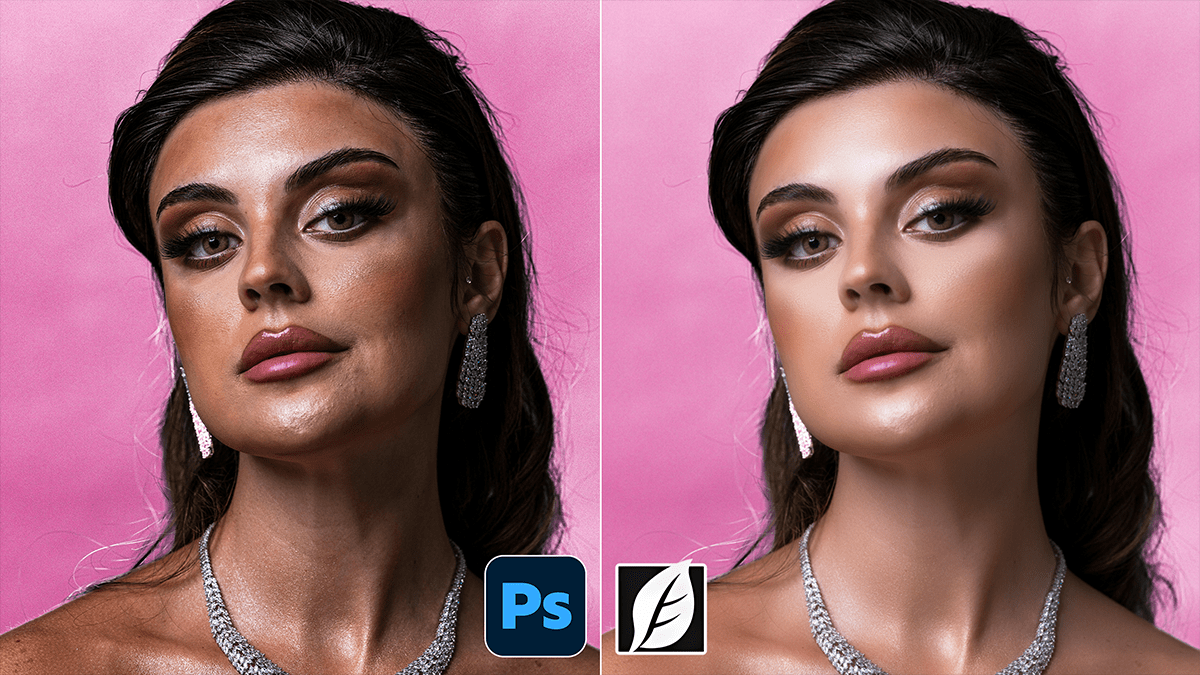
Photoshop SkinFiner 5.7.1 Update Version New Settings

Photoshop SkinFiner 5.7.1 Update Version New Settings,

SkinFiner 5.7 (and its minor update, 5.7.1) introduced significant refinements to the AI mask and facial feature detection. While version 5.8 is the most recent current release, many users are still migrating to the 5.7 branch for its improved stability in handling profiles.

SkinFiner 5.7.1 Using Professional Skin Retouch in Photoshop CC

SkinFiner 5.7.1 Using Professional Skin Retouch in Photoshop CC,

Using SkinFiner as a professional Photoshop plugin is about more than just “smoothing”—it’s about preserving texture while automating the tedious parts of the job. For 2026, the latest versions (v5.8+) have significantly improved AI masking and 16-bit processing to ensure high-end results.