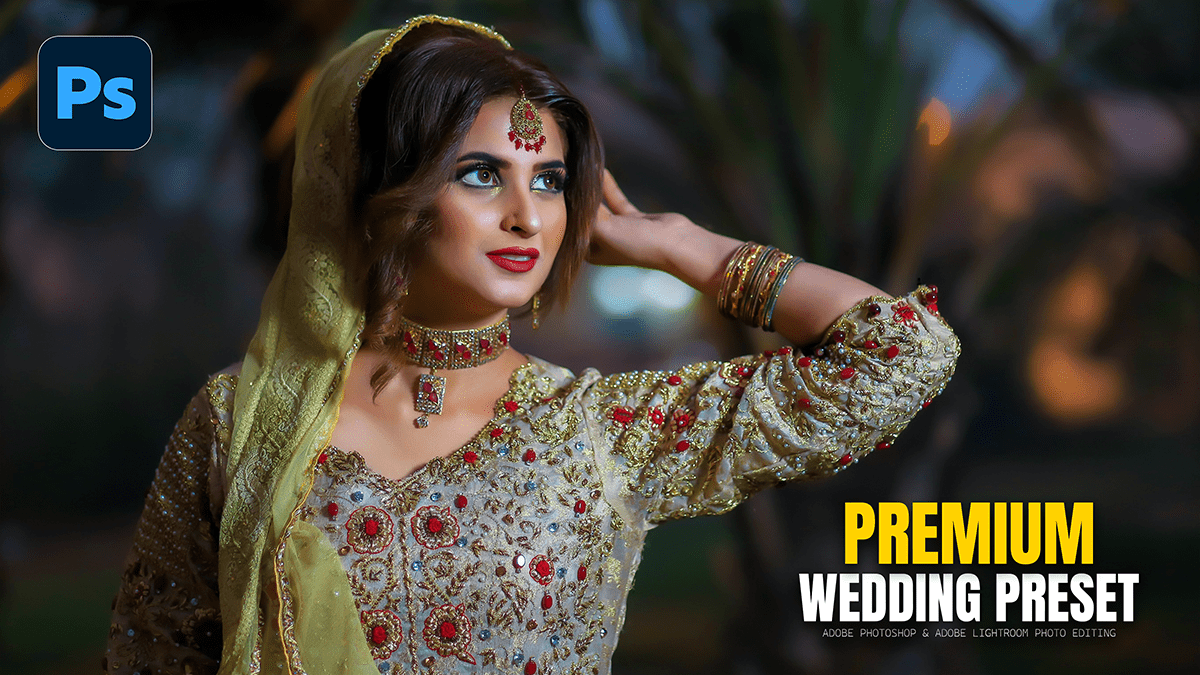
Photoshop 2026 Wedding Editing Workflow For Beginners,

Therefore, in 2026, wedding photo editing in Adobe Photoshop has shifted from manual labor to “hero shot” refinement. While tools like Lightroom and AI-based batch editors (like Imagen or Aftershoot) handle the bulk volume, Photoshop 2026 is used for the high-end 5% of a wedding gallery—the images destined for albums and wall art.
In other words, here is the professional workflow and the newest features available in the 2026 version.
1. New AI & Generative Tools for Weddings:
Therefore, the 2026 update introduced significant “Partner Models” and higher resolution output for wedding-specific fixes:
Partner AI Models: In other words, in the Contextual Task Bar, you can now switch from Firefly to other models like Nano Banana or Flux for Generative Fill. This is particularly useful for matching complex lace textures on wedding dresses or specific floral arrangements.
Photoshop 2026 Wedding Editing Workflow For Beginners
Reference Image for Gen-Fill: In other words, you can upload a “Reference Image” (e.g., a photo of the specific bouquet or venue decor) to guide Photoshop’s AI, ensuring that generated elements match the actual wedding details.
2K Generative Output: However, Gone are the blurry AI fills. Photoshop now supports 2K resolution for Generative Fill and Expand, meaning your expanded ceremony backdrops remain sharp enough for large-scale printing.

2. Advanced Portrait & Skin Retouching:
However, for the couple’s “hero” portraits, the workflow has become non-destructive and highly targeted:
New Adjustment Layers: For instance, Photoshop 2026 finally added Clarity, Dehaze, and Grain as native adjustment layers. This allows you to add “dreamy” wedding glows or sharpen the groom’s suit texture without permanently altering the image.
Color and Vibrance Layer: Above all, A new dedicated layer for Temp, Tint, and Saturation mirrors Lightroom’s sliders, making it easier to fix “yellow” indoor reception lighting directly in Photoshop.
Photoshop 2026 Wedding Editing Workflow For Beginners
Enhanced Remove Tool: For instance, the tool now includes a “Detect Distractions“ mode specifically for wedding photographers—instantly highlighting and removing exit signs, stray power cords, or “photobombs” from the background of a first dance.
3. The 2026 “Hero Shot” Workflow:
Above all, Most professionals use this hybrid sequence to balance speed and quality:
| Step | Tool / Feature | Why? |
| 1. Cleanup | Remove Tool (3.0) | Automatically detects and removes background guests or venue clutter. |
| 2. Expansion | Generative Expand | Turns a tight vertical portrait into a wide horizontal for a double-page album spread. |
| 3. Lighting | Harmonize | Blends the subject perfectly into the background if you’ve swapped the sky or the venue. |
| 4. Detail | AI Upscaling (Topaz tech) | Uses the new integrated Topaz Labs engine to upscale a heavy crop to 56MP for large prints. |
4. Automation & Integration:
Agentic AI (Web/Beta): Above all, for repetitive tasks, the 2026 version includes a chatbot assistant. You can prompt it: “Apply a subtle skin smooth and remove the orange tint from the bride’s dress,” and it will build the layers and masks for you.
Lightroom Sync: Edits made in Photoshop are now more seamlessly synced with Lightroom Classic, allowing you to use “Subject Masking” in Photoshop and have it remain editable when you return to your catalog.
Photoshop 2026 Wedding Editing Workflow For Beginners
Pro-Tip for 2026:
Similarly, if you are struggling with “flat” lighting in a church ceremony, use the new Reference Image feature with a photo of a “Golden Hour” shot. Photoshop will use the lighting and color profile of the reference to relight your indoor shot naturally.
Would you like me to walk you through a specific tutorial for skin retouching or background expansion using these 2026 tools?
