Arzuz Creation

Graphic Design & Professional Photo Editing

Installing Camera Raw Presets in Adobe Photoshop 2026

Installing Camera Raw Presets in Adobe Photoshop 2026,

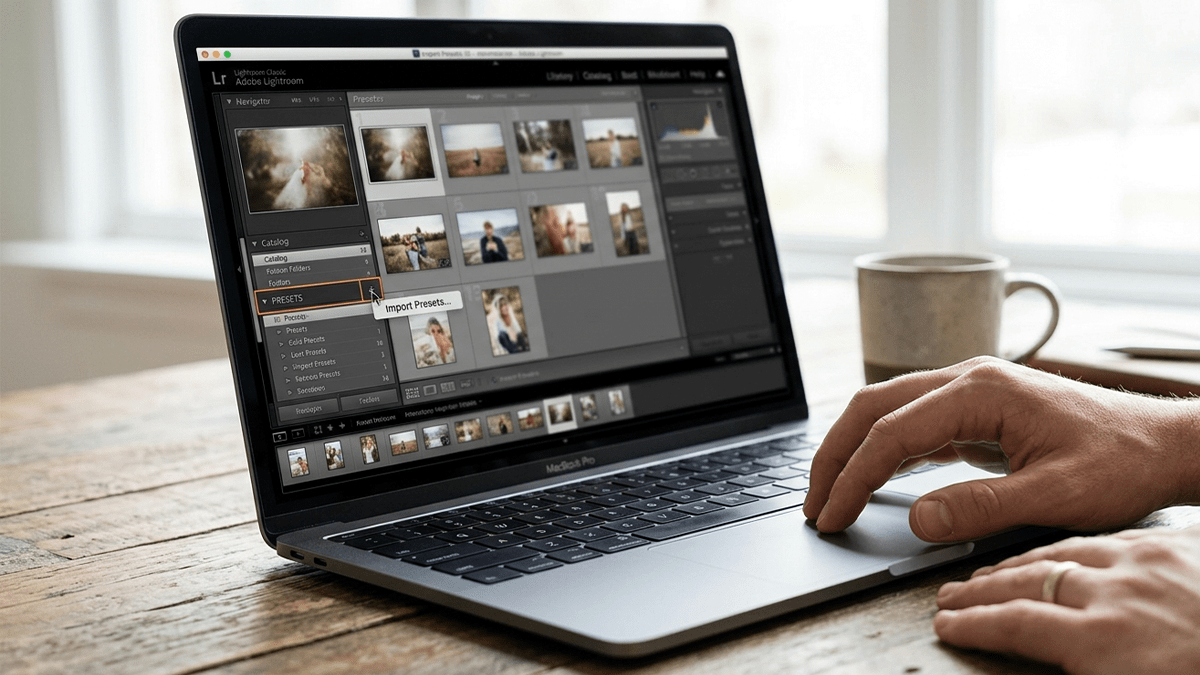
Installing presets in Adobe Photoshop 2026 is a straightforward process, whether you prefer to do it manually via your computer’s file system or directly within the Camera Raw interface.

Using Photoshop Camera Raw Color Presets

Using Photoshop Camera Raw Color Presets
,
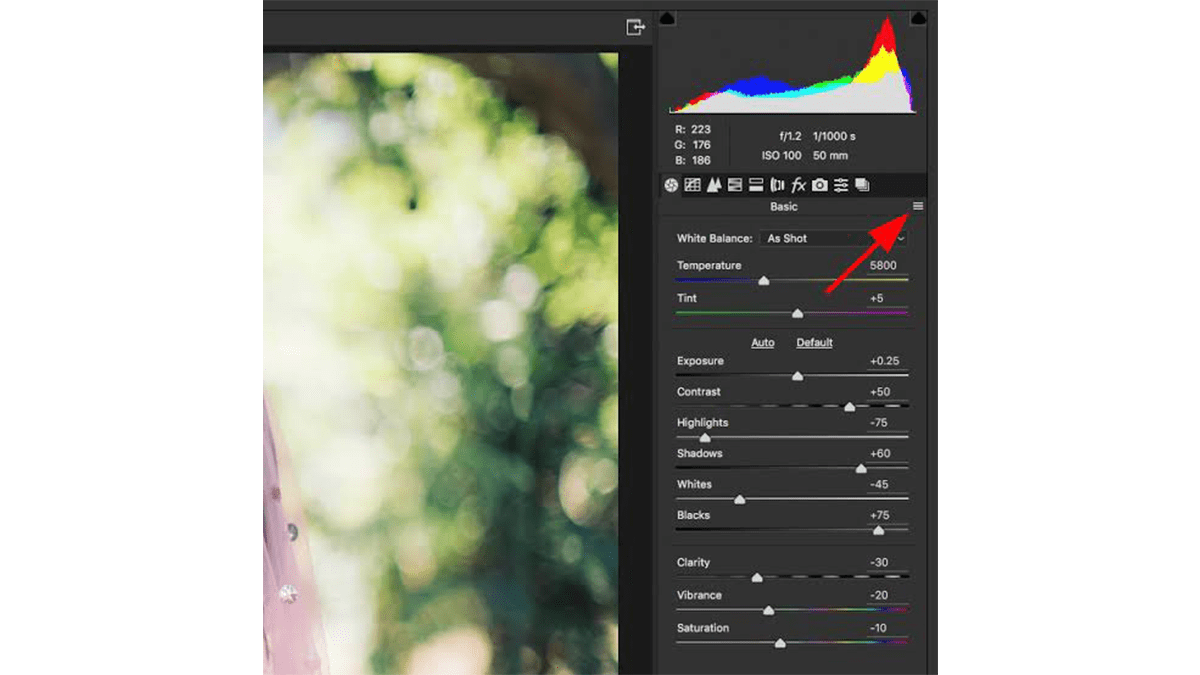
Using Photoshop’s Color Grading presets within the Camera Raw Filter is a great way to maintain a consistent look across your photos. While Camera Raw uses .xmp files for its presets, the process to access and apply them is straightforward.

Complete Photo Edit and Colour Grading in Adobe Photoshop 2026

Complete Photo Edit and Colour Grading in Adobe Photoshop 2026,

A complete photo editing workflow in Photoshop 2026 combines classic non-destructive techniques with the latest agentic AI tools. Whether you are using the desktop app or the new AI Assistant on web and mobile, here is the professional sequence for a “complete” edit.

Camera Raw Presets and Plugins Guide: Adobe Photoshop 2026

Camera Raw Presets and Plugins Guide: Adobe Photoshop 2026,

Installing and troubleshooting Camera Raw presets and plugins is often a matter of placing files in the correct directory or ensuring your software version is up to date. As of 2026, Adobe has unified much of the file structure between Photoshop and Lightroom Classic, making synchronization easier.

Professional Wedding Photo Edit in Adobe Photoshop 2026

Professional Wedding Photo Edit in Adobe Photoshop 2026,

Editing a wedding gallery is a high-stakes process where consistency is as important as the fine details. In 2026, the workflow has shifted toward a “hybrid” approach: using AI to handle the heavy lifting of cleaning and denoising, while using manual precision for “hero” shots (the couple’s portraits).

Camera Raw Filter: Wedding Photo Editing in Adobe Photoshop

Camera Raw Filter: Wedding Photo Editing in Adobe Photoshop,

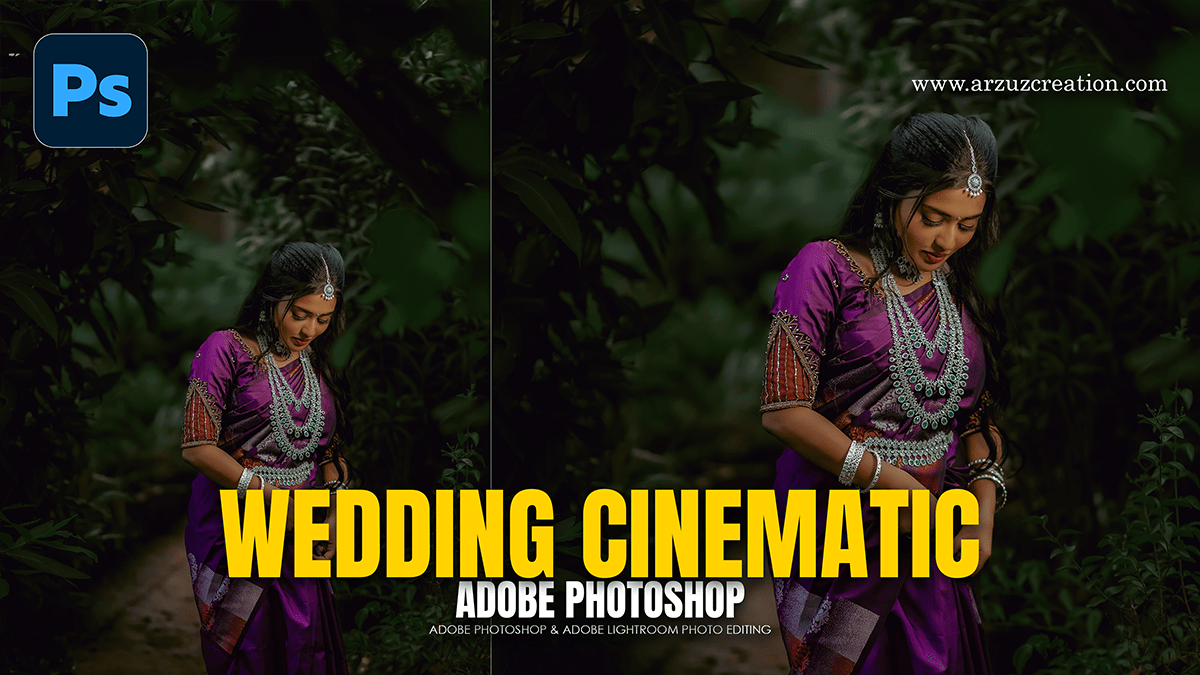
Adobe Camera Raw (ACR) remains the powerhouse for wedding editing because it allows you to handle high-volume color correction and “hero shot” retouching in a non-destructive environment. In 2026, the trend has shifted away from heavy, moody filters toward Authentic Realism and Cinematic Storytelling.

Photoshop 2026 Wedding Editing Workflow For Beginners

Photoshop 2026 Wedding Editing Workflow For Beginners,

In 2026, wedding photo editing in Adobe Photoshop has shifted from manual labor to “hero shot” refinement. While tools like Lightroom and AI-based batch editors (like Imagen or Aftershoot) handle the bulk volume, Photoshop 2026 is used for the high-end 5% of a wedding gallery—the images destined for albums and wall art.

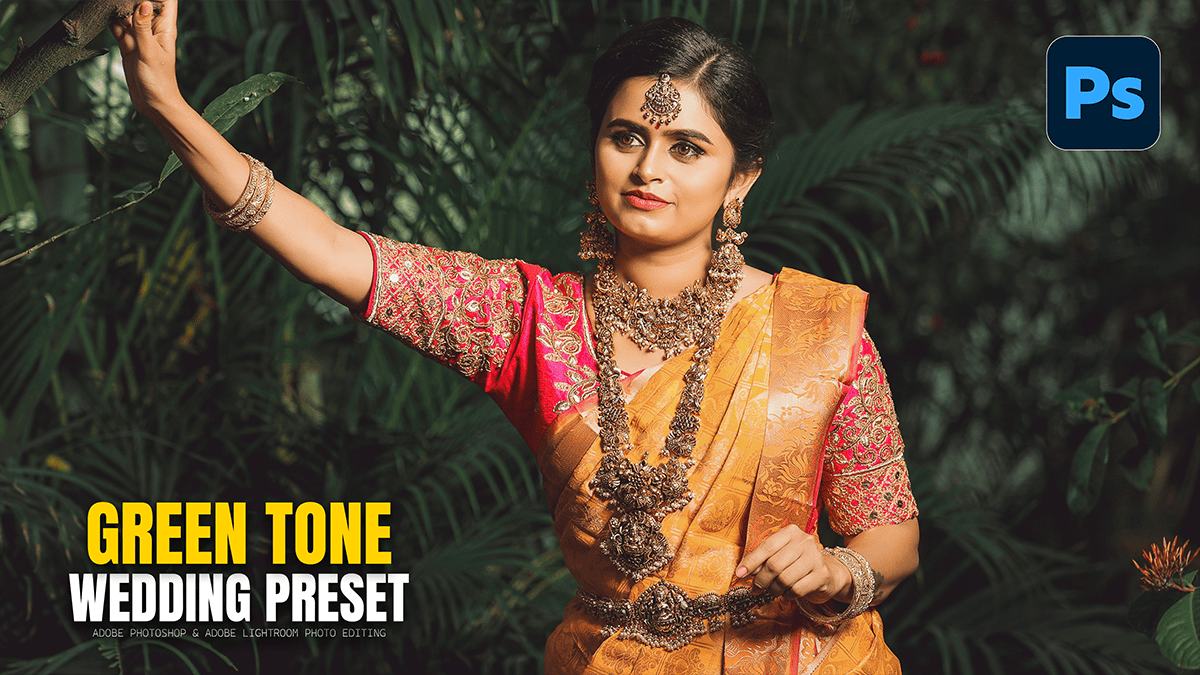
Green Colour Tone Wedding Photo Editing Photoshop Preset

Green Colour Tone Wedding Photo Editing Photoshop Preset,

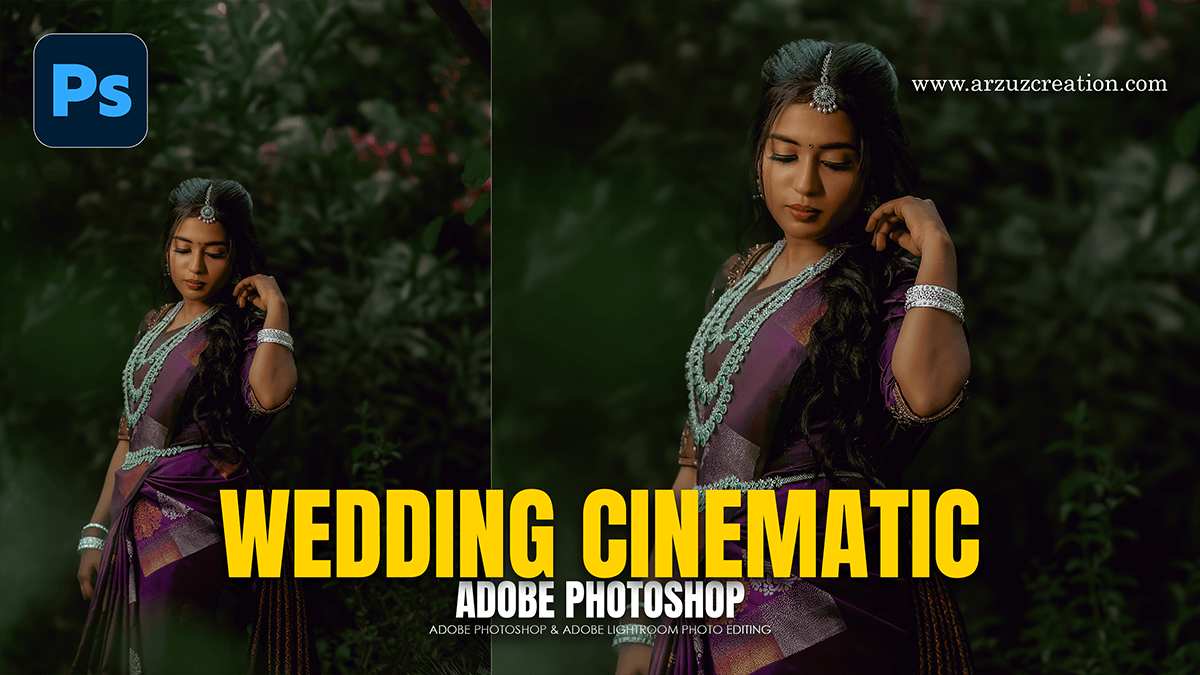
Achieving a “green tone” in wedding photography usually refers to one of two popular styles: Dark & Moody Forest (deep, desaturated greens) or Soft Sage/Fine Art (airy, pastel greens).

Professional Wedding Photo Retouch & Editing in Photoshop 2026

Professional Wedding Photo Retouch & Editing in Photoshop 2026,

Professional wedding photo editing requires a balance between efficient batch processing and high-end, detailed retouching for “hero” shots (portraits, ring shots, and key ceremony moments).

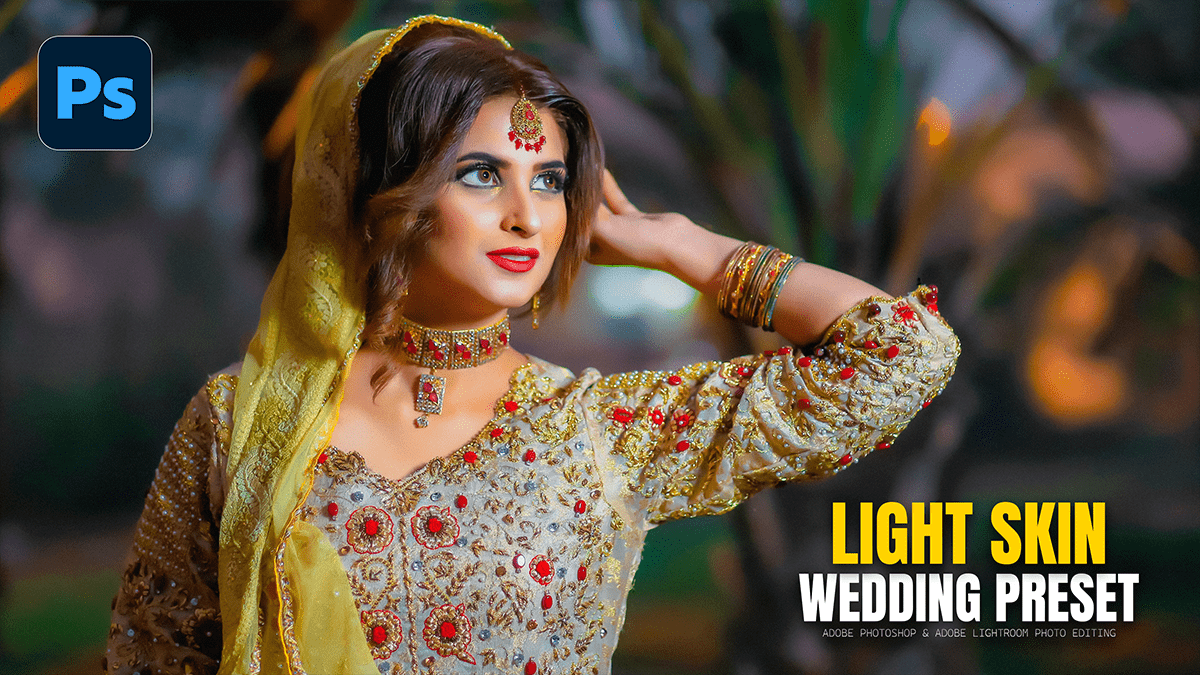
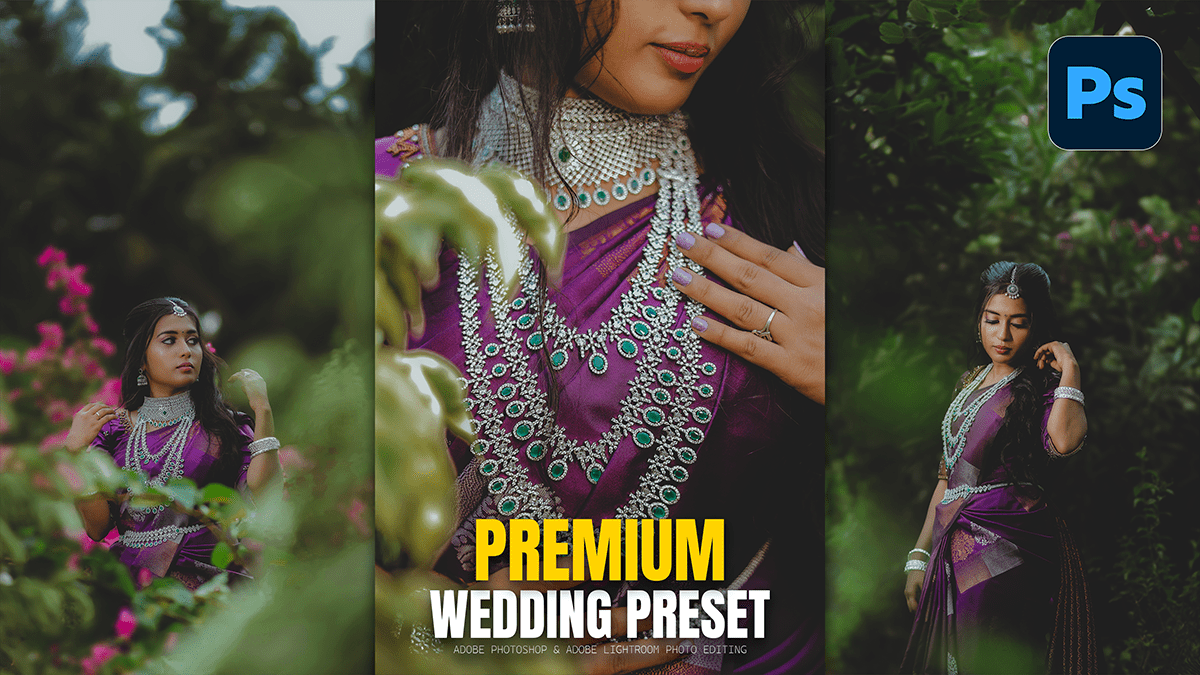
Adobe Photoshop Professional Wedding Photo Editing Presets

Adobe Photoshop Professional Wedding Photo Editing Presets,

In 2026, wedding photo editing has shifted away from heavy “copy-paste” presets toward AI-assisted realism. While Lightroom handles the bulk of the color work, Photoshop is now reserved for the “hero shots”—the top 5% of images that require high-end retouching for albums and prints.