Arzuz Creation

Professional Graphic Design and Editing

Adobe Photoshop Crop Tool Tutorial

The Crop Tool in Adobe Photoshop is an essential feature for photographers and designers. It allows users to trim, straighten, and change the composition of images quickly and efficiently. This guide will provide a comprehensive overview of the Crop Tool, its functionalities, and practical tips for its effective use.
Adobe Photoshop Eyedropper Tool Tutorial

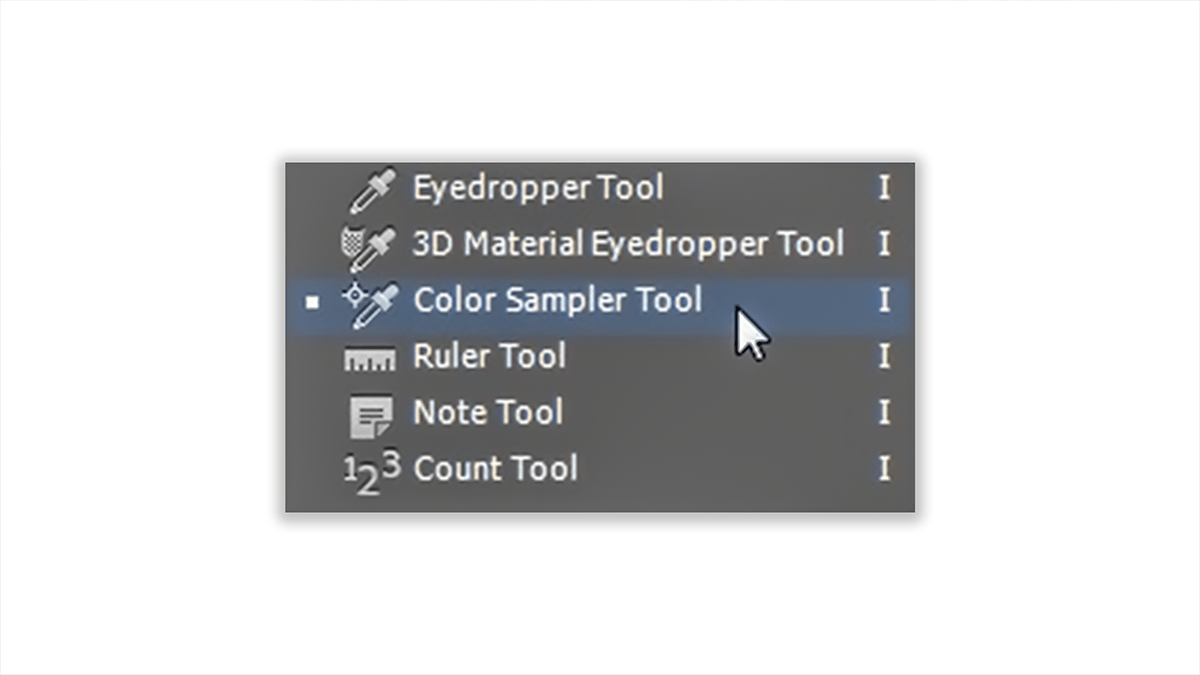
The Eyedropper Tool in Photoshop is a powerful utility for selecting and sampling colors from your images. Here’s a guide on how to use it effectively.

By mastering the Eyedropper Tool, you can significantly enhance your workflow in Photoshop, ensuring that you have precise control over the colors in your images.

Adobe Photoshop Healing Brush Tool Tutorial

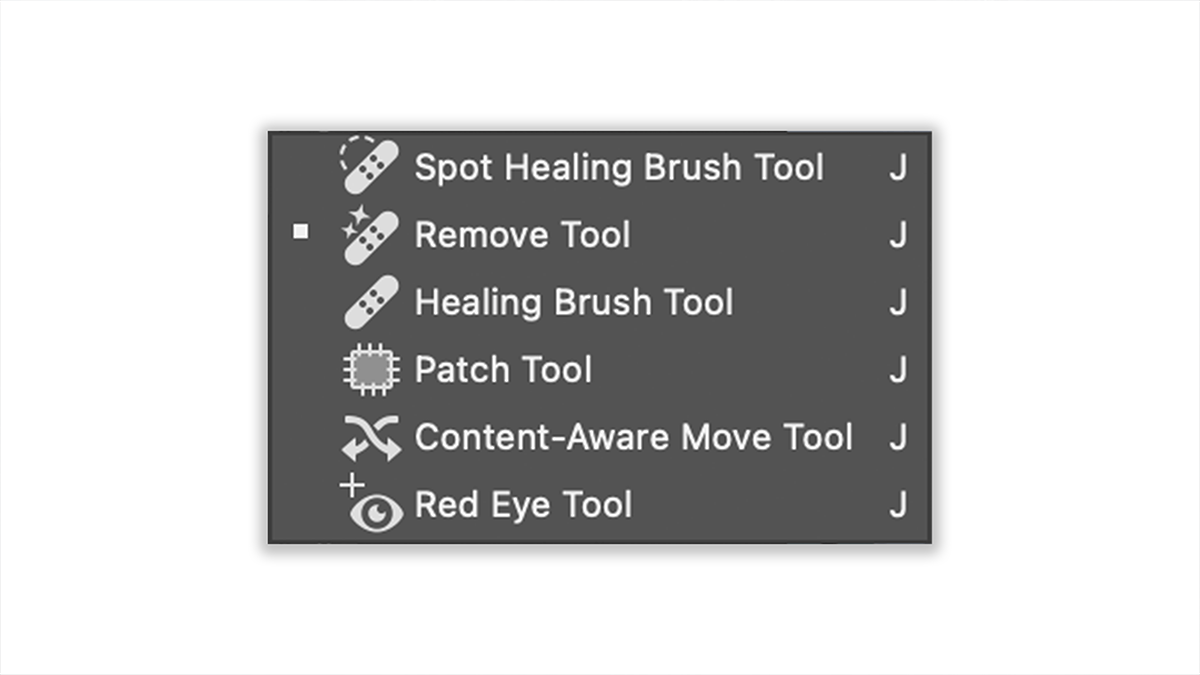
The Healing Brush Tool in Adobe Photoshop is a powerful tool used for retouching and repairing images. It works by blending sampled pixels from a source area with the pixels in the area being repaired, effectively removing blemishes, imperfections, and other unwanted elements from a photo while preserving texture, lighting, and shading.

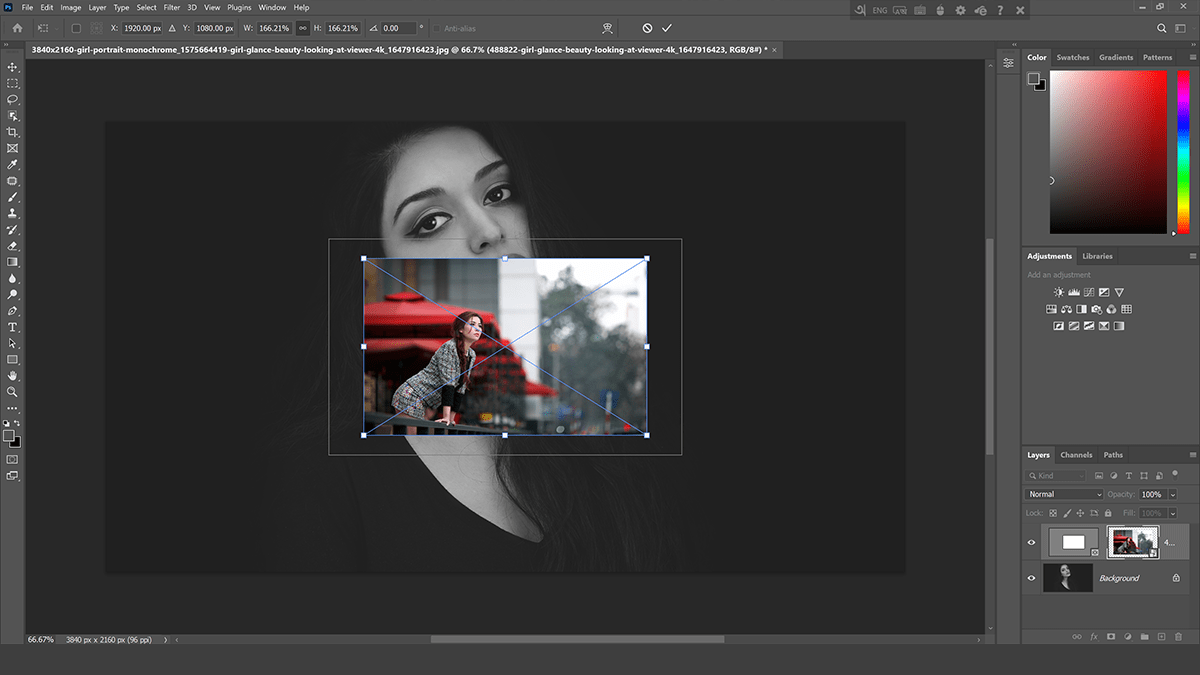
Adobe Photoshop Frame Tool Tutorial

The Frame Tool in Adobe Photoshop is a powerful feature designed to streamline the process of masking images with frames or placeholders. It is particularly useful for creating mockups, design layouts, and other projects where you need to easily insert and swap out images. Here’s a quick guide on how to use the Frame Tool effectively.

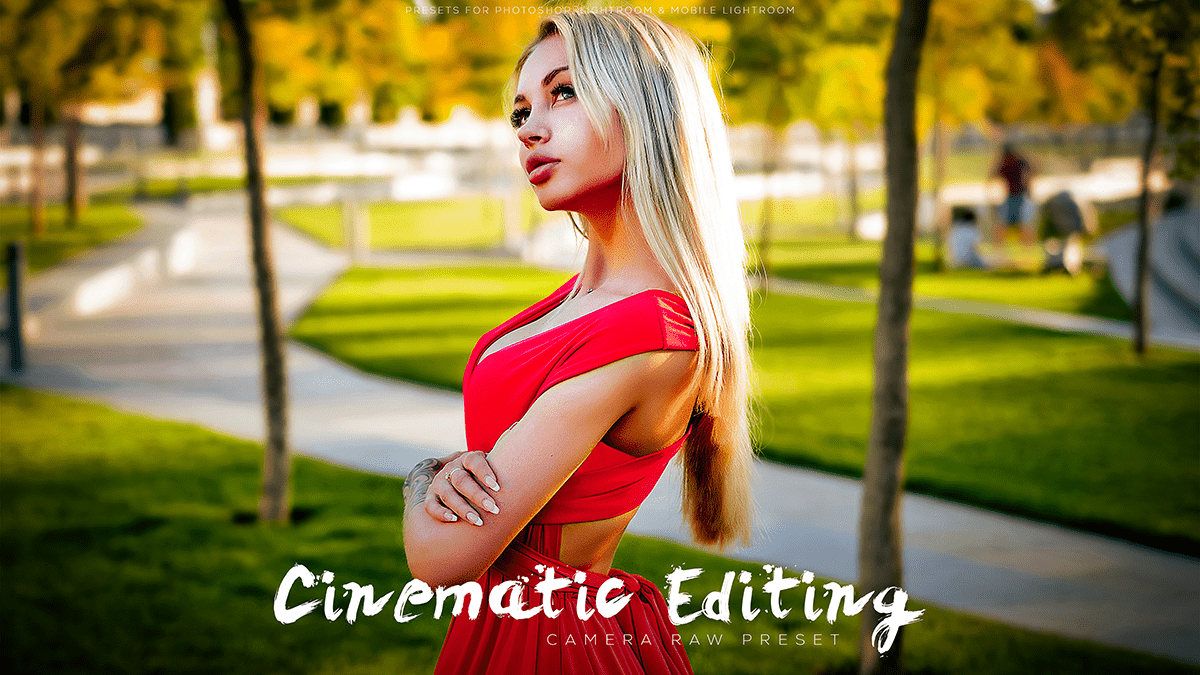
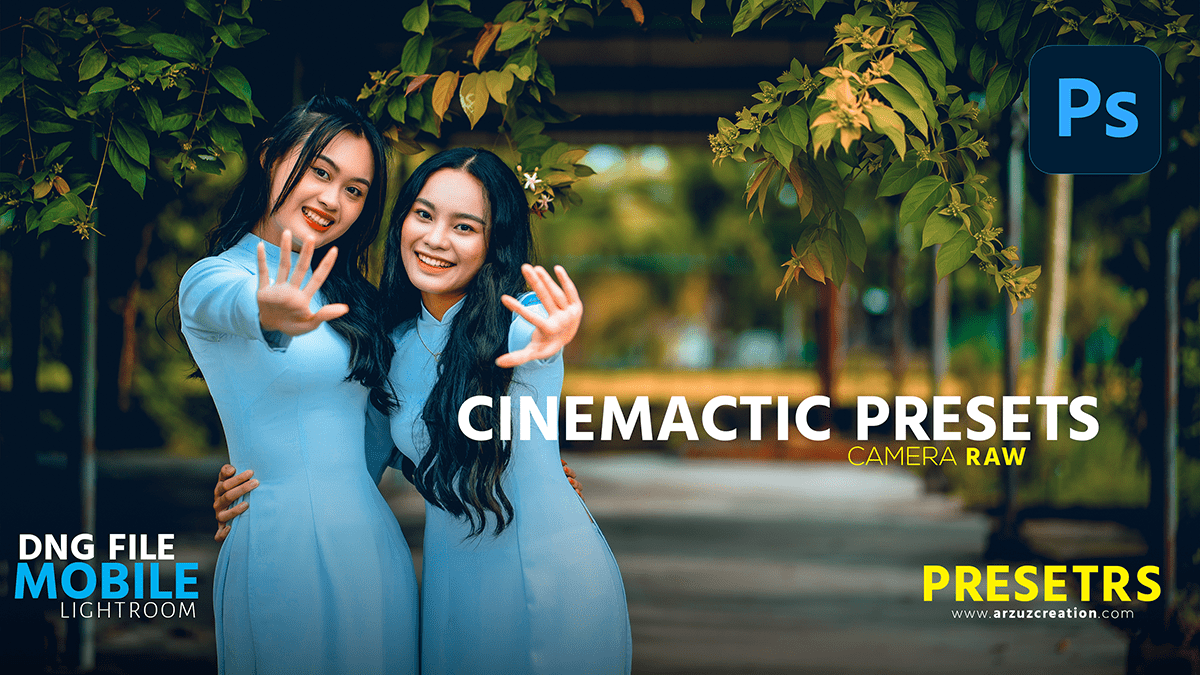
Cinematic Photoshop Editing 2024 – Adobe Photoshop Tutorial

How do you make a picture look cinematic?

In this Photoshop tutorial, you learn, How to Cinematic Photoshop editing in Adobe Photoshop camera raw filter, and Photoshop presets in Adobe Photoshop 2024.

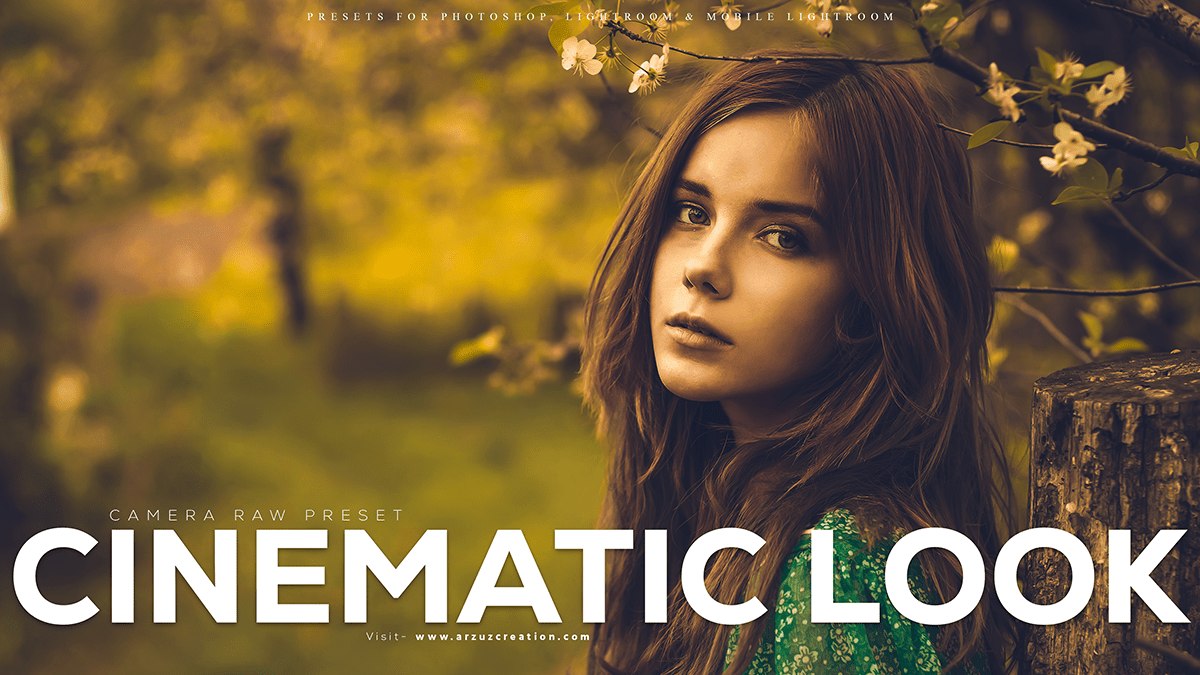
Create Cinematic Look in Photoshop – Camera Raw Filter

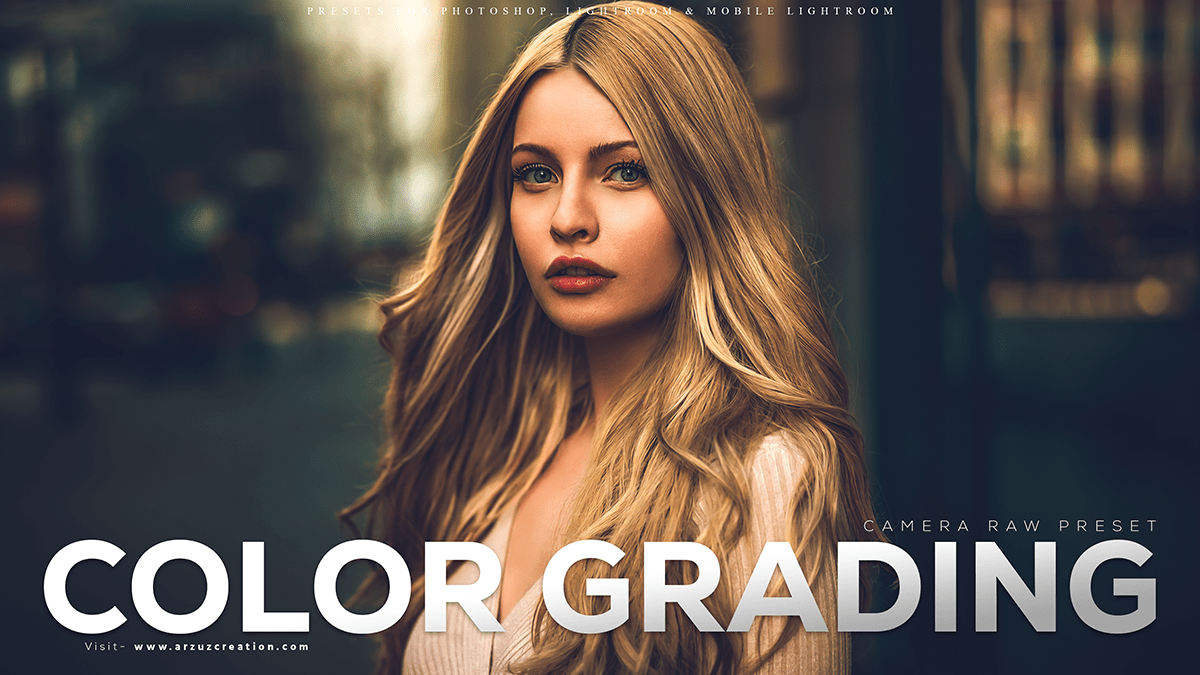
How do you make a picture look cinematic? What is cinematic color grading?

Creating cinematic color grading is easy in Adobe Photoshop. Today we’ll learn how to do cinematic color grading using the Adobe Camera Raw filter.

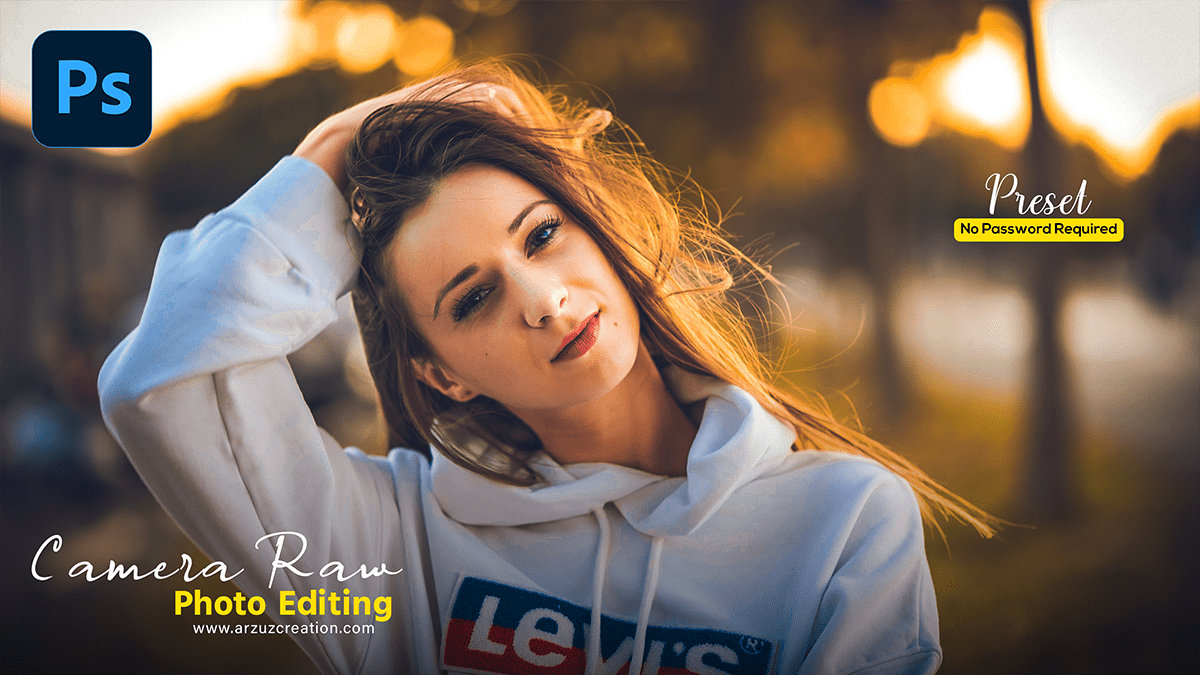
Photo Editing Photoshop – Adobe Photoshop Camera Raw Filter

Photo Editing Photoshop – Adobe Photoshop Camera Raw Filter,

Photoshop is a powerful image editing software that allows you to manipulate and enhance your photos in various ways. Here are some basic photo editing techniques you can try in Photoshop: