Arzuz Creation

Professional Graphic Design and Editing

Photoshop Colour Correction Workflow Explained 2026

Photoshop Colour Correction Workflow Explained 2026,

Color correction in Photoshop is all about removing unrealistic color casts, fixing exposure, and making your image look as true-to-life as possible. It is the essential first step before you do any creative “color grading.”
Photoshop 2026 Cinematic Colour Grading Tutorial For Beginners

Photoshop 2026 Cinematic Colour Grading Tutorial For Beginners,

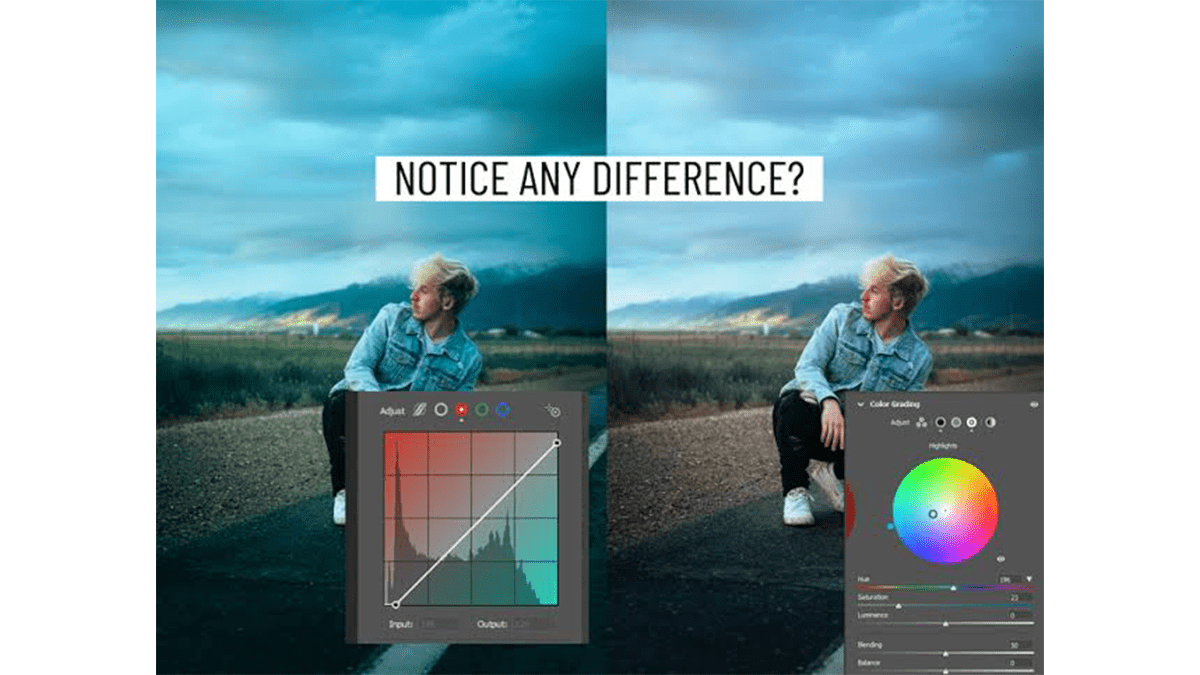
Cinematic color grading transforms a flat, standard photo into a visual storytelling piece, evoking a specific mood, atmosphere, and time of day.

Achieving this “holy grail” look involves utilizing core adjustment tools, along with native Photoshop 2026 workflows, such as the dedicated Grain and Clarity/Dehaze adjustment layers and advanced Camera Raw masking.

Advanced Colour Correction: Adobe Photoshop 2026

Advanced Colour Correction: Adobe Photoshop 2026,

When discussing Advanced Color Correction in Adobe Photoshop, professionals look beyond basic sliders. They focus on preserving image data, mastering color theory, and using math-based tools to fix complex color casts.

Adobe Photoshop 2026 Advanced Colour Grading Method

Adobe Photoshop 2026 Advanced Colour Grading Method,

In Photoshop, advanced color grading has evolved significantly with the integration of AI-driven masking and streamlined adjustment layers.

The most powerful, professional workflow for advanced color grading combines precise luminance/chrominance targeting with non-destructive adjustments.

Photoshop Camera Raw Colour Grading Tutorial For Beginners

Photoshop Camera Raw Colour Grading Tutorial For Beginners,

The Color Grading panel in Adobe Photoshop’s Camera Raw Filter (and Lightroom) is a powerful tool based on traditional digital intermediate wheels used in filmmaking. It allows you to introduce specific color tints into three distinct tonal ranges: Shadows, Midtones, and Highlights, as well as apply a global color tint.

Frequency Separation Best Method in Adobe Photoshop 2026

Frequency Separation Best Method in Adobe Photoshop 2026,

The most precise and “best” method for Frequency Separation in Adobe Photoshop remains the mathematical Apply Image approach. However, the modern workflow utilizes AI-powered tools like the Remove Tool on the texture layer to yield pristine, professional results in a fraction of the time.

Photoshop 2026 High-End Skin Retouching Tutorial For Beginners

Photoshop 2026 High-End Skin Retouching Tutorial For Beginners,

High-end skin retouching in Adobe Photoshop has evolved drastically. While classic, manual gold-standard practices remain unmatched for commercial, editorial, and beauty photography, Photoshop 2026 integrates advanced AI assistance to expedite the tedious parts of the workflow without compromising raw skin texture.

Specifically for High-end Photo Retouching: Adobe Photoshop 2026

Specifically for High-end Photo Retouching: Adobe Photoshop 2026,

To optimize Photoshop v27.7 specifically for high-end photo retouching and configure your hardware to handle the heavy new on-device AI loads (like the 5GB local Remove Tool model), you will want to tune your preferences for maximum stability and speed.

Photoshop 2026 v27.7 Update Settings For Photo Editing

Photoshop 2026 v27.7 Update Settings For Photo Editing,

The Photoshop 2026 (v27.7) update brings a lot of flexibility, particularly around performance and local AI processing. If you are looking to dial in your preferences to optimize this final build, here are the essential settings you need to adjust:

Design a Wedding Photo Album in Adobe Photoshop 2026

Design a Wedding Photo Album in Adobe Photoshop 2026,

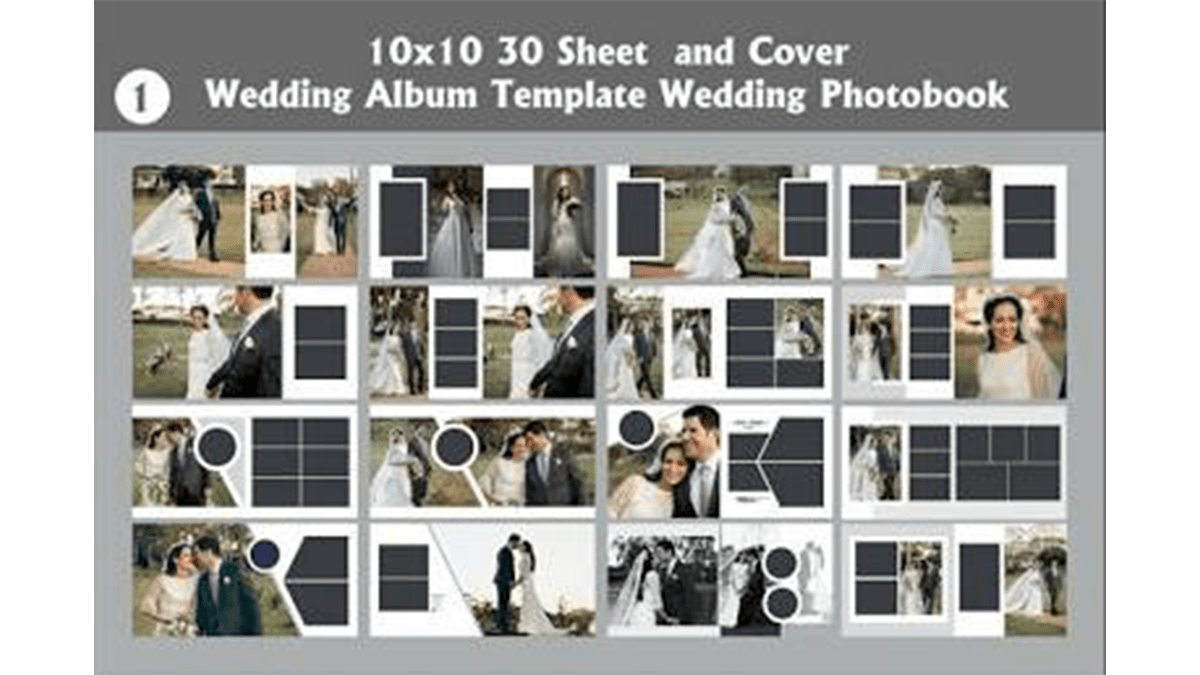
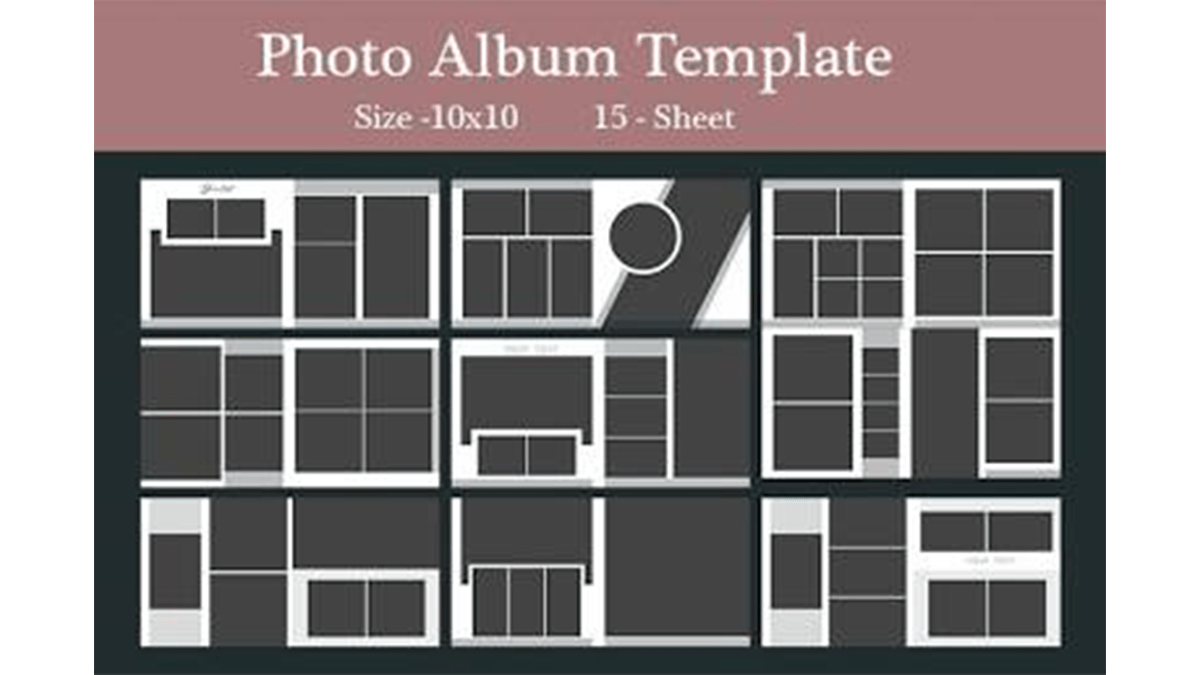
Designing a wedding album in Photoshop is all about working in spreads (two facing pages side-by-side) rather than single pages. This approach allows you to treat each layout like a cohesive story.

Modern wedding album design relies on clean, intentional layouts over heavily stylized effects. Letting your photos breathe with a solid grid and plenty of whitespace will create a timeless look.

Lightroom Mobile: How to Make a Dreamy Effect in Lr

Lightroom Mobile: How to Make a Dreamy Effect in Lr,

Because the paid version of Lightroom Mobile locks away the advanced Masking brushes, you have to get creative with global adjustments to mimic that ethereal glow.

The secret lies in a 3-part system: dropping the edge micro-contrast, curving the dark points to fade the shadows, and gently muting the color profile. Here is how to build the preset manually using only the free tools.

Step-by-step Guide to Creating a Dreamy Glow Effect in Photoshop

Step-by-step Guide to Creating a Dreamy Glow Effect in Photoshop,

Using advanced masking for a dreamy glow gives you complete control over where the light bleeds. Instead of hazing out the entire image, this technique isolates your brightest highlights, forces them to bloom, and blends them seamlessly back into the shadows.

Creating A Dreamy Photo Effect in Adobe Photoshop 2026

Creating A Dreamy Photo Effect in Adobe Photoshop 2026,

That classic, ethereal “dreamy” look in photography is usually achieved by creating a soft, glowing halation around the highlights while keeping the core details of the image relatively sharp. In professional photography, this is known as the Orton Effect.

Adobe Photoshop Dreamy Glow Effect Tutorial For Beginners

Adobe Photoshop Dreamy Glow Effect Tutorial For Beginners,

That classic, ethereal glow—often called the Orton Effect—is incredibly easy to create in Photoshop. It works by blending a blurry, high-contrast version of your image back over the original sharp version, allowing the bright areas to bleed into the shadows softly.

Installing Adobe Photoshop Presets Manual Process

Installing Adobe Photoshop Presets Manual Process,

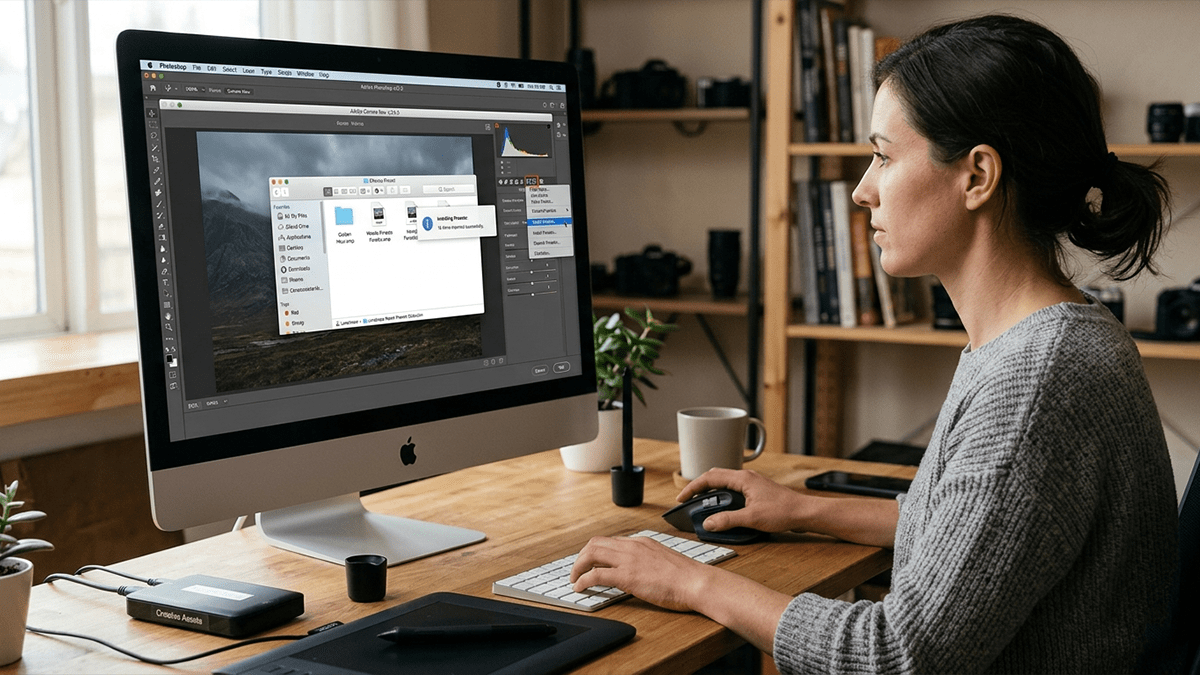
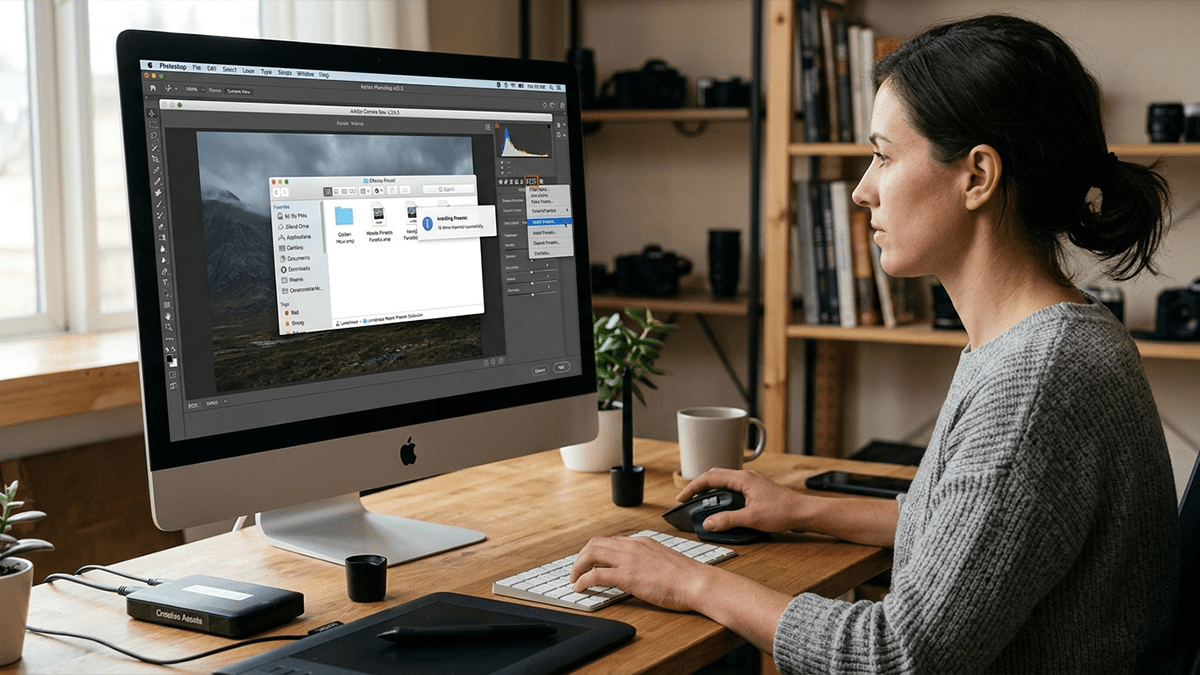
Installing Adobe Camera Raw (ACR) presets manually is a straightforward process, but it requires copying the files into a specific, hidden system folder. Camera Raw presets use the .xmp file format.

Install Adobe Photoshop Camera Raw Presets 2026

Install Adobe Photoshop Camera Raw Presets 2026,

You can install presets in Photoshop Camera Raw using two main methods: importing directly through the Camera Raw interface or manually placing the files into the designated settings folder. The modern standard format for these presets is.XMP.

Quickly Install Camera Raw Presets in Adobe Photoshop

Quickly Install Camera Raw Presets in Adobe Photoshop,

Installing presets in Adobe Camera Raw (ACR) is incredibly straightforward. Modern versions of Photoshop use the .xmp file format for presets, and you can import them directly through the Camera Raw interface without having to hunt down hidden system folders.

Applying Presets in Adobe Photoshop 2026

Applying Presets in Adobe Photoshop 2026,

Applying a preset in Photoshop depends entirely on what kind of preset you are trying to use. The term usually refers to either Camera Raw Presets (for color grading photos) or Tool/Adjustment Presets (like brushes, gradients, or adjustment layers).

Step-by-step Camera Raw Color Grading Breakdown Photoshop

Step-by-step Camera Raw Color Grading Breakdown Photoshop,

To nail a moody cyberpunk aesthetic, we are going to lean heavily into high-contrast neon blues (cyans/teals) and hot, vibrant oranges or magentas, while crushing the shadows to give it that rain-slicked, night-in-the-city vibe.

Learn Photoshop Professional Cinematic Photo Editing

Learn Photoshop Professional Cinematic Photo Editing,

Therefore, To achieve a truly professional, “Hollywood-grade” cinematic look in Adobe Photoshop, you need to go beyond simply cranking up the contrast. Cinematic images tell a story through deliberate aspect ratios, moody atmospheric lighting, and strategic color harmonies—most notably the classic teal-and-orange or cyan-and-gold color palettes.