Arzuz Creation

Graphic Design & Professional Photo Editing

How to Improve Image Quality in Adobe Photoshop 2026

How to Improve Image Quality in Adobe Photoshop 2026,

Improving image quality in Photoshop is often a mix of “smart” upscaling, noise reduction, and fine-tuning details. Since you can’t technically “create” pixels that aren’t there, the goal is to use Photoshop’s AI to interpret and smooth what is there.

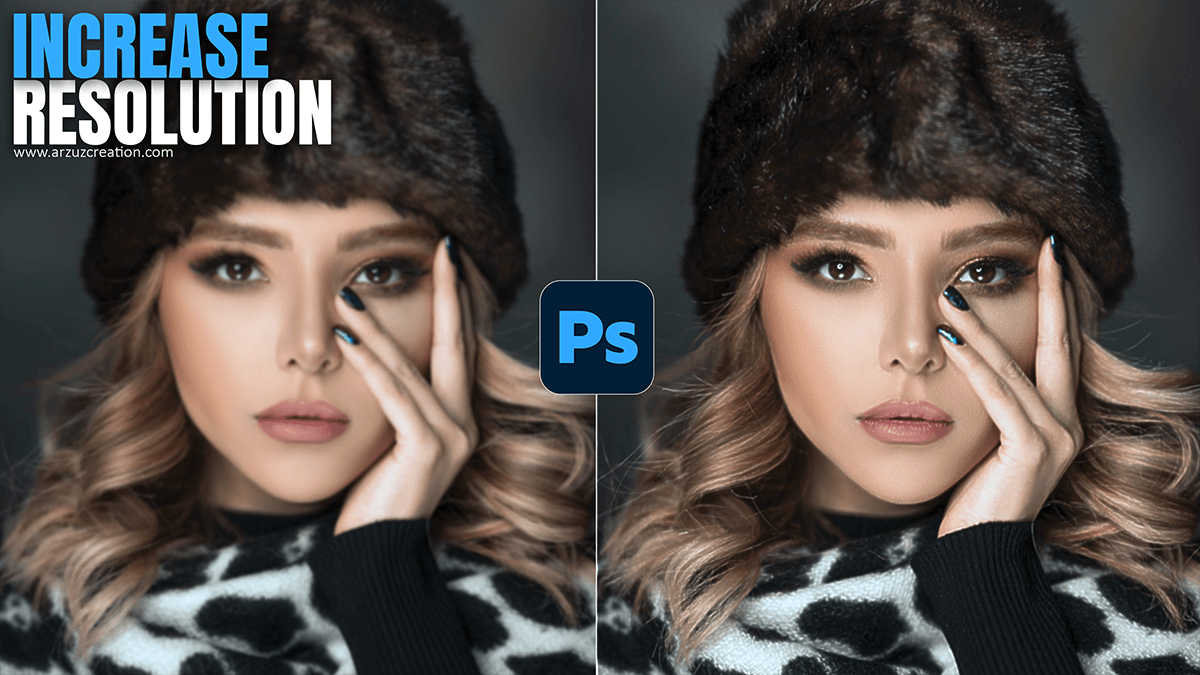
Adobe Photoshop 2026 Generative Fill Image Resolution Increase

Adobe Photoshop 2026 Generative Fill Image Resolution Increase,

The Photoshop 2026 update introduced significant changes to how resolution is handled for AI features. While the Generative Fill tool itself still relies on a tiled generation system, Adobe has added new “Generative Upscale” workflows and integrated third-party tech to solve the “blurry” output problem.

Magic of Gradient Mask in Adobe Photoshop 2026

Magic of Gradient Mask in Adobe Photoshop 2026,

The “magic” of the gradient mask in Photoshop has evolved significantly by 2026. While it used to be a static, destructive process, it is now one of the most powerful non-destructive tools for compositing, lighting, and retouching.

How to Remove Face Shadows in Adobe Photoshop 2026

How to Remove Face Shadows in Adobe Photoshop 2026

How to Remove Face Shadows in Adobe Photoshop 2026,

Shadows on a face can be tricky—sometimes they add character, but harsh, muddy shadows usually just distract from the subject. Since you’re using Photoshop 2026, you have access to some incredible AI-driven tools that make this much faster than the old-school “dodge and burn” method.

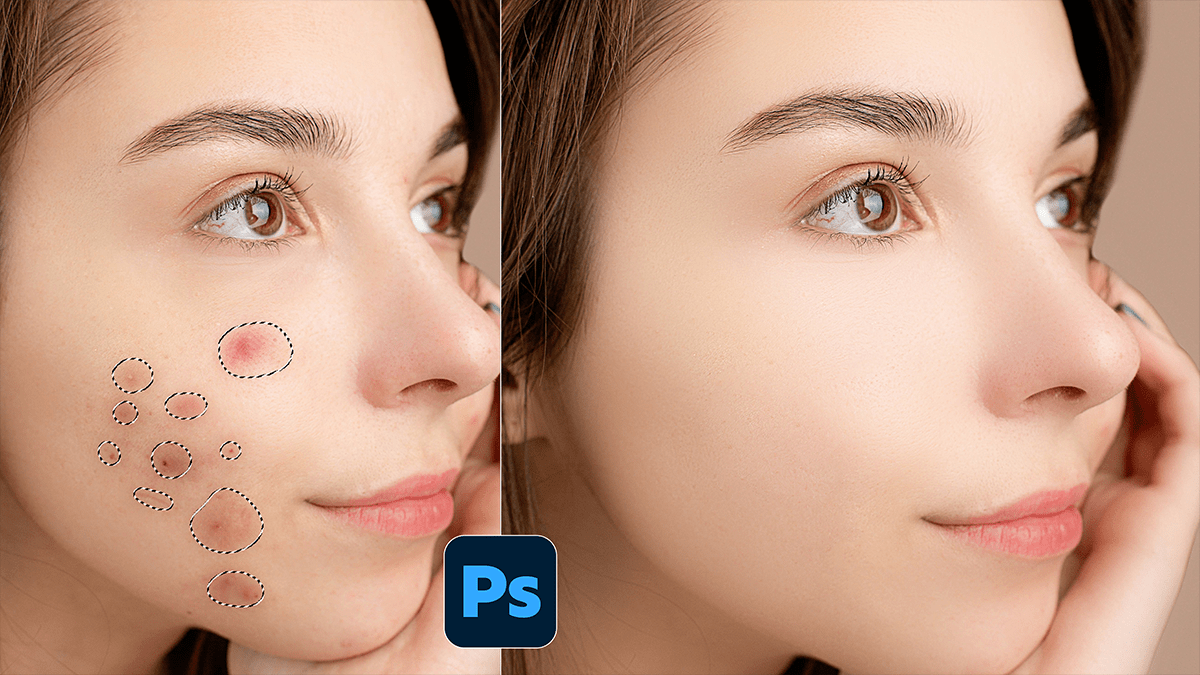
Easy Remove Pimples and Acne in Adobe Photoshop 2026

Easy Remove Pimples and Acne in Adobe Photoshop 2026,

Removing acne or blemishes in Photoshop is one of the most satisfying edits you can do. The software has evolved to the point where “fixing it in post” takes seconds rather than hours.

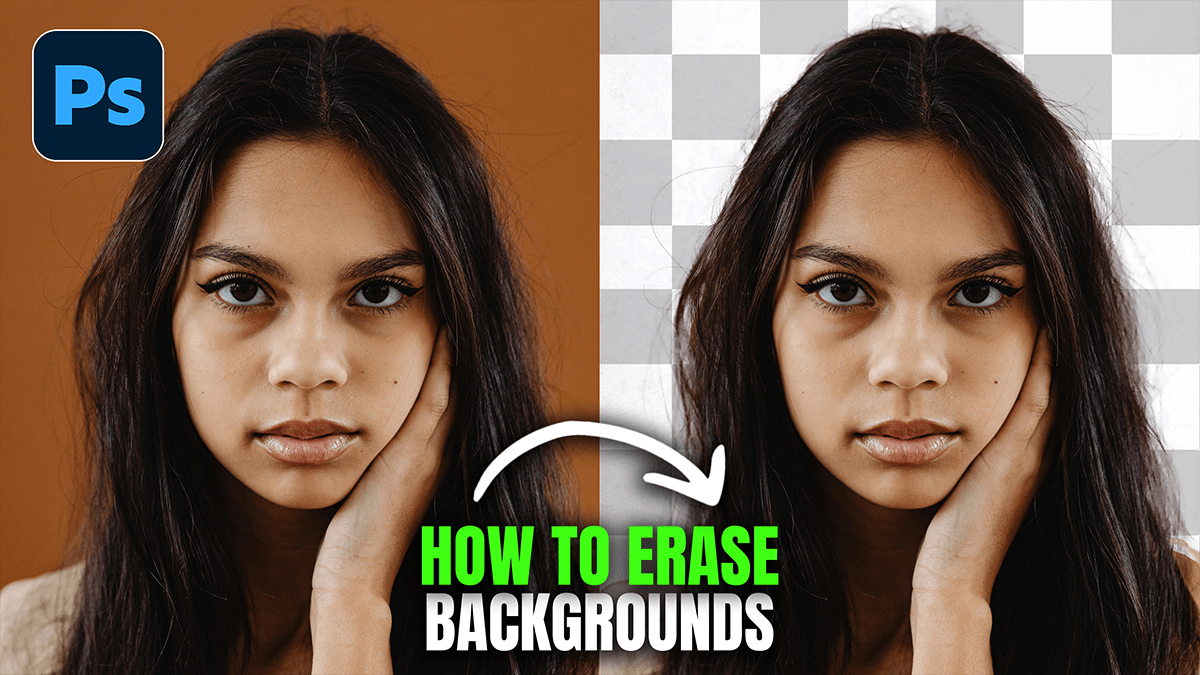
How to Erase Photo Background in Adobe Photoshop 2026

How to Erase Photo Background in Adobe Photoshop 2026,

Erasing a background in Photoshop has evolved from a tedious chore of clicking individual pixels to a nearly one-click experience, thanks to Adobe’s AI (Adobe Sensei). In the 2026 version, the tools are faster and more context-aware than ever.

Learn and Explore Adobe Photoshop 2026 Update Tool Grain

Learn and Explore Adobe Photoshop 2026 Update Tool Grain

Learn and Explore Adobe Photoshop 2026 Update Tool Grain,

Therefore, In the January 2026 (v27.3) update, Adobe officially transitioned Grain from a filter hidden within the Camera Raw interface into a dedicated Adjustment Layer. This is a major workflow shift for photographers and digital artists who previously had to jump through multiple menus or use destructive methods to add texture.

Adobe Photoshop CC 2026: Professional Photo Editing Tutorial

Adobe Photoshop CC 2026: Professional Photo Editing Tutorial

Adobe Photoshop 2026 – Professional Photo Editing Tutorial,

Adobe Photoshop 2026 (Version 27.x) has officially arrived, and it marks a major shift from simple “AI assistance” to what Adobe calls “Creative Contextual Intelligence.” The headline for this year is the integration of third-party AI models and much-requested non-destructive photo editing tools.

Professional Retouch: How to Skin Retouching in Photoshop 2026

Professional Retouch: How to Skin Retouching in Photoshop 2026,

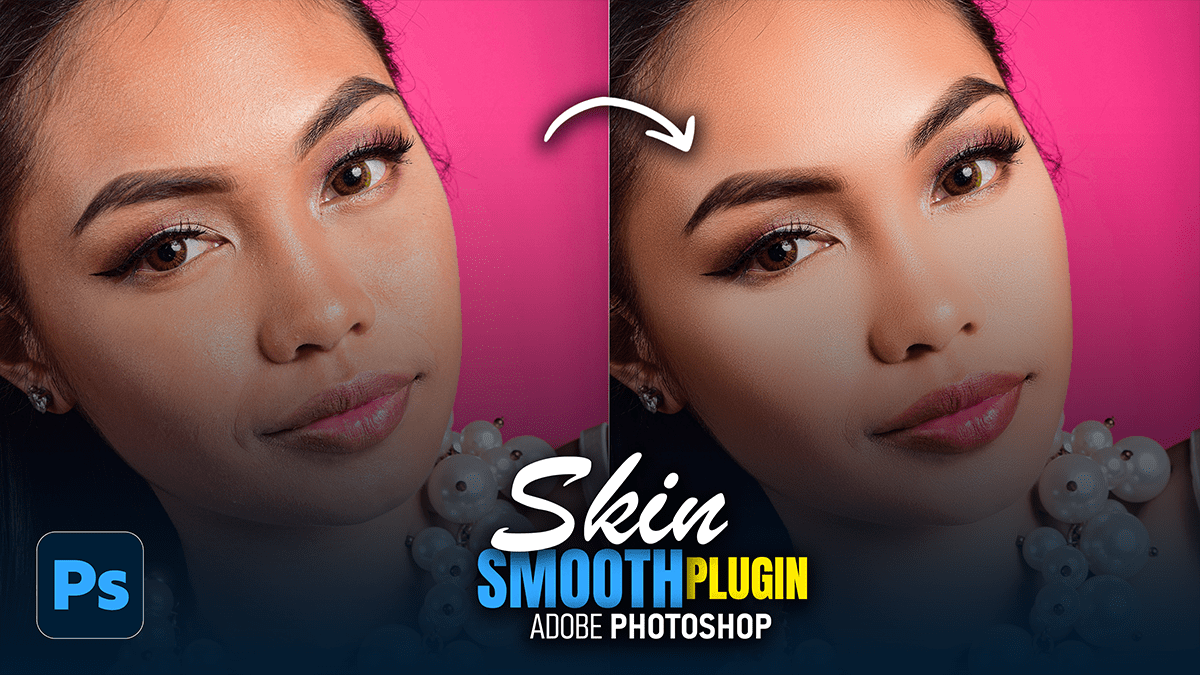
Professional skin retouching is a balancing act. The goal is to remove distractions while preserving the texture that makes skin look like skin. If you go too far, you end up with the “uncanny valley” plastic look.

Adobe Photoshop 2026 System Requirements

Adobe Photoshop 2026 System Requirements,

To run Adobe Photoshop 2026 (v27.x) effectively, your system must be able to handle increasingly demanding AI features, such as Generative Fill and Neural Filters.

Cinematic: Outdoor Portraiture Cinematic Colour Tone Photoshop

Cinematic: Outdoor Portraiture Cinematic Colour Tone Photoshop,

Quick Answer: Cinematic color grading in Adobe Photoshop involves using tools like adjustment layers, color lookup tables (LUTs), and gradient maps to create dramatic tones similar to those seen in films. Popular techniques include the teal-and-orange look, enhancing contrast, and fine-tuning shadows and highlights for a polished, cinematic feel.

Adobe Photoshop Bengali Writing Method 2026

Adobe Photoshop Bengali Writing Method 2026,

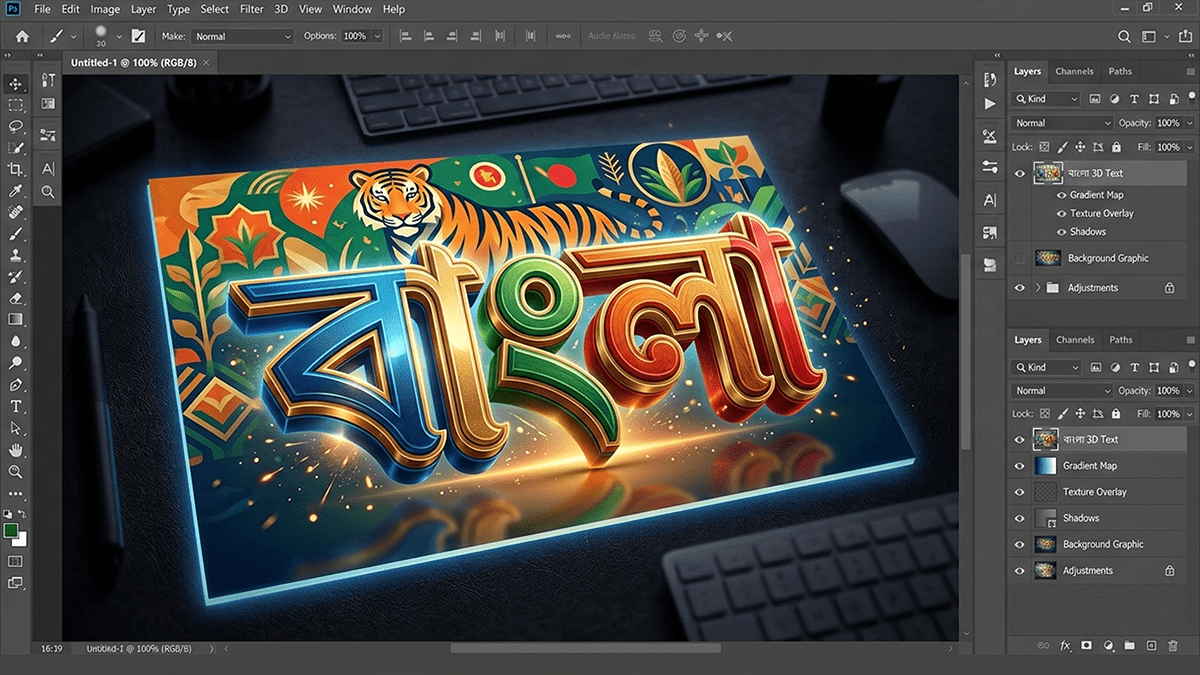
Writing Bengali in Adobe Photoshop is quite straightforward, but it often requires a quick setting change to prevent the letters from “breaking” or appearing disconnected.

এডোবি ফটোশপে (Adobe Photoshop) নির্ভুলভাবে বাংলা লেখার জন্য প্রথমেই আপনার কম্পিউটারে বিজয় বায়ান্ন (Bijoy Bayanno) বা অভ্র (Avro) কিবোর্ড সচল থাকতে হবে। ফটোশপের Edit > Preferences > Type এ গিয়ে ‘Middle Eastern and South Asian’ অপশনটি বেছে নিয়ে এবং Unicode বা ANSI ফন্ট ব্যবহার করে টুলবার থেকে Type Tool (T) ব্যবহার করে বাংলা লেখা যায়। 

Photoshop 2026 Clarity and Dehaze Update

Photoshop 2026 Clarity and Dehaze Update,

In the Photoshop 2026 (Version 27.2) update released in January, Adobe finally addressed one of the most long-standing requests from photographers: bringing Clarity and Dehaze out of the Camera Raw filter and into the main workspace as native Adjustment Layers.