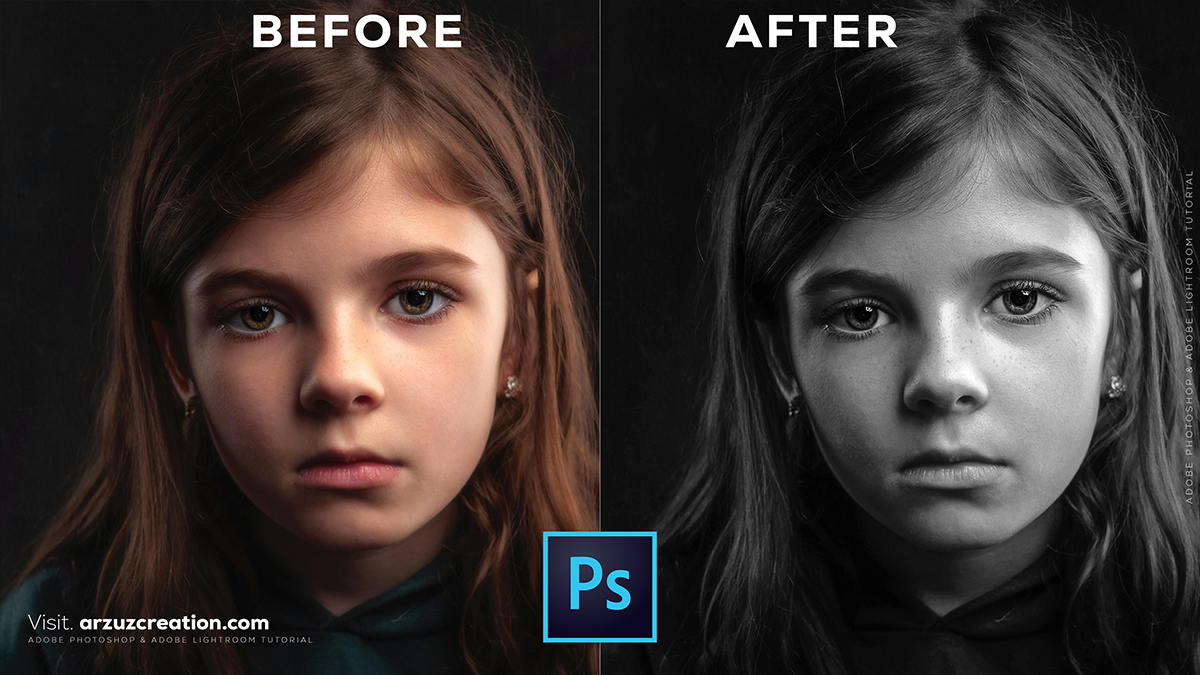
How to make a colour image black and white in Photoshop,
Therefore, there are several ways to convert an image to black and white in Photoshop, ranging from a quick “one-click” shortcut to professional-grade adjustments that give you full control over the tonal depth.

How to Make a Colour Image Black and White in Adobe Photoshop,
1. The Professional Way: Black & White Adjustment Layer (Best Results)
Therefore, this is the recommended method because it is non-destructive (it doesn’t ruin your original photo) and lets you control how bright or dark specific colors become in their gray version.
- Therefore, go to the Adjustments panel and click the Black & White icon (it looks like a rectangle split into black and white).
- In other words, alternatively, go to Layer > New Adjustment Layer > Black & White.
- Pro Tip: Therefore, use the sliders in the Properties panel to adjust the brightness of individual colors. For example, sliding the “Blues” to the left will make a blue sky look dark and dramatic.
2. The Quickest Way: Desaturate (Instant)
Therefore, use this if you need a fast conversion and don’t care about fine-tuning the tones.
- Shortcut: Press
Ctrl + Shift + U(Windows) orCmd + Shift + U(Mac). - Menu: Go to Image > Adjustments > Desaturate.
- Note: This is “destructive” if applied directly to the image layer, meaning you can’t easily tweak the settings later.
How to Make a Colour Image Black and White in Adobe Photoshop,
3. The “Classic” Way: Grayscale Mode:
In other words, this method completely strips the color data from the file to reduce file size.
- However, Go to Image > Mode > Grayscale.
- In other words, Photoshop will ask if you want to discard color information. Click Discard.
- Warning: This removes all color data from the document. If you save and close, you cannot get the color back.
4. Creative Control: Camera Raw Filter:
However, for the most “photographic” look with access to film grain and advanced contrast:
- Above all, select your image layer and go to Filter > Camera Raw Filter.
- However, click the B&W button at the top of the edit panel.
- Above all, use the B&W Mixer to adjust the luminance of specific color ranges.
How to Make a Colour Image Black and White in Adobe Photoshop,
Comparison Summary:
| Method | Best For… | Control Level | Non-Destructive? |
| Adjustment Layer | General photography | High | Yes |
| Desaturate | Quick previews | None | No (unless on a copy) |
| Grayscale Mode | Preparing for print/web | Low | No |
| Camera Raw | High-end editing | Very High | Yes (as Smart Filter) |
However, would you like me to show you how to selectively keep one color in a black and white photo (the “Selective Color” effect)?
