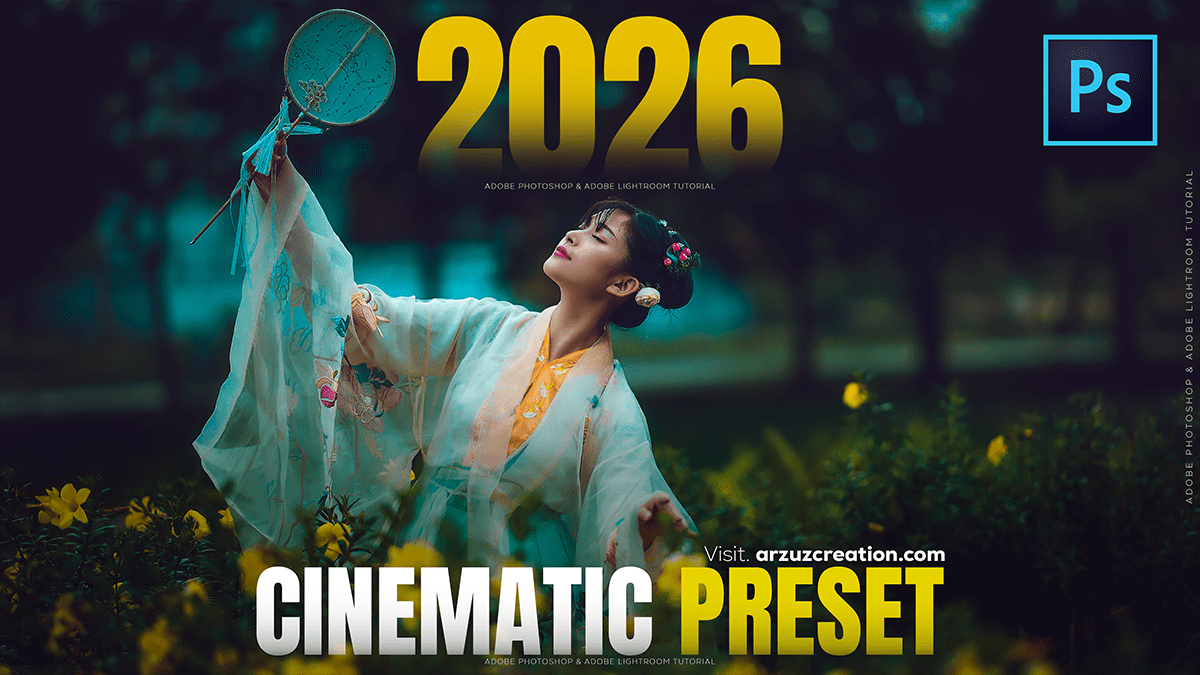
Cinematic: Outdoor Portraiture Cinematic Colour Tone Photoshop

Cinematic: Outdoor Portraiture Cinematic Colour Tone Photoshop
Quick Answer: Therefore, Cinematic color grading in Adobe Photoshop involves using tools like adjustment layers, color lookup tables (LUTs), and gradient maps to create dramatic tones similar to those seen in films. Popular techniques include the teal-and-orange look, enhancing contrast, and fine-tuning shadows and highlights for a polished, cinematic feel.
What is Cinematic Color Grading?
Cinematic color grading: A process that enhances photos with film-like tones, mood, and atmosphere.
Purpose: Therefore, it adds drama, depth, and storytelling power to images.
Photoshop tools: In other words, Adjustment layers, LUTs, Camera Raw filter, and gradient maps are key.
Cinematic: Outdoor Portraiture Cinematic Colour Tone Photoshop
Core Techniques in Photoshop
Adjustment Layers: Therefore, use Curves, Levels, and Selective Color to control contrast and tones.
Color Lookup Tables (LUTs): In other words, apply pre-made cinematic looks instantly.
Gradient Maps: Therefore, map shadows and highlights to specific colors for stylized effects.
Camera Raw Filter: In other words, Fine-tune exposure, contrast, and color balance with precision.
Teal & Orange Palette: A classic cinematic scheme that enhances skin tones against cooler backgrounds.
Step-by-Step Workflow:
Start with Curves: In other words, adjust contrast and add a subtle fade in shadows.
Apply Gradient Map: Above all, choose complementary colors (e.g., teal for shadows, orange for highlights).
Use LUTs: Load cinematic LUTs for quick film-like effects.
Refine with Selective Color: Above all, adjust specific color ranges for balance.
Final Polish: However, add a vignette or subtle grain for an authentic film texture.
Things to Watch Out For:
Over-saturation: However, Can make images look unrealistic.
Loss of detail: Heavy grading may crush shadows or blow out highlights.
Consistency: However, apply grading uniformly across a series of images for a cohesive look.
Cinematic: Outdoor Portraiture Cinematic Colour Tone Photoshop
📊 Comparison of Techniques
| Technique | Strength | Risk |
|---|---|---|
| Curves Adjustment | Precise tonal control | Can flatten image if overused |
| Gradient Maps | Strong stylized look | May overpower natural tones |
| LUTs | Quick cinematic presets | Less flexibility for customization |
| Camera Raw | Professional fine-tuning | Requires more manual effort |
Sources: arzuzcreation.com
In conclusion, would you like me to walk you through a hands-on Photoshop tutorial with exact settings (Curves, Gradient Map values, LUTs), or explore ready-made cinematic LUT packs you can download and apply instantly?
