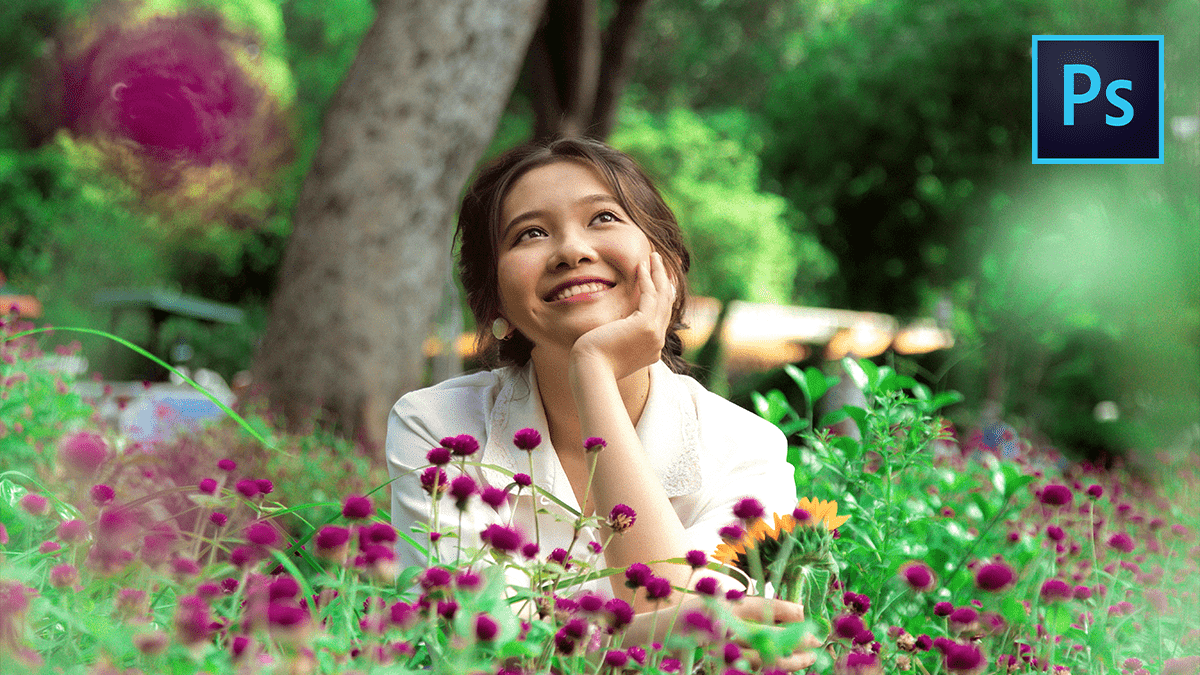
Adobe Photoshop 2026 Exposure Using Outdoor Photo Editing

Therefore, in Adobe Photoshop 2026, exposure editing for outdoor photography has become more intuitive, thanks to a mix of classic precision tools and new AI-driven features. Whether you’re trying to save a blown-out sky or brighten a subject in a shadow, the 2026 version offers several powerful workflows.
Adobe Photoshop 2026 Exposure Using Outdoor Photo Editing
1. New & Advanced Features in 2026
- Color and Vibrance Adjustment Layer: Therefore, A major addition in the 2026 release is a dedicated adjustment layer that brings Temperature and Tint sliders directly into the main interface. You can now fix the “warmth” of golden hour shots or the “coolness” of shade without jumping back into Camera Raw.
- AI Harmonize (Full Release): If you are adding elements to an outdoor scene, this tool (located in the Contextual Task Bar) automatically matches the lighting, exposure, and shadows of your subject to the outdoor background.
- Super Select AI: Therefore, this allows you to hover over specific parts of an outdoor scene (like just the sky or just the trees) and automatically creates a mask, letting you adjust exposure for only that area instantly.
2. Best Workflows for Outdoor Exposure
Therefore, Outdoor lighting is rarely “flat.” Use these techniques to handle specific lighting challenges:
A. The “Camera Raw Filter” Method (Best for Landscapes)
Therefore, for most outdoor photos, the Camera Raw Filter (Ctrl/Cmd + Shift + A) is the gold standard.
- Highlights & Shadows: Therefore, drag the Highlights slider to the left to recover detail in bright clouds. Drag Shadows to the right to reveal details in dark foregrounds.
- Dehaze: Use this to cut through outdoor fog or atmospheric haze, which often makes exposure look “washed out.”
- Masking (Sky/Subject): Therefore, click the Masking icon and select Sky. You can then lower the exposure of just the sky to make it more dramatic without affecting the ground.
Adobe Photoshop 2026 Exposure Using Outdoor Photo Editing
B. The “Curves” Method (Professional Control)
Therefore, Curves are better than the “Exposure” slider because they allow you to target specific tones.
- In other words, go to Layer > New Adjustment Layer > Curves.
- However, click the On-Image Adjustment Tool (the little hand icon).
- In other words, click and drag up on a dark area of your photo to brighten shadows, or drag down on a bright area to protect highlights.
C. Fixing Overexposure (The “Multiply” Trick)
Therefore, if your photo is significantly overexposed:
- In other words, duplicate your background layer (Ctrl/Cmd + J).
- However, Change the Blending Mode from “Normal” to Multiply.
- In other words, this instantly “stacks” the image density. Lower the Opacity of that layer until the exposure looks natural.
Adobe Photoshop 2026 Exposure Using Outdoor Photo Editing
3. Quick Tips for 2026
- Histogram Check: However, always keep your Histogram window open (Window > Histogram). If the graph is touching the far right edge, you are “clipping” your whites, meaning you’ve lost detail in the highlights.
- Generative Fill for Lighting: In 2026, you can select a dark area and use a prompt like “add soft sunlight” to have AI realistically re-light a portion of your outdoor scene.
Would you like me to walk you through how to use the new “Color and Vibrance” layer specifically for a sunset or forest photo?
