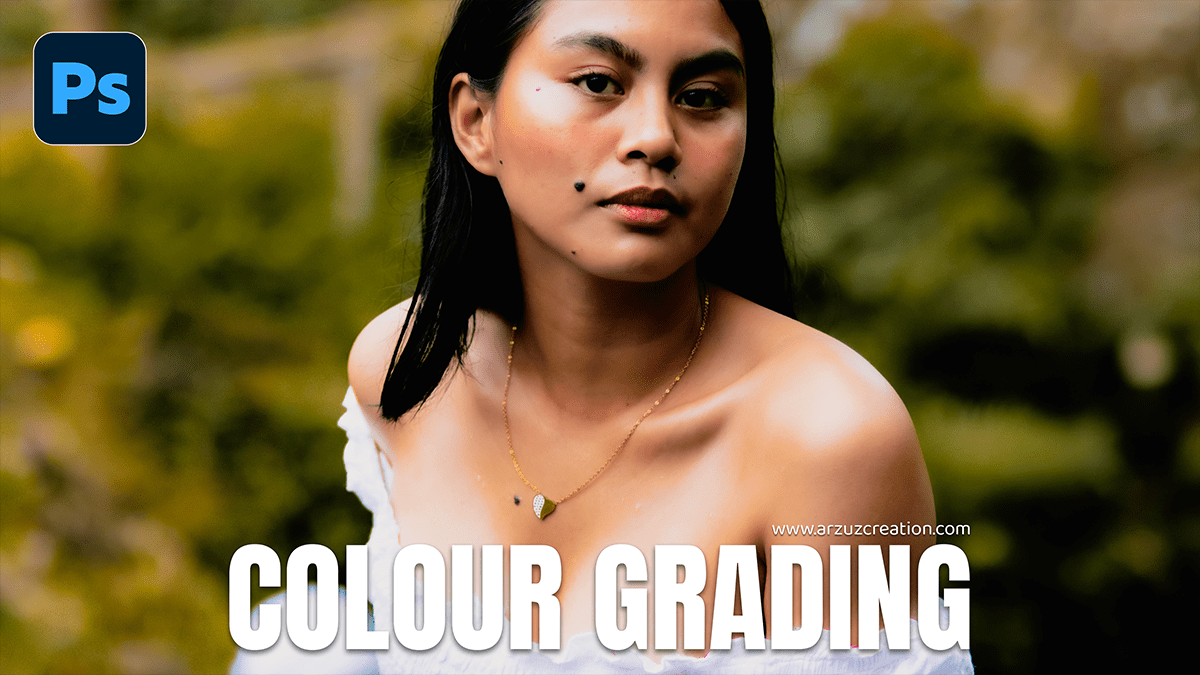
Adobe Photoshop 2026 Camera Raw Filter Colour Grading Tutorial,

Therefore, in Adobe Photoshop 2026 (version 27.0), the Camera Raw Filter remains the powerhouse for professional-grade color grading. The 2026 update introduces a highly requested Color and Vibrance Adjustment Layer that brings ACR’s engine directly into the main Photoshop interface, alongside significant refinements to selective color control.
Adobe Photoshop 2026 Camera Raw Filter Colour Grading Tutorial,
In other words, here is the breakdown of the color grading toolkit in Camera Raw for 2026:
1. The Color Grading Panel (The 3-Way Wheels)
Therefore, the core of cinematic grading in ACR is the Color Grading tab, which uses the industry-standard “3-way” color wheels.
Shadows, Midtones, and Highlights: You can apply distinct color tints to these three tonal ranges. For a classic “Teal and Orange” look, you might push shadows toward teal and highlights toward orange.
Global Wheel: In other words, it applies a uniform color tint across the entire image.
Blending & Balance Sliders: * Blending: Controls how much the colors in the shadows and highlights overlap.
Balance: In other words, it shifts the weight of the grading. Moving it left protects highlights from the shadow tint; moving it right protects shadows from the highlight tint.
Adobe Photoshop 2026 Camera Raw Filter Colour Grading Tutorial,
2. New: Color and Vibrance Adjustment Layer
Therefore, A major addition in 2026 is the ability to use Camera Raw’s color logic without opening the filter window.
What it does: It adds a new adjustment layer type that includes Temperature, Tint, Vibrance, and Saturation sliders using the same high-fidelity algorithm as Camera Raw.
Benefit: In other words, this allows for non-destructive, real-time color corrections that feel identical to the “Basic” panel in ACR but live directly in your Layers panel.
3. Advanced Selective Grading
Point Color: Found within the Color Mixer, this allows you to pick a specific color from your photo and adjust its Hue, Saturation, and Luminance with surgical precision.
Variance Slider: A newer addition to the Point Color tool. It helps you control the “falloff” of your selection, ensuring that skin tones or skies blend naturally when you shift their colors.
Refine Saturation (Curves): When using the Point Curve to adjust contrast, a new Refine Saturation slider prevents the colors from becoming “oversaturated” or “neon” as you increase contrast.
Adobe Photoshop 2026 Camera Raw Filter Colour Grading Tutorial,
4. Best Practices for 2026
Smart Objects: After that, always convert your layer to a Smart Object (Right Click Layer > Convert to Smart Object) before applying the Camera Raw Filter. This allows you to go back and tweak your color grading at any time.
Masking Integration: After that, you can now use the AI Masking (Select Subject, Sky, or Background) inside the Camera Raw Filter to apply color grading to specific parts of the image only.
Would you like me to walk you through how to create a specific “look” (like Dark Moody or Vintage) using these wheels?
