Install Camera Raw Presets Easily: Adobe Photoshop 2026

Therefore, installing presets in Adobe Camera Raw (ACR) is actually pretty seamless now because it imports standard .xmp files directly through the interface. If you have older .lrtemplate files, Photoshop will automatically convert them for you during this process.
Here is the quickest way to get them installed and ready to use.
Install Camera Raw Presets Easily: Adobe Photoshop 2026
The Import Method:
In other words, Open Camera Raw: Prerequisite.
Therefore, Open Photoshop, go to the top menu, and select Filter > Camera Raw Filter (or press Ctrl + Shift + A on Windows / Cmd + Shift + A on Mac). You will need an image to do this.
In other words, navigate to the Presets Panel: Right-hand toolbar.
Therefore, look at the vertical toolbar on the far right side of the Camera Raw window. Click the Presets icon (it looks like two overlapping circles, located right below the edit sliders).
In other words, open the Options Menu: More settings.
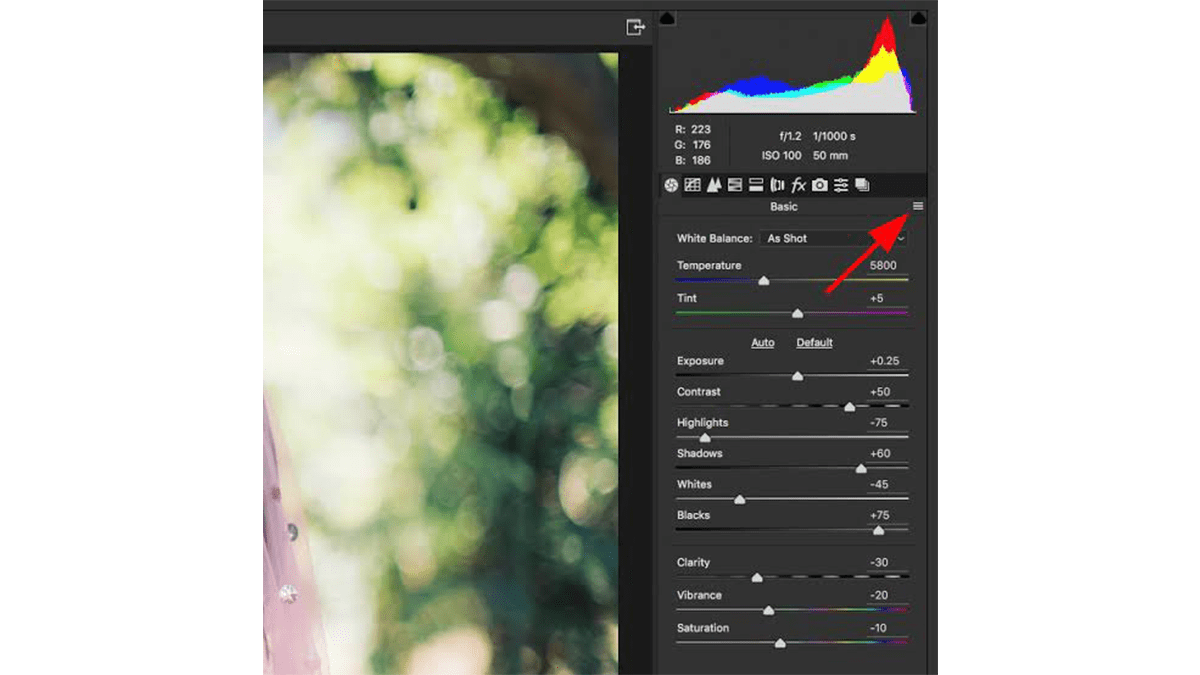
Therefore, once the Presets panel opens, look at the top right of that specific panel. Click the three dots (…) icon (More Image Settings) to open the dropdown menu.
Install Camera Raw Presets Easily: Adobe Photoshop 2026
In other words, import the Files: Final step.
However, Select Import Profiles & Presets… from the menu. Navigate to where your downloaded presets are stored on your computer. You can select individual .xmp files, or simply select the entire ZIP file you downloaded—Camera Raw can extract it automatically. Click Import.
Where to find them: Once imported, your new presets will appear neatly organized under the User Presets folder (or a custom folder named by the creator) inside that same Presets panel.
Install Camera Raw Presets Easily: Adobe Photoshop 2026
A Quick Shortcut (The Manual Drag-and-Drop)
However, if you ever need to batch-install hundreds of presets and prefer moving folders manually, you can drop the unzipped folders directly into Adobe’s system directories:
Mac: ~/Library/Application Support/Adobe/CameraRaw/Settings
Windows: C:\Users\[YourUsername]\AppData\Roaming\Adobe\CameraRaw\Settings
(Note: If you use the manual route, make sure to restart Photoshop completely for the presets to register.)
