Arzuz Creation

Professional Graphic Design and Editing

Advanced Colour Grading in Adobe Photoshop 2026

Advanced Colour Grading in Adobe Photoshop 2026,

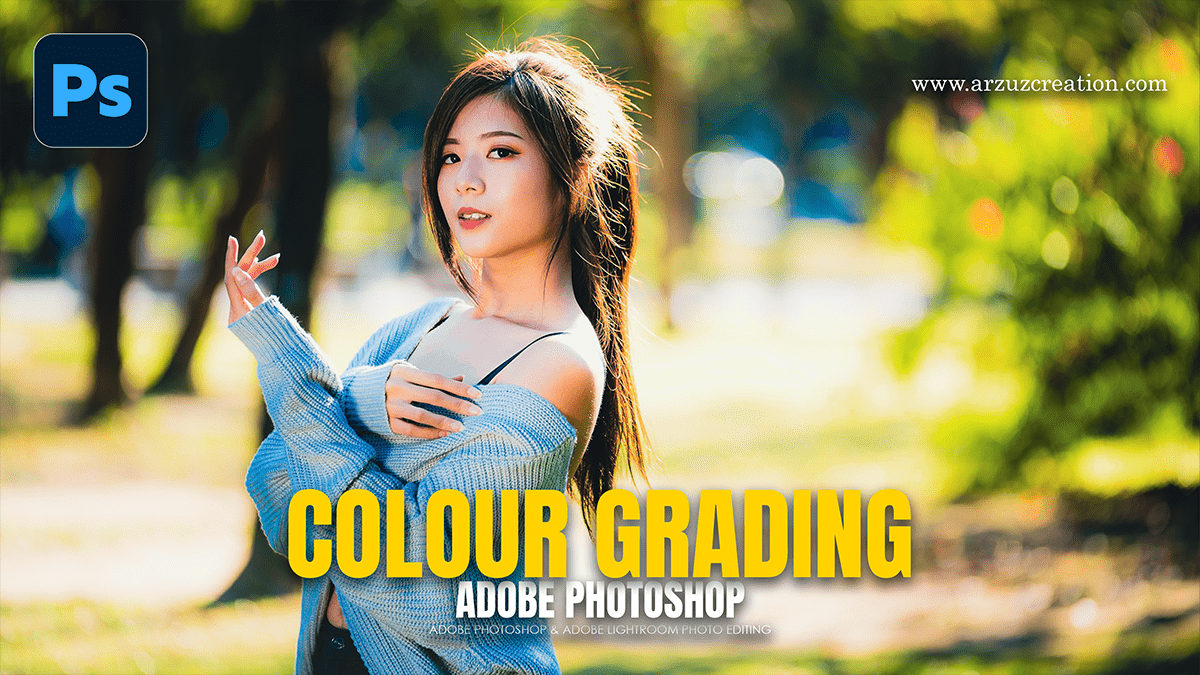
Advanced color grading in Photoshop is about moving beyond simple sliders and learning to manipulate color balance across specific tonal ranges (Shadows, Midtones, and Highlights).

Unlike color correction, which focuses on making an image look “natural,” color grading is a stylistic choice used to evoke a specific mood or cinematic feel.
How do I use Photoshop to match the Color Grade?

How do I use Photoshop to match the Color Grade?

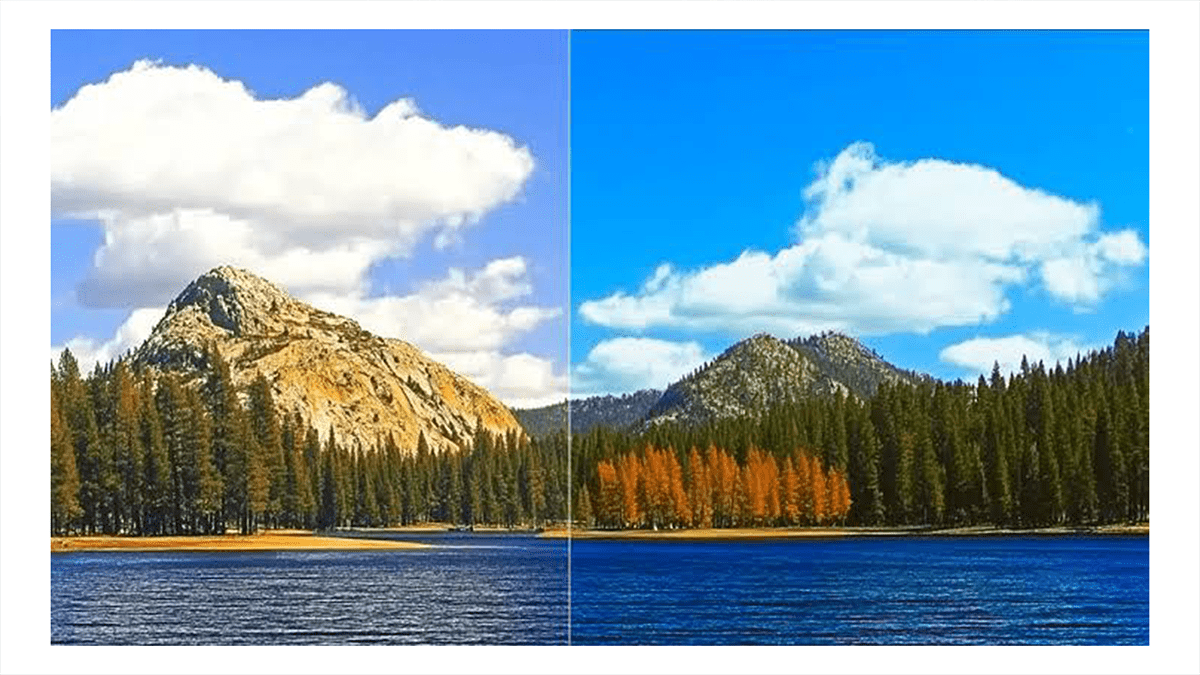
Matching the color grade of a reference image—whether it’s a shot from a Hollywood movie or a portrait by a favorite photographer—is one of the fastest ways to elevate your work. The goal is to analyze the color distribution of the target image and replicate its shadow, midtone, and highlight values onto your own photo.

Professional Photo Colour Grading Photoshop

Professional Photo Colour Grading Photoshop,

Professional color grading is what separates a snapshot from a cinematic, high-end image. While color correction fixes exposure and white balance to make an image look realistic, color grading is an artistic choice that establishes mood, style, and narrative.

Color Grade a Photo in Photoshop using Adjustment Curves?

Color Grade a Photo in Photoshop using Adjustment Curves?

Color grading with Curves is one of the most powerful techniques in Photoshop. It is the same method Hollywood colorists use to grade film.

While the master RGB curve changes brightness, switching to the individual Red, Green, and Blue channels allows you to inject specific colors directly into your highlights, midtones, and shadows.

Moody Cinematic Color Grade in Photoshop 2026

Moody Cinematic Color Grade in Photoshop 2026,

To get that classic “dark, moody cinematic” look, aim for deep, slightly desaturated tones, crushed shadows, and strong color contrast—usually leaning into cool greens, teals, or deep blues in the dark areas, while keeping skin tones or highlights relatively warm.

Make sure your image layer is converted to a Smart Object, open the Camera Raw Filter, and apply these specific settings.

Adobe Camera Raw Filter: 18.3 Version New Features

Adobe Camera Raw Filter 18.3 Version New Features,

The April 2026 release (Version 18.3) of Adobe Camera Raw (ACR) focuses on expanding masking precision, correcting specialized lens distortions, and providing new creative presets.

Photoshop Color Grading With Adjustment Layers 2026

Photoshop Color Grading With Adjustment Layers 2026,

Professional color grading in Adobe Photoshop relies on non-destructive workflows using Adjustment Layers. These layers allow for precise control over tone and color without permanently altering the original pixels of the image.

Camera Raw Filter 18: Professional Colour Grading For Beginners

Camera Raw Filter: Professional Colour Grading For Beginners,

The Camera Raw Filter in Adobe Photoshop is a powerful, non-destructive environment for color grading. It provides a more intuitive interface than standard adjustment layers, making it ideal for quickly achieving a cinematic or professional look.

Adobe Photoshop Adjustment Layer Basic to Advanced Tutorial

Adobe Photoshop Adjustment Layer Basic to Advanced Tutorial,

Color grading in Adobe Photoshop via Adjustment Layers is a non-destructive workflow that allows for precise control over the mood, tone, and narrative of an image. By using layers instead of direct edits, the original pixels remain untouched, and settings can be tweaked at any point.

Basic to Advanced Photoshop Camera Raw Color Grading Guide

Basic to Advanced Photoshop Camera Raw Color Grading Guide,

Color grading in Adobe Photoshop’s Camera Raw Filter is the process of altering the visual tone, mood, and style of an image. It moves beyond simple “correction” (fixing exposure or white balance) into “stylization.”

Colour Grading Adobe Camera Raw Filter 18.2.2

Colour Grading: Camera Raw Filter 18.2.2,

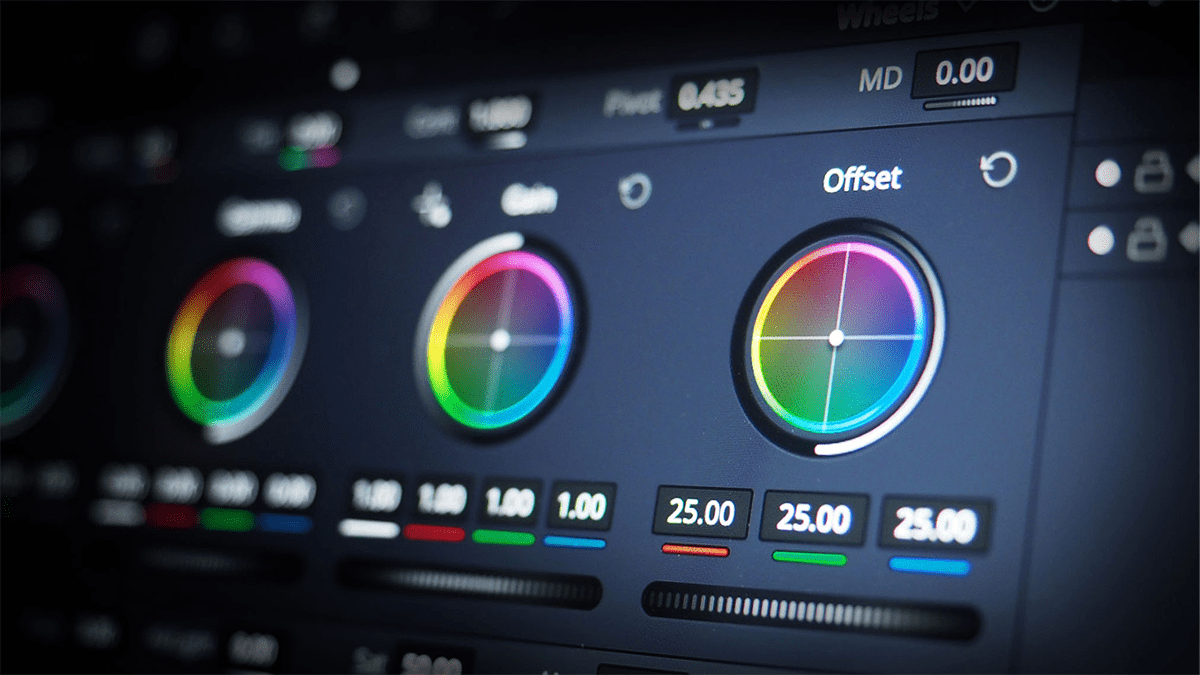
Adobe Camera Raw (ACR) version 18.2.2 (released in early 2026) continues to use the refined Color Grading engine that replaced the older “Split Toning” panel. This version maintains the high-precision 3-way color wheels and adds integration with the newer Point Color and Variance features.

Adobe Photoshop Action: Professional Skin Retouching

Adobe Photoshop Action: Professional Skin Retouching,

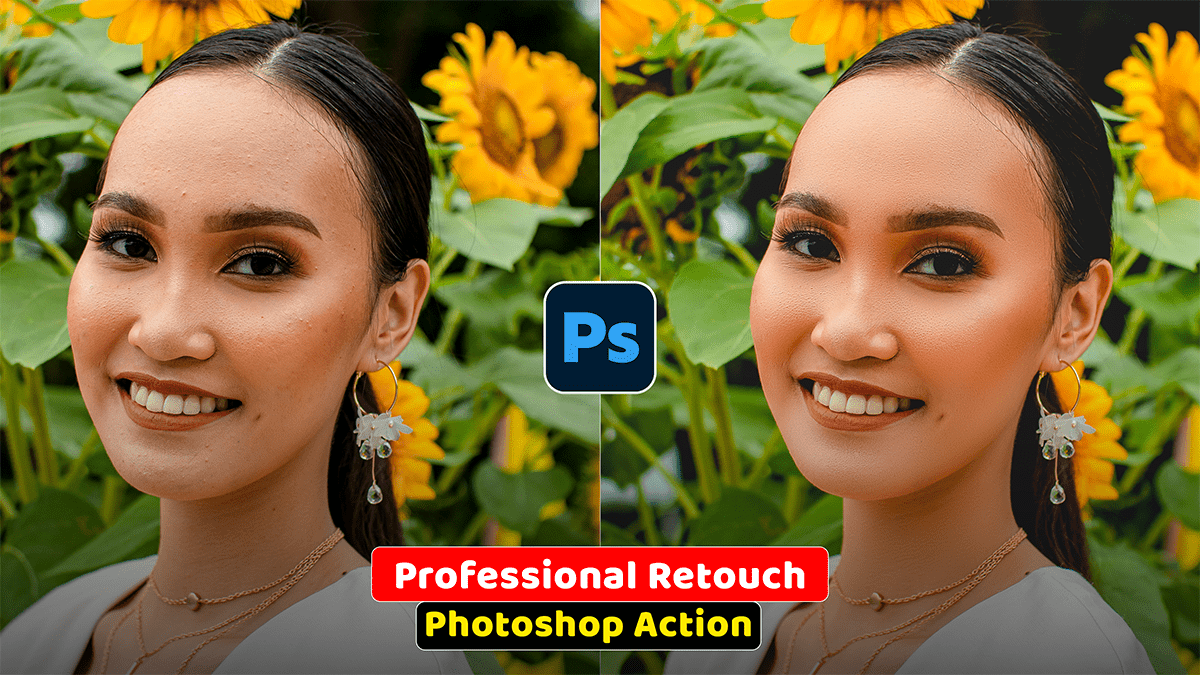
Professional skin retouching in Adobe Photoshop relies on separating color/tonal data from texture data. This prevents the artificial, plastic look caused by simple blurring filters and keeps pores, natural lines, and fine details fully intact.

Portrait Photo Editing Using Adobe Photoshop

Portrait Photo Editing Using Adobe Photoshop,

To edit an outdoor portrait beautifully in Adobe Photoshop, you can follow the steps below. This will make your photo much more professional and eye-catching:

Autumn Cinematic Colour Grading Adobe Photoshop Camera Raw

Autumn Cinematic Colour Grading Adobe Photoshop Camera Raw

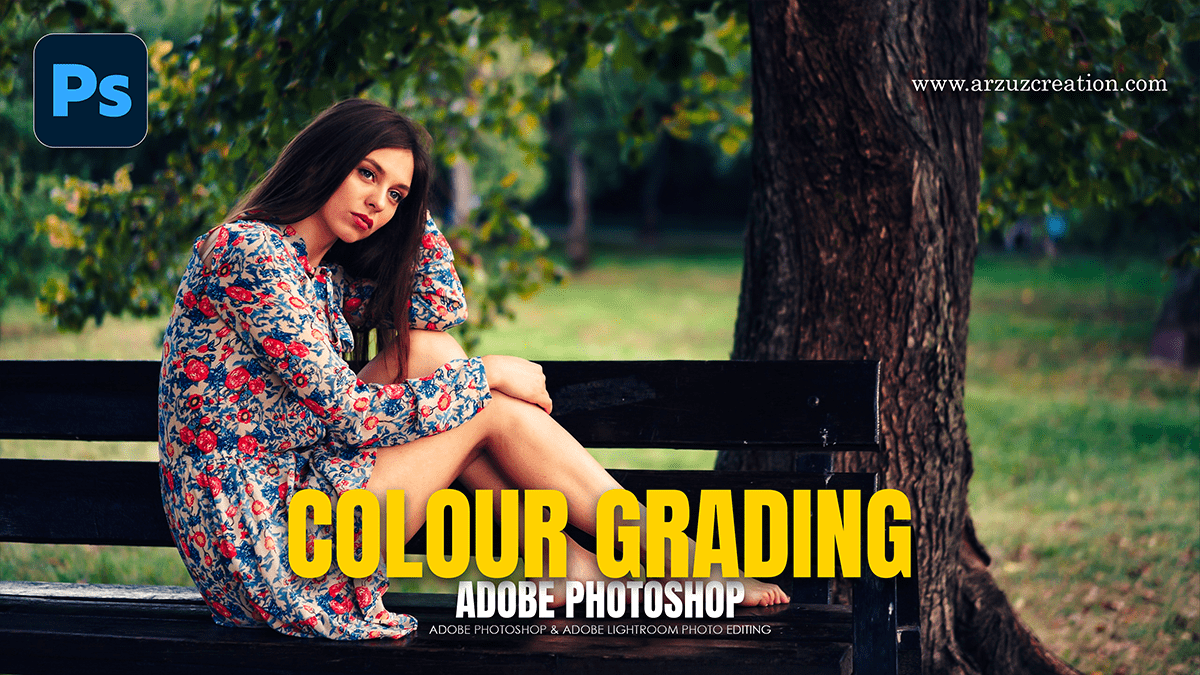
To achieve a professional “Autumn Cinematic” look using the Camera Raw Filter in Photoshop, aim to shift greens toward gold/orange, deepen the shadows for drama, and create a warm, hazy atmosphere.

How to use Colour Balance in Adobe Photoshop 2026

How to use Colour Balance in Adobe Photoshop 2026,

Color grading is the secret sauce that gives an image its specific “mood”—whether that’s a warm, cinematic sunset or a cold, moody thriller vibe. In Photoshop, the most professional way to do this is by using Adjustment Layers, which allow you to edit without destroying your original pixels.

Camera Raw Version 18.3.2: Professional Color Grading

Camera Raw Version 18.3.2: Professional Color Grading,

In Camera Raw version 18.3.2 (and its close iterations), Adobe introduced a massive quality-of-life update for colorists: Local Color Grading. For the first time, you can use the three-way color wheels inside a local mask rather than just applying them globally to the entire image.

Camera Raw Presets: Outdoor Photo Color Grading

Camera Raw Presets: Outdoor Photo Color Grading,

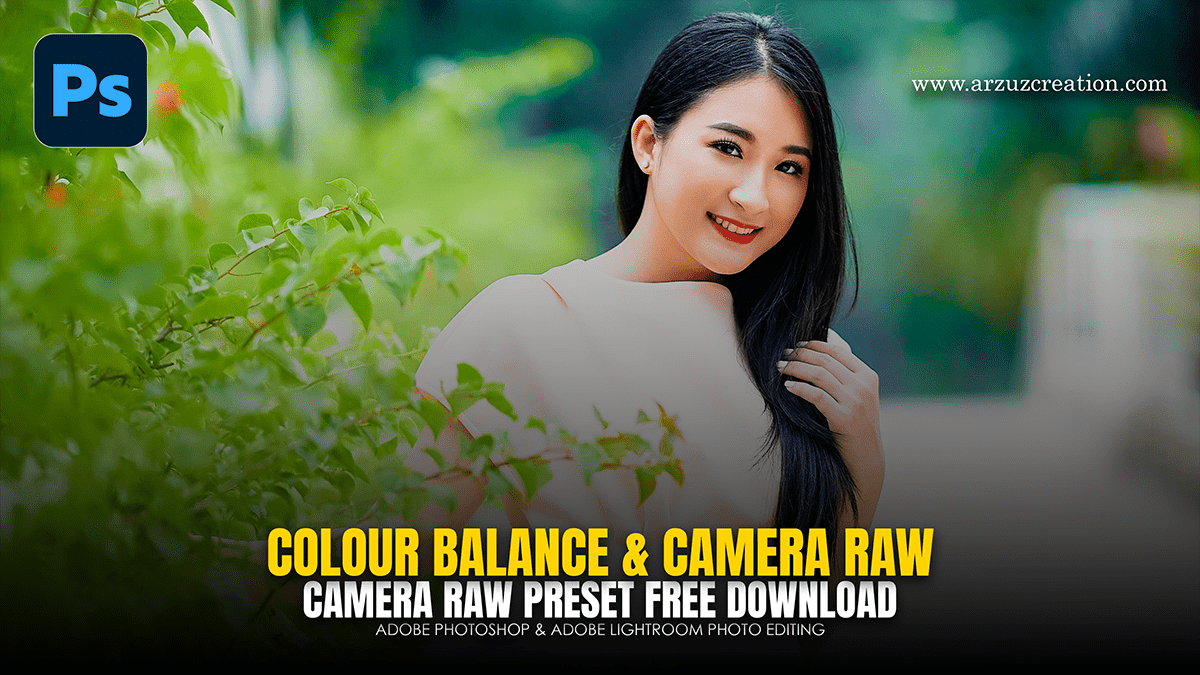
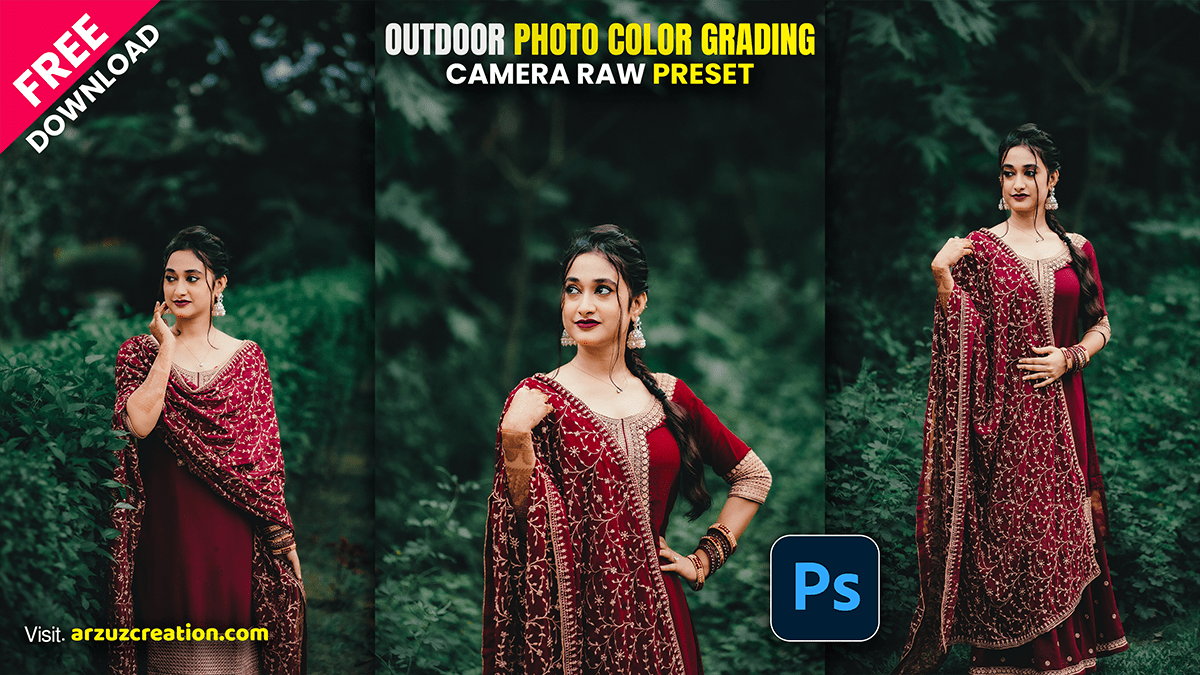
Color grading outdoor photos in Adobe Camera Raw (ACR) is all about managing natural light, separating your subject from the background, and creating a cohesive color story (like a warm golden hour vibe or a moody, cool forest look).