Arzuz Creation

Graphic Design & Professional Photo Editing

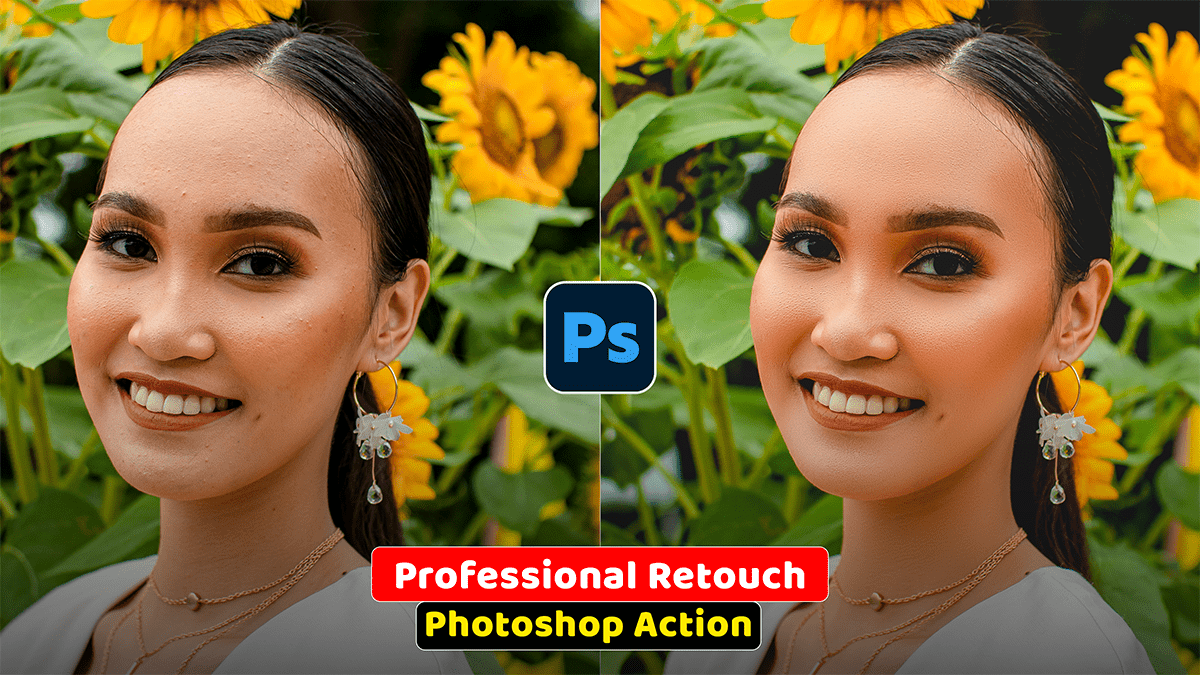
Autumn Cinematic Colour Grading Adobe Photoshop Camera Raw

Autumn Cinematic Colour Grading Adobe Photoshop Camera Raw

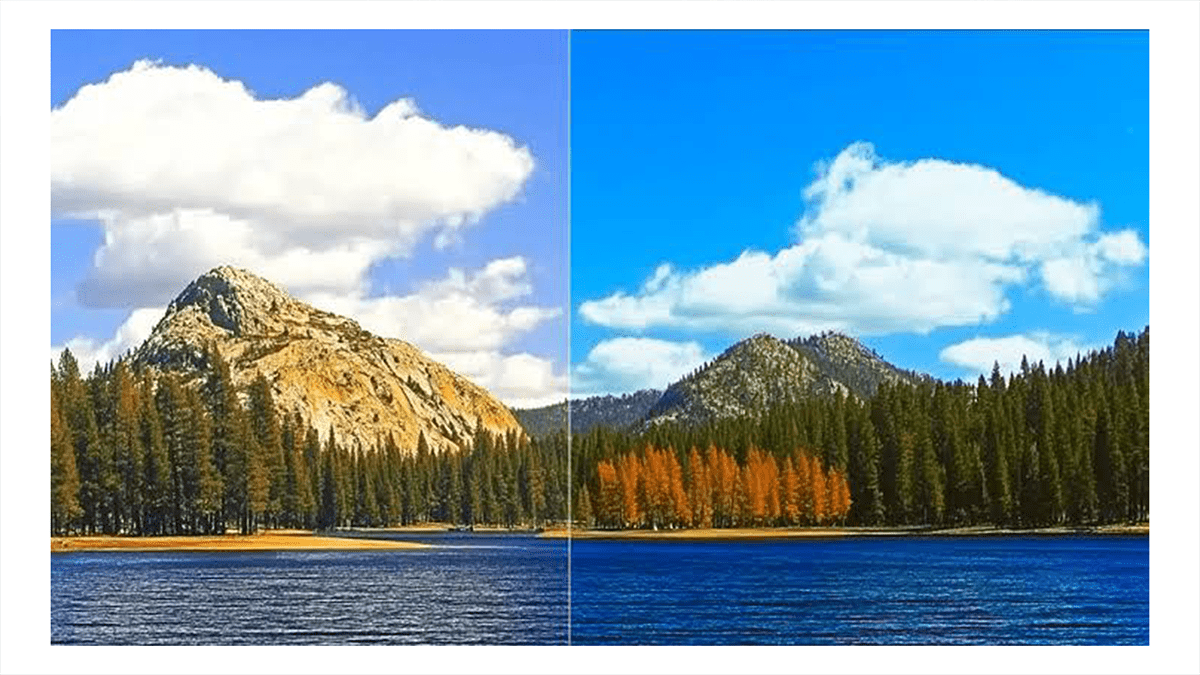
To achieve a professional “Autumn Cinematic” look using the Camera Raw Filter in Photoshop, aim to shift greens toward gold/orange, deepen the shadows for drama, and create a warm, hazy atmosphere.

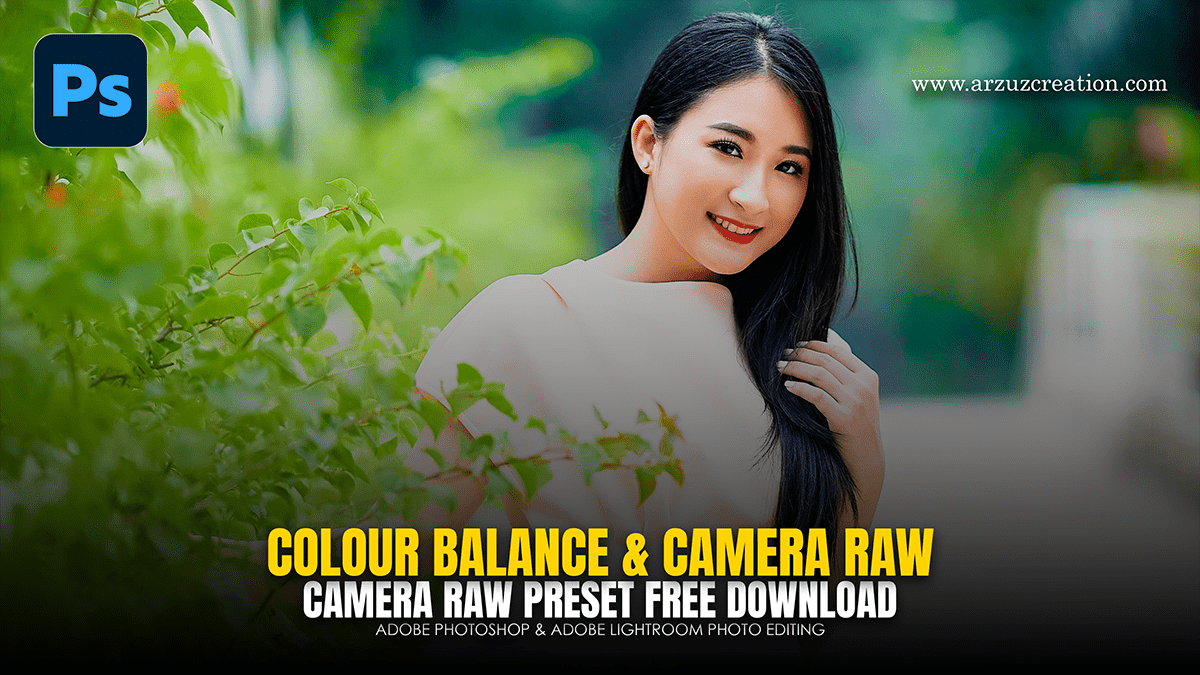
How to use Colour Balance in Adobe Photoshop 2026

How to use Colour Balance in Adobe Photoshop 2026,

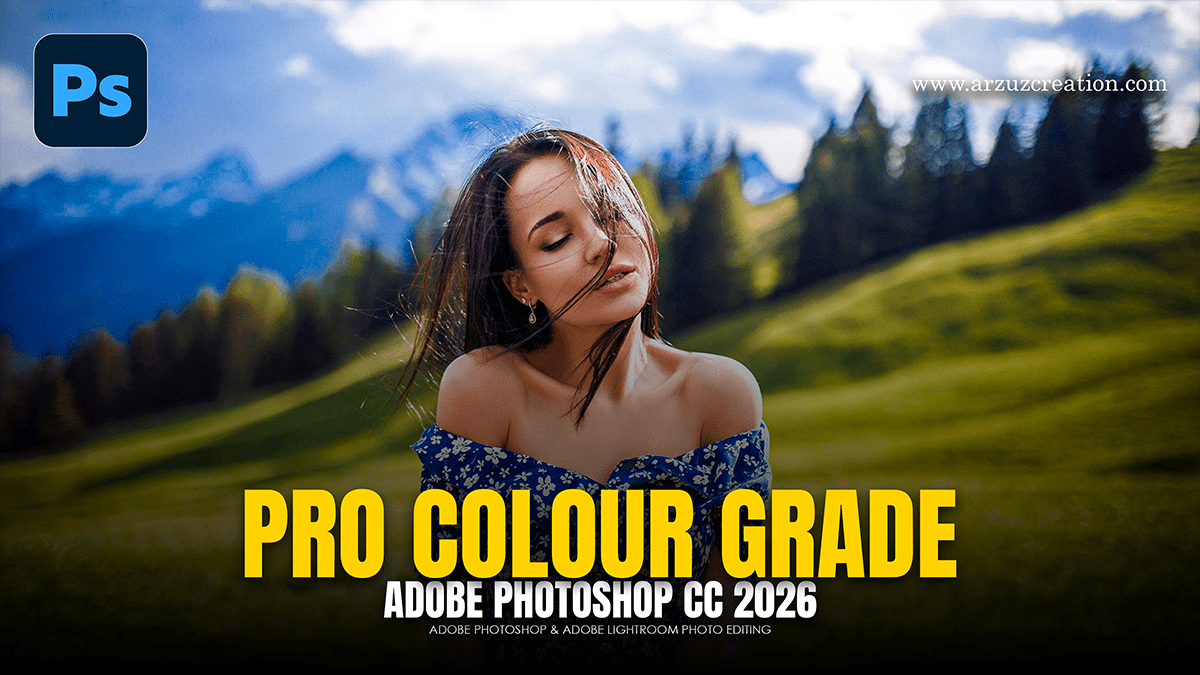
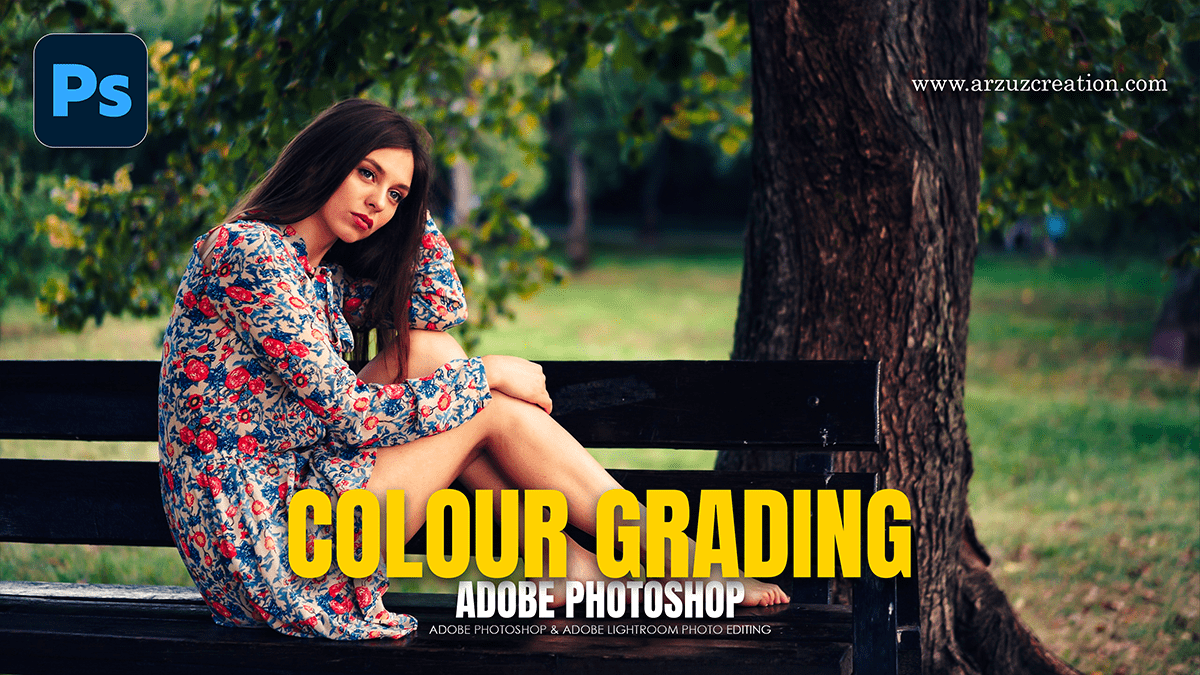
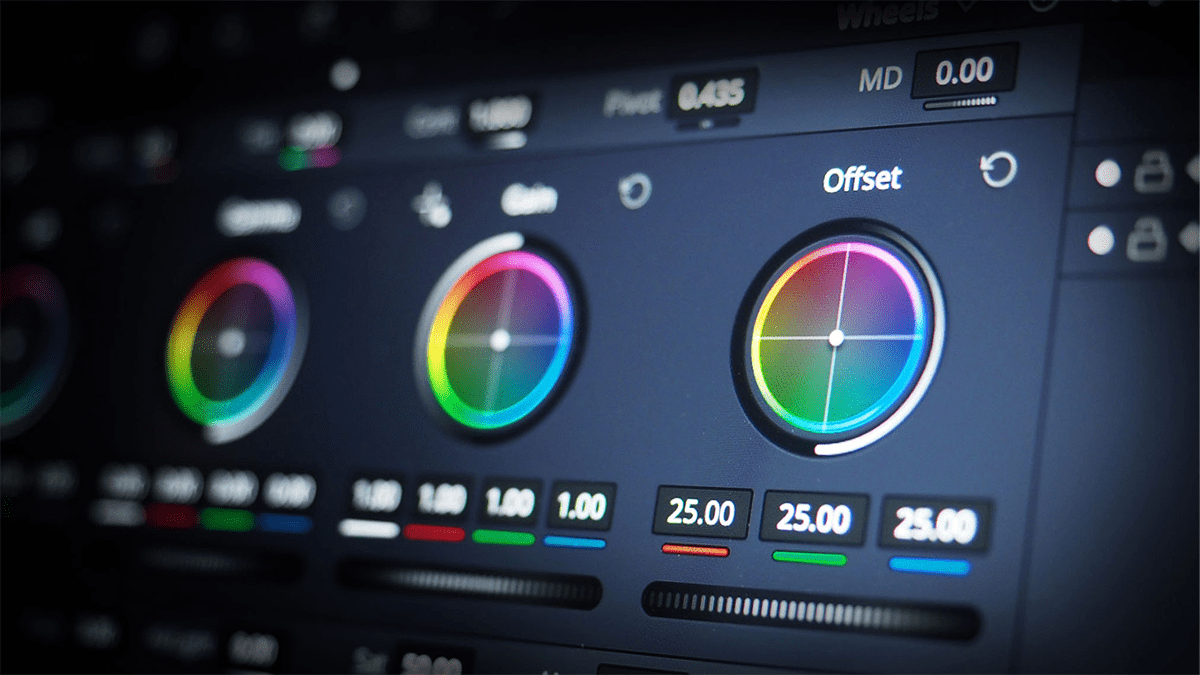
Color grading is the secret sauce that gives an image its specific “mood”—whether that’s a warm, cinematic sunset or a cold, moody thriller vibe. In Photoshop, the most professional way to do this is by using Adjustment Layers, which allow you to edit without destroying your original pixels.

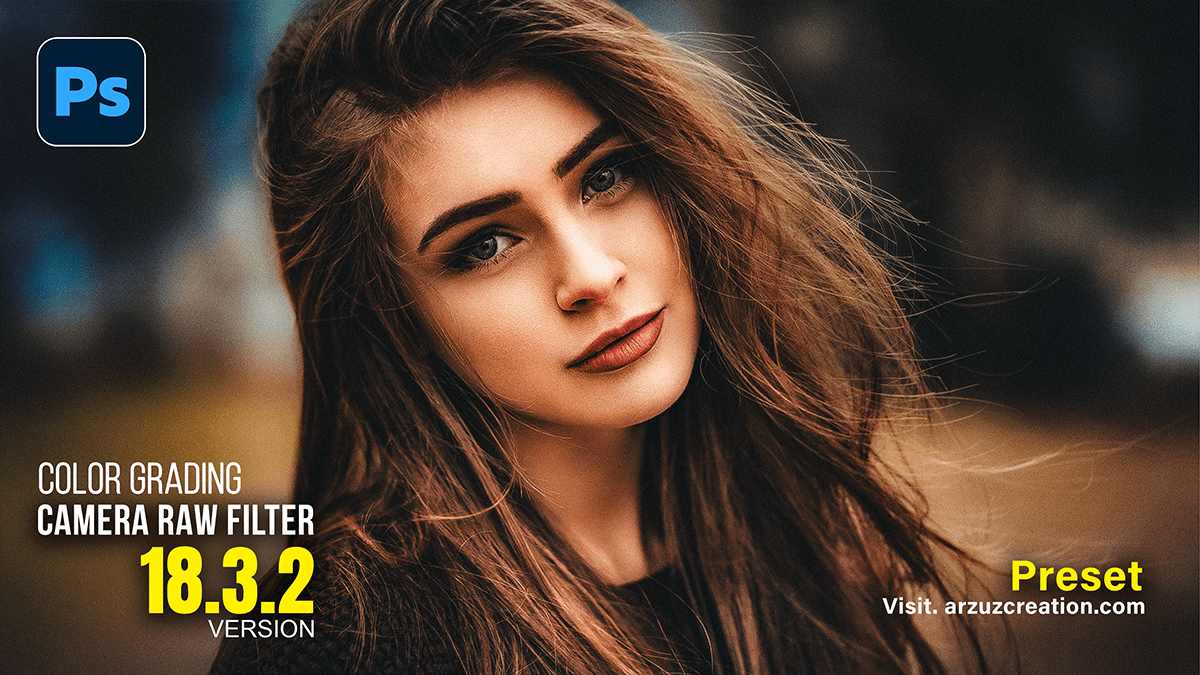
Camera Raw Version 18.3.2: Professional Color Grading

Camera Raw Version 18.3.2: Professional Color Grading,

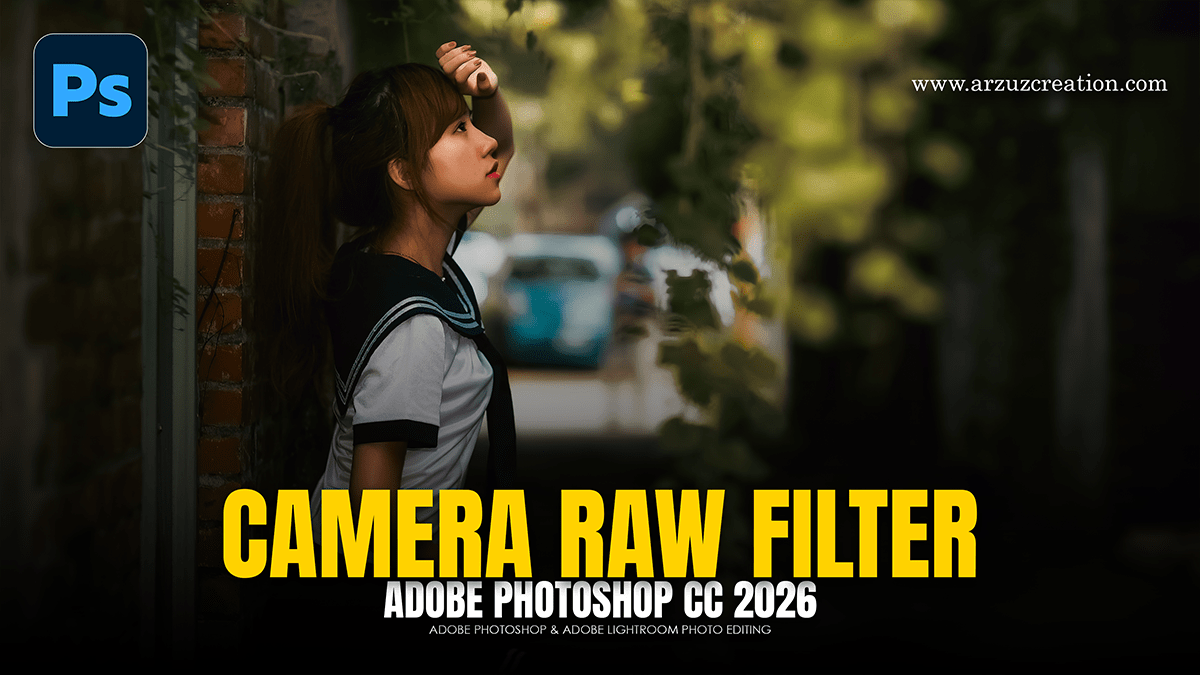
In Camera Raw version 18.3.2 (and its close iterations), Adobe introduced a massive quality-of-life update for colorists: Local Color Grading. For the first time, you can use the three-way color wheels inside a local mask rather than just applying them globally to the entire image.

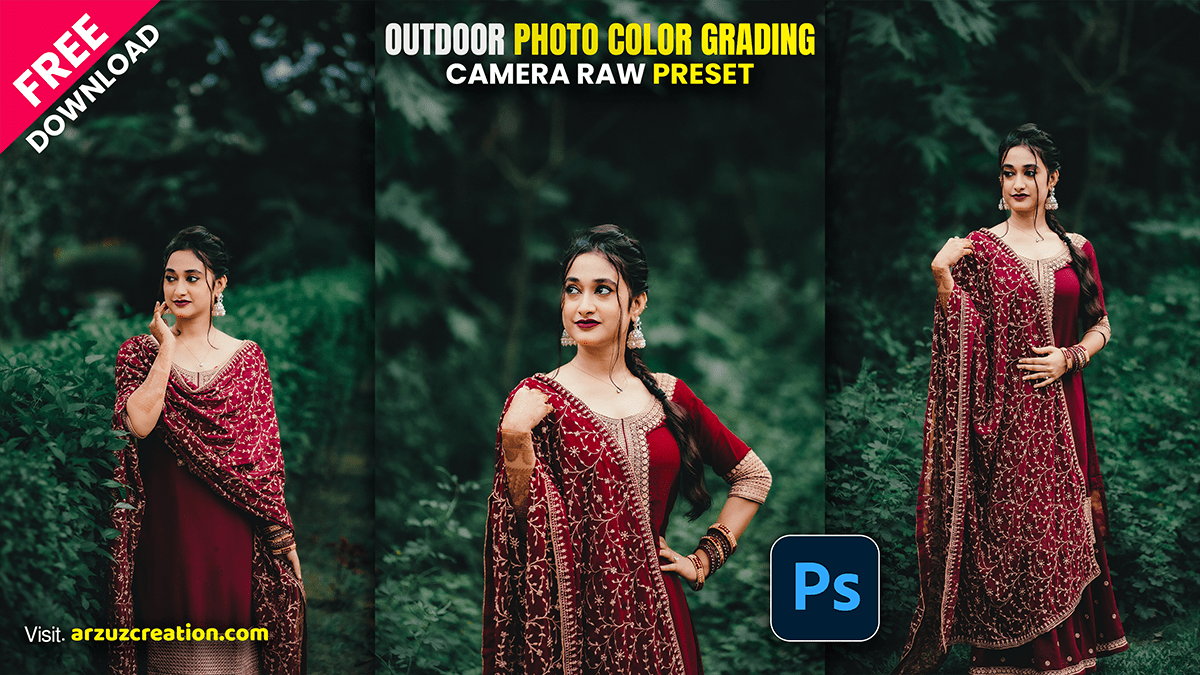
Camera Raw Presets: Outdoor Photo Color Grading

Camera Raw Presets: Outdoor Photo Color Grading,

Color grading outdoor photos in Adobe Camera Raw (ACR) is all about managing natural light, separating your subject from the background, and creating a cohesive color story (like a warm golden hour vibe or a moody, cool forest look).