Arzuz Creation

Graphic Design & Professional Photo Editing

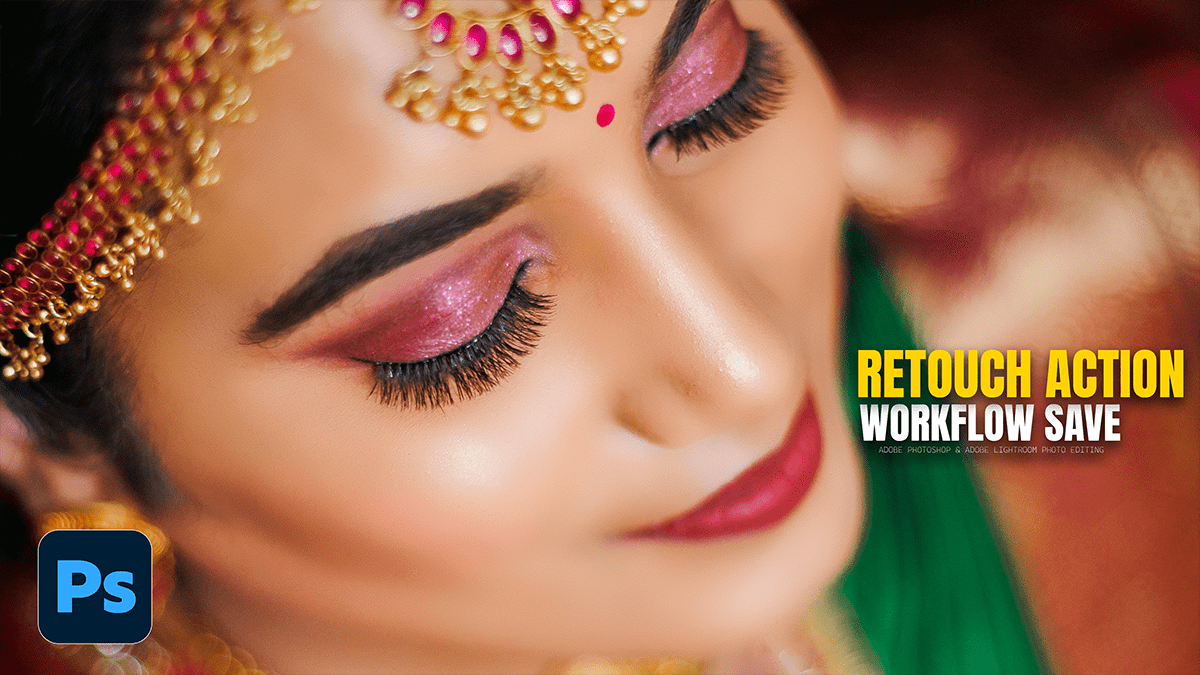
Mixer Brush on the Low Frequency Layer in Adobe Photoshop

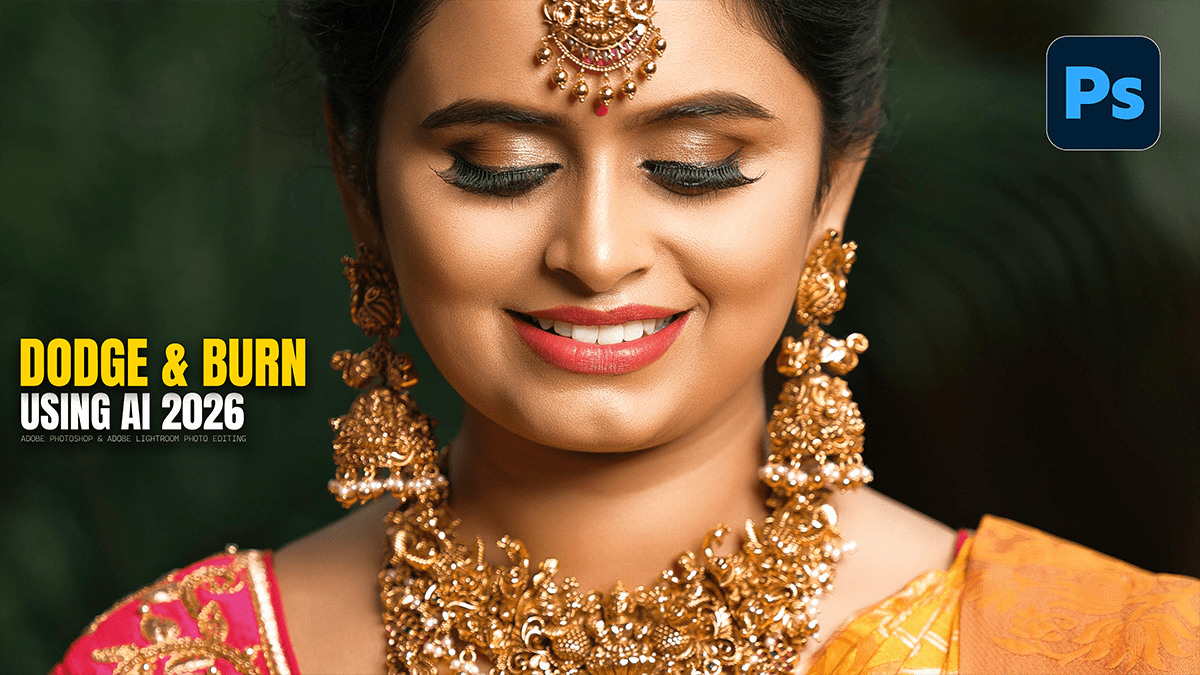
Global Dodge and Burn to Give the Portrait a Professional Glow,

The Mixer Brush is the “secret weapon” for professionals because it allows you to literally paint skin tones into a smooth gradient, much like an oil painter would blend colors on a canvas.

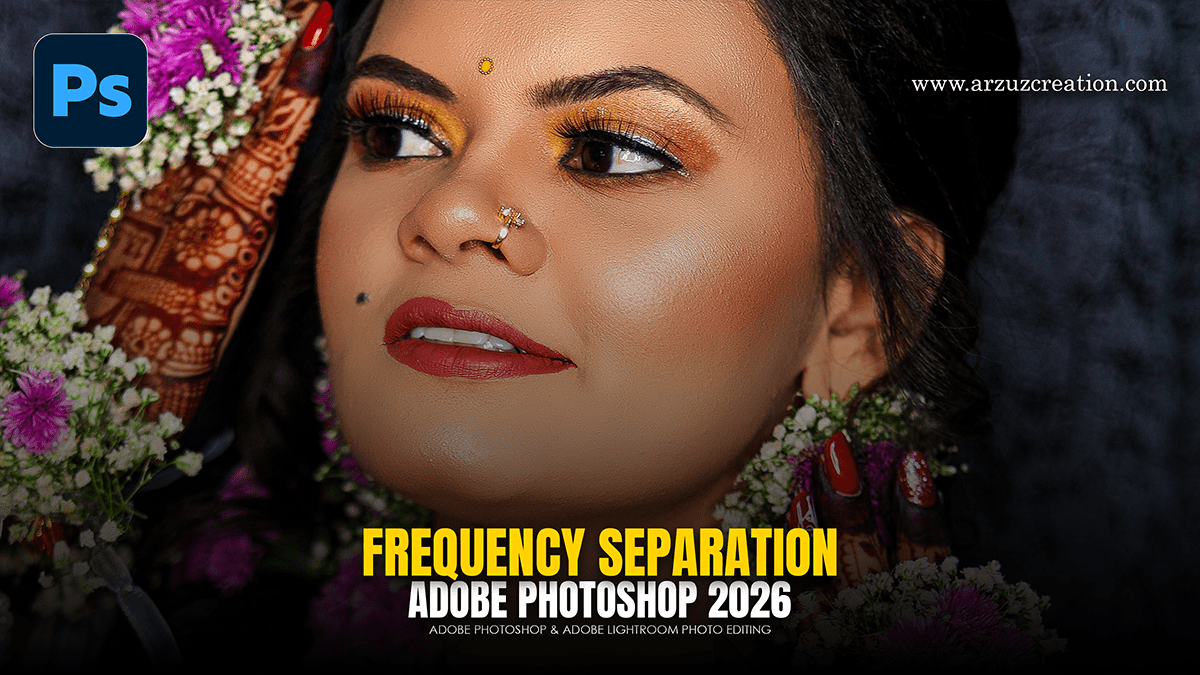
Frequency Separation Layers Step-By-Step in Photoshop 2026

Frequency Separation Layers Step-By-Step in Photoshop 2026,

Frequency Separation is the “gold standard” because it allows you to fix skin colors (redness, blotchiness) without destroying the texture (pores, fine lines). In Photoshop 2026, the process remains the same, but the precision of the blur algorithms has improved.

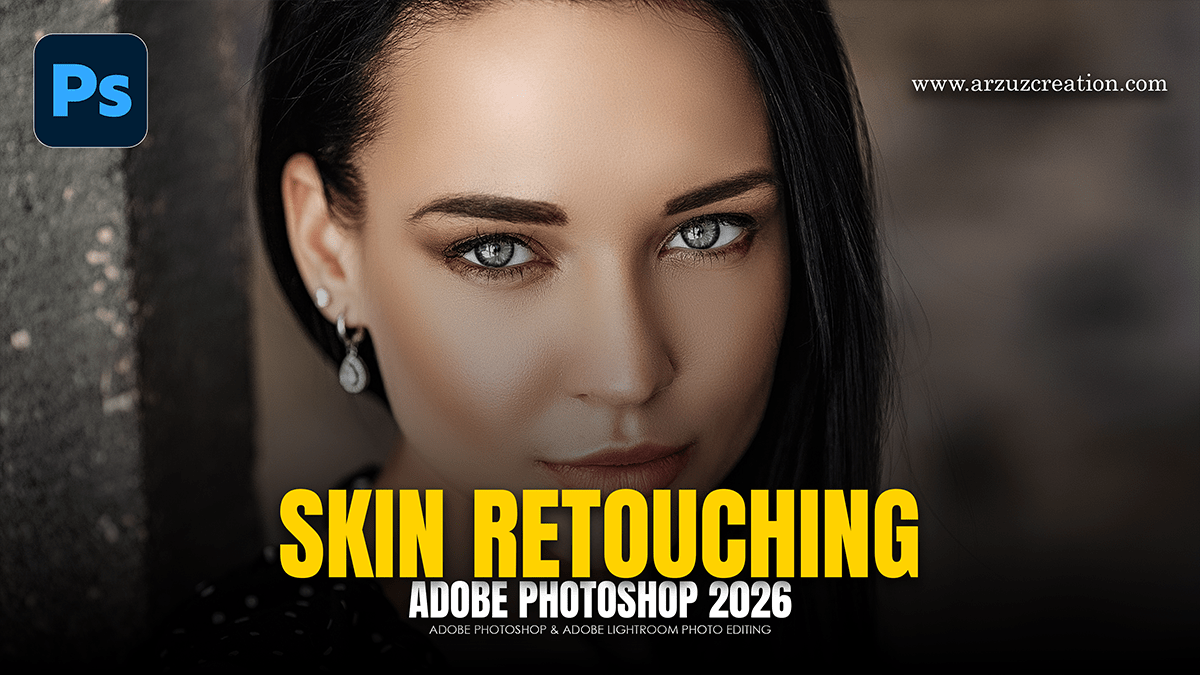
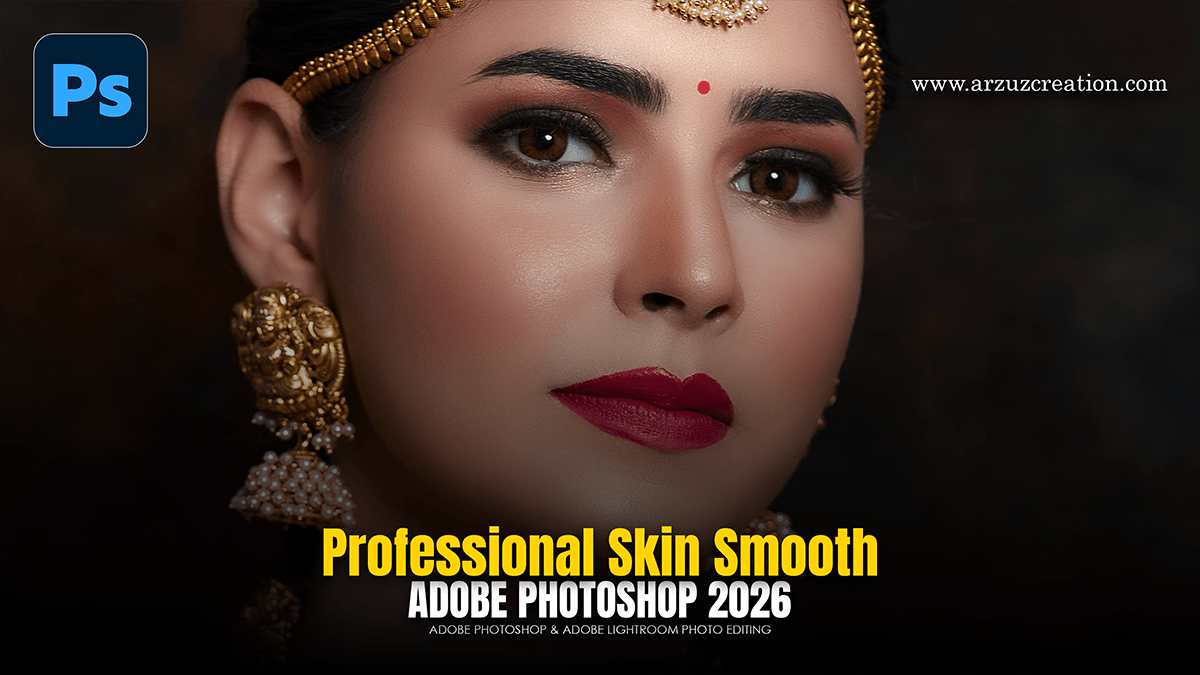
Adobe Photoshop CC 2026 Skin Retouching Tutorial

Adobe Photoshop 2026: Skin Retouching Tutorial,

In Adobe Photoshop 2026, professional-grade skin retouching for beginners has shifted toward a “hybrid” workflow. You can now combine traditional precision tools with new AI-driven adjustment layers to get clean, natural results in a fraction of the time.

How to Skin Retouch in Photoshop – Step-by-Step Guide

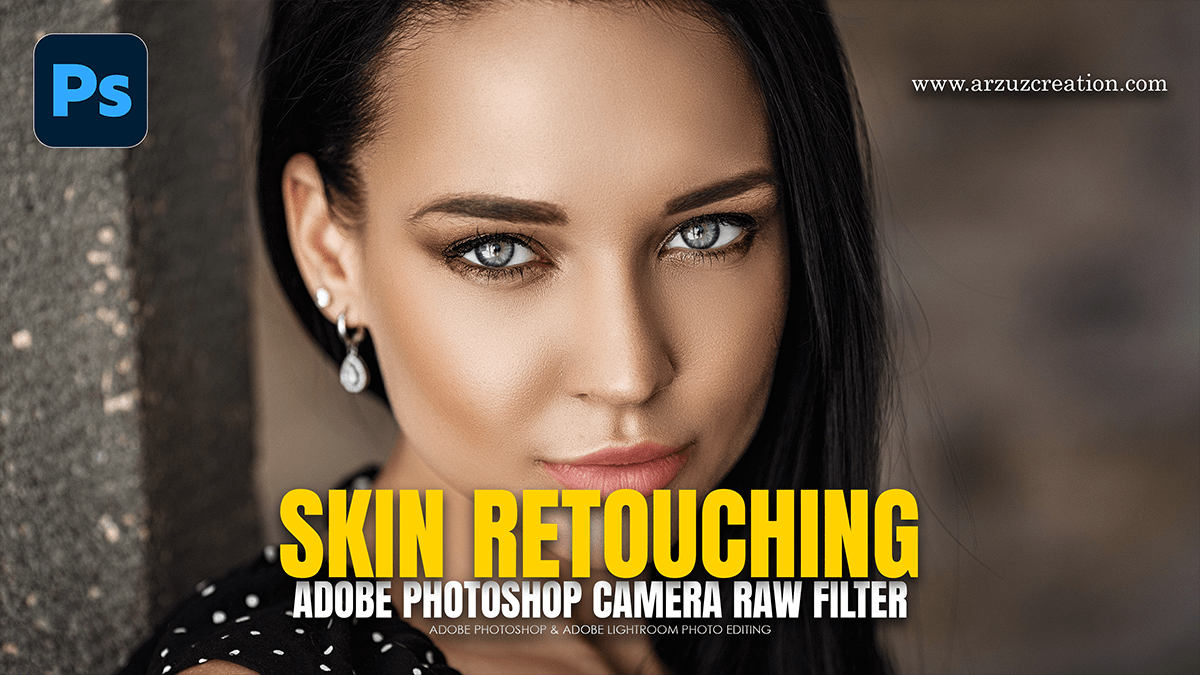
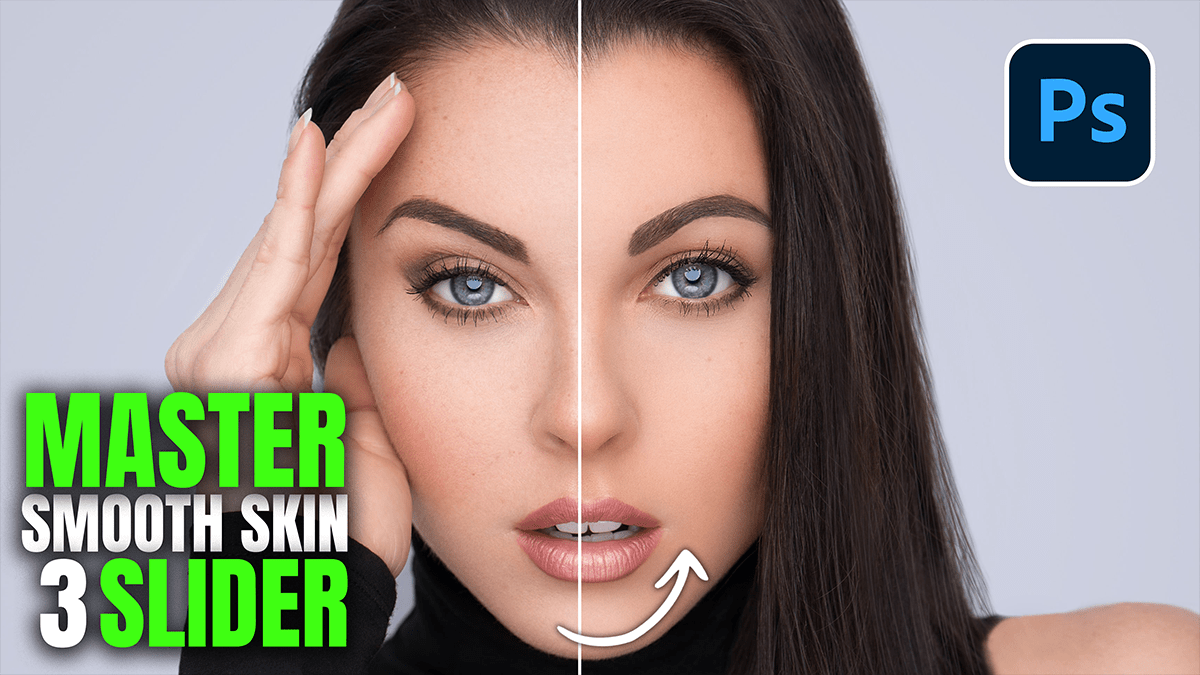
How to Skin Retouch in Photoshop? Professional Skin Retouching in Photoshop.

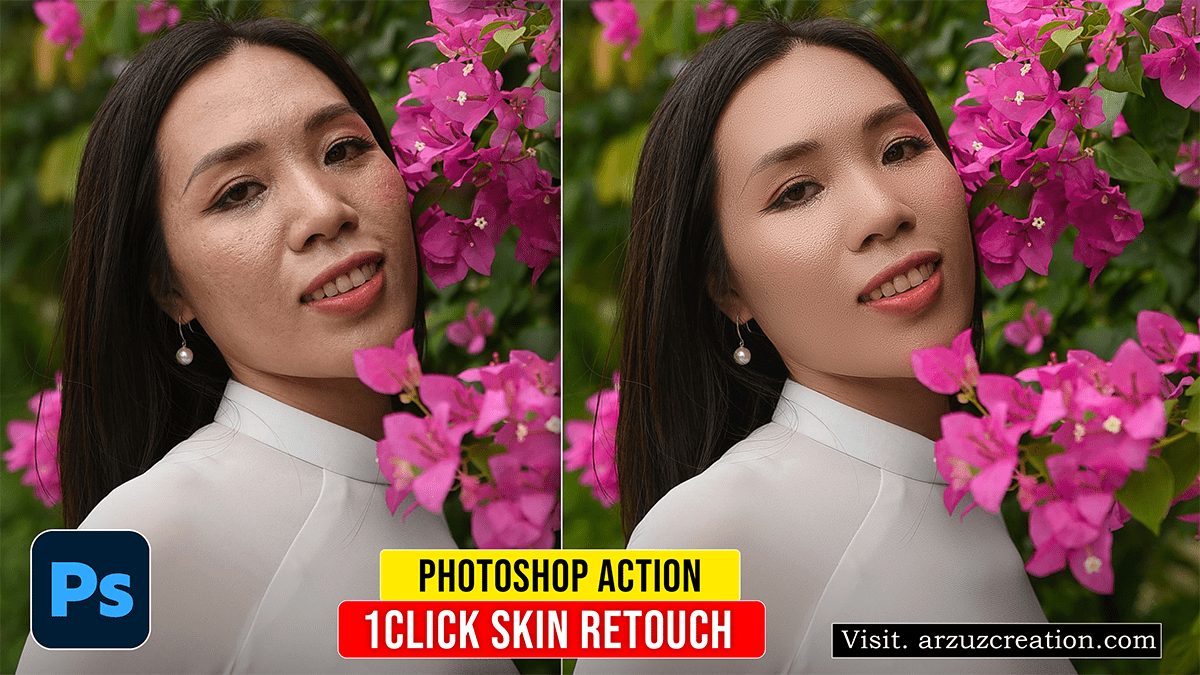
What is the fastest way to retouch skin in Photoshop?

Learn here, How to retouch professional portrait photography using Adobe Photoshop 2023. Today I will teach you how to do portrait retouching in a step-by-step guide. Today’s skin retouching Photoshop tutorial is for those who want to learn new professional skin retouching.