
Arzuz Creation

Graphic Design & Professional Photo Editing

Color Balance Photo Editing Beginners Adobe Photoshop 2026

Color Balance Photo Editing Beginners Adobe Photoshop 2026

Color Balance Photo Editing Beginners Adobe Photoshop 2026,

In Adobe Photoshop 2026, color balance and correction have received a significant overhaul, blending traditional manual controls with advanced AI-driven tools. The most notable change is the move toward “non-destructive” white balance directly on the canvas.
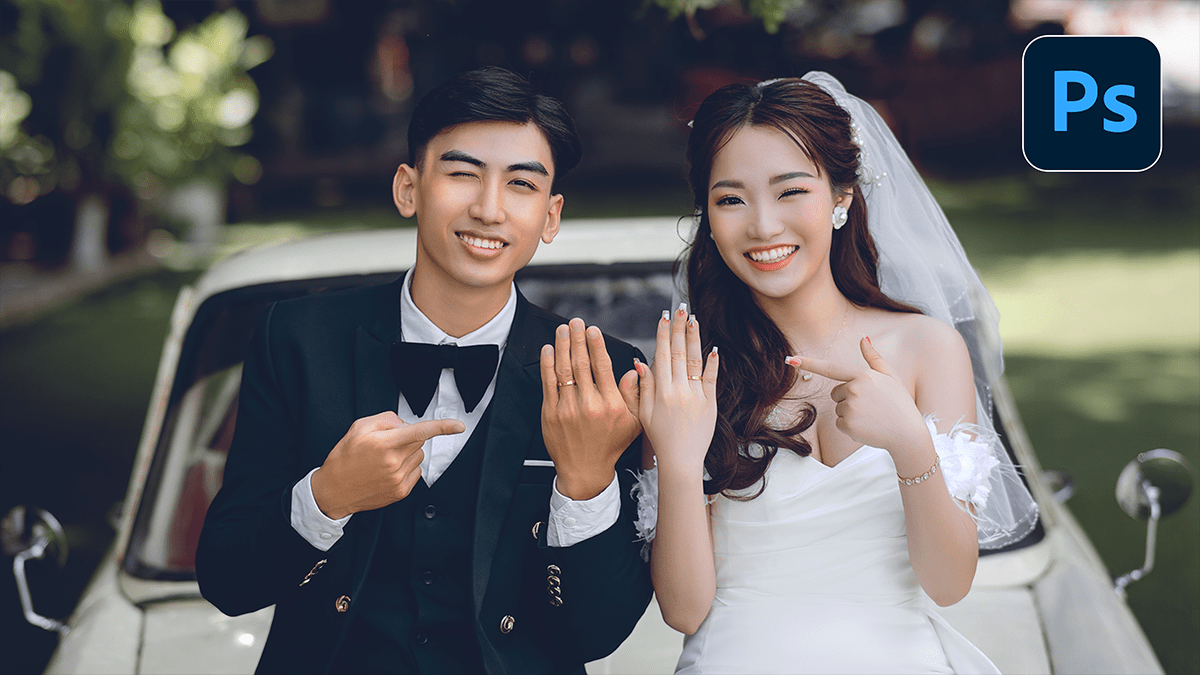
Camera Raw Filter 2026: Outdoor Wedding Photo Editing Tutorial

Camera Raw Filter 2026: Outdoor Wedding Photo Editing Tutorial

Camera Raw Filter 2026: Outdoor Wedding Photo Editing Tutorial,

Editing outdoor wedding photos using the Camera Raw Filter in Photoshop is a favorite among pros because it allows for high-end color grading and light manipulation within a single interface.

For the best results, convert your layer into a Smart Object first (Right-click layer > Convert to Smart Object). This lets you go back and tweak your settings later without losing quality.

Photoshop Wedding Photo Editing: Camera Raw Filter 2026

Photoshop Wedding Photo Editing: Camera Raw Filter 2026

Photoshop Wedding Photo Editing: Camera Raw Filter 2026,

The Camera Raw Filter ($Ctrl+Shift+A$) is arguably the most powerful tool in Photoshop for wedding photography because it brings Lightroom’s entire engine directly into your layer-based workflow.

For 2026, the trend has shifted away from heavy “orange and teal” filters toward a “True-to-Life” or “Modern Cinematic” look—characterized by clean whites, natural skin tones, and soft, film-inspired contrast.

Adobe Photoshop 2026 Wedding Photo Editing Preset Download

Adobe Photoshop 2026 Wedding Photo Editing Preset Download,

Editing a wedding gallery is a marathon, not a sprint. In 2026, the trend has shifted away from “heavy” filters toward True-to-Life color and Cinematic Storytelling. While Lightroom is for the “bulk” work, Photoshop is where you create the “hero” shots.