Arzuz Creation

Graphic Design & Professional Photo Editing

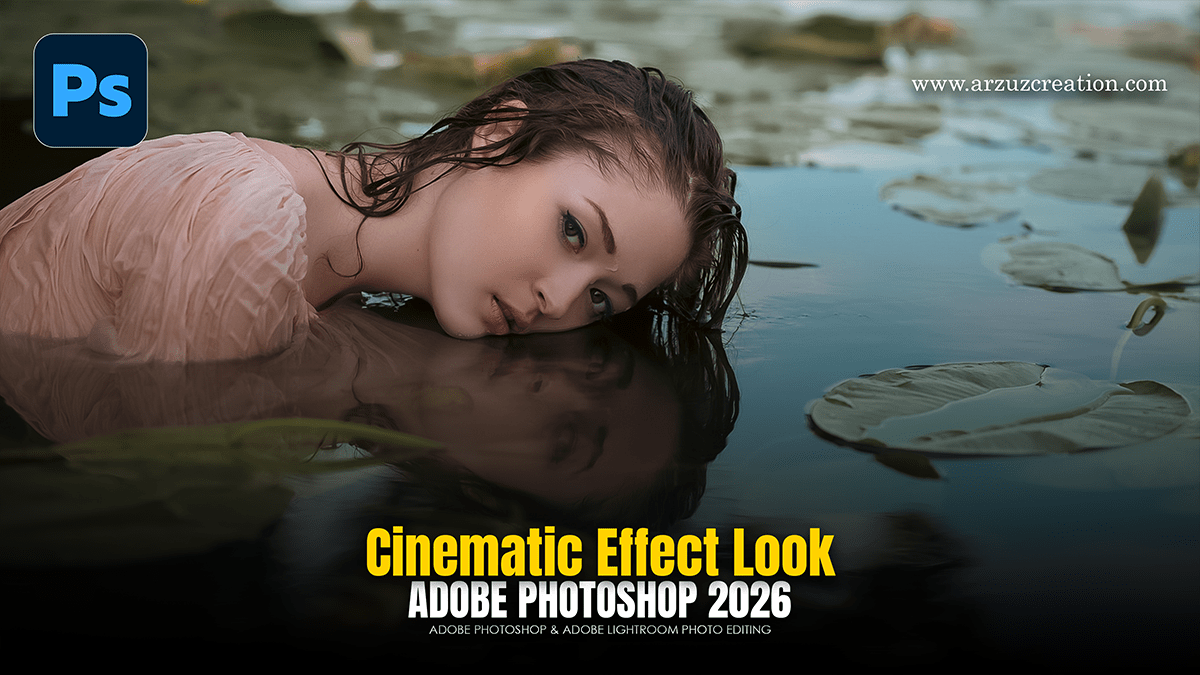
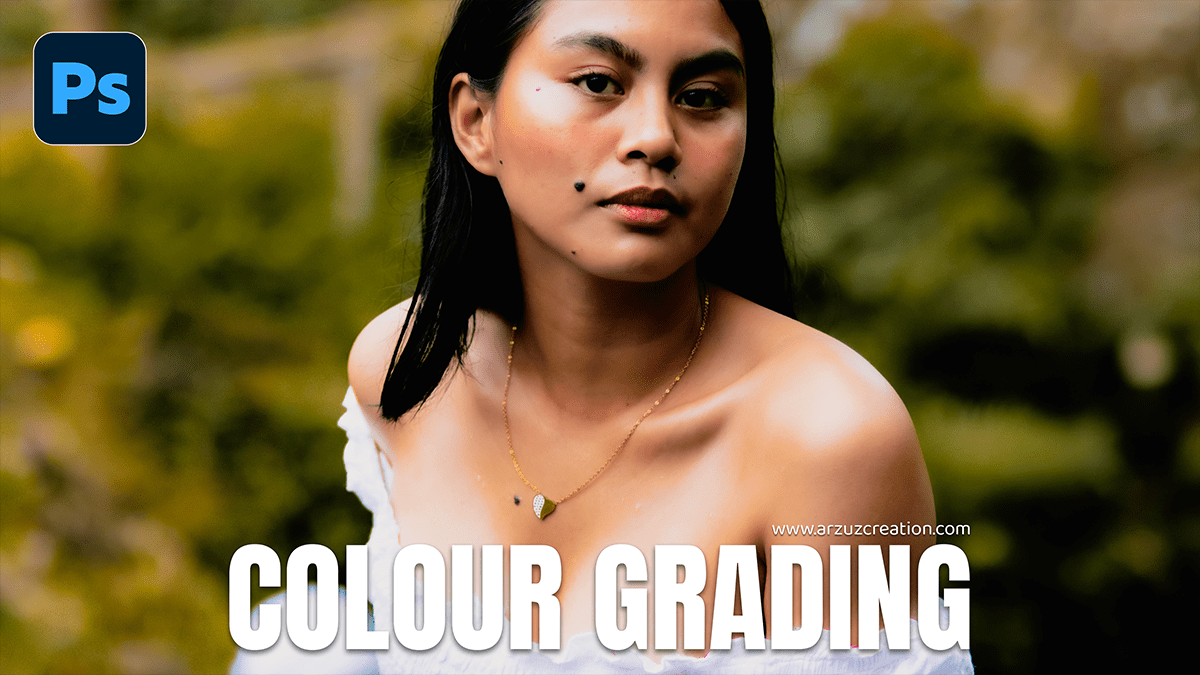
Adobe Photoshop 2026 Camera Raw Filter Colour Grading Tutorial

Adobe Photoshop 2026 Camera Raw Filter Colour Grading Tutorial,

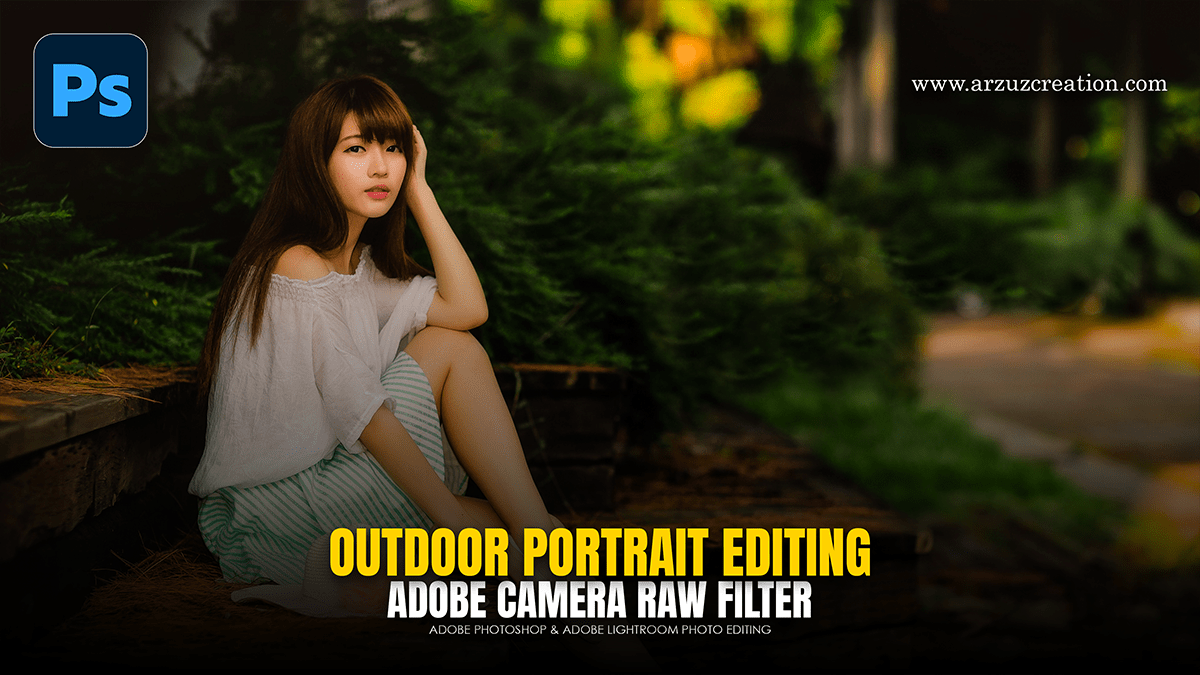
In Adobe Photoshop 2026 (version 27.0), the Camera Raw Filter remains the powerhouse for professional-grade color grading. The 2026 update introduces a highly requested Color and Vibrance Adjustment Layer that brings ACR’s engine directly into the main Photoshop interface, alongside significant refinements to selective color control.

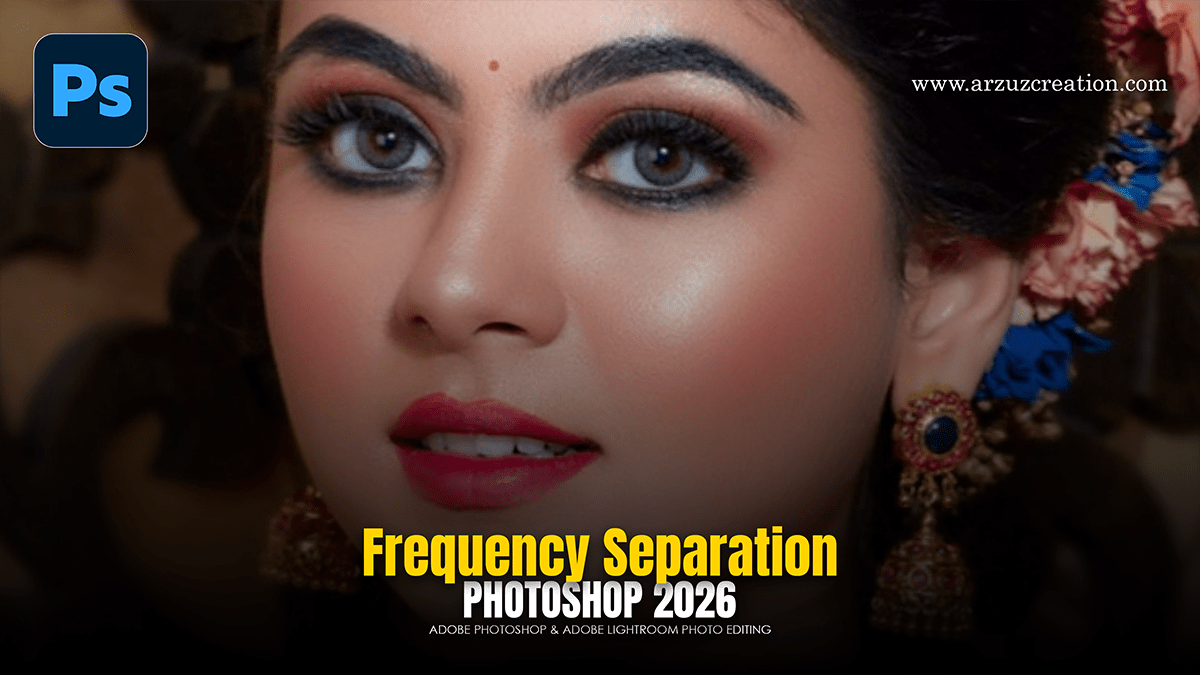
Frequency Separation Skin Retouching in Adobe Photoshop 2026

Frequency Separation Skin Retouching in Adobe Photoshop 2026,

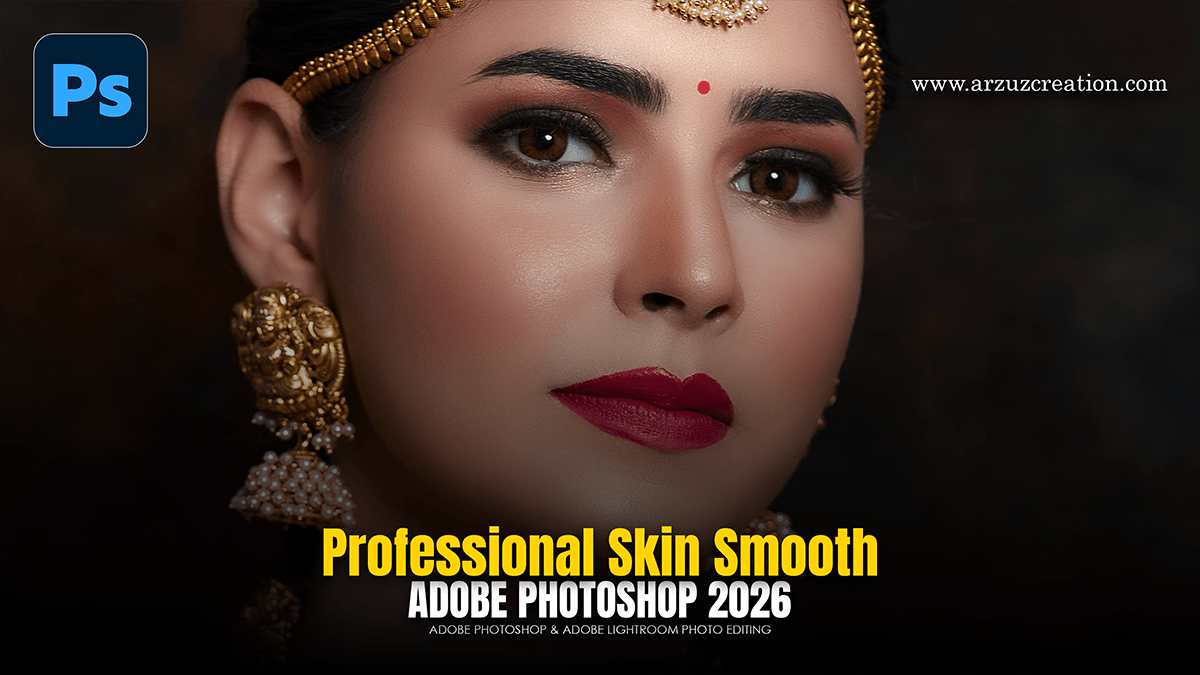
Professional skin retouching in Photoshop is a delicate balance between technical precision and maintaining the natural “texture” of the skin. To achieve high-end results, the industry standard involves a two-part workflow: Frequency Separation (to fix tones and blemishes) followed by Dodge and Burn (to sculpt and refine).

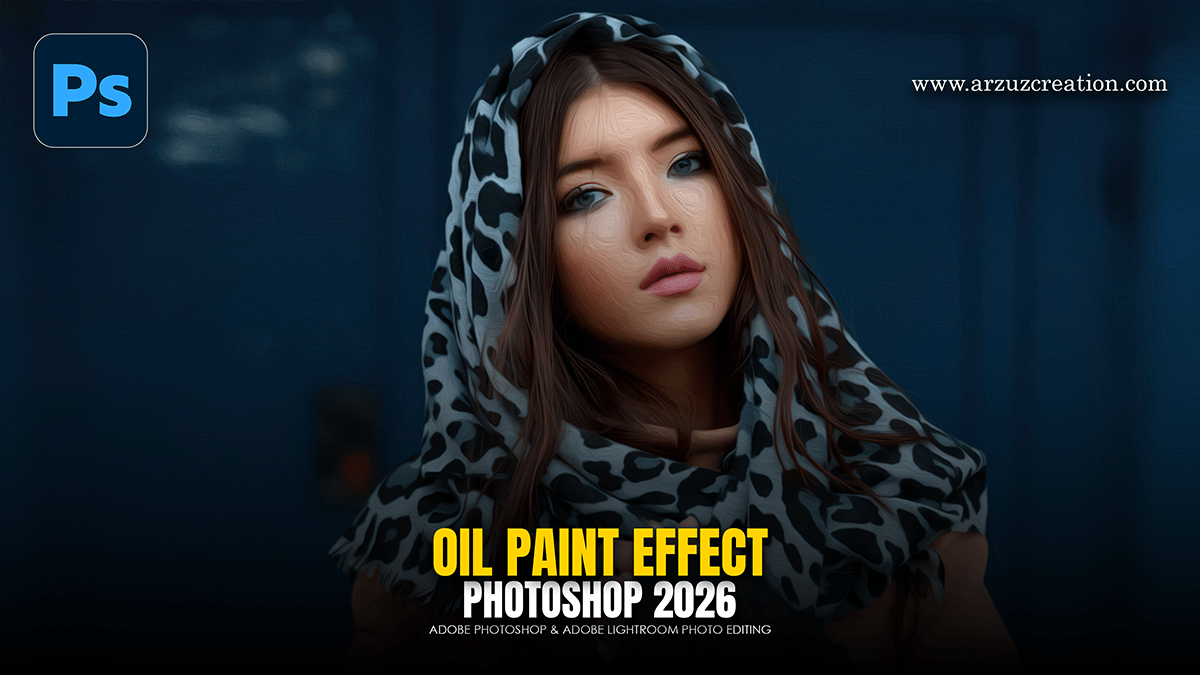
How to Make Oil Paint Effect Photo Editing in Adobe Photoshop

How to Make Oil Paint Effect Photo Editing in Adobe Photoshop,

Creating an oil painting effect in Photoshop is a classic technique that relies on a mix of built-in filters and manual “brushwork” to give a digital photo a tactile, canvas feel.

Lightroom 2026: Cinematic Colour Grading Tutorial

Lightroom 2026: Cinematic Colour Grading Tutorial,

To achieve a cinematic look in Adobe Lightroom, you need to move beyond basic exposure and focus on manipulating color contrast, depth, and texture. Cinematic styles often draw inspiration from film stocks like Kodak or Fujifilm, which favor specific color shifts over “perfect” digital accuracy.

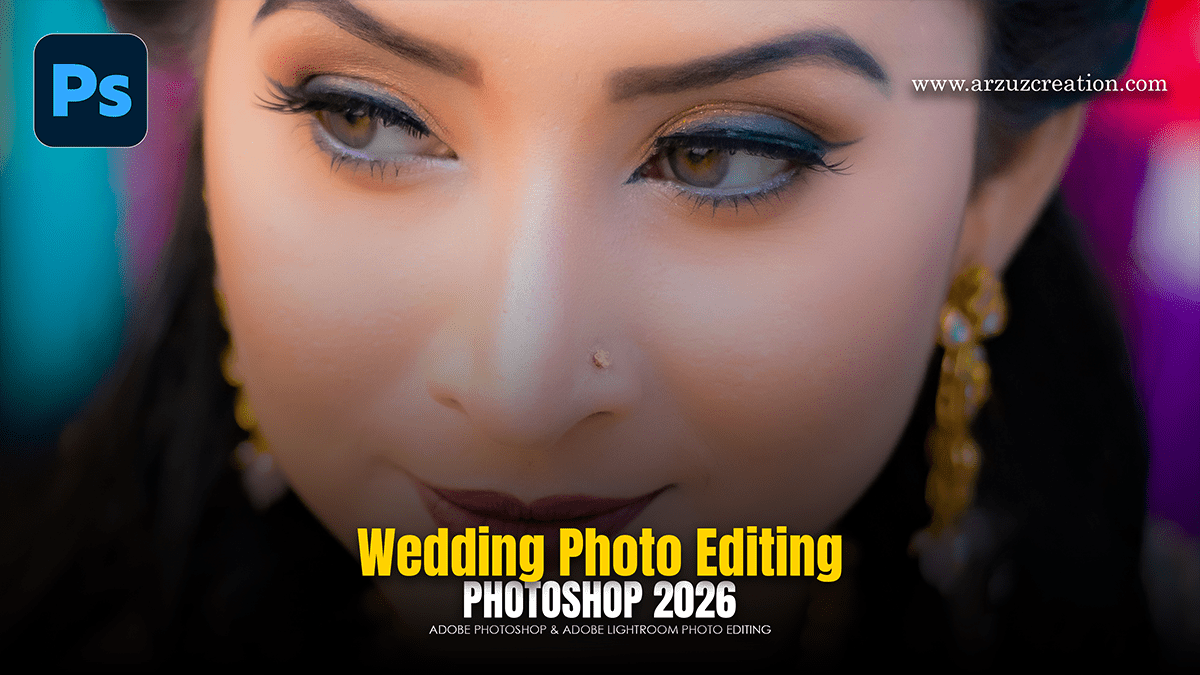
Adobe Photoshop 2024: Wedding Photo Editing Color Grading

Adobe Photoshop 2024: Wedding Photo Editing Color Grading,

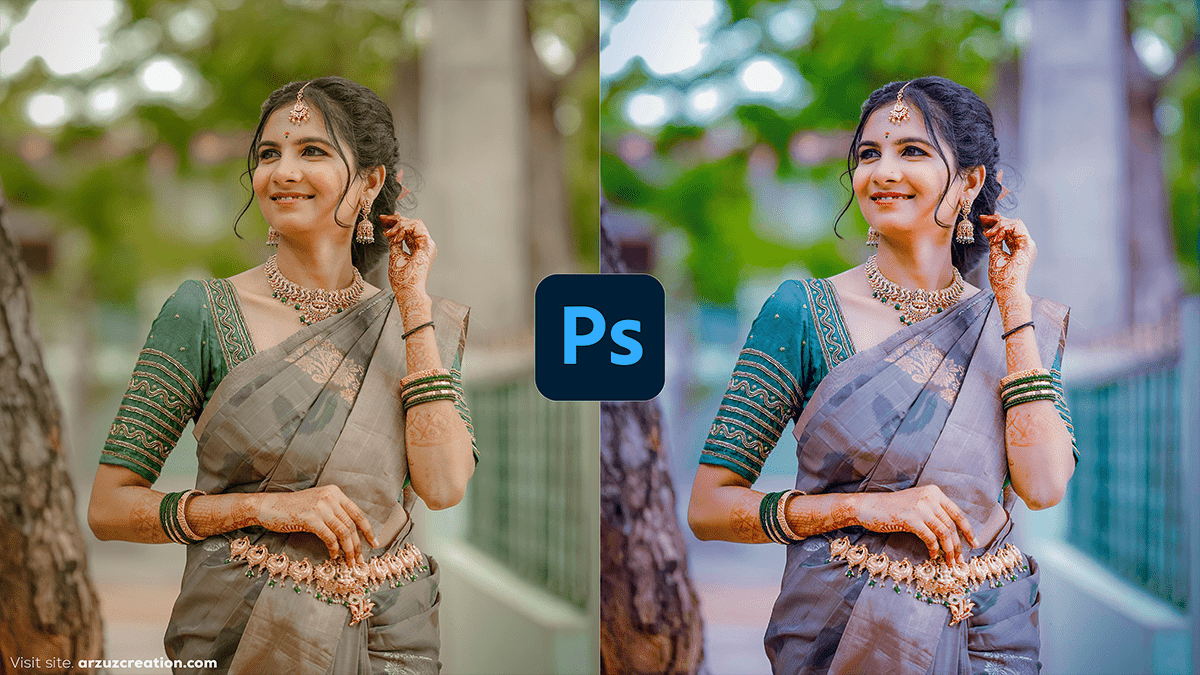
Color grading wedding photos in Photoshop involves enhancing the mood and emotions of the event by adjusting the overall color tones. Wedding photography often aims to create a soft, romantic, and timeless look. Here’s a simple guide to help you with color grading in Photoshop for wedding photos.

Autumn Cinematic Colour Grading Adobe Photoshop Camera Raw

Autumn Cinematic Colour Grading Adobe Photoshop Camera Raw

To achieve a professional “Autumn Cinematic” look using the Camera Raw Filter in Photoshop, aim to shift greens toward gold/orange, deepen the shadows for drama, and create a warm, hazy atmosphere.

How to use Colour Balance in Adobe Photoshop 2026

How to use Colour Balance in Adobe Photoshop 2026,

Color grading is the secret sauce that gives an image its specific “mood”—whether that’s a warm, cinematic sunset or a cold, moody thriller vibe. In Photoshop, the most professional way to do this is by using Adjustment Layers, which allow you to edit without destroying your original pixels.

How to use Hue Saturation in Adobe Photoshop 2026

How to use Hue Saturation in Adobe Photoshop 2026,

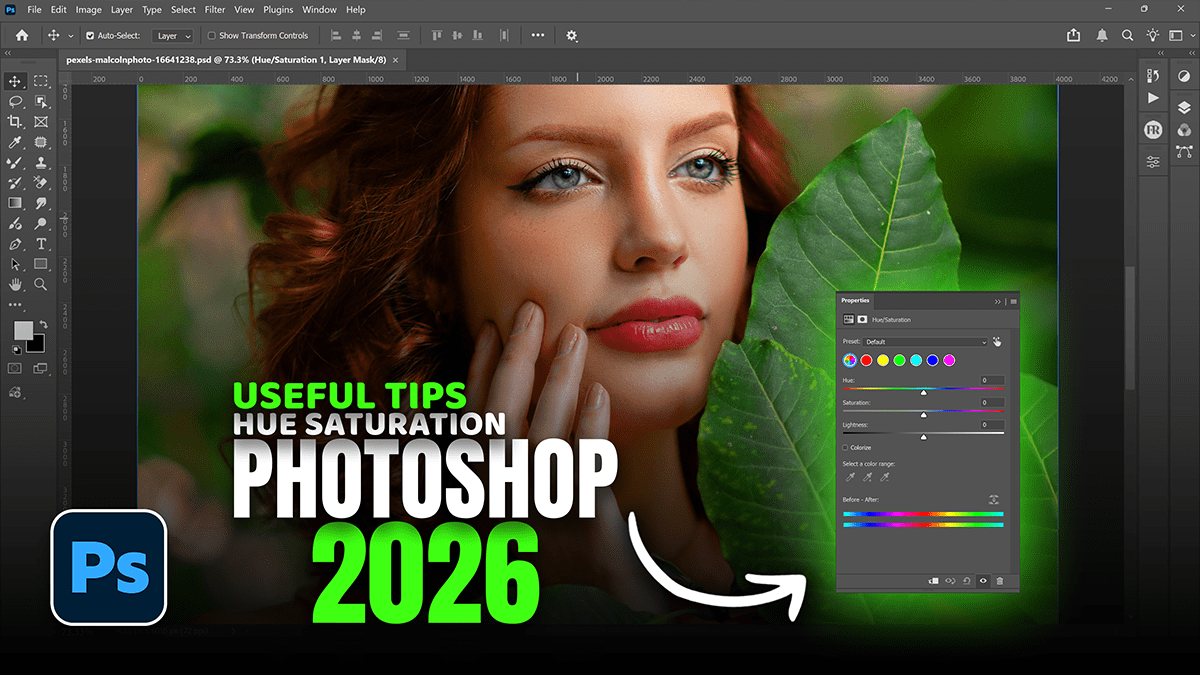
A Hue/Saturation adjustment layer in Photoshop enables non-destructive, precise color changes by editing hue (color type), saturation (intensity), and lightness (brightness). It allows users to target specific colors through a drop-down menu, the “Colorize” option, or by selecting, masking, and adjusting specific color ranges.

Professional Colour Grading Using Hue Saturation Adjustment

Professional Colour Grading Using Hue Saturation Adjustment,

To change color in Photoshop, use a Hue/Saturation Adjustment Layer for non-destructive editing. Go to the Adjustments panel, click the “Hue/Saturation” icon, and move the “Hue” slider. For specific colors, use the on-image hand tool to click and drag over the object.

Hue Saturation Most Powerful Adjustments Layer in Photoshop CC

Hue Saturation Most Powerful Adjustments Layer in Photoshop CC,

The Hue/Saturation tool is one of the most versatile adjustment layers in Photoshop. It allows you to change the color (Hue), the intensity (Saturation), and the brightness (Lightness) of specific colors or the entire image.

Adobe Photoshop 2026 3D Workflow For Beginners

Adobe Photoshop 2026 3D Workflow For Beginners,

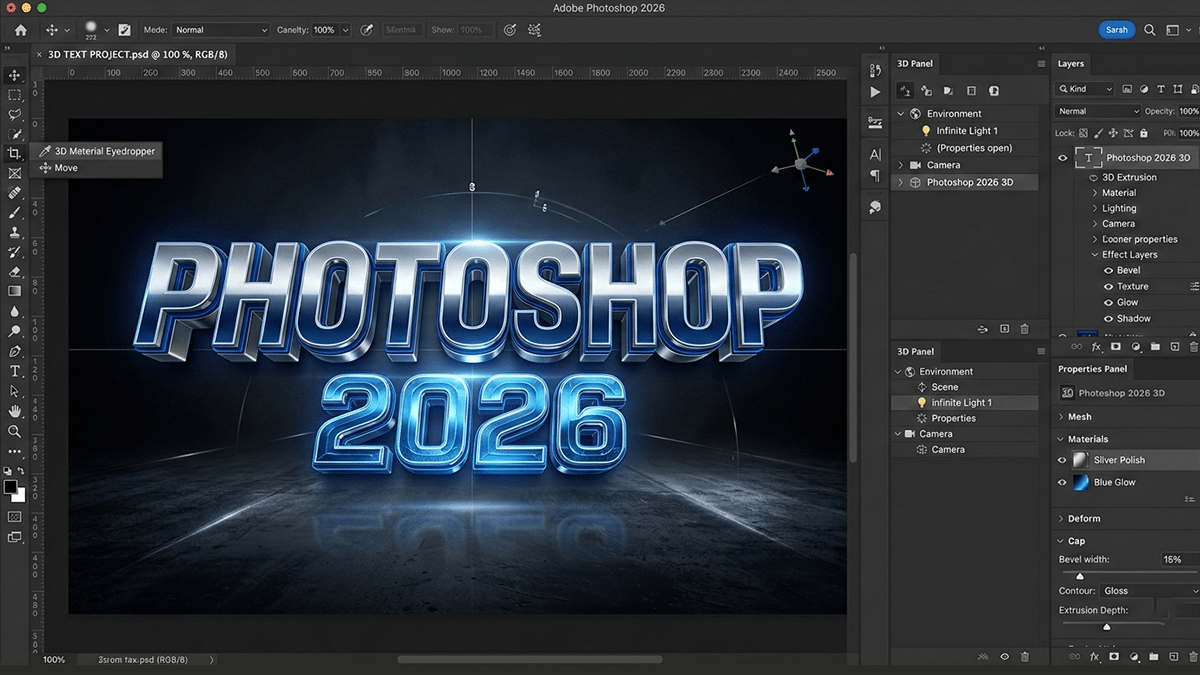
As of late 2021, Adobe has officially discontinued the native 3D features within Photoshop.

If you are looking to work with 3D within the Adobe ecosystem, you are now directed to the Adobe Substance 3D Collection, which is a separate suite of dedicated 3D tools.

Adobe Photoshop 2026 Pc Requirements for Beginners

Adobe Photoshop 2026 Pc Requirements for Beginners,

As of early 2026, Adobe has released Adobe Photoshop 2026 (Version 27.x). This release continues Adobe’s heavy integration of generative AI through its Firefly engine, focusing on making complex editing tasks faster, more accurate, and more intuitive.

Adobe Photoshop 2026 March Update Features

Adobe Photoshop 2026 March Update Features,

The March 2026 update for Photoshop 2026 (v27.4.0.15) has officially moved out of beta. While the major version update earlier this year introduced significant AI shifts, this specific point release focuses on stabilizing those features and enhancing the “Generate Similar” workflow.

PDF Cheat Sheet of the Mixer Brush and Dodge & Burn Shortcuts

PDF Cheat Sheet of the Mixer Brush and Dodge & Burn Shortcuts,

While I can’t generate a downloadable .pdf file directly, I have designed this high-visibility cheat sheet specifically for you to copy-paste into a document and print, or to keep open on a second monitor while you work.

How to Save Retouching Workflow as an Action in Photoshop

How to Save Retouching Workflow as an Action in Photoshop,

Saving your workflow as an Action is the ultimate “pro” move. It allows you to automate the tedious setup (creating layers, naming them, and setting the math for Frequency Separation) so you can get straight to the creative retouching.

How to use that AI Masking Feature, Dodge and Burn, Photoshop

How to use that AI Masking Feature Dodge and Burn Photoshop,

The AI Selection and Masking updates in Photoshop 2026 have turned the tedious manual Dodge and Burn process into a much faster, “semi-automated” workflow. Instead of guessing where the highlights and shadows are, you can let the AI identify the planes of the face for you.

Global Dodge and Burn to Give the Portrait a Professional Glow

Global Dodge and Burn to Give the Portrait a Professional Glow,

Global Dodge and Burn is the “final polish” that separates a flat, amateur retouch from a professional, cinematic portrait. While Frequency Separation handles the skin’s surface, Dodge and Burn (D&B) works on the structure of the face, accentuating the highlights and deepening the shadows to create a 3D effect.

Mixer Brush on the Low Frequency Layer in Adobe Photoshop

Global Dodge and Burn to Give the Portrait a Professional Glow,

The Mixer Brush is the “secret weapon” for professionals because it allows you to literally paint skin tones into a smooth gradient, much like an oil painter would blend colors on a canvas.

Frequency Separation Layers Step-By-Step in Photoshop 2026

Frequency Separation Layers Step-By-Step in Photoshop 2026,

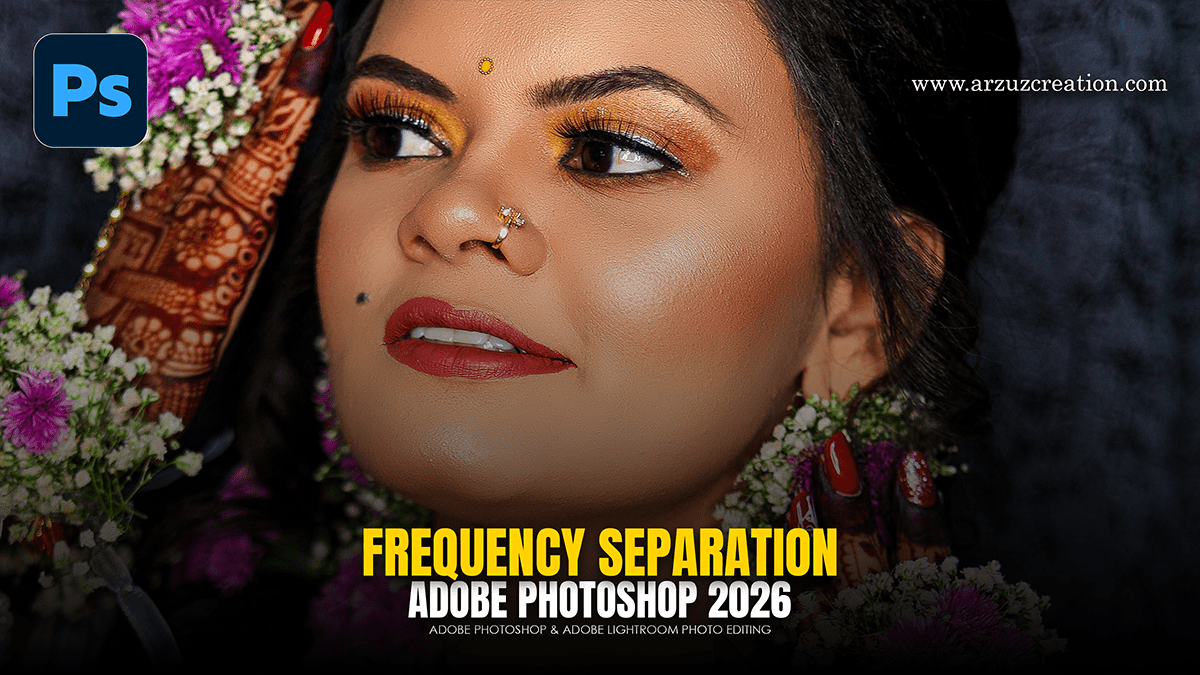
Frequency Separation is the “gold standard” because it allows you to fix skin colors (redness, blotchiness) without destroying the texture (pores, fine lines). In Photoshop 2026, the process remains the same, but the precision of the blur algorithms has improved.

Adobe Photoshop CC 2026 Skin Retouching Tutorial

Adobe Photoshop 2026: Skin Retouching Tutorial,

In Adobe Photoshop 2026, professional-grade skin retouching for beginners has shifted toward a “hybrid” workflow. You can now combine traditional precision tools with new AI-driven adjustment layers to get clean, natural results in a fraction of the time.

Photoshop 2026 Wedding Editing Workflow For Beginners

Photoshop 2026 Wedding Editing Workflow For Beginners,

In 2026, wedding photo editing in Adobe Photoshop has shifted from manual labor to “hero shot” refinement. While tools like Lightroom and AI-based batch editors (like Imagen or Aftershoot) handle the bulk volume, Photoshop 2026 is used for the high-end 5% of a wedding gallery—the images destined for albums and wall art.