Arzuz Creation

Graphic Design & Professional Photo Editing

How to Save Retouching Workflow as an Action in Photoshop

How to Save Retouching Workflow as an Action in Photoshop,

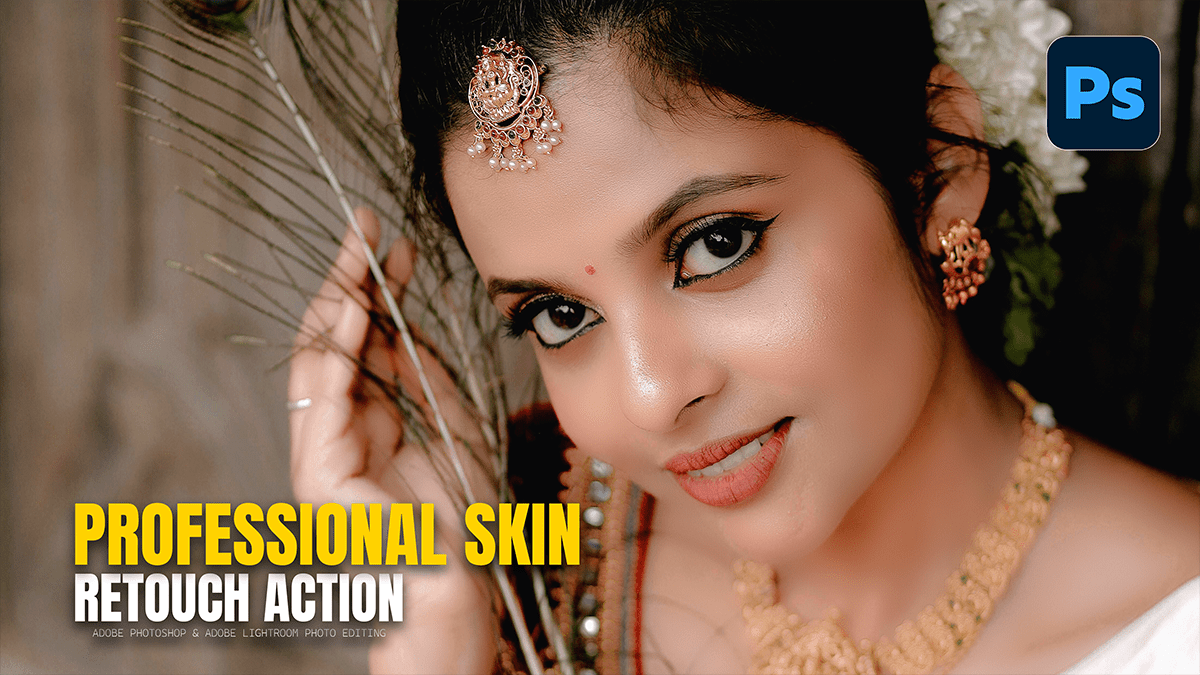
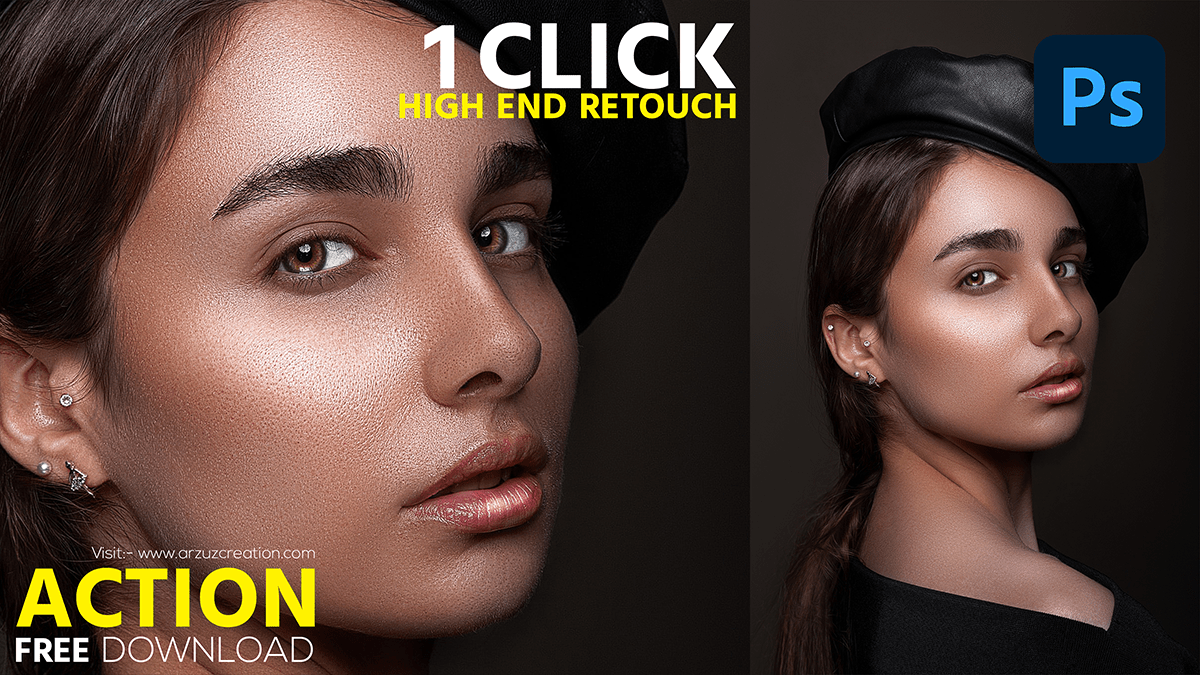
Saving your workflow as an Action is the ultimate “pro” move. It allows you to automate the tedious setup (creating layers, naming them, and setting the math for Frequency Separation) so you can get straight to the creative retouching.

How to use that AI Masking Feature, Dodge and Burn, Photoshop

How to use that AI Masking Feature Dodge and Burn Photoshop,

The AI Selection and Masking updates in Photoshop 2026 have turned the tedious manual Dodge and Burn process into a much faster, “semi-automated” workflow. Instead of guessing where the highlights and shadows are, you can let the AI identify the planes of the face for you.

Global Dodge and Burn to Give the Portrait a Professional Glow

Global Dodge and Burn to Give the Portrait a Professional Glow,

Global Dodge and Burn is the “final polish” that separates a flat, amateur retouch from a professional, cinematic portrait. While Frequency Separation handles the skin’s surface, Dodge and Burn (D&B) works on the structure of the face, accentuating the highlights and deepening the shadows to create a 3D effect.

Mixer Brush on the Low Frequency Layer in Adobe Photoshop

Global Dodge and Burn to Give the Portrait a Professional Glow,

The Mixer Brush is the “secret weapon” for professionals because it allows you to literally paint skin tones into a smooth gradient, much like an oil painter would blend colors on a canvas.

Frequency Separation Layers Step-By-Step in Photoshop 2026

Frequency Separation Layers Step-By-Step in Photoshop 2026,

Frequency Separation is the “gold standard” because it allows you to fix skin colors (redness, blotchiness) without destroying the texture (pores, fine lines). In Photoshop 2026, the process remains the same, but the precision of the blur algorithms has improved.

Adobe Photoshop CC 2026 Skin Retouching Tutorial

Adobe Photoshop 2026: Skin Retouching Tutorial,

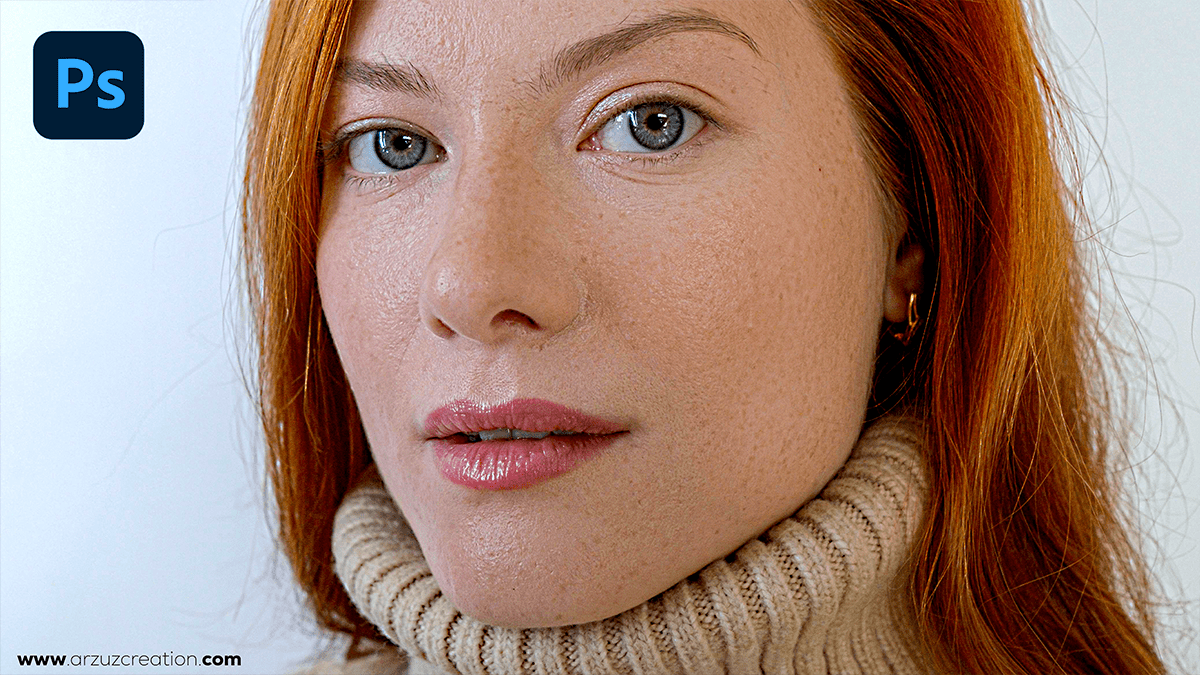
In Adobe Photoshop 2026, professional-grade skin retouching for beginners has shifted toward a “hybrid” workflow. You can now combine traditional precision tools with new AI-driven adjustment layers to get clean, natural results in a fraction of the time.

Face Smooth Plugin Photoshop 2024 Tutorial

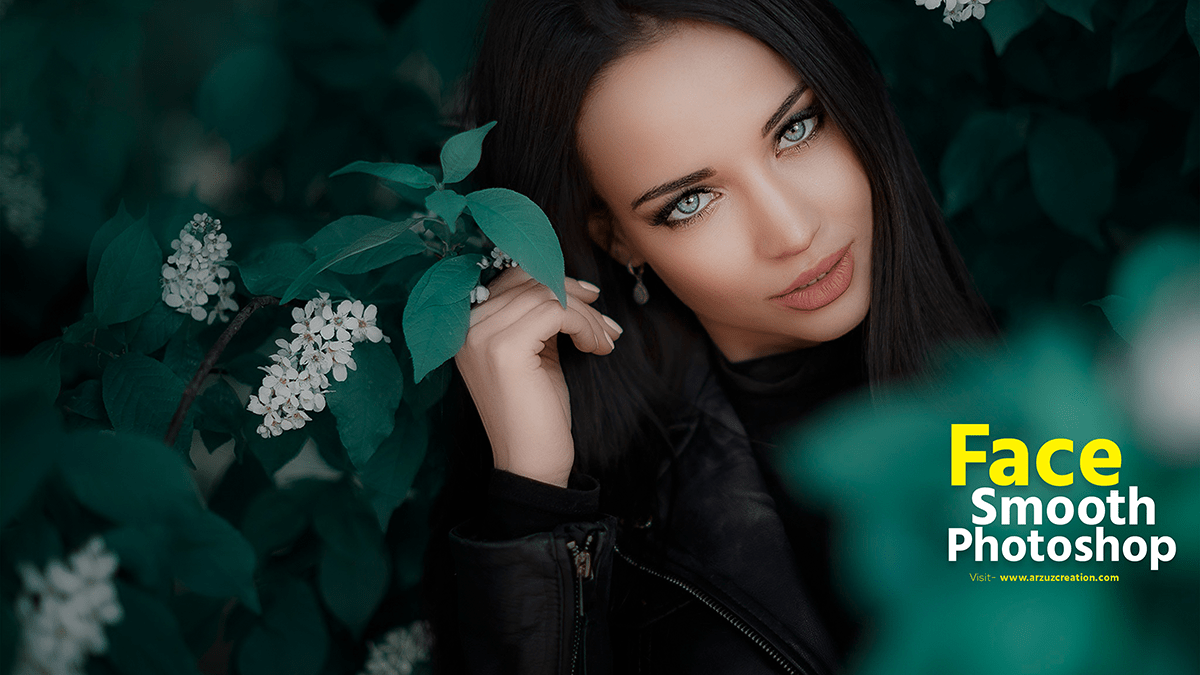
Face Smooth Plugin Photoshop 2024 Tutorial, There are many Photoshop plugins for photo editing. Skins are retouched with some plugins. Which makes photo editing and skin retouching very easy.

For smoothing faces in Photoshop, there are several plugins available that can help achieve a professional look with minimal effort. Here are some popular ones.

How to Create Beauty Skin Smooth in Photoshop

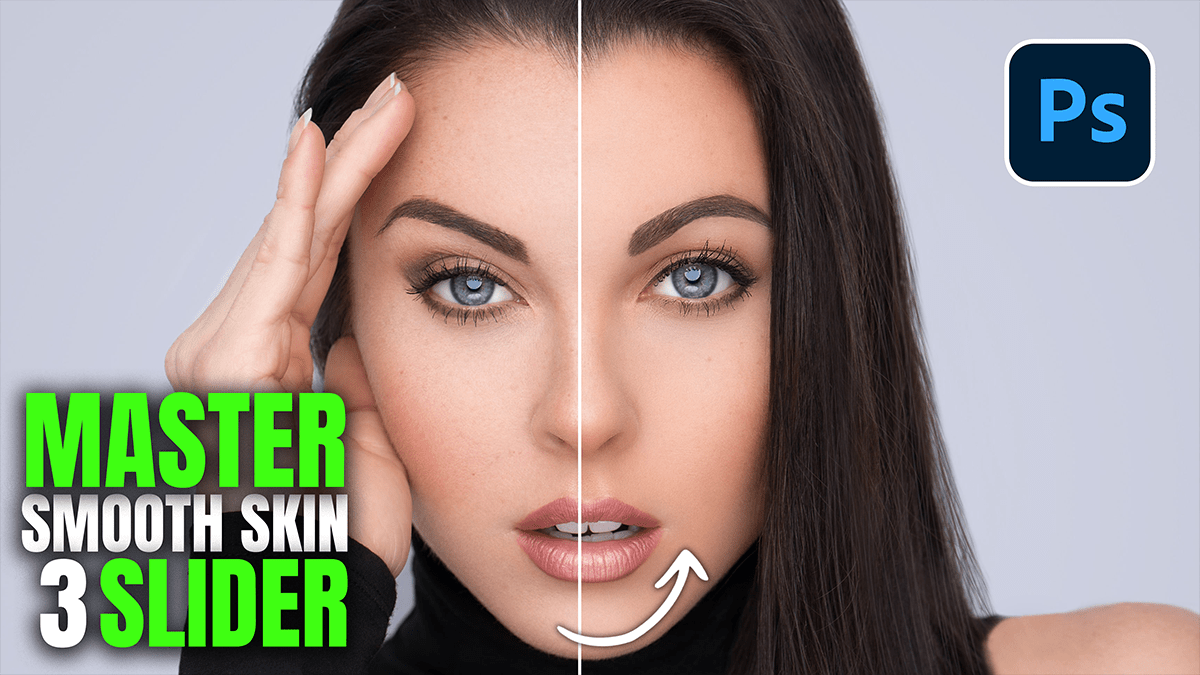
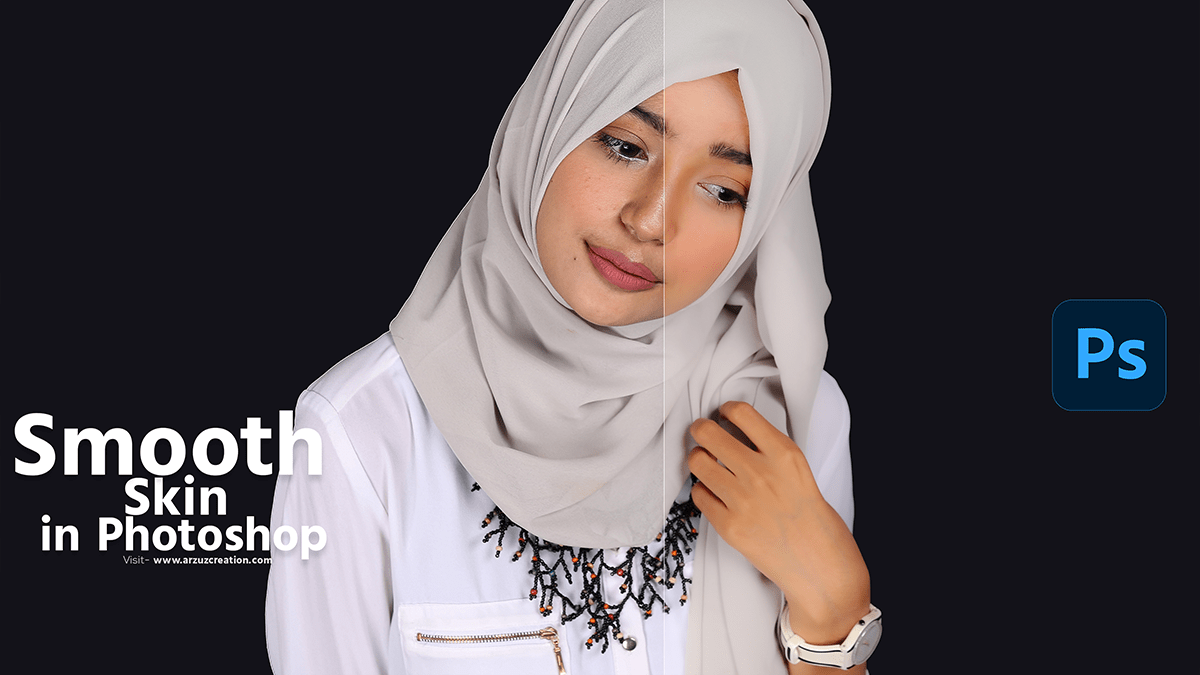
In this Photoshop tutorial, you learn, How to Create Smooth Skin in Adobe Photoshop 2024. Step by step you learn this skin smooth process. This skin retouching tutorial is for beginners.

Creating smooth skin in Photoshop involves several steps to ensure it retains its natural texture while reducing imperfections. Here’s a step-by-step guide.

Create Skin Texture Photoshop Tutorial For Beginners

Create Skin Texture Photoshop, How to Create Realistic Skin Texture in Adobe Photoshop. If you want to make your portrait photos more realistic then you need to add skin texture to portrait photos. Your photo will look more beautiful when you add skin texture to the portrait photo.

How to Skin Retouch in Photoshop – Step-by-Step Guide

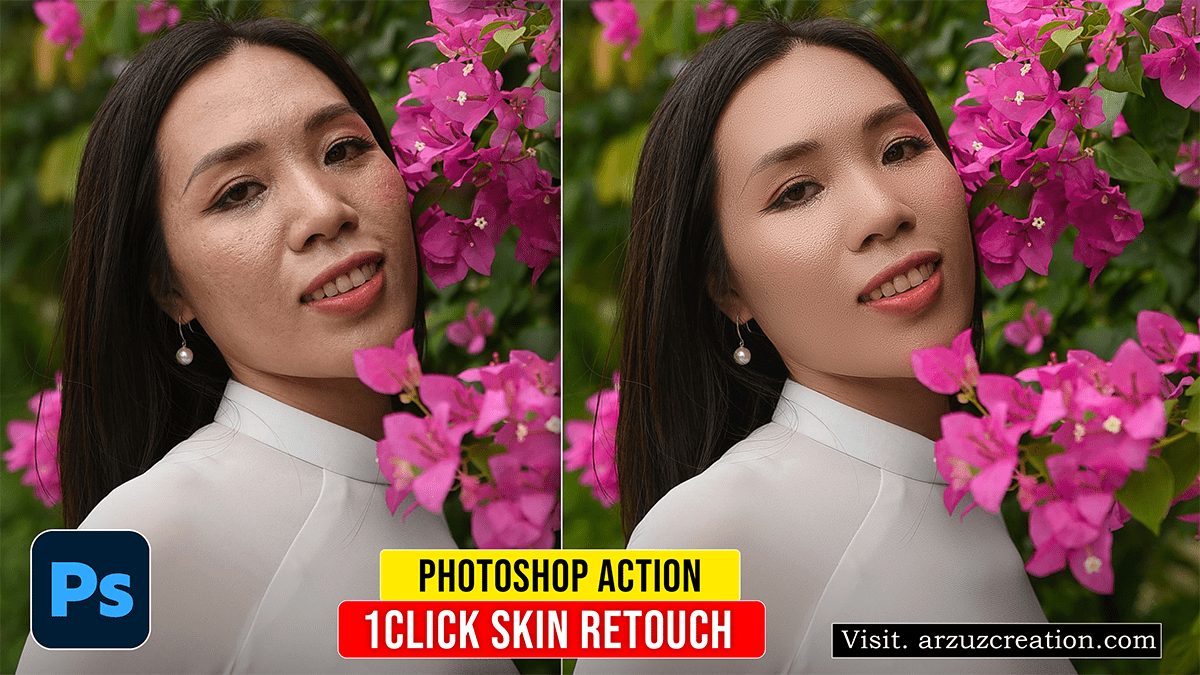
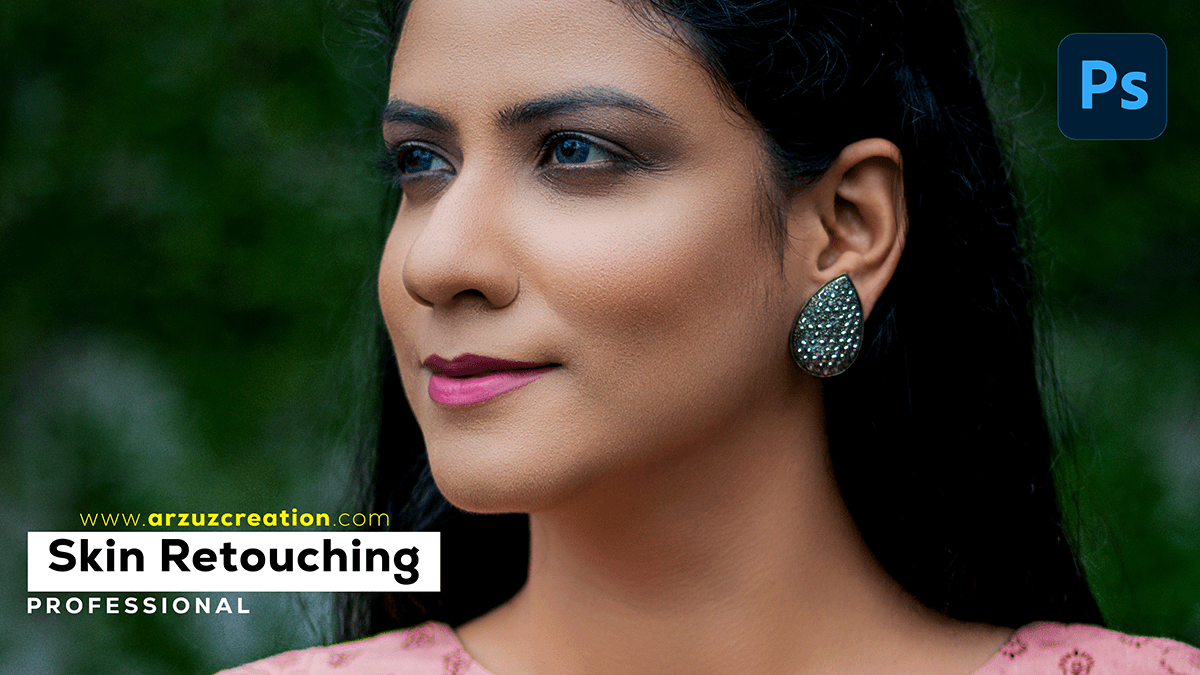
How to Skin Retouch in Photoshop? Professional Skin Retouching in Photoshop.

What is the fastest way to retouch skin in Photoshop?

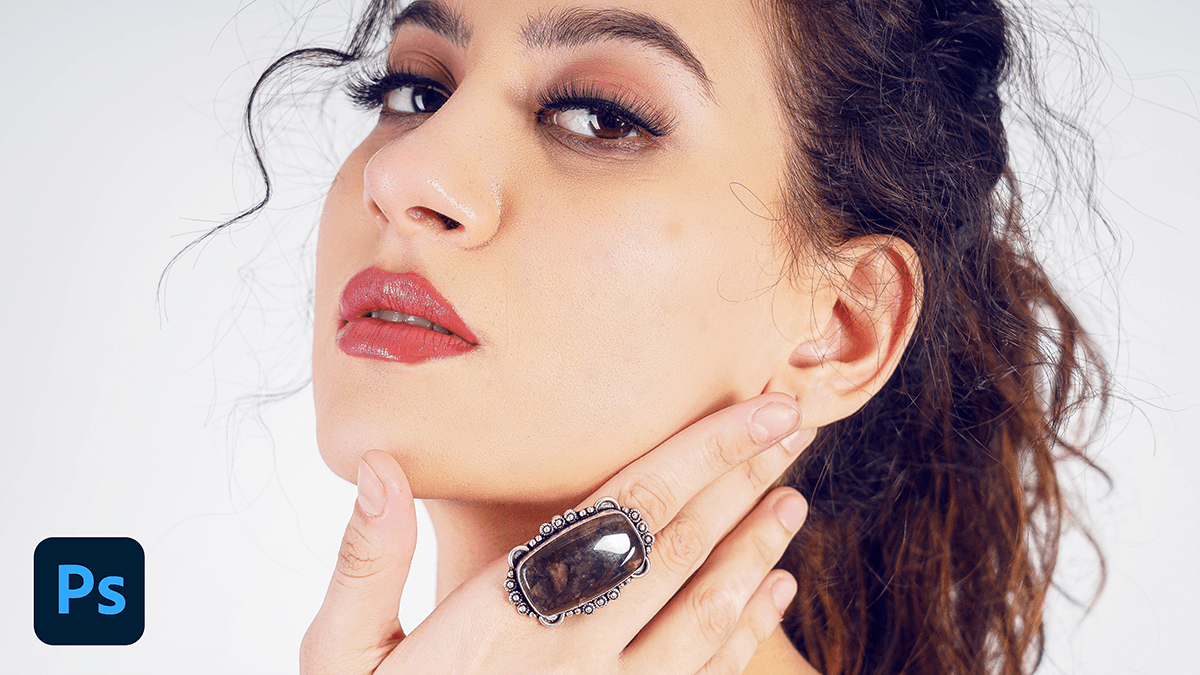
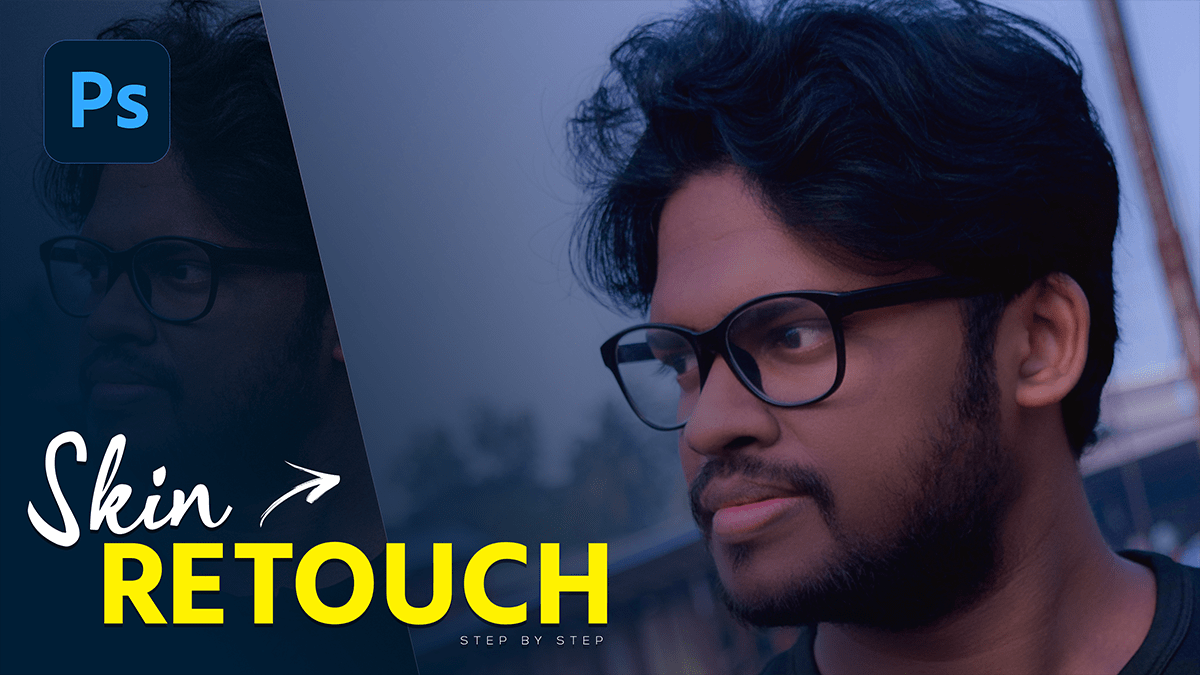
Learn here, How to retouch professional portrait photography using Adobe Photoshop 2023. Today I will teach you how to do portrait retouching in a step-by-step guide. Today’s skin retouching Photoshop tutorial is for those who want to learn new professional skin retouching.